Best Alternatives to Perplexity Pro Features in 2026: 9 Apps Compared
By ToolNimba Editorial Team October 30, 2026 11 min read

- Top pick
 ChatGPT Plus
Everyday research and writing
Starting price$20 per monthCheck out ChatGPT PlusRead our review - Runner-up
 Claude Pro
Long documents and careful writing
Starting price$20 per monthCheck out Claude ProRead our review - Also great
 Google AI Pro
Google Workspace users
Starting price$19.99 per monthCheck out Google AI ProRead our review
How we researched this
We compared official pricing and feature pages, app store listings, privacy policies and public user reviews. Prices change, so check the provider's site before you pay.
Key takeaways
- ChatGPT Plus and Claude Pro are the closest single replacements for most Perplexity Pro users who want research, writing, and analysis in one app.
- Google AI Pro fits people who already live in Gmail, Docs, and Drive, and it adds storage to the deal.
- Kagi, Brave Search with Leo, and DeepSeek suit users who want search-first answers or a lower monthly cost.
- Poe and You.com suit users who want several AI models under one subscription instead of paying for each one separately.
- Microsoft Copilot through Microsoft 365 Premium fits Office users, since the standalone Copilot Pro plan has been retired.
Quick comparison
| Name | Best for | Starting price | Free plan | |
|---|---|---|---|---|
| ChatGPT Plus | Everyday research and writing | $20 per month | Yes | Visit |
| Claude Pro | Long documents and careful writing | $20 per month | Yes | Visit |
| Google AI Pro | Google Workspace users | $19.99 per month | Yes | Visit |
 Microsoft Copilot | Microsoft 365 users | $19.99 per month | Yes | Visit |
 You.com Pro | Multi-model research | $15 per month | Yes | Visit |
 Brave Search and Leo | Private search with AI answers | Free | Yes | Visit |
 Kagi | Ad-free private search | $5 per month | Free trial | Visit |
 Poe | Many models in one app | $19.99 per month | Yes | Visit |
 DeepSeek | Free chat and coding help | Free | Yes | Visit |
The best alternatives to Perplexity Pro features
Perplexity Pro is known for cited answers, web search, and research tools. These alternatives cover those needs in different ways, from full chatbots with browsing to search engines with built-in AI answers. We compared official feature pages, pricing pages, and public reviews, and we did not list Perplexity itself here.
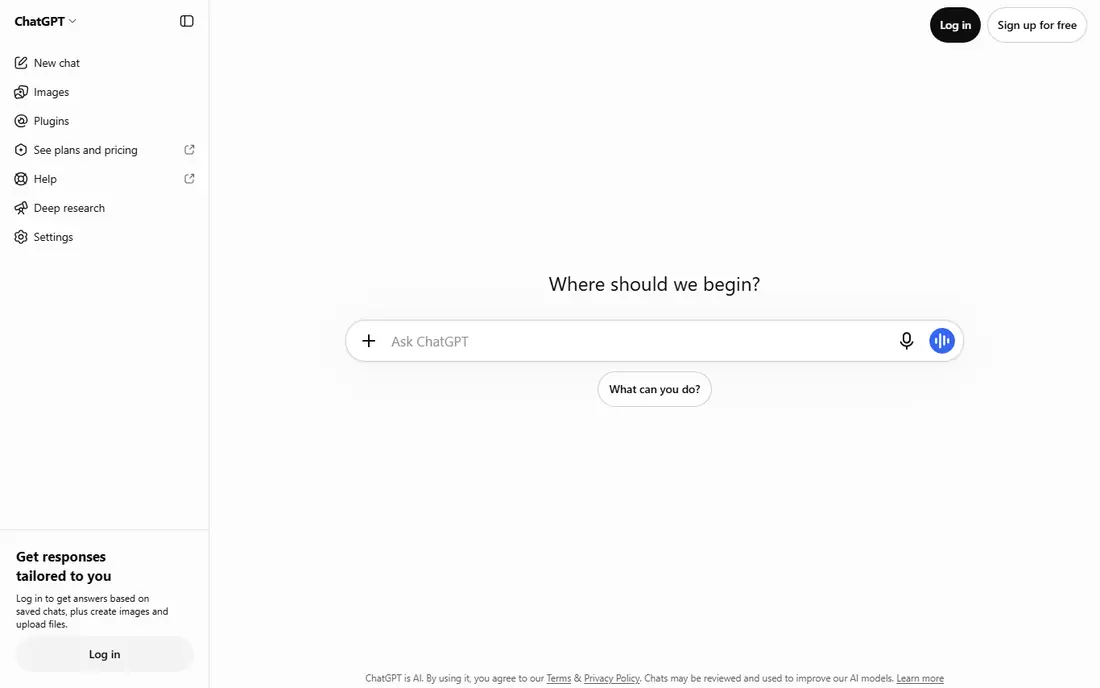
ChatGPT Plus is the safest single replacement for most people leaving Perplexity Pro. It handles research questions, drafts, summaries, and coding help in one chat, and it can browse the web and read uploaded files. The Plus plan also adds higher usage limits than the free tier, which matters if you ask many questions each day. The main habit to carry over is source checking. ChatGPT can browse and cite sources, but you should still open key sources before you rely on a fact, a price, or a quote. For everyday work that mixes research with writing and planning, Plus covers the widest range of tasks on this list for $20 per month.
- Broad model and tool support
- Web browsing and file analysis
- Large app and plugin ecosystem
- Citations need checking, since answers can still contain errors
- Higher tiers cost much more
Claude Pro suits readers and writers who work with long reports, contracts, papers, or codebases. It keeps track of long context well, so you can ask follow-up questions about a document without re-uploading it each time. The writing tone also tends to stay measured and structured, which helps for summaries, edits, and professional drafts. For pure web research, Claude is less search-first than Perplexity, so you may need to pair it with a search engine or paste in sources you trust. That extra step is worth it when the job is analysis rather than a quick fact check. Pro costs $20 per month, or less per month on annual billing where offered.
- Strong handling of long documents
- Clear, careful writing style
- Good coding support
- Web research tools vary by plan and feature
- Fewer built-in app integrations than some rivals
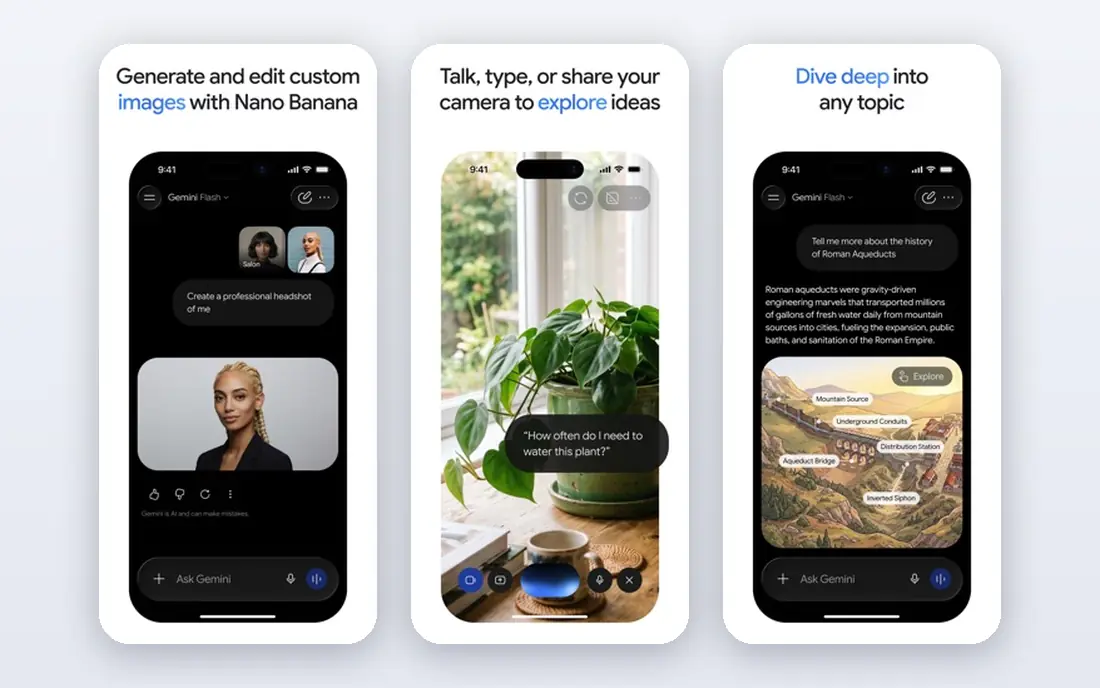
Google AI Pro, formerly sold as Gemini Advanced, is the natural pick if your work already sits in Google apps. It can help draft in Docs, summarize in Gmail, and work across Drive files, which saves the copy-and-paste step that other chatbots require. The plan also includes expanded Google storage, which adds value beyond chat alone. Research answers benefit from Google search grounding in many cases, though you should still verify important claims. If you rarely use Gmail or Docs, the integration benefit shrinks, and ChatGPT Plus or Claude Pro may be simpler. For Google households and workplaces, AI Pro at $19.99 per month is a strong all-in-one option.
- Deep Gmail, Docs, and Drive integration
- Strong multimodal and long-context work
- Includes extra storage
- Best value only if you use Google apps often
- Some features vary by region
Microsoft Copilot is best judged as part of Microsoft 365, not as a standalone chatbot alone. On Microsoft 365 Premium plans, priced from $19.99 per month, Copilot can draft documents, summarize email threads, analyze spreadsheets, and prepare meeting notes. That in-app help is the main reason to choose it over a general chatbot. The free Copilot chat still answers web questions and drafts text, but the deeper Office integration needs a paid plan. Note that Microsoft retired the old standalone Copilot Pro name, so check the current Microsoft 365 page for the exact plan and features before you subscribe. For Office-heavy work, the integration can save real time each week.
- Works inside Word, Excel, Outlook, and Teams on paid plans
- Web-grounded answers
- Familiar Microsoft account setup
- Standalone Copilot Pro has been retired, so paid access now comes through Microsoft 365 plans
- AI features vary by app
You.com Pro appeals to people who like comparing answers across models without buying several subscriptions. One account can switch between leading chat models, run research tasks, upload files, and build custom agents for repeated jobs. That flexibility helps when one model writes better and another reasons better on a given task. The free plan covers limited basic queries with live web answers, which is enough to test the search style. Pro is listed from $15 per month on yearly billing, with a higher monthly rate, so check the official pricing page for the current terms. If you research daily and like model choice, You.com Pro is a practical Perplexity Pro alternative.
- Access to several leading models in one place
- Research and agent tools
- Web-grounded answers
- Monthly price is higher than the yearly rate
- Interface has many options for new users
Brave Search with Leo suits users who want Perplexity-style quick answers without another subscription. Brave Search returns web results with AI summaries where offered, and Leo, built into the Brave browser, can answer questions, summarize pages, and help with writing. The privacy stance is also a draw, since Brave positions search as independent and ad-free for core results. The limit is depth. Leo and Brave Search handle quick research and page summaries well, but they do not match a paid chatbot for long analysis, file work, or agent-style research. For many daily questions, though, free private search plus a free chatbot tier may be all you need, which makes this a strong low-cost pairing.
- Private search with no account needed for basic use
- Leo AI assistant in the Brave browser
- No ads on core results
- AI answers are less deep than a paid research chatbot
- Best experience needs the Brave browser
Kagi takes a different route: you pay for search itself, so results carry no ads and no tracking-based ranking. Lenses let you narrow results to sources such as academic papers, programming docs, or news, which helps research stay focused. The Kagi Assistant adds AI answers on higher tiers, using several models behind one account. The Starter plan costs $5 per month for a set number of searches, with unlimited searches on the Professional plan at $10 per month. A free trial covers a limited number of searches before you choose. If ads and sponsored results slow your research, Kagi can be worth the small monthly cost, especially alongside a free chatbot for longer writing tasks.
- Ad-free results with no tracking
- Lenses for focused searches
- Assistant access on higher tiers
- Paid search feels unusual at first
- Lower tiers limit the number of searches
Poe, from Quora, lets you chat with models from several providers under one subscription, including ChatGPT, Claude, Gemini, and others where available. That makes it easy to compare answers side by side or switch models when one handles a task better. You can also use community bots built for tasks such as writing, coding, or image work. The catch is the points system. Poe plans include a monthly points allowance, and different models use points at different rates, so very heavy use may need a higher plan or careful model choice. The free tier lets you try the app with limits. At $19.99 per month, Poe suits curious users who value choice over loyalty to one model.
- One subscription for many chat models
- Easy model comparison
- Bots for specific tasks
- Usage is credit-based, so heavy use can hit limits
- Some models cost more points than others
DeepSeek is the best free option on this list for people who mainly need chat, reasoning, and coding help. Its chat app is free for core use, with no paid consumer tier for the main chat product, and its models handle math, logic, and code tasks well. That makes it a good second tool even if you already pay for another chatbot. For Perplexity-style research, DeepSeek is less polished. Cited web answers and deep research workflows are not its main strength, so pair it with Brave Search, Kagi, or a paid chatbot when citations matter. As a free daily assistant, though, DeepSeek is hard to beat, and it keeps the total cost of your research setup low.
- Free chat with strong reasoning and coding
- No paid consumer subscription needed for core chat
- Fast for technical questions
- Fewer integrations and research tools than paid rivals
- Web search and file features are more basic
How we picked these
We compared official feature pages, pricing pages, app store listings, privacy policies, and public reviews for each tool. We favored tools that cover cited or web-grounded answers, research, writing, or multi-model chat, and we noted where a plan name or price has changed, such as Microsoft Copilot Pro. We did not claim hands-on testing, and we did not include Perplexity itself, since this list is about alternatives.
How to choose the right replacement
Start by naming the Perplexity Pro feature you miss most. If it is cited web research, start with Brave Search, Kagi, You.com, or a chatbot with browsing, and test how often its citations hold up on your own questions. If it is writing and analysis, ChatGPT Plus or Claude Pro will likely cover more of your day. If it is cost, DeepSeek plus a free search tool may be enough.
Match the tool to where your work lives
Google users get more from Google AI Pro, and Microsoft 365 users get more from Copilot, because the AI can reach files, mail, and documents without extra steps. Users who switch models often will get more from Poe or You.com. A tool that fits your existing apps will be used more than a slightly stronger tool that sits apart from your work.
Check limits before you pay
Free tiers and paid plans differ in usage limits, model access, and research depth. Ask how many deep research runs, file uploads, or high-end model messages a plan includes, and whether limits reset daily, weekly, or monthly. A plan that looks cheap can feel costly if you hit its cap in the first week.
Keep a source-checking habit
No AI research tool replaces opening the source. For any fact that affects money, health, safety, or a published claim, open the cited page, check the date, and confirm the quote in context. The best replacement is the one whose answers you can verify quickly, not the one that sounds most confident.