Best AI Chat Apps Unlimited Text in 2026: 10 Apps Compared
By ToolNimba Editorial Team October 30, 2026 12 min read

- Top pick
 ChatGPT
Everyday free chat
Starting priceFreeCheck out ChatGPTRead our review - Runner-up
 Claude
Careful writing and analysis
Starting priceFreeCheck out ClaudeRead our review - Also great
 Google Gemini
Google users and multimodal chat
Starting priceFreeCheck out Google GeminiRead our review
How we researched this
We compared official pricing and feature pages, app store listings, privacy policies and public user reviews. Prices change, so check the provider's site before you pay.
Key takeaways
- No free chatbot is truly unlimited for every model and task, so the best free tier is the one whose limits fit your daily chat volume.
- ChatGPT, Claude, Gemini, Copilot, and Meta AI cover most free everyday chat, while DeepSeek and Mistral Le Chat add strong free options for reasoning and coding.
- Grok, Poe, Pi, and Microsoft Copilot suit specific habits, from social news to calm conversation to model comparison.
- Paid plans mainly buy higher limits, faster models, and extra tools, not a different kind of chat.
- If you hit a free limit often, switching models or apps for a second session is usually cheaper than paying for two subscriptions at once.
Quick comparison
| Name | Best for | Starting price | Free plan | |
|---|---|---|---|---|
| ChatGPT | Everyday free chat | Free | Yes | Visit |
| Claude | Careful writing and analysis | Free | Yes | Visit |
| Google Gemini | Google users and multimodal chat | Free | Yes | Visit |
 Meta AI | Chat inside social apps | Free | Yes | Visit |
 Grok | Current events and social context | Free | Yes | Visit |
 DeepSeek | Free reasoning and coding | Free | Yes | Visit |
 Mistral Le Chat | Fast free European alternative | Free | Yes | Visit |
 Microsoft Copilot | Free chat with web answers | Free | Yes | Visit |
 Pi | Calm, personal conversation | Free | Yes | Visit |
 Poe | Many models in one free app | Free | Yes | Visit |
The best AI chat apps unlimited text
This list focuses on free and low-cost chat access, especially text chat you can use every day without paying. We compared official feature pages, pricing pages, and public reviews. Limits change often, so treat any free tier as generous but capped, and check the official page before you rely on it for heavy work.
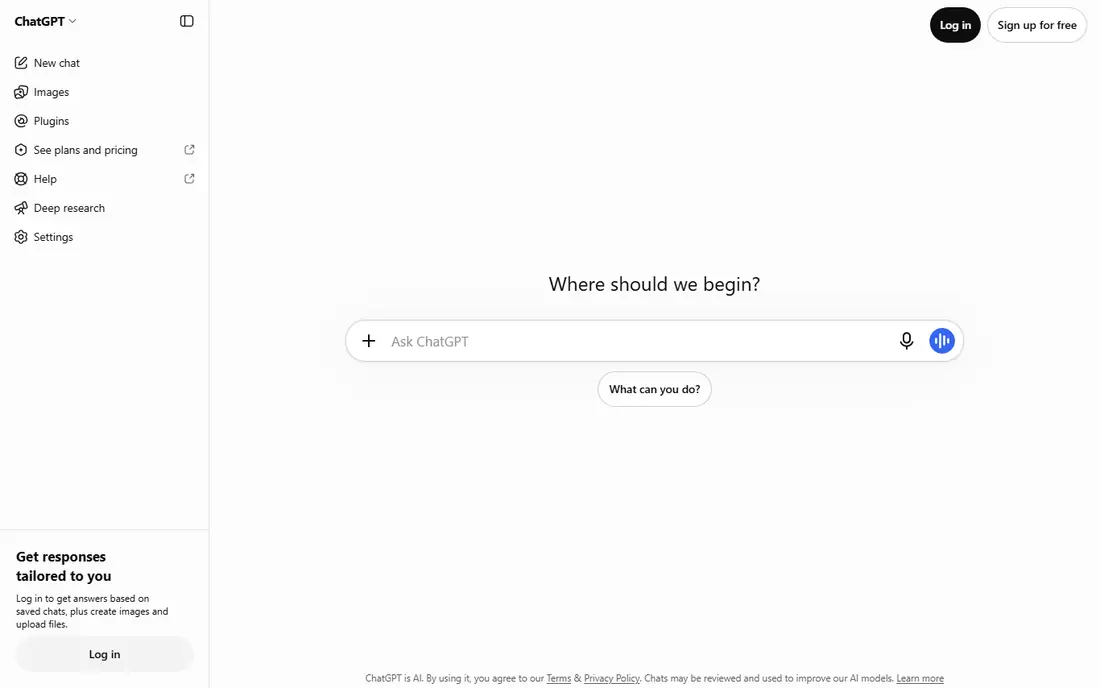
ChatGPT is our pick for most free chat users because it handles the widest mix of tasks well. It drafts emails, explains ideas, helps with homework, plans trips, and works through code errors, all in plain conversation. The free tier gives access to current models with limits, which is enough for many people who chat a few times a day. The word unlimited needs care here. Free ChatGPT does not offer unlimited use of its most advanced models, and limits can tighten when demand is high. Paid Plus, at $20 per month, raises those limits and adds tools, but most casual users will not need it. Start free, track how often you hit a limit, and only pay if the limit blocks real work.
- Strong all-round chat, writing, and coding
- Voice and image tools on many plans
- Large help and template library
- Free tier has message and model limits
- Heavy users hit caps during busy periods
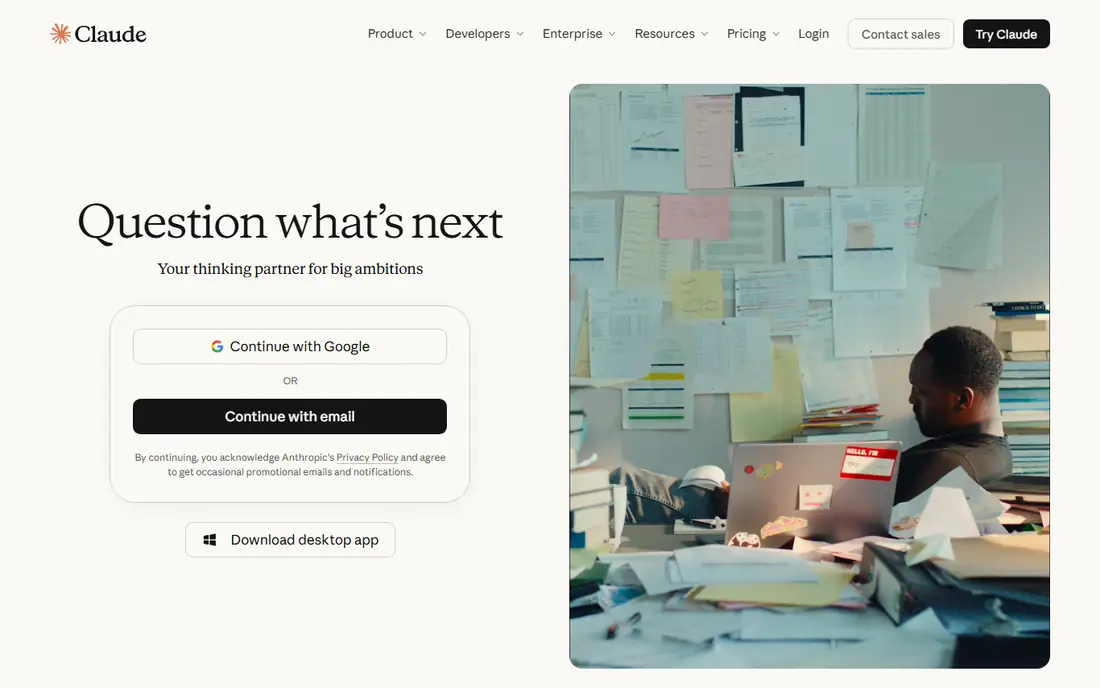
Claude suits people who value careful wording and long-form work. It writes clean summaries, edits drafts, compares documents, and explains complex topics without rushing to a short answer. The free tier is useful for daily writing and study, though it caps usage over time rather than offering endless high-end messages. If you chat in long sessions, you may hit the free limit and need to wait for a reset. That is normal for free tiers, and it is why Claude works best as a main writing assistant rather than a nonstop chat companion. Claude Pro, at $20 per month, raises limits for heavy users, but the free plan covers a large share of everyday writing.
- Clear, structured answers
- Strong long-document handling
- Good coding support
- Free tier has daily usage limits
- Some web and tool features need a paid plan
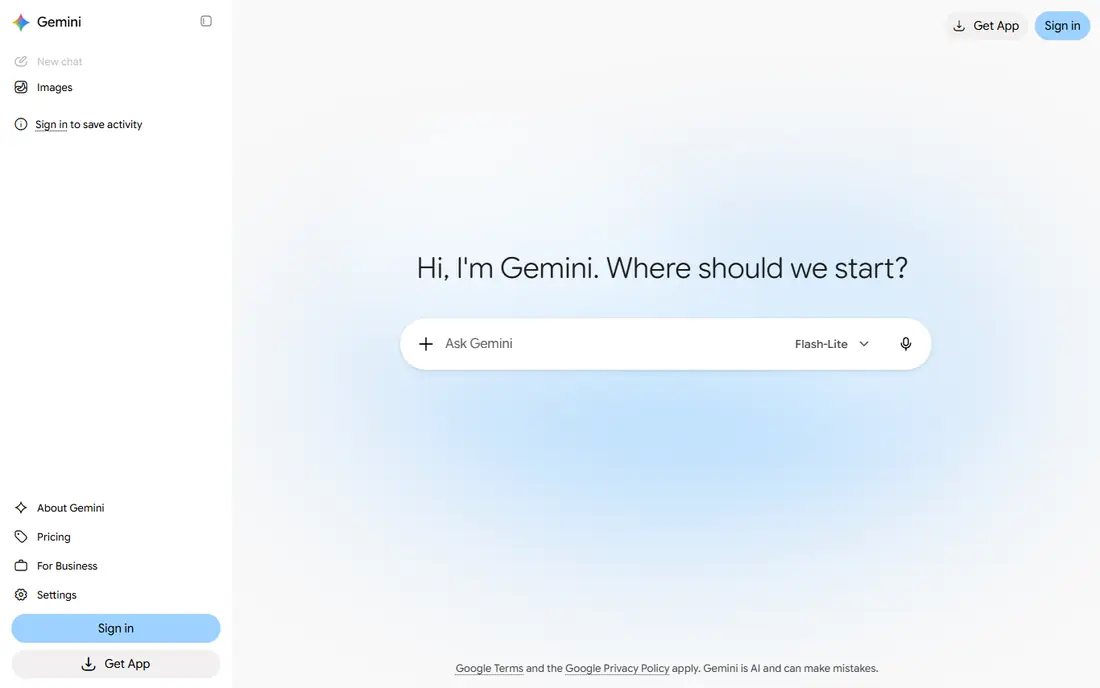
Gemini is the easiest free chatbot for anyone who already uses Google services. A Google account gives free access to chat, and the app handles text, images, and other inputs in one conversation. It is a good choice for quick explanations, planning, brainstorming, and summarizing web content, especially when you already search with Google. As with other free tiers, advanced models and higher limits sit behind Google AI Pro at $19.99 per month. For everyday text chat, the free tier is generous, but it is not unlimited for every model. Gemini stands out when your notes, mail, and files already live in Google, since paid integration then adds real convenience.
- Free chat with a Google account
- Works with Search, Gmail, and Docs on higher tiers
- Handles images, audio, and video input
- Free tier limits advanced models
- Best integrations need a paid Google AI plan
Meta AI fits people who already chat in Meta apps and want an assistant in the same place. You can ask questions, draft posts, brainstorm ideas, and get quick answers without opening a separate app or paying a subscription. The standalone Meta AI app and website also offer chat outside the social apps. The trade-off is control. Your chats sit inside Meta services, so check privacy settings and avoid sharing sensitive personal details. Meta AI is best for quick, everyday text chat rather than long document analysis or heavy coding work. For casual, frequent, short chats, its free access is hard to beat.
- Free chat inside WhatsApp, Instagram, Facebook, and Messenger
- Voice and image tools
- No separate subscription for core chat
- Chat history and context are tied to Meta apps
- Advanced model limits apply
- Privacy controls need review
Grok, from xAI, suits users who follow news and social conversation closely. It can discuss current events, summarize trending topics, and answer questions with a more informal tone than many rivals. The free tier lets you try Grok chat without paying, which is useful if you only need it for occasional news and opinion questions. Heavy use and the most advanced features need a paid plan, and some features are tied to X. Grok is not our pick for careful document work or long writing, where Claude and ChatGPT tend to be steadier. For free, timely chat about what is happening now, it earns a place on this list.
- Free tier for basic chat
- Strong on current events and X posts
- Direct, informal tone
- Free tier has usage limits
- Higher tiers and full features need an X subscription or paid plan
DeepSeek is one of the strongest free options for text chat, especially for technical users. Its chat app is free for core use, and its models handle reasoning, math, and code tasks well. Students, developers, and curious learners can work through problems step by step without paying for a subscription. The app is simpler than ChatGPT or Gemini, with fewer built-in integrations and research tools. That simplicity is also a benefit: there is less to learn, and the focus stays on the conversation. If your main need is long, thoughtful text chat and coding help at no cost, DeepSeek should be near the top of your trial list.
- Free core chat with strong reasoning
- Good math and coding help
- No paid consumer tier for basic chat
- Fewer app integrations than larger rivals
- Web search and file tools are more basic
Mistral Le Chat, from French company Mistral AI, offers a fast, clean free chat experience. It handles everyday questions, writing, translation, and coding help, with web search and file support in the app. The interface stays simple, which helps if you find larger chatbots cluttered with tools and menus. The free tier covers everyday chat, while Mistral Pro, listed at $14.99 per month in recent pricing guides, raises limits and adds features for heavy users. Le Chat is a good choice if you want a capable free alternative outside the largest US providers, or if you chat often in several languages. Try it alongside ChatGPT for a week and keep the one whose answers you trust more.
- Fast free chat
- Strong multilingual support
- Web search and document help
- Smaller ecosystem than ChatGPT or Gemini
- Some advanced features need a paid plan
Microsoft Copilot gives Windows and Edge users a free chatbot close at hand. You can ask questions, draft text, summarize web pages, and get answers grounded in current web results, all without a subscription for basic chat. That convenience matters if you already work in Windows, Edge, or Outlook. Paid Microsoft 365 plans add Copilot inside Word, Excel, and Teams, but free chat alone covers many everyday needs. The free tier is not unlimited for advanced models or heavy use, so treat it as a generous daily allowance rather than endless access. For free, web-aware text chat on a Windows PC, Copilot is a natural default.
- Free chat with web grounding
- Works in Edge and Windows
- Microsoft account setup is simple
- Free tier has limits on advanced features
- Deeper Office help needs a paid Microsoft 365 plan
Pi, from Inflection AI, is built for personal conversation rather than work tasks. It listens well, asks follow-up questions, and helps you think through ideas, plans, and decisions in a calm tone. That style suits journaling, brainstorming, language practice, and everyday advice, where a patient conversation matters more than a fast fact. Pi is less useful for deep research, large file analysis, or complex coding, where ChatGPT, Claude, or DeepSeek perform better. The core chat is free, which makes Pi easy to try as a second app for personal chats. If you want a chatbot that feels more like a thoughtful companion than a work tool, Pi is worth a trial.
- Free personal chat with a friendly tone
- Good for brainstorming and reflection
- Voice chat available
- Less suited to deep research or heavy coding
- Fewer integrations than larger chatbots
Poe lets free users try models from several providers in one app, which is useful when you are still choosing a favorite. You can ask the same question to different models, compare tones and accuracy, and use bots built for writing, study, or coding. That comparison helps you learn which model fits your style before you pay anywhere. The free tier uses a points system, so it is not unlimited text in the strict sense. Different models cost different amounts of points, and heavy days can use the allowance quickly. Poe Premium, at $19.99 per month, adds a larger points allowance. For testing many models at no cost, Poe remains a smart starting point.
- Free access to several chat models
- Easy to compare answers
- Bots for specific tasks
- Free tier is credit-limited
- Some models use more points, so heavy use needs a paid plan
How we picked these
We compared official feature pages, pricing pages, app store listings, privacy policies, and public reviews for each app. We favored apps with a genuine free tier for text chat, broad everyday usefulness, and current availability in October 2026. We did not claim hands-on testing, and we treated the word unlimited with care, since free tiers almost always include usage limits for advanced models.
How to get the most from a free tier
Start with one main app and one backup. Use the main app for most chats, and switch to the backup when you hit a limit or want a second opinion. That simple habit gives you more free chat than any single app offers alone, without paying for two subscriptions. Keep prompts clear and specific, since a well-written first question often saves several follow-ups.
Understand what unlimited usually means
In free chat apps, unlimited often means unlimited basic chats, not unlimited use of the newest model. Providers limit advanced models, image generation, voice minutes, or deep research runs to control costs. Read the free tier limits on the official pricing page, and note whether limits reset daily, weekly, or monthly, so a cap does not surprise you mid-task.
Protect your privacy in free chat
Free does not mean private by default. Avoid pasting passwords, financial details, health records, or other sensitive personal information into any chatbot. Check whether chats are used for training, whether you can opt out, and whether you can delete history. For sensitive work, use an app with clear privacy controls and keep the details general.
When a paid plan is worth it
Pay when a limit blocks real work several times a week, when you need a specific advanced model, or when integration with Gmail, Docs, Word, or another app saves you time daily. A $20 per month plan is worth it for heavy daily users, but casual users often do better with two free apps than with one paid plan they rarely use to its limit.