Best AI Code Security Tools in 2026: 10 Tools Compared
By ToolNimba Editorial Team October 30, 2026 11 min read

- Top pick
 Snyk
Developer first app security
Starting priceSee websiteCheck out SnykRead our review - Runner-up
 GitHub Advanced Security
GitHub native security
Starting priceSee websiteCheck out GitHub Advanced SecurityRead our review - Also great
 SonarQube
Code quality plus security
Starting priceFreeCheck out SonarQubeRead our review
How we researched this
We compared official pricing and feature pages, app store listings, privacy policies and public user reviews. Prices change, so check the provider's site before you pay.
Key takeaways
- Snyk and Semgrep suit developer first teams that want fast scans and fix suggestions inside the editor and pull request.
- GitHub Advanced Security is the natural pick for teams already hosting code on GitHub, with CodeQL and Copilot Autofix.
- SonarQube combines code quality and security in one gate, which helps teams that want fewer tools in the pipeline.
- Checkmarx and Veracode suit enterprise and regulated teams that need broad coverage, governance, and audit reporting.
Quick comparison
| Name | Best for | Starting price | Free plan | |
|---|---|---|---|---|
| Snyk | Developer first app security | See website | Yes | Visit |
| GitHub Advanced Security | GitHub native security | See website | Yes | Visit |
| SonarQube | Code quality plus security | Free | Yes | Visit |
 Checkmarx | Enterprise AppSec suite | See website | No | Visit |
 Veracode | Compliance focused scanning | See website | No | Visit |
 Semgrep | Fast custom SAST rules | Free | Yes | Visit |
 Aikido | All in one developer security | See website | Free trial | Visit |
 DeepSource | Automated code review | See website | Free trial | Visit |
 Endor Labs | Dependency risk prioritization | See website | No | Visit |
 Apiiro | Application risk visibility | See website | No | Visit |
The best AI code security tools
These ten tools cover static analysis, dependency scanning, secret detection, and risk prioritization. Our pick for most developer teams is Snyk for breadth and fix guidance, with Semgrep as the pick for fast, customizable scanning.
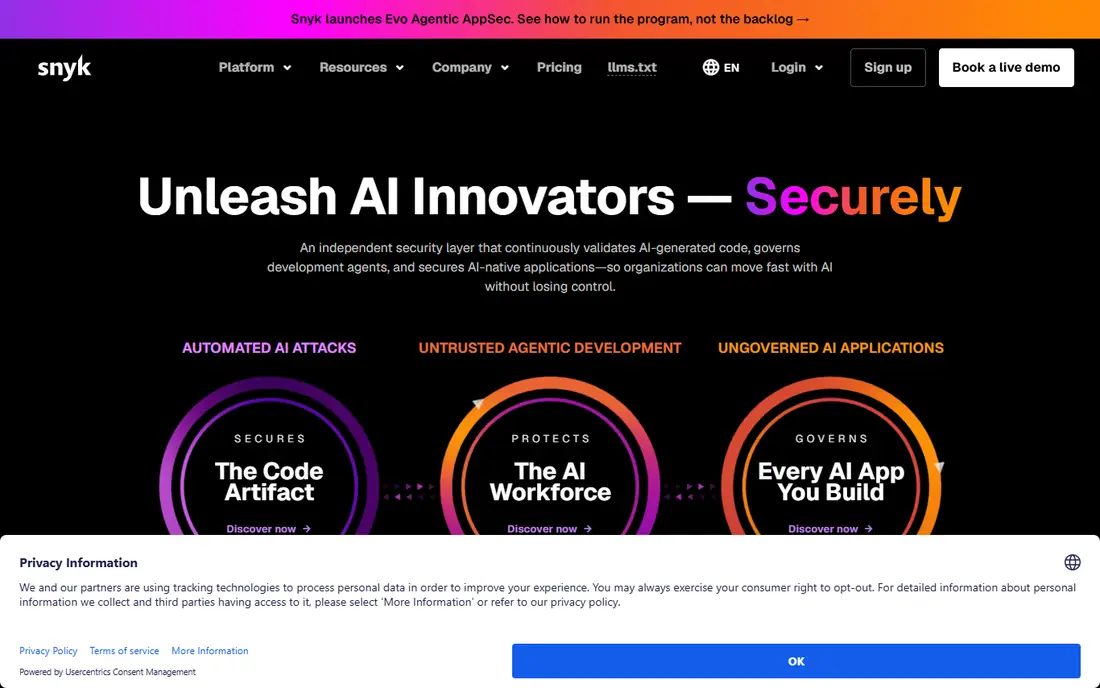
Snyk scans first party code, open source dependencies, containers, and infrastructure as code, then suggests fixes that developers can apply in the editor or pull request. Its AI assisted remediation, built from DeepCode, helps explain a finding and propose a patch, which shortens the time from alert to fix. A free tier for small teams makes it easy to test on a real repository. Noise is still a risk on large or legacy codebases, so teams should tune rules, set severity thresholds, and start with high severity findings. Snyk works best when security checks run in the pull request, not only in a weekly report that developers rarely open.
- Covers code, dependencies, containers, and infrastructure as code
- AI fix suggestions
- IDE and pull request integration
- Full platform pricing needs a quote
- Large codebases need tuning to reduce noise
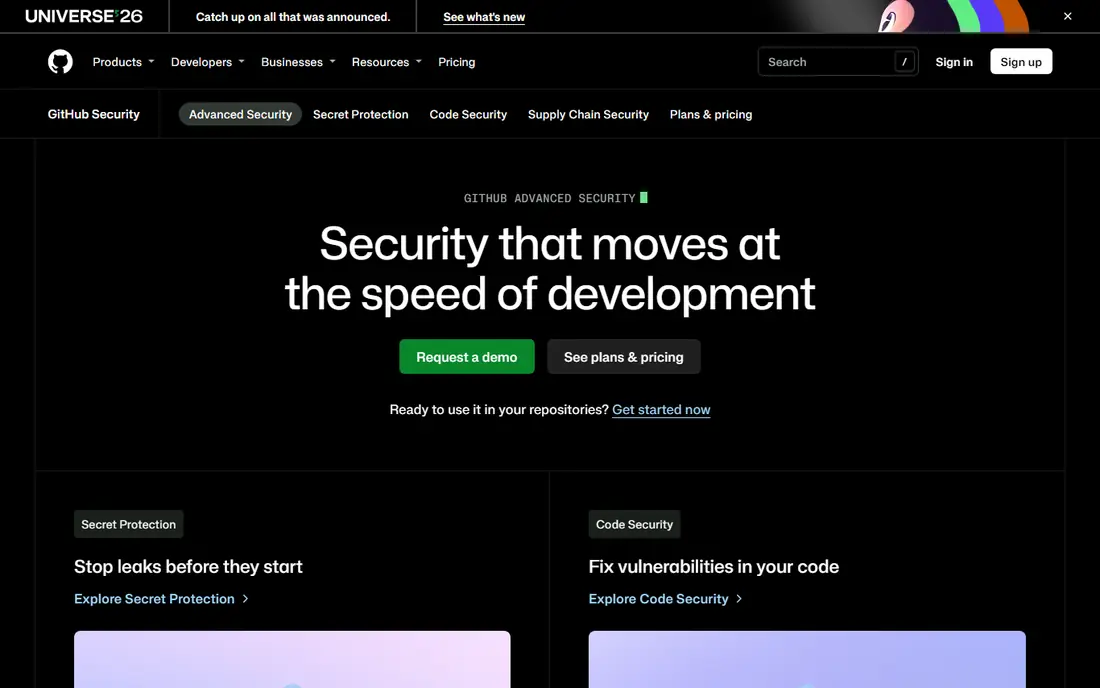
GitHub Advanced Security adds code scanning with CodeQL, secret scanning, dependency review, and push protection to GitHub repositories, with Copilot Autofix suggesting code changes for many findings. Because it lives inside GitHub, developers see alerts in pull requests and security overviews without learning a separate console. Public repositories can use many features free, while private repositories need a paid plan. Teams that host code elsewhere gain less from this tool, since its strength is tight GitHub integration. For GitHub native teams, it reduces tool sprawl and keeps security feedback close to the code review where developers already work.
- Native CodeQL scanning
- Secret scanning
- Copilot Autofix for suggested fixes
- Best value only for GitHub hosted code
- Enterprise features need a paid plan
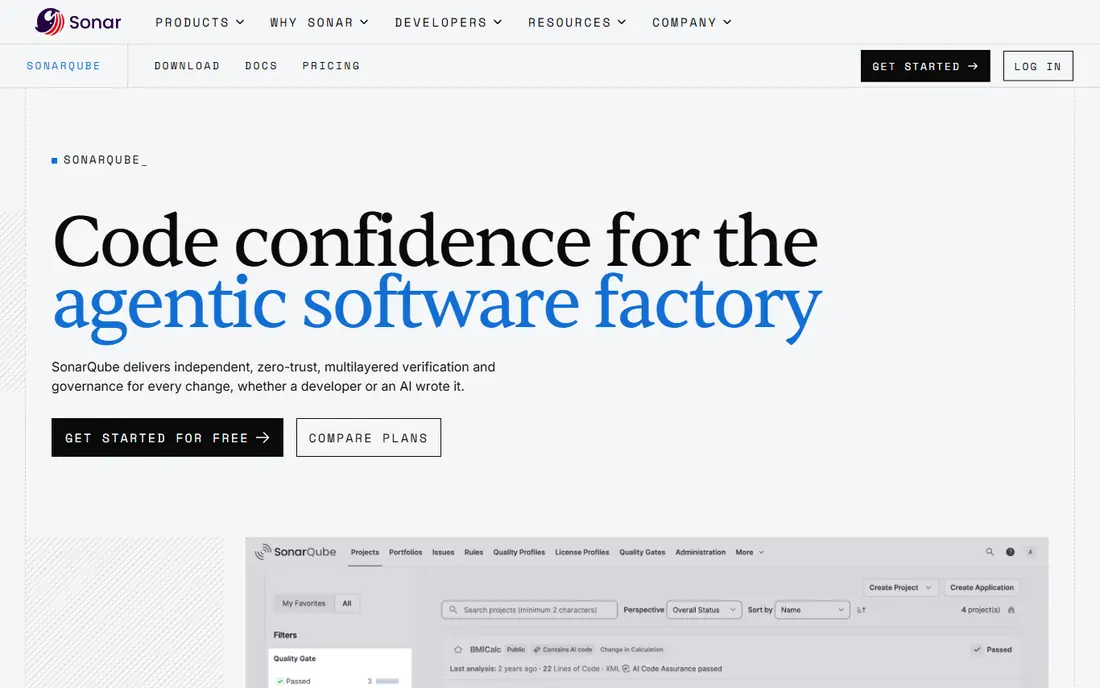
SonarQube analyzes code quality and security together, with rules for bugs, vulnerabilities, code smells, and duplicated code, plus quality gates that can block a merge when standards fail. The Community edition is free and self hosted, which suits teams that want control over their scanning infrastructure. Paid editions add more languages, branch analysis, and AI assisted fixes. Quality gates need careful tuning, or they will block useful work over minor issues. Teams should start with a small rule set, agree on what fails a build, and expand coverage as developers learn the tool. For teams that want one gate for quality and security, SonarQube is a practical choice.
- Community edition is free
- Quality gates in CI pipelines
- Broad language support
- AI fix features sit in paid tiers
- Setup and tuning take time for large projects
Checkmarx One brings static analysis, software composition analysis, dynamic testing, API security, and container scanning into one console, with AI correlation across findings. That breadth suits enterprise AppSec teams that must cover many languages, enforce policy, and produce audit reports. Governance features help central teams set rules while development teams keep shipping. The trade-off is speed and complexity. Enterprise scans can take longer than a lightweight SAST tool, and pricing requires a quote. Checkmarx fits best when compliance, coverage, and central governance matter more than the fastest possible pull request scan.
- Unified SAST, SCA, DAST, and API security
- Broad language coverage
- Strong governance reporting
- Quote based pricing
- Scans can be slower than lightweight tools
Veracode offers static and dynamic testing, software composition analysis, and manual penetration testing services, with reporting aimed at compliance frameworks and audit needs. Regulated industries use it to show consistent scanning, policy enforcement, and remediation tracking across applications. Its platform covers the full software lifecycle from code to running app. Developers may find the workflow more formal than Snyk or Semgrep, with more steps between a finding and a fix. Veracode suits organizations where audit evidence and policy control are primary requirements, and where security teams manage scanning centrally.
- Mature SAST, SCA, and DAST coverage
- Compliance reporting
- Policy based scanning
- Quote based pricing
- Developer experience feels more enterprise than developer first
Semgrep scans source code quickly with a rule engine that developers can customize, which makes it strong for enforcing team specific patterns, such as banning an unsafe function or requiring a safe API. The open source engine is free, and the platform adds supply chain scanning, secrets detection, and AI assisted triage. Its speed makes it easy to run in pre-commit hooks and pull requests. Custom rules are a strength and a burden, since teams must write and maintain them for their own risks. Paid platform features add more coverage, so open source users should check what is included before relying on Semgrep alone. For fast, tailored static analysis, it is hard to beat.
- Very fast scans
- Open source engine
- Custom rules are easy to write and share
- Supply chain and secrets features need paid plans for full coverage
- Rule tuning is needed
Aikido positions itself as a developer focused platform that scans code, dependencies, containers, cloud configuration, and domains from one dashboard, with an emphasis on reducing noise so developers see fewer false alarms. Setup is quick for small teams, and findings link to fix guidance in the pull request. That all in one design appeals to startups that do not want five separate scanners. As a newer vendor, Aikido has less enterprise history than the largest AppSec platforms, and some advanced governance features may trail them. Teams should run a trial on a real codebase and check false positive rates, language coverage, and integration with their CI system before committing.
- Covers code, cloud, containers, and dependencies in one platform
- Low noise focus
- Fast setup
- Newer than Checkmarx and Veracode
- Enterprise governance is still maturing
DeepSource runs automated code review on pull requests, flagging security issues, bugs, and style problems, with AI assisted fixes for many findings. It aims to catch issues before human review, so reviewers can focus on design rather than routine flaws. Integration with GitHub, GitLab, and Bitbucket covers most common hosts. Language coverage and rule depth vary, so teams should confirm support for their main stack during a trial. DeepSource suits teams that want review automation plus security checks in one pull request tool, rather than a separate enterprise AppSec suite.
- Automated code review in pull requests
- AI assisted fixes
- Quality and security checks together
- Coverage varies by language
- Pricing needs a quote for larger teams
Endor Labs builds a call graph across code, dependencies, and containers to show which vulnerable dependencies are actually reachable and exploitable, which can cut a large alert list down to the risks that matter. It suggests safe upgrade paths with breaking change analysis, and it offers patch options when an upgrade is risky. That focus helps teams drowning in dependency alerts. Endor Labs is less of a general first party code reviewer than SonarQube or Semgrep, so teams may still need a SAST tool alongside it. For organizations where open source risk is the main burden, especially with AI generated code adding many dependencies, its prioritization is valuable.
- Reachability analysis cuts dependency noise
- Safe upgrade paths
- Good for AI generated code
- Quote based pricing
- Focus is dependencies more than first party code review
Apiiro gives a risk view across applications, infrastructure, and code changes, helping security teams see which applications carry the most risk and why. It connects findings from scanners with context about the code, the team, and the business impact, so triage can focus on high risk changes first. Policy as code lets teams enforce security rules consistently. Apiiro is a visibility and risk management layer rather than a single scanner, so teams still need scanning tools feeding it data. Setup takes time to map applications correctly. For larger organizations that need one risk picture across many teams and tools, it fills a gap that point scanners leave open.
- Risk view across code, infrastructure, and developers
- Policy as code
- Supply chain context
- Quote based pricing
- Setup needs time to map applications and risk factors
How we picked these
We compared official feature pages, pricing pages, scan types, language coverage, and public reviews for each tool, and we favored tools with a clear current offering in October 2026. We weighed detection breadth, fix guidance, pipeline speed, false positive handling, and fit for different team sizes. We did not claim hands-on testing, and prices shown as See website reflect quote based or tiered pricing that varies by developers, repositories, and features.
How to choose an AI code security tool
Start with where your code lives and how it ships. GitHub teams gain the most from GitHub Advanced Security, while GitLab or Bitbucket teams may prefer Snyk, Semgrep, or SonarQube. Next, list the risks that matter most, such as vulnerable dependencies, secrets in code, unsafe patterns, or container images, and pick a tool that covers those risks well. Run a trial on a real repository, not a demo project. Measure how many findings are real, how fast scans run in a pull request, and how easy fixes are to apply. A tool that developers ignore because of noise or slow pipelines will not improve security, no matter how many scan types it lists.
AI fixes are helpers, not proof
AI suggested fixes can speed up remediation, but they still need review and tests. Check that a suggested patch handles edge cases, does not break existing behavior, and passes your test suite. Treat AI triage as a way to rank findings, not as a guarantee that a finding is safe to ignore. Human review remains essential for security critical code.
Building a simple pipeline
A practical starting pipeline runs a fast SAST scan and secret scan on every pull request, a dependency scan on merge, and a fuller scan on a schedule. Block merges only on high severity, reachable findings at first, then tighten rules as the team clears the backlog. Track time to fix and false positive rate each month, and adjust rules when either number moves the wrong way.