Best AI Text to Vector Tools in 2026: 9 Tools Compared
By ToolNimba Editorial Team October 30, 2026 8 min read

- Top pick
 Recraft
Generating editable SVG from a prompt
Starting price$10 per monthCheck out RecraftRead our review - Runner-up
 Adobe Illustrator
Professional vector editing and print
Starting price$22.99 per monthCheck out Adobe IllustratorRead our review - Also great
 Kittl
Merch and product design vectors
Starting price$14 per monthCheck out KittlRead our review
How we researched this
We compared official pricing and feature pages, app store listings, privacy policies and public user reviews. Prices change, so check the provider's site before you pay.
Key takeaways
- Recraft is our pick for most users, generating clean, editable SVG files directly from a text prompt.
- Adobe Illustrator remains the best choice for professional print work, since its Text to Vector Graphic feature feeds into full editing control.
- Kittl is the best option for merch and product designs, pairing vector generation with templates and mockups.
- Vectorizer.ai and Vector Magic are the best tools for converting an existing image into a clean vector.
- Generated vectors are a starting point, not a finished logo: expect to adjust curves and details before export.
Quick comparison
| Name | Best for | Starting price | Free plan | |
|---|---|---|---|---|
| Recraft | Generating editable SVG from a prompt | $10 per month | Yes | Visit |
| Adobe Illustrator | Professional vector editing and print | $22.99 per month | Free trial | Visit |
| Kittl | Merch and product design vectors | $14 per month | Yes | Visit |
 Vectorizer.ai | High-fidelity image-to-vector tracing | $9.99 per month | Free trial | Visit |
 Vector Magic | Faithful tracing with hands-on cleanup | $10 per month | Free trial | Visit |
 Inkscape | Free manual vector editing | Free | Yes | Visit |
 Figma Vectorize | Vectorizing inside Figma designs | See website | No | Visit |
 QuiverAI | Clean SVG geometry from prompts | $8 per month | Yes | Visit |
 SVGMaker | Developers and export format variety | $8.33 per month | Yes | Visit |
The best AI text to vector tools
Text to vector tools turn a written prompt into scalable vector graphics, or convert a raster image into clean paths. That matters because vectors scale to any size without losing quality, which is essential for logos, icons, and print. We compared generation quality, editing tools, export formats, and price.

Recraft is the standout tool in this category because it generates vectors natively rather than tracing a raster image. Its vector models produce SVG files with discrete color regions and clean geometry, ready to edit or export as SVG, PDF, or PNG. A vectorize tool also converts your own images to SVG, so it covers both directions of the workflow.
The free plan is useful for testing, but its images are public and cannot be used commercially, and paid plans are needed for commercial rights and heavier use. Basic costs around 10 dollars a month billed annually. For logos, icons, and illustrations from a prompt, Recraft is the best tool here.
- Native SVG generation from prompts
- Clean layered output
- Vectorize tool for existing images
- Free plan images are public and not for commercial use
- Prompt-based editing still limited
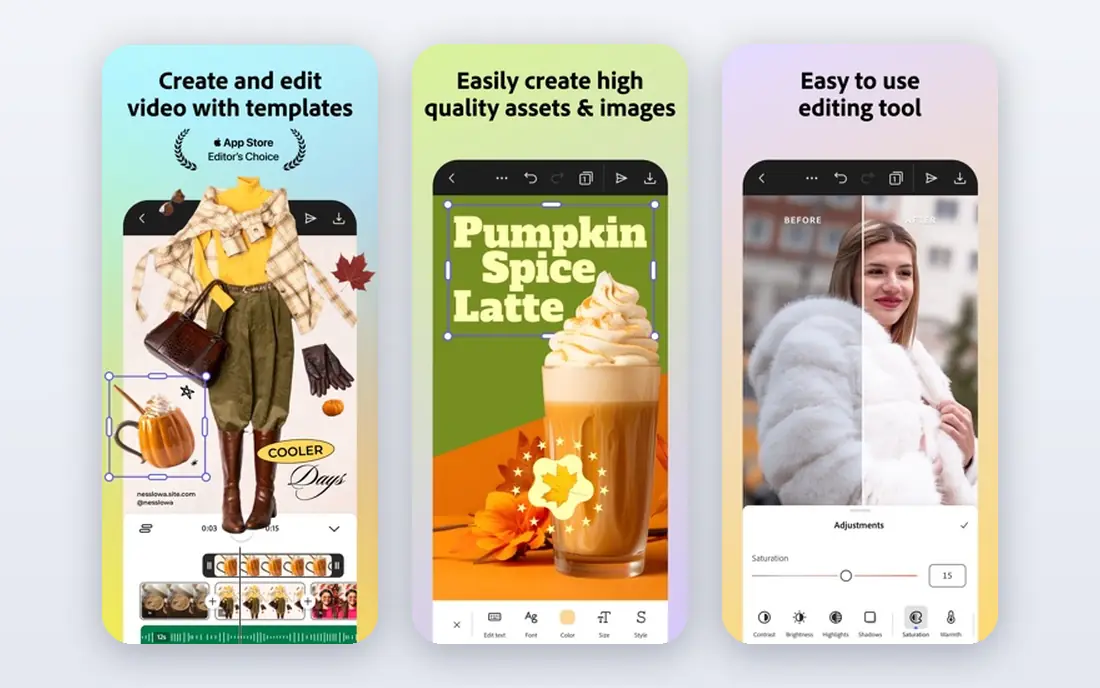
Adobe Illustrator's Text to Vector Graphic feature generates editable vector artwork from a description, inside the industry-standard vector editor. That means generated art can be refined with Illustrator's full toolset: pen tools, path editing, color control, and prepress features. For print production and professional design, nothing else here offers that depth.
It requires a paid Adobe subscription at around 22.99 dollars a month for the single app, and it is desktop software, not a quick browser job. But if you already use Illustrator, its text-to-vector feature is the most powerful route from prompt to finished artwork.
- Text to Vector Graphic inside Illustrator
- Unmatched editing control
- Print-ready output
- Subscription only
- Overkill for quick one-off graphics
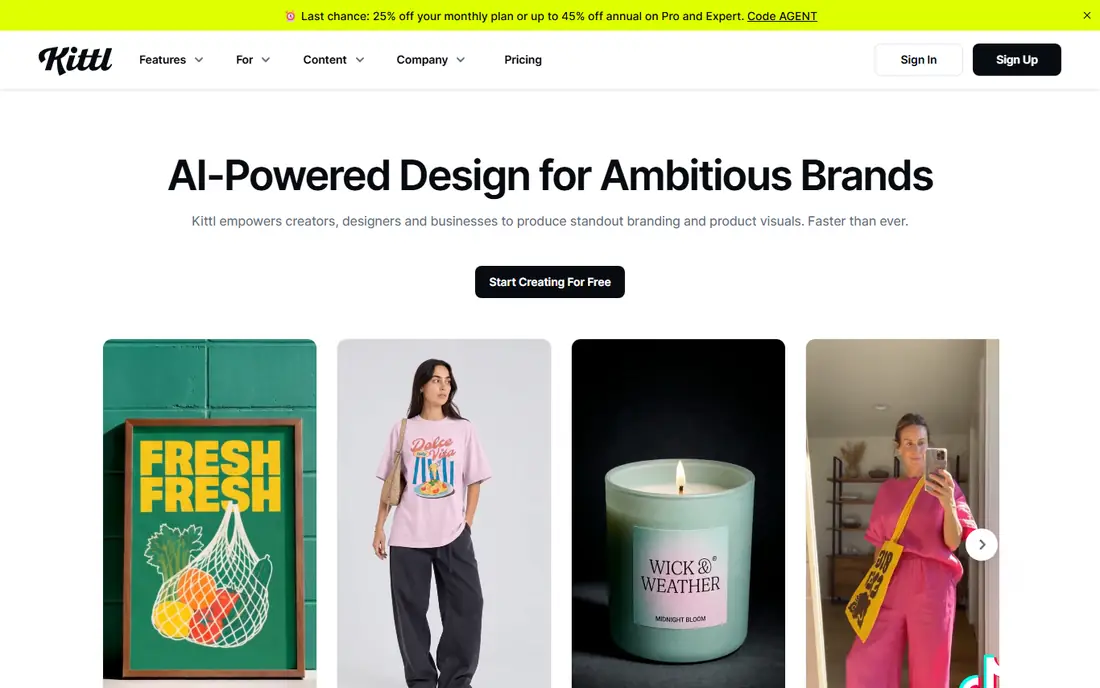
Kittl pairs its AI vector generator with a platform built for selling designs: templates, mockups, and print-on-demand workflows. Describe a graphic and Kittl generates editable vector art you can place on a shirt mockup or poster immediately. That surrounding workflow is the point for merch sellers.
Generation is metered in AI tokens, and the free plan limits projects and exports, with vector export and commercial use included with paid plans from around 14 dollars a month billed annually. For T-shirt graphics, posters, and product designs, Kittl is the most practical choice here.
- AI vector generator inside a merch platform
- Templates and mockups
- Commercial license on paid plans
- Generation is token-metered
- Free plan limits projects and exports
Vectorizer.ai is the benchmark for converting an existing image into a vector. Its tracing handles full color, symmetry, and clean corners better than most rivals, with output in SVG, PDF, EPS, and DXF. For turning a logo scan or illustration into a scalable file, it is the most faithful tracer here.
It does not generate vectors from prompts, so it answers a different question than Recraft. Previewing is free, but downloads need a subscription from around 9.99 dollars a month. If you have an image that must become a vector, Vectorizer.ai is the best tool for the job.
- Excellent full-color tracing
- Many output formats
- Handles complex images well
- No prompt generation
- Downloads require a paid plan
Vector Magic has long been a favorite for rescuing logos and scans, with tracing that preserves detail and tools to clean up results by hand. It offers both a web subscription from around 10 dollars a month and a desktop version for a one-time payment of about 295 dollars, which suits users who dislike subscriptions.
Like Vectorizer.ai, it traces rather than generates, so it will not invent a logo from a prompt. For designers who need control over a trace and a one-time purchase option, Vector Magic is a strong, proven choice.
- Careful tracing with manual cleanup tools
- Desktop version available
- One-time purchase option
- No prompt generation
- Web version is subscription-based
Inkscape is the free, open source vector editor that anchors this list. Its Trace Bitmap feature converts images to vectors by hand-tuned settings, and its full editing toolset lets you refine any SVG, including files generated by Recraft or Kittl. It costs nothing and runs on Windows, Mac, and Linux.
It has no AI prompt generation, and its interface takes time to learn. But as a free editor for cleaning up generated vectors, Inkscape is essential: generate in Recraft, refine in Inkscape, and you have a professional workflow for nothing.
- Completely free and open source
- Powerful manual tracing
- Full vector editor
- No AI prompt generation
- Interface takes learning
Figma Vectorize brings image-to-vector conversion into the design tool many product teams already use. Sketch a shape, vectorize it in the same canvas, and keep working without exporting and reimporting. For teams building interfaces and illustrations in Figma, that convenience is real.
It requires a paid Figma plan and consumes AI credits, so it is not a standalone purchase. It also traces rather than generating from prompts. If your team already lives in Figma, Vectorize is a handy addition; if not, Recraft is the better dedicated tool.
- Vectorizes sketches inside your Figma file
- No app switching
- Good for product teams
- Requires a paid Figma plan
- AI credits apply
QuiverAI focuses on one thing: turning prompts into clean SVG geometry with minimal cleanup needed. Its output emphasizes tidy paths and editable shapes, which matters when a vector will be edited further or used in code. At around 8 dollars a month, it is also one of the cheaper paid options here.
Its feature set is smaller than Recraft's, with no broader editor or mockup tools, and its community is smaller. For users who want a simple, affordable prompt-to-SVG tool without a platform around it, QuiverAI is a good pick.
- Focus on clean, editable SVG paths
- Low starting price
- Simple workflow
- Smaller feature set than Recraft
- Less community support
SVGMaker appeals to developers and technical users who need vectors in many formats and a straightforward generation workflow. Its starter plan costs around 8.33 dollars a month billed annually, and it emphasizes export flexibility, which matters when vectors feed into code, documentation, or varied print pipelines.
Its editor is less polished than Recraft or Kittl, and the brand is smaller, so tutorials and community help are thinner. For a developer who needs reliable SVG generation and export options at a low price, SVGMaker is worth trying.
- Many export formats
- Developer-friendly workflow
- Affordable starting price
- Less polished editor than Recraft or Kittl
- Smaller brand
How we picked these
We compared official feature pages and pricing for tools that generate true vector paths from prompts or trace raster images into vectors, and we checked export formats and commercial rights. We favored tools with editable SVG output over image generators that only mimic vector style. We did not claim hands-on testing; our comparison rests on published specifications, pricing, and public user reviews.
How to get usable vectors from AI tools
Treat generated output as a draft. Open the SVG in an editor like Inkscape or Illustrator, check the paths, simplify stray points, and fix curves that look rough at large sizes. AI generators often produce extra anchor points or slightly uneven shapes that only show up when you scale up.
Also check commercial rights before using a vector in a product. Free plans often restrict commercial use or keep images public, as Recraft's does, while paid plans generally grant full rights. If a logo will represent your business, budget for a paid plan and a human review pass.