Best AI Tool for HR Teams in 2026: 9 Tools Compared
By ToolNimba Editorial Team October 30, 2026 10 min read

- Top pick
 Paradox
High-volume recruiting chat and scheduling
Starting priceSee websiteCheck out ParadoxRead our review - Runner-up
 Eightfold
Talent intelligence and internal mobility
Starting priceSee websiteCheck out EightfoldRead our review - Also great
 HireVue
AI video interviews and assessment
Starting priceSee websiteCheck out HireVueRead our review
How we researched this
We compared official pricing and feature pages, app store listings, privacy policies and public user reviews. Prices change, so check the provider's site before you pay.
Key takeaways
- Paradox (now part of Workday) is the strongest pick for high-volume recruiting conversations and scheduling, while Eightfold suits large teams focused on skills and internal mobility.
- HireVue fits structured video interviewing and assessment at scale, and Textio fits teams that want fairer, clearer job posts before a role goes live.
- Fetcher is the most accessible paid option here at $115 per month for self-serve sourcing, while most other tools use enterprise pricing that requires a demo and a quote.
- No single tool covers hiring, employee support, and workforce planning well, so pick by the one workflow that costs your team the most time today.
Quick comparison
| Name | Best for | Starting price | Free plan | |
|---|---|---|---|---|
| Paradox | High-volume recruiting chat and scheduling | See website | No | Visit |
| Eightfold | Talent intelligence and internal mobility | See website | No | Visit |
| HireVue | AI video interviews and assessment | See website | No | Visit |
 Workday | Enterprise HR system with built-in AI | See website | No | Visit |
 Leena AI | Employee helpdesk and HR service | See website | No | Visit |
 Gloat | Internal talent marketplace | See website | No | Visit |
 Textio | Inclusive job posts and writing guidance | See website | No | Visit |
 Beamery | Talent pipeline and workforce planning | See website | No | Visit |
 Fetcher | Automated sourcing and outreach | $115 per month | No | Visit |
The best AI tools for HR teams
AI tools for HR teams cover very different jobs, from answering candidate questions at midnight to matching employees with internal roles. The nine tools below are grouped by the workflow they serve best, so you can shortlist by problem rather than by brand.
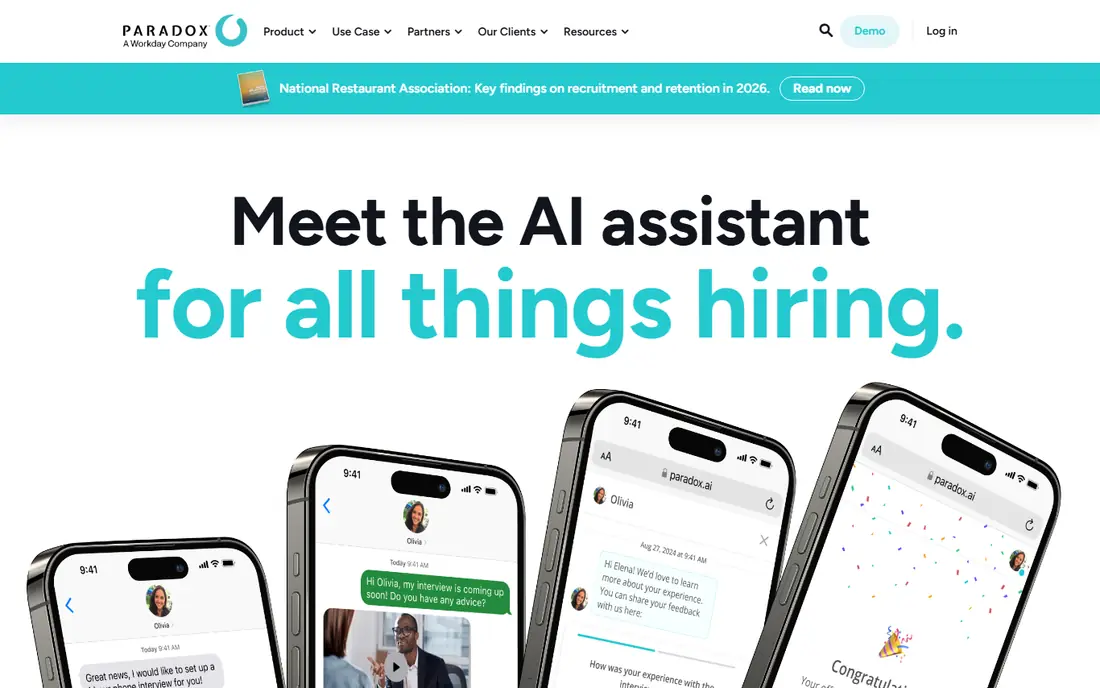
Paradox is built for teams that hire many people for similar roles, such as retail, hospitality, health care, and logistics. Its assistant, Olivia, talks with candidates by text or chat, asks screening questions, answers common questions about the role, and books interviews. That cuts the back-and-forth that slows high-volume hiring. Note that Workday acquired Paradox in 2025, and Paradox now sits inside the Workday family while still sold as a recruiting product. Teams already on Workday should ask how the two fit together, and smaller teams should confirm pricing early, since this is not a low-cost, self-serve tool.
- Conversational assistant Olivia answers candidates any time
- Screens and schedules interviews without long email chains
- Connects with major applicant tracking systems
- Enterprise pricing requires a demo
- Best value shows up at high volume, not for a handful of hires
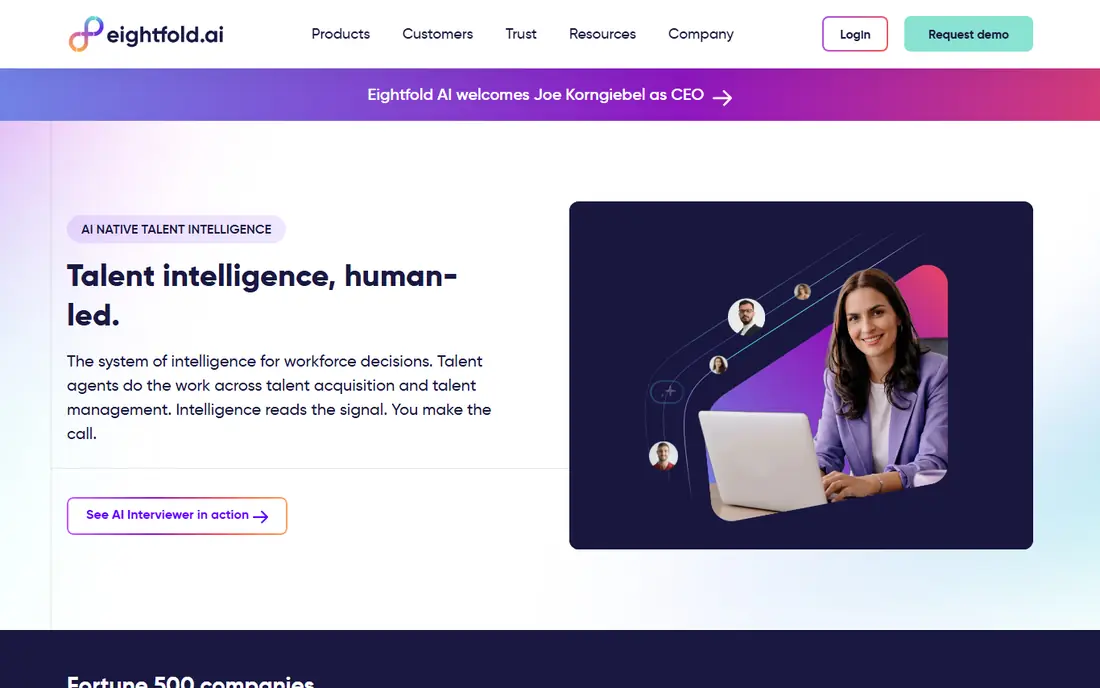
Eightfold helps large employers treat skills as the core unit of hiring and mobility. It matches candidates to roles, surfaces internal employees for open jobs, and gives HR leaders a view of skills gaps across the workforce. For a company with thousands of employees, that can reduce outside hiring and keep good people moving inside. The trade-off is scope. Eightfold works best when job data, skills data, and internal profiles are in reasonable shape, and implementation takes real effort. Small teams will likely find it more than they need, and pricing is quoted after a demo.
- Skills-based matching across applicants and employees
- Workforce planning views
- Internal mobility and career pathing
- Enterprise scope and price
- Needs clean skills and job data to give good matches

HireVue suits enterprise teams that screen thousands of applicants for similar roles. Candidates record answers on their own schedule, recruiters review structured responses against the same questions, and assessments add a skills check where it fits. That structure can cut early phone screens and speed up shortlisting. Fairness needs care here. Teams should set scoring rules, train reviewers, and audit outcomes for bias, rather than treating any automated score as a final decision. Pricing is not published, so budget planning starts with a sales conversation.
- Structured video interviews at scale
- Assessments and interview scheduling in one flow
- Enterprise integrations
- No public pricing
- Video interviewing needs clear scoring rules to stay fair
Workday is a different kind of pick from the rest of this list. It is a full human capital system, and its AI features work on top of the HR, payroll, and talent data already inside it. That includes recruiting help, skills matching, and planning views, plus Paradox for conversational recruiting after the 2025 acquisition. Choose Workday when the real decision is a new HR system, not a single AI add-on. Teams that only need one workflow, such as sourcing or job-post writing, will get faster value from a focused tool. Implementation and cost both reflect enterprise scale.
- One system for HR, payroll, and talent data
- AI features across recruiting, skills, and planning
- Strong enterprise controls
- Large implementation effort
- Standalone AI value is hard to judge apart from the full system
Leena AI targets the other end of HR work: employee questions. Staff ask about leave, benefits, payroll dates, or policy in Slack, Teams, or a helpdesk, and the assistant answers from approved HR content or routes the case to a person. That can cut ticket volume for routine questions and free HR staff for harder cases. The limit is content quality. If policies are out of date or scattered across docs, answers will be weak no matter how good the assistant is. Plan time to clean up source content, and confirm which HR systems and chat tools are covered before signing.
- Answers policy and HR questions in chat tools staff already use
- Routes tickets to the right team
- Tracks common questions
- Enterprise pricing
- Value depends on good policy content and regular updates
Gloat helps large companies open up internal opportunity. Instead of jobs staying inside one team, employees can find internal roles, short projects, gigs, and mentoring based on skills, experience, and interests. Managers see talent across the business, and HR leaders see where skills can move during change or restructuring. A marketplace only works if people use it. That means manager buy-in, clear rules for internal moves, and steady posting of real opportunities, not just a launch announcement. Smaller companies with few internal moves will get less from Gloat than a focused hiring tool.
- Matches employees to internal roles, projects, and gigs
- Skills intelligence and career pathing
- Manager and HR dashboards
- Built for large employers
- Needs broad adoption to create a real marketplace
Textio does one job well: it improves the words you publish before candidates ever apply. It reviews job descriptions for language that may deter qualified applicants, suggests clearer phrasing, and helps teams keep tone and requirements consistent. That matters because a weak post can shrink the pipeline before screening starts. Do not expect Textio to source, screen, or schedule candidates. It pairs best with an applicant tracking system and a recruiting tool, and its value is easiest to see when a team hires often and posts many similar roles. Pricing is quoted, so ask for a pilot tied to post quality.
- Flags biased or unclear language in job posts
- Suggests stronger wording
- Helps teams write consistent posts
- Narrow scope compared with a full hiring suite
- Pricing is enterprise-style
Beamery suits teams that want to hire from a warm pipeline rather than starting cold for every role. It keeps candidate relationships alive across months, tracks skills and engagement, and gives talent leaders a view of future hiring needs. Recruiters can reach people who already know the company when a matching role opens. The catch is patience and process. Beamery pays off for teams that plan hiring ahead and keep pipelines active, and it needs steady content and outreach to stay useful. Teams that hire only in bursts may prefer a sourcing tool like Fetcher for immediate needs.
- Builds and nurtures talent pipelines over time
- Workforce intelligence and skills views
- Recruiting CRM workflows
- Enterprise pricing and setup
- Best for teams that hire ahead, not only when a role opens
Fetcher is the most approachable tool here for smaller recruiting teams. You describe the role and ideal candidate, Fetcher surfaces matching profiles, and automated email sequences follow up on your behalf. A human review step checks shortlists before they reach you, which helps quality compared with fully automated sourcing. Pricing starts at $115 per month for self-serve, with Growth and Amplify tiers adding dedicated support at higher rates. Outreach is email-based, so teams that need LinkedIn or SMS outreach will need another channel. Give the feedback loop a few batches, since match quality improves as you rate profiles.
- AI sourcing with human review of shortlists
- Automated personalized email sequences
- Most accessible pricing on this list
- Email-only outreach
- Early batches need recruiter feedback to improve match quality
How we picked these
We compared official feature pages, pricing pages, app store listings, privacy policies, and public reviews for each tool. We checked that each product still operates in 2026 and dropped any product that had been acquired and shut down as a standalone tool. We did not claim hands-on testing, and enterprise prices are quoted by vendors, so request a current quote before budgeting.
How to choose the right AI tool for your HR team
Start with one painful workflow, then judge tools against it. A tool that looks impressive in a demo can still fail if it does not fit your hiring volume, systems, or data.
Map the workflow first
Write down where time goes today: screening, scheduling, sourcing, employee questions, or internal moves. Pick the workflow with the clearest cost, such as hours per requisition or tickets per month, and set a target before you buy. That target makes a pilot honest, since you can compare before and after on the same measure.
Check bias, privacy, and human control
Ask how the tool scores or ranks people, what data it trains on, and how a human can override a result. Review privacy terms for candidate and employee data, retention periods, and where data is stored. For video interviews and assessments, run a fairness review with your own hiring data before any wide rollout.
Run a small pilot with real roles
Test with two or three live roles and the recruiters who will use the tool daily, not only with a vendor demo. Track time to first review, scheduling time, shortlist quality, and candidate feedback. If the tool does not improve at least one of those measures, do not expand it.