Best AI Tool Stack in 2026: 9 Tools Compared
By ToolNimba Editorial Team October 30, 2026 10 min read

- Top pick
 ChatGPT
Everyday writing and general work
Starting price$20 per monthCheck out ChatGPTRead our review - Runner-up
 Claude
Long documents and careful editing
Starting price$20 per monthCheck out ClaudeRead our review - Also great
 Google Gemini
Google users and multimodal work
Starting price$19.99 per monthCheck out Google GeminiRead our review
How we researched this
We compared official pricing and feature pages, app store listings, privacy policies and public user reviews. Prices change, so check the provider's site before you pay.
Key takeaways
- One strong general chatbot should anchor the stack, and specialist tools should cover only the jobs it handles poorly.
- Most of the leading paid plans cluster around $20 per month, so the total cost rises fast if you subscribe to everything at once.
- A free tier is enough for many people to start, and you can add a paid plan only for the tool you open every day.
- Meeting notes, image creation, and code help are the three specialist slots where a second tool earns its place most often.
- We recommend checking privacy settings and data controls before pasting sensitive work into any of these tools.
Quick comparison
| Name | Best for | Starting price | Free plan | |
|---|---|---|---|---|
| ChatGPT | Everyday writing and general work | $20 per month | Yes | Visit |
| Claude | Long documents and careful editing | $20 per month | Yes | Visit |
| Google Gemini | Google users and multimodal work | $19.99 per month | Yes | Visit |
 Perplexity | Research with sources | $20 per month | Yes | Visit |
 GitHub Copilot | Coding in an editor | $10 per month | Yes | Visit |
 Midjourney | Distinctive images | $10 per month | No | Visit |
 Notion | Notes and team knowledge | $10 per month | Yes | Visit |
 Otter.ai | Meeting transcripts | See website | Yes | Visit |
 Grammarly | Polishing everyday writing | $12 per month | Yes | Visit |
The best AI tool stack
A good stack is not a long list of subscriptions. It is a small set of tools that cover different jobs without overlapping too much. The nine tools below form a practical stack for writing, coding, images, meetings, and research.
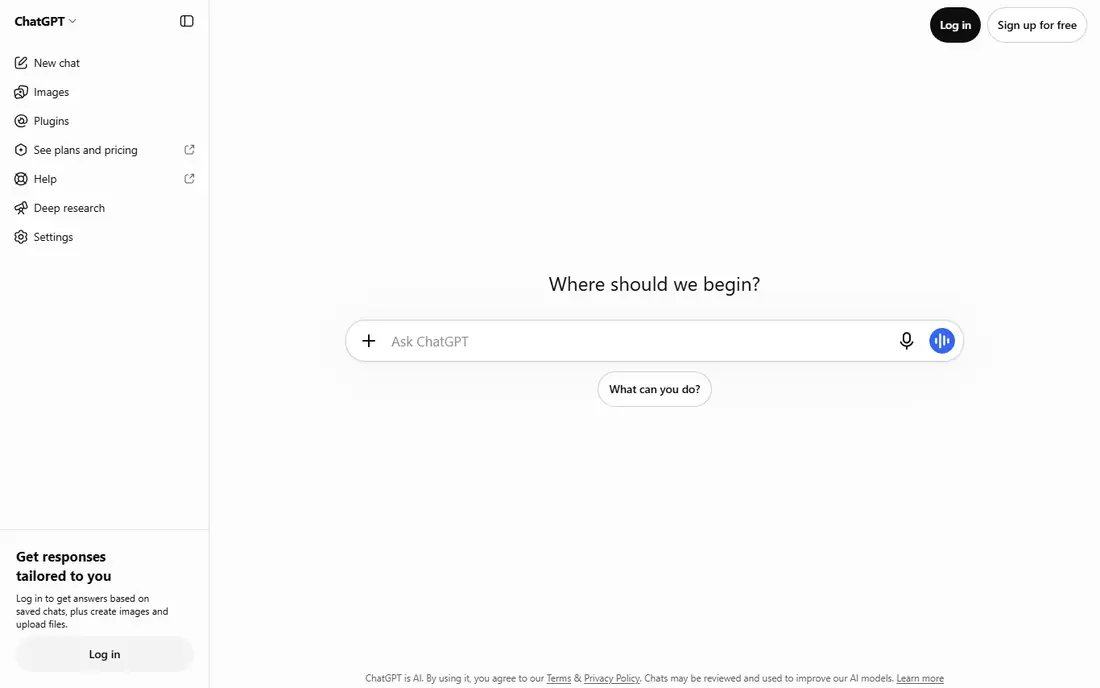
ChatGPT works well as the hub of a stack because it handles the widest range of everyday jobs. You can draft an email, outline a report, brainstorm names, summarize a long article, and turn rough notes into a cleaner draft. The paid Plus plan at $20 per month raises usage limits and adds more advanced models and features, which matters if you use it several times a day.
The honest catch is that a general tool is not always the best tool for a specialist job. Long research projects benefit from source-first tools, and code work benefits from an editor-based assistant. We suggest starting with ChatGPT free, then paying only if you hit limits often or need its image and voice features for work.
- Broad general ability
- Strong image and voice features on paid plans
- Large library of custom assistants
- Free tier has usage limits
- Answers still need checking
- Costs add up with other subscriptions
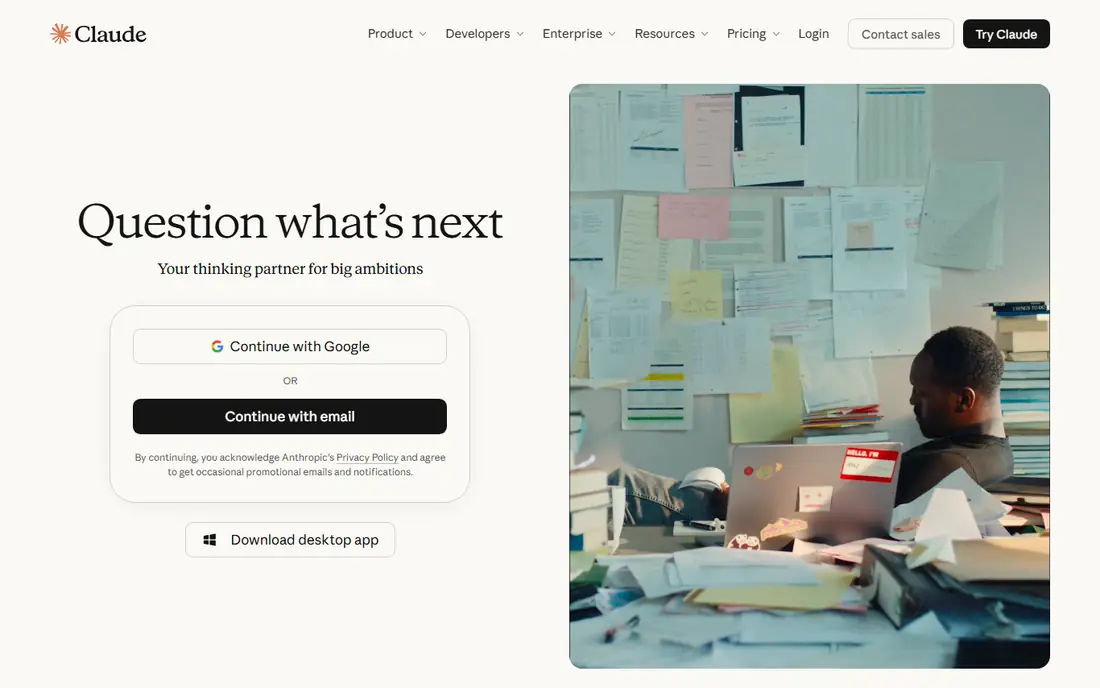
Claude earns its slot when the work is a long document rather than a quick question. It tends to produce organized drafts, thoughtful edits, and careful summaries of dense material. For a stack, that makes it a strong second chatbot for people who write reports, proposals, or essays and want a second view on tone and structure.
The trade-off is overlap. If you already pay for ChatGPT, Claude may feel like a duplicate for short tasks. We think it is worth adding when long-form writing is a core part of your week, and less useful if most of your prompts are short and simple.
- Clear, well structured long-form writing
- Helpful for editing and analysis
- Projects keep context together
- No built-in image generation in the same way as some rivals
- Free tier limits daily use
- Paid plan is another $20 per month
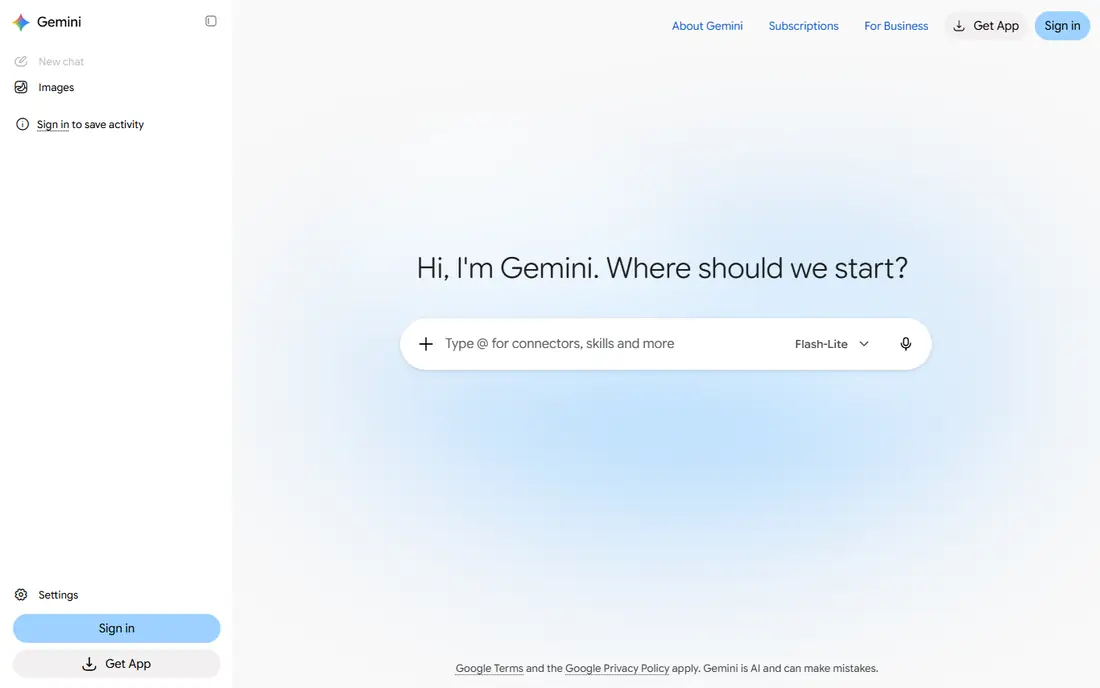
Gemini fits best for people who already live in Gmail, Google Docs, and Google Drive. It can help with drafting, summarizing, and working across text and images, and the Google AI Pro plan at $19.99 per month bundles extra storage and features in some plans. That bundle can make it better value than a standalone chatbot for Google households.
The catch is fit. If your work sits in Microsoft tools or in a different note app, much of the integration advantage fades. In that case, judge Gemini on its chat quality alone, and do not pay for a bundle you will not use.
- Works well with Google services
- Strong multimodal handling
- Competitive paid price
- Paid features vary by plan and region
- Results still need verification
- Less useful if you do not use Google tools
Perplexity is the research slot in this stack. Instead of giving a bare answer, it shows sources you can open and check, which makes it easier to verify claims before you use them at work. That habit matters a lot in 2026, when fluent answers can still contain errors or outdated details.
We like it for market research, product comparisons, and catching up on a topic quickly. We do not recommend treating its summary as a final source for anything important. Open the cited pages for numbers, dates, and quotes, and keep a second source for decisions that carry real cost.
- Answers link to sources
- Good for current information
- Fast for comparison research
- Free Pro searches are limited
- Source quality still varies
- Not a replacement for reading key sources yourself
GitHub Copilot belongs in the stack only if you write code, but for developers it can be the most useful tool on this list. It suggests code as you type, explains unfamiliar code, and helps draft tests and documentation. The individual Pro plan starts at $10 per month, which is lower than the main chatbot plans.
The risk is trusting output too fast. Copilot can produce code that looks correct and still has a subtle bug or a security issue. We suggest using it to speed up routine work, then testing and reviewing everything the same way you would review a colleague's pull request.
- Code completions inside your editor
- Chat help for debugging
- Useful for boilerplate and tests
- Suggestions need review
- Free tier is limited
- Value drops if you rarely write code
Midjourney covers the image slot for people who need visuals that do not look like stock photos. It is popular for blog art, social images, concept art, and presentation visuals. The Basic plan starts at $10 per month, so it is a modest add-on compared with a full design subscription.
The downside is that it is a specialist tool with a learning curve. You will get better results after experimenting with prompts and settings, and you should check licensing terms before using images for a client or a product. If you need only occasional images, a general chatbot with image generation may be enough.
- Strong, distinctive image style
- Good for creative concepts
- Active community for learning prompts
- No free plan
- Learning prompt style takes time
- Commercial and licensing terms need checking for client work
Notion is where the stack stores its output. Chatbots produce drafts, but a good note system keeps those drafts, decisions, and project notes in one searchable place. Notion combines documents, task lists, and databases, so a small team can run a wiki, a content calendar, and a project tracker without three separate apps.
The catch is setup. Notion is flexible, which also means it can grow messy if nobody owns the structure. Start with a few pages and a simple template, and add AI help for summaries and drafting only after the basic system works for your team.
- Flexible pages, databases, and docs in one place
- Good for team wikis
- AI features help draft and summarize
- AI features cost extra on some plans
- Setup takes time
- Can become cluttered without clear structure
Otter.ai fills a gap the other tools miss: what was actually said in a meeting. It transcribes calls, produces summaries, and makes the text searchable, so you can find a decision without replaying an hour of audio. For teams with many meetings, that alone can save real time each week.
The honest limit is audio quality. Background noise, overlapping voices, and strong accents can all reduce accuracy, so key decisions still deserve a quick human check. Also review who can access transcripts before using it for confidential topics, and pause recording when a conversation goes off the record.
- Automatic meeting transcripts and summaries
- Searchable notes
- Helpful for people who miss meetings
- Accuracy drops with poor audio or crosstalk
- Paid pricing varies
- Privacy settings need review for sensitive meetings
Grammarly is the final polish step in the stack. It works across email, documents, and browsers, catching grammar slips, unclear sentences, and tone problems before you send. The free tier covers basic checks, and the paid plan adds deeper clarity and tone help.
The risk is over-accepting suggestions. Grammarly can flatten a personal voice if you accept every change, and it can misread technical terms or intentional style choices. Use it as an editor that flags issues, not as a writer that decides your voice for you.
- Catches grammar and clarity issues across apps
- Tone suggestions help work writing
- Free tier covers basics
- Paid price is listed as $12 per month on annual billing and higher month to month
- Suggestions are not always right
- Style can feel generic if accepted blindly
How we picked these
We compared official feature pages, pricing pages, app store listings, privacy policies, and public reviews for tools that cover distinct jobs in a daily workflow. We favored tools that are widely available in the United States, have a clear free tier or a low entry price, and work well alongside other apps rather than demanding that you move all your work into one place. We did not claim hands-on testing we did not do, and prices reflect published list prices checked in October 2026, so you should confirm the current price at checkout.
Building a stack without overspending
Start with one general chatbot and one place to store notes. That pair covers most daily work, and you can test everything else on a free tier first. Add Perplexity when research becomes a weekly job, add Copilot only if you code, and add Midjourney only if you publish visuals often.
Watch the total monthly cost as you add tools. Three $20 plans already reach $60 per month before you add meetings, notes, or images. A useful rule is to pay for a tool only after its free tier has blocked you at least twice in a normal week. If you pay and then stop opening it, cancel promptly rather than letting the subscription sit unused.
A simple starter stack
For most individuals, we suggest ChatGPT or Claude as the hub, Perplexity for research, Notion for notes, and Grammarly for polish. That keeps the cost lower than buying every tool, while still covering writing, research, and organization. Developers can swap in Copilot, and heavy meeting users can swap in Otter.ai.
For small teams
Teams should agree on one note system and one meeting tool before buying individual chatbot plans. Shared notes and shared transcripts help everyone, while five different chatbot subscriptions often duplicate each other. Check admin controls, data retention, and single sign-on options before rolling a tool out to a whole team.