Best AI Tools for Graphic Design in 2026: 10 Tools Compared
By ToolNimba Editorial Team October 30, 2026 10 min read

- Top pick
 Canva
All-round design
Starting priceFreeCheck out CanvaRead our review - Runner-up
 Adobe Firefly
Professional Adobe work
Starting priceFreeCheck out Adobe FireflyRead our review - Also great
 Midjourney
Artistic images
Starting price$10 per monthCheck out MidjourneyRead our review
How we researched this
We compared official pricing and feature pages, app store listings, privacy policies and public user reviews. Prices change, so check the provider's site before you pay.
Key takeaways
- Canva is our pick for most non-designers, because AI image tools sit inside a full editor for posts, presentations, and brand assets.
- Adobe Firefly suits professional work inside Adobe tools, with a focus on commercially safer training data and editing features.
- Midjourney leads for artistic image quality, but it needs a paid plan and a learning curve for prompts and settings.
- Looka, Designs.ai, and Adobe Express help with logos and fast marketing assets, while Khroma and Uizard serve color and interface work.
- Free plans are useful for testing, but credits, resolution, and commercial terms vary, so check the plan page before client work.
Quick comparison
| Name | Best for | Starting price | Free plan | |
|---|---|---|---|---|
| Canva | All-round design | Free | Yes | Visit |
| Adobe Firefly | Professional Adobe work | Free | Yes | Visit |
| Midjourney | Artistic images | $10 per month | No | Visit |
 DALL-E | Prompt-based images | See website | Yes | Visit |
 Looka | Logo design | See website | Free trial | Visit |
 Designs.ai | Fast marketing assets | See website | Free trial | Visit |
 Khroma | Color palettes | Free | Yes | Visit |
 Uizard | App and web mockups | See website | Free trial | Visit |
 Let's Enhance | Image upscaling | See website | Free trial | Visit |
 Adobe Express | Quick social design | Free | Yes | Visit |
The best AI tools for graphic design
AI design tools fall into two groups: image makers that create pictures from text, and editors that help you finish a post, logo, or layout. The ten tools below cover both groups, so you can pick one for art, one for layouts, and one for brand work if needed.
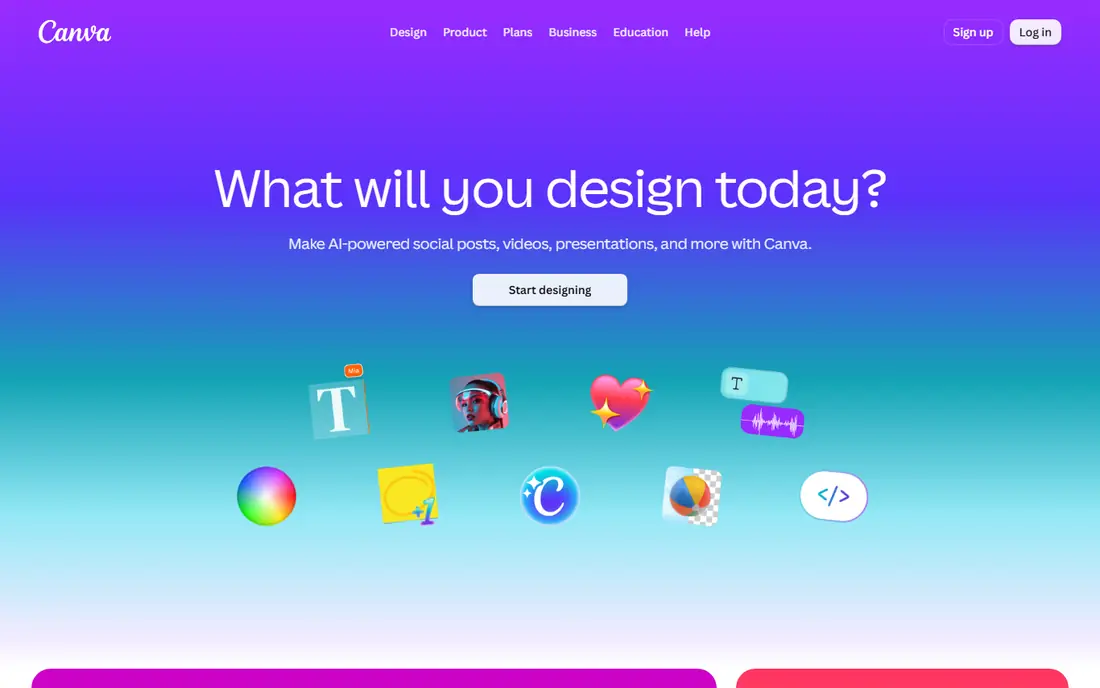
Canva is the easiest place to start, because you can generate an image, drop it into a post, add text, and resize it for several platforms in one session. Magic Design, background removal, and text tools reduce the manual steps that slow beginners, and the template library gives a solid starting point for social posts, presentations, and flyers. For a small team without a designer, that speed is the main value.
The limit appears with heavy AI use and with complex print or vector work. Free and Pro plans cap premium AI uses, so a high-volume month may need a higher plan or a second tool. Canva Pro is listed at $15 per month in the brief, and the official pricing page should be checked for current annual and monthly rates. For everyday marketing design, Canva remains our first pick.
- Huge template library
- AI image and text tools
- Brand kit and resizing
- AI credits limit heavy use
- Advanced print work needs other tools
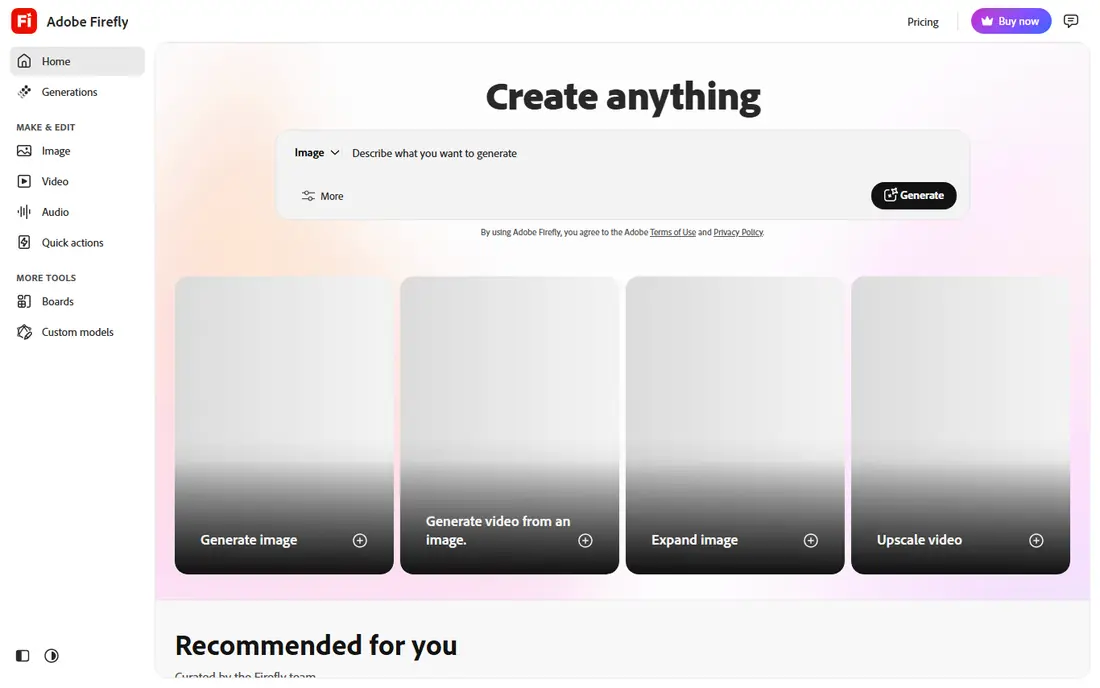
Adobe Firefly fits designers who already work in Photoshop, Illustrator, or Express, because generated images and fills move into those editors without a long export step. Generative Fill can extend a photo, remove an object, or replace a background, and text-to-image tools support concept work and campaign visuals. Adobe presents Firefly models as trained for commercial use, which matters for client work where rights need to be clear.
Free access is limited by credits, and the deeper experience sits inside paid Adobe plans, with Firefly Premium listed at $9.99 per month in the brief. Check the current credit rules before a large project, since limits change by plan. For professional teams inside Adobe, Firefly is the natural AI companion.
- Adobe app integration
- Generative Fill
- Commercially safer model claims
- Full value needs Adobe plans
- Credit limits apply
Midjourney produces some of the most striking AI images available, with strong handling of light, mood, and style for posters, covers, and concept art. Designers use it for mood boards, campaign visuals, and illustrations where a distinctive look matters more than exact text or layout. The community gallery also helps new users learn prompt patterns that work.
The cost is real: plans start at $10 per month, there is no regular free plan, and text inside images can still be unreliable. Early use runs through Discord or the web app, and settings take time to learn. If image quality is the priority and you will generate often, Midjourney is worth the price. If you need text-heavy layouts, pair it with Canva or Express.
- Strong artistic quality
- Style control
- Active community
- No free plan
- Prompt and settings learning curve
DALL-E, from OpenAI, suits people who think in plain sentences rather than in prompt codes. You describe a scene, ask for a change, and refine the result in conversation, which makes it friendly for marketers and small teams. It handles a wide range of styles, from flat illustration to photo-like scenes, and it is useful for blog images, social visuals, and early concepts.
Control is less precise than a professional editor, and pricing depends on the OpenAI plan you use, so check the official page for current access. Text rendering has improved but still needs checking, especially for logos or posters with long words. For fast, conversational image work, DALL-E is a solid choice.
- Natural language prompts
- Editing in chat
- Broad style range
- Pricing sits inside wider OpenAI plans
- Image control is less precise
Looka helps a new business get a usable logo and brand starting point in a single session. You enter a business name, pick styles and colors, and review many logo concepts, then adjust fonts, layouts, and colors. Brand kit options add social templates and business card layouts, which help a small team look consistent from launch.
The limit is originality. AI logos draw on common patterns, so a logo may feel familiar, and a unique brand may still need a designer for a final mark. Full high-resolution files and brand assets sit behind paid packages, so the free preview is for testing only. For a fast, low-cost start, Looka is practical and clear.
- Fast logo concepts
- Brand kit options
- Simple editing
- Logo originality can be limited
- Full files need a paid package
Designs.ai bundles several creative tools, including logo making, video creation, image tools, and mockups, under one account. That breadth suits a small marketing team that needs many asset types without learning a separate tool for each one. A social post, a short video clip, and a logo draft can come from the same brand inputs, which saves setup time.
Quality varies, since a general tool will not match a specialist for every task, and full exports need a paid plan. Check sample outputs for your exact need, such as a logo or a video, before you commit. For fast, varied marketing assets, Designs.ai is a useful all-in-one option.
- Logo, video, and mockup tools
- Fast asset creation
- Team options
- Quality varies by asset type
- Subscription needed for full use
Khroma solves a narrow but common problem: choosing colors that work together. You train it by picking colors you like, and it generates palettes, shows them in mock layouts, and lets you search by color, name, or hex value. For a designer stuck on a brand palette, or a beginner who wants safe combinations, that focus is a strength.
Khroma does not design layouts, logos, or images, so it must pair with an editor such as Canva or Adobe Express. It also learns from your picks, so early palettes improve as you train it. As a free color companion, it earns a place in many design workflows.
- Personalized palettes
- Color search
- Free to use
- Focus is color only
- Not a full design editor
Uizard turns a text description or a rough sketch into an app or website mockup, which helps product teams test an idea before full design work. You can generate screens, adjust layouts, and share a clickable prototype for feedback, all without starting from a blank canvas. For a startup or product manager, that speed can shorten early discussions.
The output is a starting point, not a finished product design, and a designer will usually refine spacing, type, and components before development. Free trial limits apply, and paid plans open more projects and features. For early interface ideas, Uizard is fast and practical.
- Text-to-interface mockups
- Sketch to design
- Fast prototyping
- Mockups need designer polish
- Full features are paid
Let's Enhance helps when a photo or graphic is too small or too soft for print or a large layout. It upscales images, sharpens detail, and can process batches, which saves time for catalogues, old photos, and user-submitted images. For a team that receives mixed-quality assets, that cleanup step can rescue work that would otherwise be unusable.
Results depend on the source: a very blurry or tiny image will not become a sharp print file, and heavy use needs credits or a paid plan. Check output at full size before you print, and keep the original file. As a repair and upscaling tool, Let's Enhance fills a gap that general editors do not cover well.
- Upscales low-resolution images
- Batch processing
- Detail improvement
- Results vary by source image
- Credits limit heavy use
Adobe Express is the quick-design sibling of the full Adobe suite, with templates, stock assets, and AI tools for social posts, flyers, and short videos. It suits a marketer who wants Adobe quality and fonts without learning Photoshop, and it links to Firefly for image generation. Premium, listed at $9.99 per month in the brief, adds more AI credits, templates, and brand tools.
Depth is the trade-off, since complex illustration, photo retouching, and print layout still belong in the full Adobe apps. For daily social and marketing design, Express is fast, polished, and easy to learn. Teams already on Adobe will find it a natural companion to Firefly.
- Adobe templates and assets
- AI image tools
- Social resizing
- Less depth than full Adobe apps
- Premium features are paid
How we picked these
We compared official feature pages, pricing, app store listings, privacy policies, and public reviews. We favored tools with a clear design job, a usable free tier or trial, and current availability in 2026. We did not claim hands-on testing, and we wrote "See website" where pricing sits inside a wider plan or varies by region.
How to choose an AI design tool
Start with the output you need most: a social post, a logo, an illustration, or an interface mockup. A general editor such as Canva or Express covers posts and layouts, while Midjourney or Firefly covers images, and Looka covers logos. Using two tools in sequence often beats forcing one tool to do every job.
Check rights, credits, and resolution
Before client work, check commercial use terms, credit limits, and export resolution for your plan. A free plan may limit image size or commercial rights, and a generated image may still need a human check for text errors, hands, logos, or brand conflicts. Keep a short review step in your workflow, and keep source files so a client can request changes.