Best AI Tools for Logo Design in 2026: 10 Tools Compared
By ToolNimba Editorial Team October 30, 2026 10 min read

- Top pick
 Looka
Small business brand kits
Starting priceSee websiteCheck out LookaRead our review - Runner-up
 Brandmark
One-time distinctive logos
Starting priceSee websiteCheck out BrandmarkRead our review - Also great
 LogoAI
One-time logo packages
Starting priceSee websiteCheck out LogoAIRead our review
How we researched this
We compared official pricing and feature pages, app store listings, privacy policies and public user reviews. Prices change, so check the provider's site before you pay.
Key takeaways
- Looka is the best all-round pick for small businesses that want a logo plus a brand kit, while Brandmark and LogoAI suit one-time buyers.
- Vector files matter more than a pretty preview, so only pay for a plan that gives you SVG or EPS files you can edit and print.
- Free tools such as Hatchful, Adobe Express, and Canva work for a first logo, but check export limits and license terms before commercial use.
- AI logos work best for startups, side projects, and local businesses, while a human designer still wins for a complex or trademark-sensitive brand.
Quick comparison
| Name | Best for | Starting price | Free plan | |
|---|---|---|---|---|
| Looka | Small business brand kits | See website | Yes | Visit |
| Brandmark | One-time distinctive logos | See website | Yes | Visit |
| LogoAI | One-time logo packages | See website | Yes | Visit |
 LOGO.com | Logo plus website bundles | Free | Yes | Visit |
 Canva | Teams already using Canva | Free | Yes | Visit |
 Wix Logo Maker | Wix website owners | See website | Yes | Visit |
 Tailor Brands | Logo plus business setup | See website | Yes | Visit |
 Adobe Express | Free editing and templates | Free | Yes | Visit |
 Recraft | Editable vector logos | Free | Yes | Visit |
 Hatchful by Shopify | Free starter logos | Free | Yes | Visit |
The best ai tools for logo design
These tools generate logo concepts from your business name and preferences, then let you edit colors, fonts, and layouts before you download files.
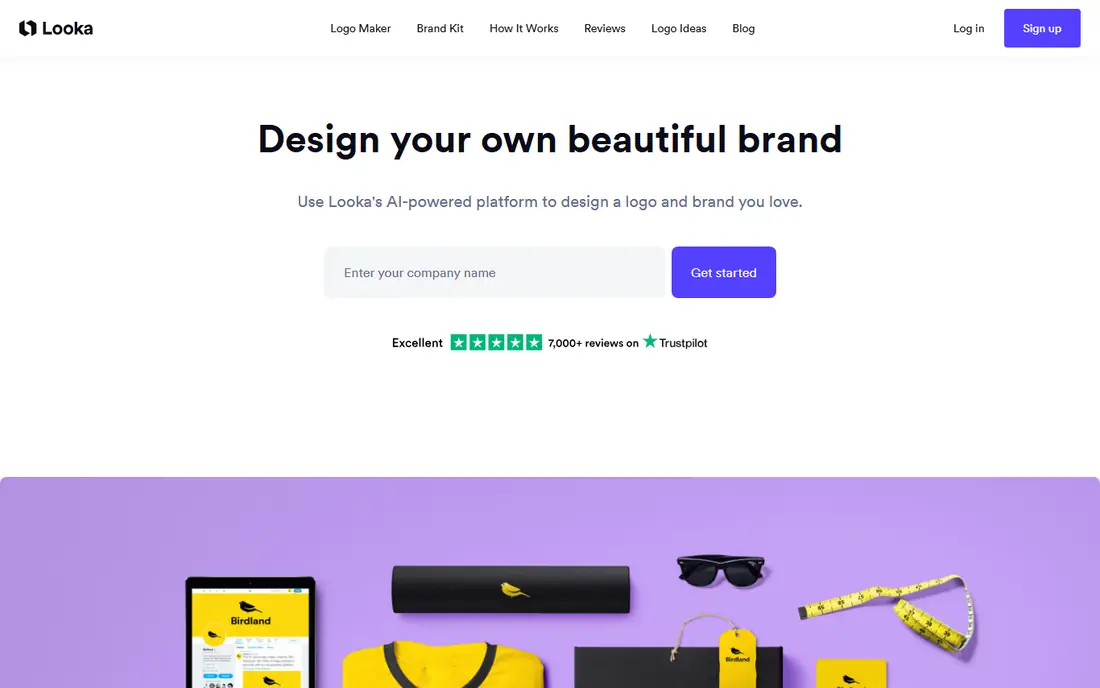
Looka is the most complete small business option on this list. You enter your business name and industry, pick styles and colors, and get a set of concepts to refine. Once you like a direction, the brand kit adds social templates, business cards, and other assets that keep a new brand consistent across channels.
The catch is pricing structure. Designing and previewing is free, but downloading high-quality and vector files costs money, and the full brand kit runs as a subscription. For a business that will use templates often, that cost makes sense, while a one-logo buyer may prefer Brandmark or LogoAI.
- Guided logo creation with many concepts
- Brand kit with social and print templates
- Vector files on premium plans
- Full brand kit needs a subscription
- Low-cost plans limit file types
Brandmark appeals to buyers who want to pay once and move on. Its concepts tend to look clean and modern, with less template sameness than some rivals, and higher tiers add brand guidelines, social assets, and card designs. That makes it a good fit for tech startups and service businesses that need a sharp mark without a monthly bill.
You still need a paid package for full vector and high-resolution files, so preview carefully before checkout. If you want hundreds of social templates, Looka may suit you better, but for a single strong logo, Brandmark is hard to beat.
- One-time purchase with no logo subscription
- Clean and distinctive concepts
- Brand guide on higher tiers
- Fewer marketing templates than Looka
- Paid plans needed for full files
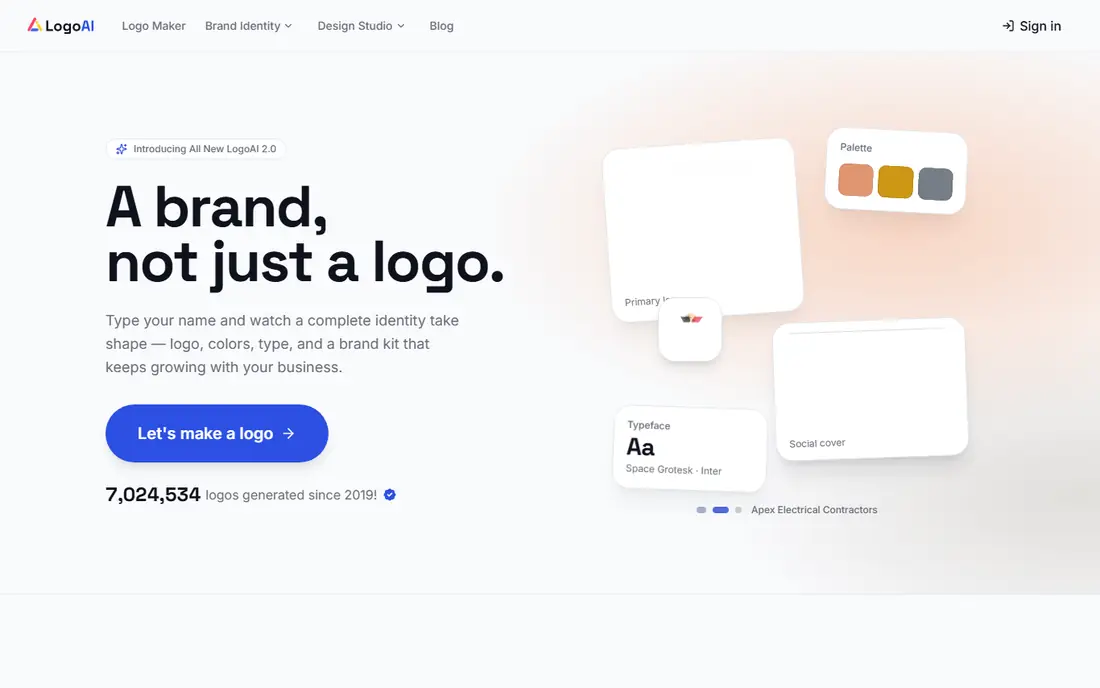
LogoAI follows a similar one-time model, with packages that scale from basic files to full brand kits. It also offers logo animation on some plans, which helps social and video use. Small businesses that want a professional-looking mark without a subscription will find the pricing easy to understand.
The trade is originality. Like most AI logo tools, LogoAI favors safe, familiar forms, so you should run several rounds and edit colors and type before you settle. For a first brand on a tight budget, it remains a solid and predictable choice.
- One-time packages with clear file sets
- Logo animation on some plans
- Brand kit options
- Concepts can feel safe and generic
- Top plans needed for full guidelines
LOGO.com stands out for its generous free path and its bundle with website tools. You can design a logo, download files, and, on the brand plan, add a website and related assets in one account. That suits founders who need a logo and a simple online presence at the same time.
Serious designers may find the editor less flexible than Canva or Recraft, and the best features sit behind the paid brand plan. For a fast, low-cost launch, however, LOGO.com gives you more for free than most rivals.
- Free high-resolution downloads on some paths
- Brand plan adds website and domain tools
- Simple editor
- Paid brand features need a subscription
- Design depth is less than a dedicated editor
Canva is less a pure AI logo generator and more a full design suite that includes AI-assisted logo creation. Teams already using Canva for social posts and decks can build a logo, set brand colors and fonts, and reuse the mark across hundreds of templates. That workflow advantage is large for small teams.
The catch is that many Canva logos start from templates, so originality needs extra editing. Vector export also sits on paid plans, so check file types before you print. If your team already lives in Canva, it is the most practical logo tool on this list.
- Huge template library and brand kit tools
- Easy editing for social and print
- Team sharing built in
- Logo concepts rely more on templates than true AI generation
- Vector export needs a paid plan
Wix Logo Maker asks about your business, style, and values, then generates concepts you can refine in an editor. For Wix users, the logo drops straight into a website, email, and social assets without extra exports. That integration saves time for owners building a site and a brand together.
Outside Wix, the value drops, since the tool is designed around that ecosystem. Free downloads are limited, and vector files need a paid plan. If you already plan a Wix site, it is a natural pick, while other buyers should compare Looka and Brandmark first.
- Guided questions produce tailored concepts
- Ties directly to a Wix site
- Vector files on advanced plans
- Best value inside the Wix ecosystem
- Full files need a paid plan
Tailor Brands suits US founders who want a logo and business setup in one flow. Beyond the mark itself, it offers LLC formation, domain registration, website building, and compliance add-ons. That bundle appeals to new businesses that need several services at once and want one account for them.
The subscription model means total cost grows over time, and buyers who only need a logo may prefer a one-time purchase. Check what is included in each plan, since logo files, website tools, and business services sit at different tiers.
- Bundles logo with LLC, domain, and website tools
- Guided brand setup
- Ongoing business services
- Subscription model can cost more over time
- Logo alone is less distinctive than specialist tools
Adobe Express gives you a free, capable editor for logos, social posts, and marketing assets. You can start from a template or an AI-assisted concept, then adjust type, color, and layout with tools that feel more precise than many free logo makers. That makes it a good choice for owners who want to keep editing their brand over time.
High-quality vector export and the full Firefly feature set need a paid plan, so free users should check file types before printing. For a free first logo with room to grow into Adobe tools, Express is a strong pick.
- Free tier with real editing tools
- Large template library
- Firefly-assisted generation on paid features
- Logo files are mostly raster on free plans
- Premium features need a subscription
Recraft is different from the brand-kit tools on this list, because it generates true vector images you can edit path by path. Designers who need to open a logo in Illustrator or Figma and adjust shapes will value that control. Style boards and consistent style controls also help when you need a set of related marks, not just one logo.
It is less guided than Looka or Brandmark, so beginners may need more time to get a clean result. Check commercial rights on the free tier, since paid plans cover full commercial use. For designers and detail-focused founders, Recraft offers the most editable output here.
- Native vector generation with editable paths
- Style controls for consistent brands
- Free tier for trying ideas
- More of a general image tool than a guided logo maker
- Commercial rights need a paid plan
Hatchful is the best zero-cost starting point, especially for Shopify sellers. You pick an industry and visual style, enter your business name, and download logo files for free, with no paid tier blocking the basic result. That makes it ideal for a side project, a market stall, or a first store where budget is zero.
Customization is limited next to paid tools, and brand kit depth is thin. If the logo proves itself and the business grows, you can later move to Looka, Brandmark, or a human designer for a fuller identity.
- Completely free to design and download
- Simple guided flow
- Files ready for a Shopify store and social use
- Limited customization compared with paid tools
- Fewer vector and brand kit options
How we picked these
We compared official feature pages, pricing pages, and app store listings, along with public reviews for AI logo tools that still work in 2026. We favored tools that let you preview before paying, state file types clearly, and offer a usable license for business use. We did not claim hands-on testing, and prices marked as See website reflect vendor pages where plans vary by file set or subscription length.
How to get a logo you can actually use
Start with the file, not the preview. A logo you can only download as a small PNG will look poor on a sign, a shirt, or a printed card, while an SVG or EPS file scales cleanly and edits well. Before you pay, confirm that your plan includes vector files, a transparent background version, and a license for commercial use.
Test the mark at small sizes and in one color
Shrink the logo to favicon size and print it in black and white. If it stays readable and distinct, it will survive social avatars, invoices, and packaging. If it turns to mush, simplify the icon, shorten the wordmark, or try another concept before you commit.
Check names, trademarks, and similar marks
Search your business name and logo concept for similar brands in your industry and region before you launch. AI tools can produce marks that look like existing logos, and a quick search now is far cheaper than a rebrand later. For a high-stakes brand, ask a trademark professional to review the final mark.