Best Android Apps in 2026: 9 Apps Compared
By ToolNimba Editorial Team October 30, 2026 11 min read

- Top pick
 Google Maps
Navigation
Starting priceFreeCheck out Google MapsRead our review - Runner-up
 Google Photos
Photo backup
Starting priceFreeCheck out Google PhotosRead our review - Also great
 Spotify
Music and podcasts
Starting priceFreeCheck out SpotifyRead our review
How we researched this
We compared official pricing and feature pages, app store listings, privacy policies and public user reviews. Prices change, so check the provider's site before you pay.
Key takeaways
- Start with everyday essentials such as Google Maps, Google Photos, Bitwarden and Todoist, before adding niche apps you may only open once.
- Most of the best Android apps have a free plan, so you can test the core features without paying for a subscription on day one.
- ChatGPT and Notion are the strongest picks for AI help and notes, while Spotify and YouTube cover music and video for most users.
- Check storage, battery and permission settings when you install a new app, because a useful app that drains battery or requests too much data is not worth keeping.
- The best Android setup is small and personal: keep the apps you use weekly, and remove the rest.
Quick comparison
| Name | Best for | Starting price | Free plan | |
|---|---|---|---|---|
| Google Maps | Navigation | Free | Yes | Visit |
| Google Photos | Photo backup | Free | Yes | Visit |
| Spotify | Music and podcasts | Free | Yes | Visit |
 ChatGPT | AI assistance | Free | Yes | Visit |
 Notion | Notes and projects | Free | Yes | Visit |
 Todoist | Task management | Free | Yes | Visit |
 Bitwarden | Password management | Free | Yes | Visit |
 Canva | Quick design | Free | Yes | Visit |
 WhatsApp | Messaging and calls | Free | Yes | Visit |
The best Android apps
The best Android apps are the ones you still use after the first week, not the ones you install and forget. We compared official Play Store listings, feature pages and public app guides, and we picked apps by everyday usefulness, cross-platform availability and free plan quality. This list covers navigation, photos, music, AI, notes, tasks, passwords, design and messaging, which together cover most daily phone use.
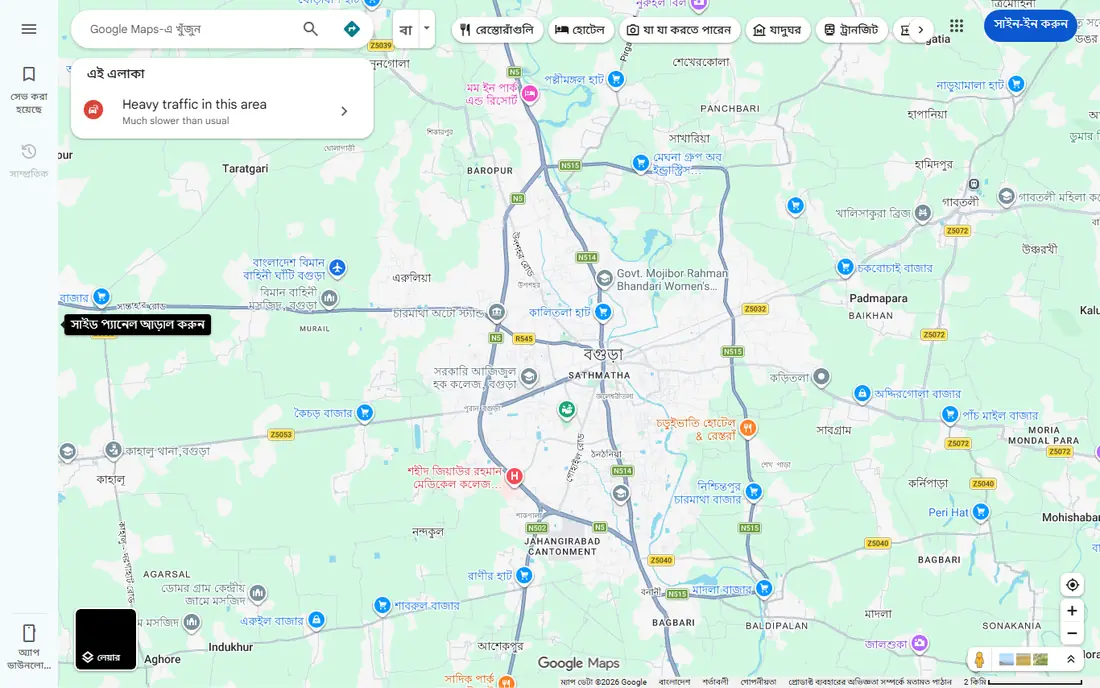
Google Maps is the navigation app most Android users already have, and for good reason. Driving, walking, transit and cycling directions are reliable, live traffic helps you avoid the worst delays, and place pages show hours, reviews, photos and contact details in one place. Offline maps let you download an area before a trip, which helps when signal is weak.
The main point to check is privacy settings. Google Maps collects location data by default in some settings, so review location history, timeline and ad personalisation if that matters to you. You can use Maps without keeping full history, though some personalised features will be less tailored. For everyday navigation, place search and travel planning, Google Maps remains the default pick for Android.
- Reliable driving, walking, transit and cycling directions
- Live traffic and place details
- Offline maps for trips
- Location history and data settings need review
- Some features vary by region
Google Photos solves the most common phone problem: photos scattered across devices, with no backup when a phone breaks. Automatic backup uploads photos and videos to your Google account, search lets you find a photo by person, place or object without manual albums, and sharing a link is faster than sending large files one by one.
The free plan is tied to Google account storage, which is shared across Gmail, Drive and Photos, so heavy video users may need a Google One storage plan. Original quality backup uses storage faster than storage saver quality, so choose the quality that fits your storage budget. For most Android users, Google Photos is the simplest way to keep photos safe and searchable.
- Automatic photo backup
- Search by people, places and objects
- Simple editing and sharing
- Free storage is limited to your Google account storage
- Original quality backup uses storage faster
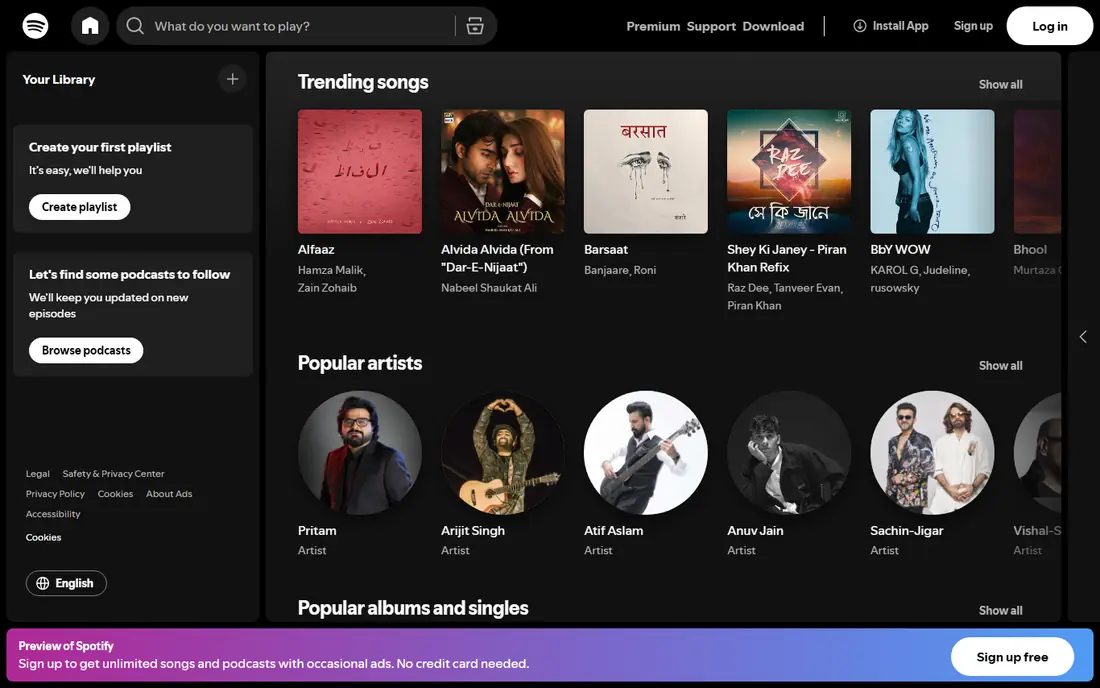
Spotify is the default music and podcast app for many Android users, because its catalogue, playlists and recommendations cover most tastes. The free plan lets you listen with ads, while Premium adds ad-free listening, offline downloads and on-demand playback on mobile. Podcasts are included in the same app, so you do not need a separate podcast player for most shows.
The free plan limit matters on mobile, where many playlists play in shuffle mode with ads. If you listen daily, Premium is usually worth it for offline downloads and ad-free playback. If you listen occasionally, the free plan is enough to test whether Spotify fits your taste. For music discovery, shared playlists and podcast listening in one app, Spotify is the strongest all-round pick.
- Large music and podcast catalogue
- Playlists, recommendations and offline downloads on Premium
- Works across phone, desktop and speakers
- Free plan includes ads and shuffle-only mobile playback on many playlists
- Premium is a monthly subscription
ChatGPT is the most useful general AI app on Android for everyday help. You can draft an email, plan a trip, explain a concept, summarise a document or get help with code, all from your phone. Voice input lets you ask questions hands-free, and image input lets you ask about a photo, a document or a screen you are looking at.
The free plan is enough for casual use, with usage limits and model differences compared to paid plans. The honest limit is accuracy. ChatGPT can sound confident while being wrong, especially on dates, prices, legal details and health information, so check important facts against a trusted source before acting on them. Used as a drafting and brainstorming aid, with human checking, ChatGPT is a strong everyday Android app.
- Fast help with writing, planning, research and coding
- Voice and image input
- Works on Android, iOS and web
- Free plan has usage limits and may use an older model
- Answers can contain errors, so check important facts
Notion is the workspace pick for users who want notes, projects and knowledge in one place. You can keep a simple note, build a project board, track a habit or plan a trip, all inside the same workspace, with templates to start quickly. The free plan covers personal use well, and sync across phone and desktop means a note started on Android is available on your computer later.
The complexity is the trade-off. Notion offers many options, which can slow down a user who only wants a quick note. Google Keep is simpler for quick notes, while Notion is better for structured projects and long-term knowledge. If you want one workspace for notes and projects, and you are willing to spend an hour learning the basics, Notion is the most flexible pick in this list.
- Flexible notes, docs, databases and projects in one workspace
- Free plan for personal use
- Syncs across Android, iOS and web
- Can feel complex at first
- Advanced AI and team features are paid
- Offline use is more limited than a simple notes app
Todoist is the task app most Android users should try first, because capture is fast and the interface stays clean. Type a task in plain language, set a date, and move on, without opening a complex project tool. Projects, labels and filters help you organise work, personal and routine tasks, and reminders keep due tasks visible.
The free Beginner plan covers five projects, which is enough for most personal use. Pro adds more projects, advanced filters and longer history, at $7 per month or $60 per year in recent listings. Todoist works best when you review it once a day, even briefly, because a task list you never open will not help you remember anything. For simple, reliable task management on Android, Todoist is hard to beat.
- Fast task capture with natural language dates
- Projects, labels and filters
- Works across Android, iOS, web and desktop
- Free Beginner plan limited to 5 projects
- Pro costs $7 per month or $60 per year in recent listings
Bitwarden is the password manager we recommend most for Android, because its free plan is genuinely useful. It stores passwords and passkeys, syncs them across phone, browser and desktop, and autofills logins on Android, which removes the need to reuse passwords or remember dozens of logins. Being open source also means its code can be reviewed by security researchers, which adds trust.
Premium adds features such as emergency access, advanced two-factor options and file storage, at a low annual price, but most users do not need Premium to start. The interface is plainer than some paid rivals, and setup takes a few minutes to import passwords and enable autofill. That small setup effort pays off every day, because strong, unique passwords become automatic rather than a chore.
- Free password and passkey storage with sync
- Open source
- Works across Android, iOS, browsers and desktop
- Interface is plainer than some paid rivals
- Advanced features such as emergency access need Premium
Canva lets anyone on Android make a decent social post, presentation slide, poster or document without design training. Templates cover most common formats, you can edit photos, add text and export for social media or print, all from your phone. The free plan covers most basic design needs, which makes it a good starting point for small businesses, students and creators.
Pro adds brand kits, premium templates, background remover and more storage, but it is not required for simple designs. The limit is originality: a template-based design can look similar to other Canva designs, so customise colours, fonts and photos to make it your own. For quick, good-looking design on Android, Canva is the easiest tool in this list.
- Templates for social posts, presentations and documents
- Easy photo editing
- Free plan covers most basic design
- Advanced templates, brand tools and background remover need Pro
- Free exports can include Canva branding on some templates
WhatsApp is the messaging app most international Android users already have, because it works across Android and iOS, uses your phone number, and offers free messaging, voice calls and video calls over the internet. End-to-end encryption protects personal chats, and groups, channels and status updates cover most social and family communication in one app.
The trade-offs are ownership and noise. WhatsApp is owned by Meta, so review its privacy policy and settings if data use matters to you, and mute noisy groups to keep the app useful. WhatsApp does not replace Signal for users who want the strongest privacy focus, but for everyday messaging with family, friends and colleagues, especially internationally, it remains the most practical pick.
- Free messaging, voice and video calls
- End-to-end encryption for personal chats
- Widely used internationally
- Owned by Meta, with data policies to review
- Group chats and channels can become noisy
How we picked these
We compared official Play Store listings, feature pages and public app guides, and we selected apps that are available on Android in the US in 2026, that offer a free plan or free core use, and that solve an everyday problem. We favoured a mix of essentials, productivity, AI, media and communication apps, rather than listing nine apps from one category. We did not claim hands-on testing, and we noted where free plans have limits, such as storage, ads or project caps.
How to build a good Android setup
Install essentials first, then add one app at a time for a specific problem. Start with Google Maps, Google Photos, Bitwarden and Todoist, then add ChatGPT or Notion for work, Spotify for audio, and Canva for design only if you actually design. That order keeps your home screen useful, rather than crowded with apps you opened once.
Check permissions, storage and battery
When you install a new app, check what permissions it requests and whether it needs location, contacts or photos to work. Remove apps you have not used in a month, clear large cached files with Files by Google if storage is tight, and check battery usage if a new app drains power. A small, well-chosen set of apps will run faster and last longer on battery than a large set of unused apps.
Use free plans before paying
Most apps in this list have a free plan that covers core use. Test the free plan for two weeks, check whether you hit a limit that matters, such as storage, projects or ads, and only then consider a paid plan. Paying for many subscriptions at once is the fastest way to waste money on apps you barely use. One paid app you use daily is better than five paid apps you forget.