Best Anti Virus Software in 2026: 9 Tools Compared
By ToolNimba Editorial Team October 30, 2026 11 min read

- Top pick
 Bitdefender Total Security
Best overall protection
Starting price$59.99 per yearCheck out Bitdefender Total SecurityRead our review - Runner-up
 Norton 360 Deluxe
Families wanting extras
Starting price$49.99 per yearCheck out Norton 360 DeluxeRead our review - Also great
 McAfee+
Many devices
Starting price$39.99 per yearCheck out McAfee+Read our review
How we researched this
We compared official pricing and feature pages, app store listings, privacy policies and public user reviews. Prices change, so check the provider's site before you pay.
Key takeaways
- Bitdefender and Norton are the strongest all-round picks for most home PCs, with high lab scores and broad multi-device coverage.
- Microsoft Defender is a solid free baseline for a careful single user, but paid suites add VPN, backup, parental controls and cross-platform cover.
- First-year prices are often far below renewal prices, so check the renewal rate and set a reminder before the first year ends.
- McAfee is best for households with many devices, because its plans cover unlimited devices on higher tiers.
- Avast One Free and Malwarebytes Free are useful free options, but they do not replace a full suite for every user.
Quick comparison
| Name | Best for | Starting price | Free plan | |
|---|---|---|---|---|
| Bitdefender Total Security | Best overall protection | $59.99 per year | Yes | Visit |
| Norton 360 Deluxe | Families wanting extras | $49.99 per year | Free trial | Visit |
| McAfee+ | Many devices | $39.99 per year | Free trial | Visit |
 Avast One | Best free antivirus | Free | Yes | Visit |
 Malwarebytes Premium | Simple malware cleanup | $59.99 per year | Yes | Visit |
 ESET Home Security | Lightweight protection | $29.99 per year | Free trial | Visit |
 Trend Micro | Simple beginners | $29.95 per year | Free trial | Visit |
 TotalAV | Budget buyers | $19 per year | Yes | Visit |
 Microsoft Defender | Built-in baseline | Free | Yes | Visit |
The best anti virus software
Windows still attracts more malware than any other desktop platform, and the tricks keep getting smarter, from fake invoices to cloned login pages. A good security app will not stop every trick, but it closes many doors. We compared independent lab results, official pricing pages and public reviews, and we focused on protection, system impact, renewal pricing and what extras you actually get.
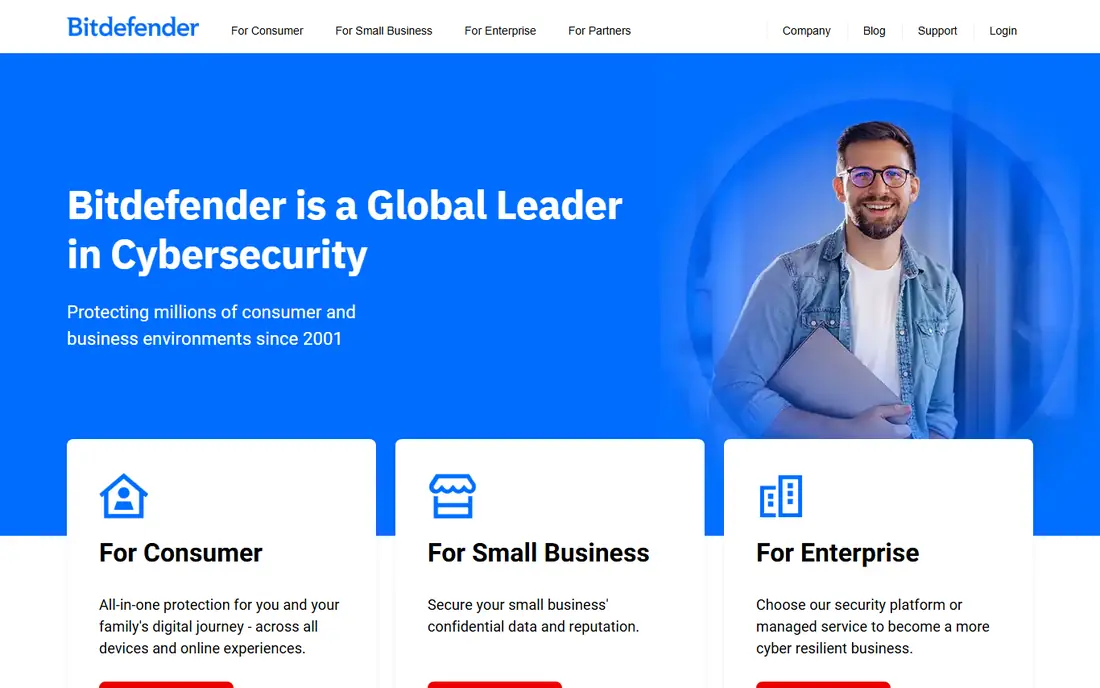
Bitdefender is the reference point other suites are measured against. In recent independent tests it blocked a high share of real-world attacks and earned strong marks for protection, performance and usability, while remaining light on older PCs. Total Security covers five devices, with a firewall, webcam protection, parental controls, password manager and file encryption alongside core antivirus.
The catch is the upsell structure. The bundled VPN is capped at 200 MB per day unless you upgrade, and the first-year price rises at renewal. There is also a limited free edition if you want the engine without the suite. For most home users who want to pay once and stop thinking about security, Bitdefender is the safest recommendation in this list, as long as you note the renewal price before you buy.
- High independent lab scores
- Light on system resources
- Covers 5 devices across Windows, Mac, Android and iOS
- Bundled VPN capped at 200 MB per day
- Renewal price rises after the first year
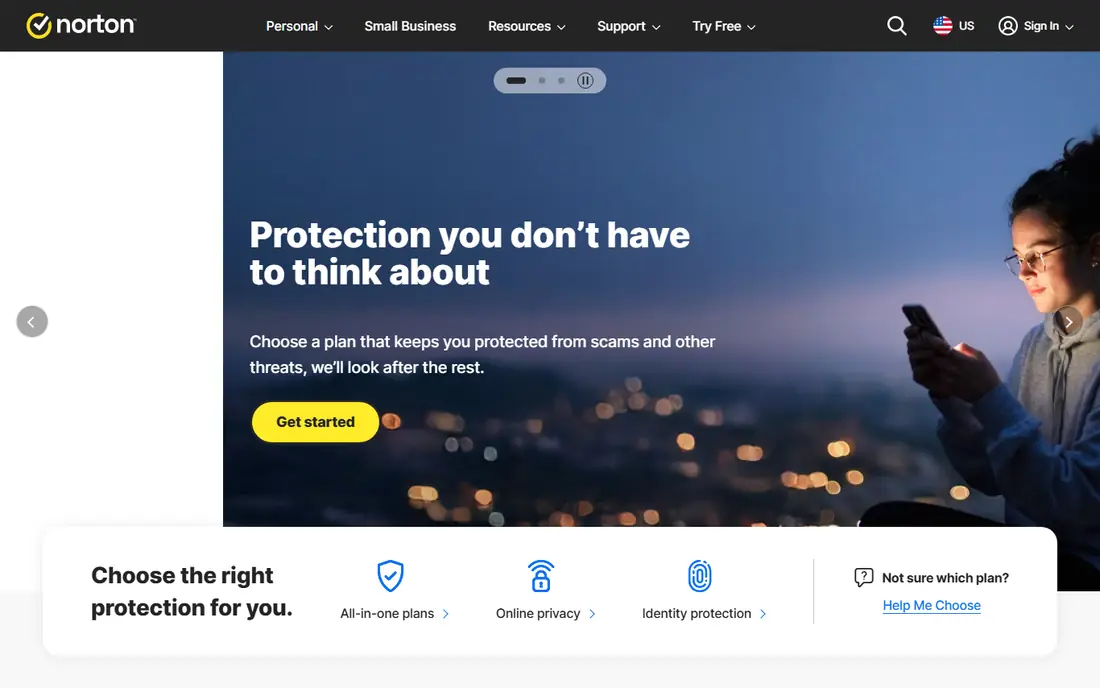
Norton 360 Deluxe is the bundle pick for families. It combines antivirus with an unlimited VPN, 50 GB of secure cloud backup, a password manager, parental controls and dark web monitoring, plus identity theft protection on higher plans. That bundle matters for a household that wants one subscription to cover security, backup and privacy, rather than three separate tools.
The first-year price of $49.99 for five devices looks strong, but the renewal price is much higher, at $124.99 per year in recent listings. Norton is also slightly heavier on system resources than Bitdefender, though most modern PCs will not notice the difference. If you will use the VPN and backup, the bundle is good value. If you only want malware protection, a lighter or cheaper tool may fit better.
- Unlimited VPN
- 50 GB cloud backup
- Parental controls and dark web monitoring
- Covers 5 devices
- Renewal price rises to $124.99 per year
- Slightly heavier on system resources than Bitdefender
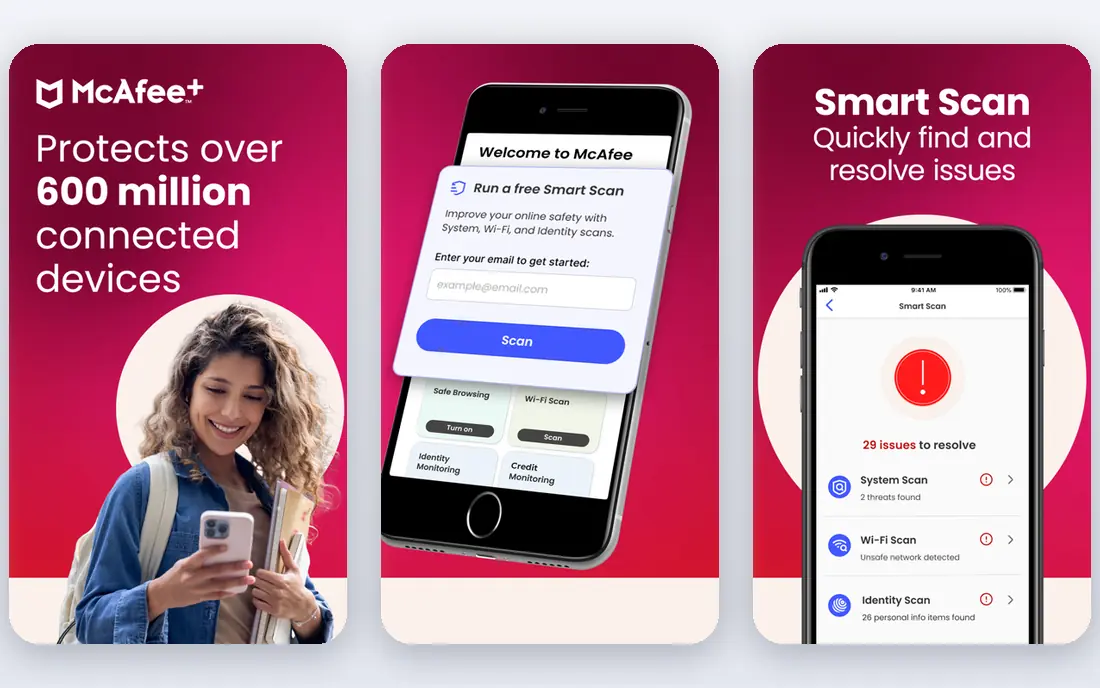
McAfee+ is the pick for households with many devices. While most suites cap coverage at five devices, McAfee higher plans cover unlimited devices, which suits a family with several PCs, phones and tablets. The suite also includes an unlimited VPN, identity monitoring and privacy tools, so it competes with Norton on extras rather than on price alone.
The trade-offs are system impact and renewal pricing. McAfee has scored heavier on CPU and RAM in some comparative tests than Bitdefender or Avast, and its first-year price rises at renewal. For a household with many devices, unlimited coverage can still make it the cheapest per-device option. For a single PC, a lighter suite is usually a better fit.
- Unlimited device coverage on higher plans
- Unlimited VPN
- Identity and privacy tools
- Higher system impact in some tests
- Renewal price rises sharply after the first year
Avast One Free is the best free antivirus for users who want more than Windows Defender without paying. It adds a firewall, ransomware shield and scam detection on top of core malware protection, and it has scored well in independent lab tests. The free tier is genuinely usable, not a short trial, which makes it a good starting point for a careful user on a tight budget.
Paid Avast One plans add a VPN, cleanup tools and more devices, from $49.99 for the first year in recent listings. The free version includes prompts to upgrade, which some users find annoying, and the VPN on the free tier is limited. If you want free protection with useful extras and you can ignore upsell prompts, Avast One is the strongest free pick here.
- Strong free tier with firewall and ransomware shield
- Paid plans from $49.99 first year
- Light system impact
- Paid VPN and extras cost more
- Interface includes upsell prompts for paid features
Malwarebytes is known for cleanup, and Premium adds real-time protection to its well-regarded scanner. The interface is plain and easy to follow, which suits users who find full suites cluttered. It is also light on system resources, so it works well on older PCs that struggle with heavier suites.
The limit is bundle depth. Malwarebytes does not offer the same VPN, backup and parental control bundle as Norton or Bitdefender, and its price for a single device can look high compared to multi-device suites. It is best used as a focused malware tool, or alongside a free antivirus for a second layer, rather than as a full family suite. For users who want simple, no-fuss protection, it is a solid choice.
- Simple interface
- Strong malware removal
- Minimal system impact
- Free scanner for on-demand cleanup
- Higher price for one device in some listings
- Fewer suite extras than Norton or Bitdefender
ESET is the lightweight pick, especially for gamers and users with older hardware. Its engine is known for low system impact, so games, video editing and everyday work run with less slowdown during scans. Home Security tiers add firewall, banking protection and parental controls, with entry pricing from $29.99 per year in recent listings.
The trade-off is simplicity. ESET is more technical than Trend Micro or Avast, and it does not bundle a VPN or cloud backup in the same way Norton does. Tech-savvy users will appreciate the control and the light footprint. Beginners who want a guided setup and a large bundle may prefer Norton or Bitdefender. For a PC where performance matters most, ESET is hard to beat.
- Very light system impact
- Strong for gamers and tech-savvy users
- Clear pricing tiers
- Fewer consumer extras than Norton
- Interface is more technical than Avast or Trend Micro
Trend Micro suits beginners who want protection without a complex dashboard. The interface is plain, setup is guided, and web, email and ransomware protection are covered without needing to tune settings. Entry pricing from $29.95 per year makes it one of the cheaper paid options for a single device or small household.
The limit is depth. Trend Micro does not offer the same broad bundle as Norton, and power users may want more control over firewall and system settings. For a parent, a student or a casual user who wants to install protection and forget about it, that simplicity is a strength. Check the renewal price and device limit for your plan, because those vary by tier.
- Simple interface
- Strong web and email protection
- Good for beginners
- Fewer advanced extras
- Renewal pricing should be checked before purchase
TotalAV is the budget pick, with first-year pricing from $19 for up to four devices in recent listings. It includes antivirus, a VPN and system cleanup tools, which makes it look like strong value on paper. For a buyer who wants a paid suite at the lowest entry price, TotalAV is worth a shortlist spot.
The honest catch is renewal pricing and lab standing. The first-year price is a promotion, and renewal is higher, so the two-year total matters more than the first-year headline. TotalAV also has fewer top independent lab results than Bitdefender or Norton. If budget is the main driver and you set a renewal reminder, it is a workable option. If protection scores matter most, spend a little more on Bitdefender.
- Low first-year price
- Covers up to 4 devices on some plans
- Includes VPN and cleanup tools
- First-year price is a promotion
- Renewal price is higher
- Fewer lab accolades than Bitdefender or Norton
Microsoft Defender is already on your Windows PC, and for a careful single user it may be enough. It scores well in independent lab tests, costs nothing, and requires no install or subscription. If you use one PC, install software only from trusted sources, keep backups and avoid suspicious links, Defender provides a solid baseline.
The gaps appear when you share the computer, bank on it, or own several devices. Defender does not provide a VPN, cloud backup, cross-platform phone protection or the parental controls of a full suite, and its offline detection has scored lower than top suites in some tests. Use Defender alone if you are careful and your needs are simple. Add a paid suite if you want the bundle, multi-device cover and stronger offline protection.
- Already installed on Windows
- Free
- Scores well in independent lab tests
- Lightest setup
- No cross-platform suite extras
- No VPN, backup or parental bundle
- Offline detection is weaker than top suites
How we picked these
We compared independent lab results from AV-TEST and AV-Comparatives, official pricing pages and public reviews, and we selected tools that are available for Windows in 2026 and that offer a clear free, trial or paid model. We favoured a mix of top suites, free options and lightweight tools, and we noted first-year versus renewal pricing where vendors publish both. We did not claim hands-on testing, and we treated lab scores as one input, not as a guarantee against every new threat.
How to choose antivirus for your PC
Start with how many devices you need to cover and how old your PC is. A single modern PC with a careful user can start with Defender or Avast Free. A family with five devices, or an older PC that slows down during scans, should look at Bitdefender, Norton or ESET, depending on whether bundle extras or light performance matter more.
Check the two-year price, not the first year
Almost every paid suite discounts the first year and renews at full price. Add year one and year two together, divide by devices, and compare that total across suites. Set a calendar reminder a month before renewal, so you can renegotiate, switch or cancel rather than paying full price by default. That one habit saves more money than chasing the lowest first-year promo.
Keep protection running and backups separate
The best antivirus is the one you keep running, with automatic updates and scheduled scans enabled. No antivirus replaces backups, so keep copies of photos and documents on an external drive or cloud backup, separate from your PC. If ransomware ever locks your files, a backup matters more than any single security feature. Also keep Windows and browsers updated, because patches close many of the holes malware uses.
Sources
- https://www.bitdefender.com
- https://us.norton.com
- https://www.mcafee.com
- https://www.avast.com
- https://www.malwarebytes.com
- https://www.eset.com
- https://www.trendmicro.com
- https://www.totalav.com
- https://www.microsoft.com/en-us/windows/comprehensive-security
- https://rankite.com/blog/best-antivirus-software-for-home-computer