Best Apps for ADHD in 2026: 9 Apps Compared
By ToolNimba Editorial Team October 30, 2026 12 min read

- Top pick
 Todoist
Quick task capture
Starting priceFreeCheck out TodoistRead our review - Runner-up
 Tiimo
Visual daily planning
Starting priceFreeCheck out TiimoRead our review - Also great
 Goblin.tools
Breaking tasks down
Starting priceFreeCheck out Goblin.toolsRead our review
How we researched this
We compared official pricing and feature pages, app store listings, privacy policies and public user reviews. Prices change, so check the provider's site before you pay.
Key takeaways
- No single ADHD app fixes every problem, so pick the app for the job that costs you most, such as starting tasks, seeing time or remembering tasks.
- Goblin.tools is free on the web and breaks vague tasks into small steps, while Tiimo and Structured make time visible in a daily timeline.
- Todoist and TickTick are strong for capturing tasks quickly, while Forest and Focusmate help you actually start and stay focused.
- Many of the best ADHD apps have free plans, so test one app for two weeks before adding a second.
- These apps are tools for organisation and focus, not medical treatment. If ADHD affects work, school or daily life, talk to a clinician about assessment and treatment options.
Quick comparison
| Name | Best for | Starting price | Free plan | |
|---|---|---|---|---|
| Todoist | Quick task capture | Free | Yes | Visit |
| Tiimo | Visual daily planning | Free | Yes | Visit |
| Goblin.tools | Breaking tasks down | Free | Yes | Visit |
 Forest | Focus sessions | Free | Yes | Visit |
 Focusmate | Body doubling | Free | Yes | Visit |
 TickTick | Tasks plus Pomodoro | Free | Yes | Visit |
 Structured | Visual time blocking | Free | Yes | Visit |
 Finch | Gentle self-care | Free | Yes | Visit |
 Brain.fm | Focus music | $14.99 per month | Free trial | Visit |
The best apps for ADHD
ADHD breaks down in different places for different people. One person forgets tasks, another cannot feel time passing, another freezes when a task looks too large, and another gets pulled to their phone every few minutes. We compared official app listings, pricing pages and public ADHD app guides, and we picked apps by the job they do, not by popularity alone. Start with one job, not with nine apps at once.
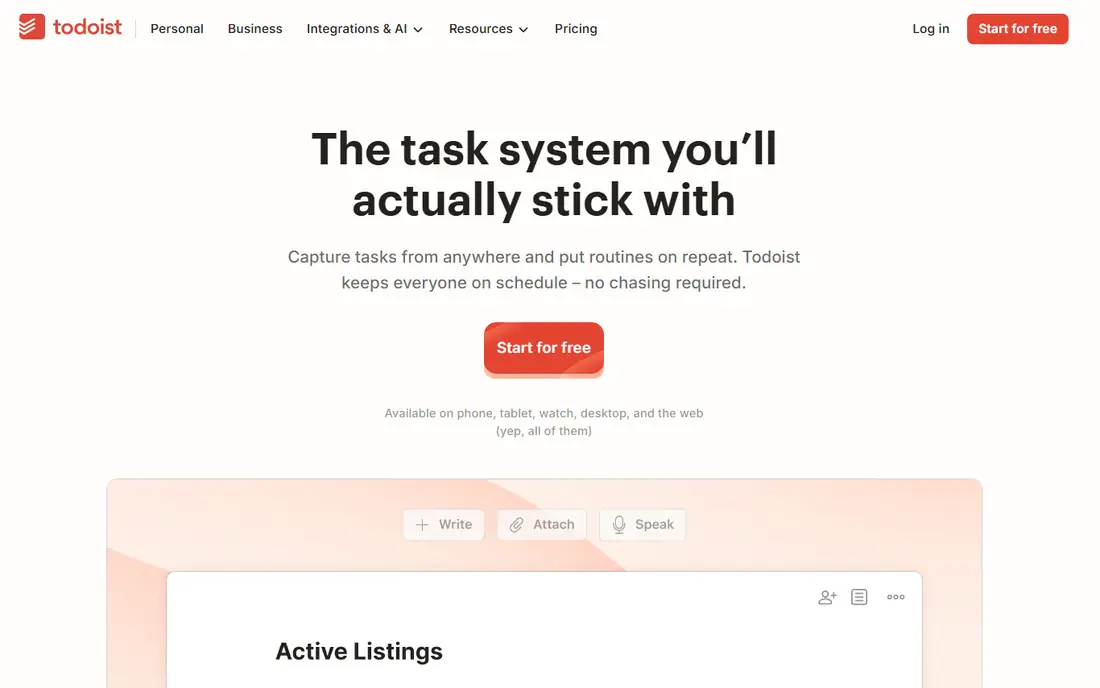
Todoist is the capture pick, because getting a task out of your head quickly matters more than a perfect system. You can type a task in plain language, such as a meeting tomorrow at 10, and Todoist sets the date and time for you. That low friction helps when ideas arrive fast and a complex app would slow you down.
The free Beginner plan covers five projects, which is enough for personal tasks, work tasks and a few routines. Pro adds more projects, filters and reminders, at $7 per month or $60 per year in recent listings. The honest catch is that Todoist only helps if you review it daily. A list you never open will not fix forgetting, so pair Todoist with a short morning review, even if that review is only two minutes.
- Fast natural language task entry
- Works on phone, web and desktop
- Free Beginner plan with 5 projects
- Pro costs $7 per month or $60 per year in recent listings
- Can become another list you ignore without a daily review habit
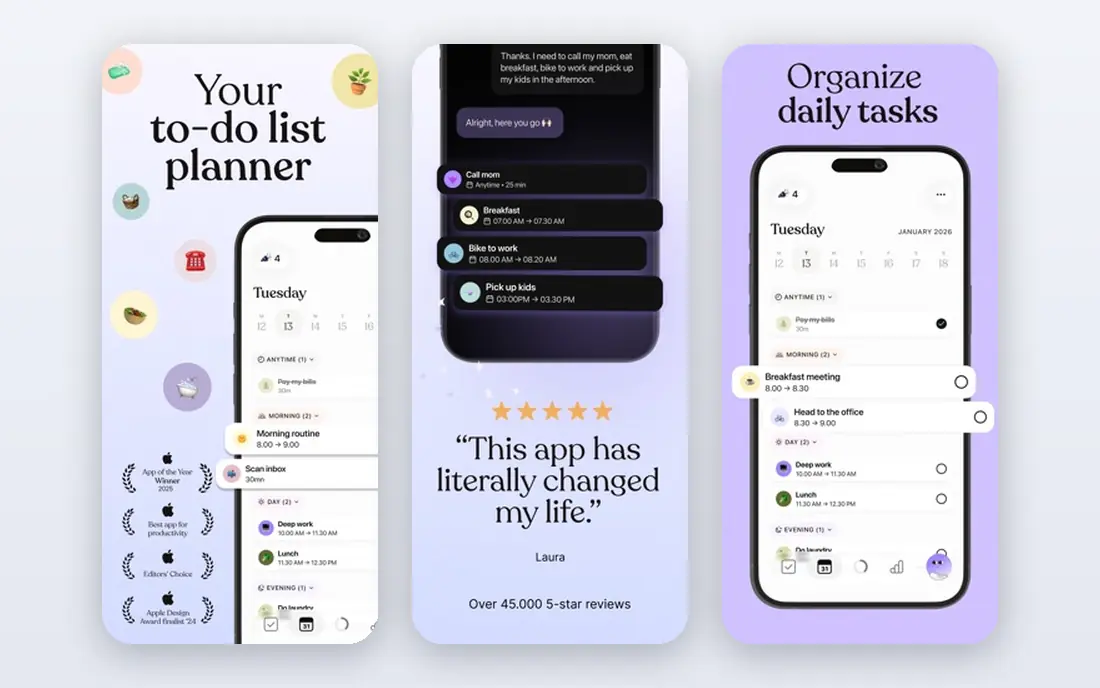
Tiimo is built for time blindness, the feeling that time is vague until a deadline suddenly arrives. It shows your day as a visual timeline, with colour-coded blocks for each task and routine, so you can see how long a task should take and how much of the day is left. That visual cue helps more than a text list for many people with ADHD.
Tiimo also includes a focus timer and task breakdown tools, which help with starting a task, not just planning it. The free version covers basic planning, with a Pro trial for advanced features, and Pro has been listed at about $12 per month or $54 per year in recent listings. Check the current price in the app store before subscribing, because Tiimo pricing has changed. For visual planners, Tiimo is the most ADHD-specific daily planner in this list.
- Visual timeline shows time passing
- Focus timer and AI task breakdown
- Free planner with a Pro trial
- Pro pricing has varied, from about $12 per month or $54 per year in recent listings
- Android and iOS features can differ
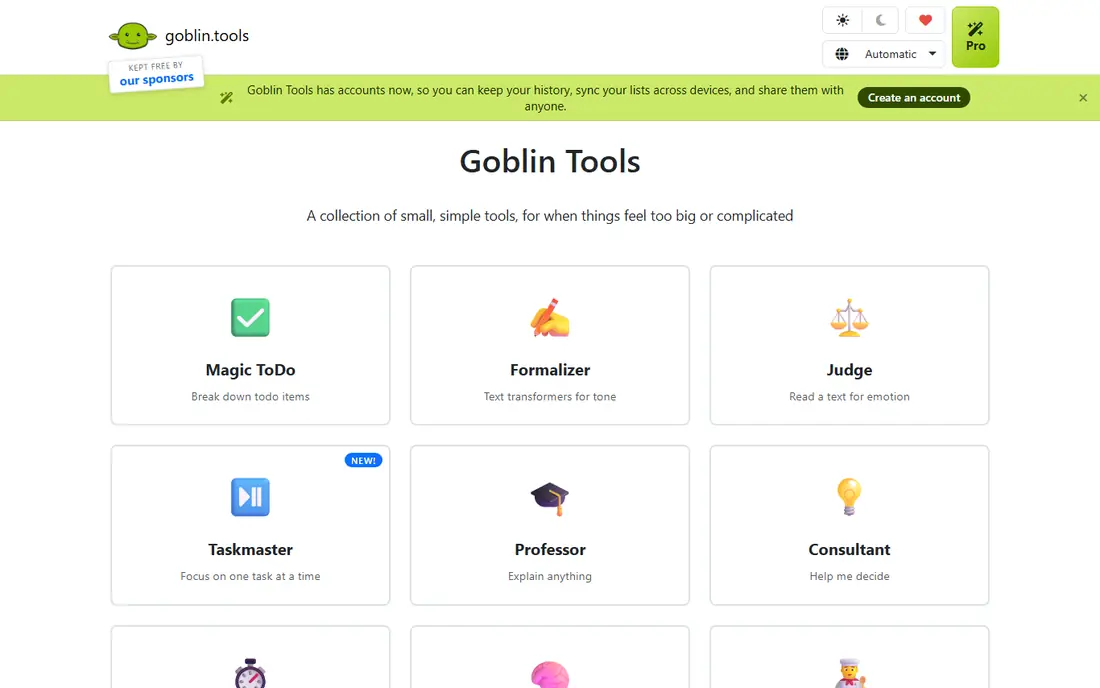
Goblin.tools is the task paralysis pick. You type a vague task, such as clean the kitchen or write a report, and Magic ToDo breaks it into small, concrete steps you can start on. That first small step is often the hardest part for ADHD, and Goblin.tools makes it visible instead of leaving you staring at a large, unclear job.
The web version is free and donation-based, which makes it easy to try without a subscription. The iPhone app has been listed at $1.99, while the web version remains free. Goblin.tools is not a full planner, calendar or reminder system, so use it alongside Todoist or Tiimo, not instead of them. When a task feels too large to start, open Goblin.tools first, get the steps, then move the first step into your planner.
- Free on the web
- Magic ToDo breaks vague tasks into small steps
- Simple, low-distraction design
- Web tool is simpler than a full planner
- IPhone app costs $1.99 in recent listings
- No full task management system
Forest turns focus into a visual commitment. You plant a virtual tree, set a focus time, and the tree grows while you stay off your phone. If you leave the app, the tree dies, which is a simple, emotional consequence that many people with ADHD find more compelling than a generic timer. Forest also partners with tree-planting organisations for real trees earned through focus time.
The free version includes a focus timer and app blocking in recent listings, while the iOS app has been listed at about $3.99 one-time and Android is free with ads in some listings. Forest does not plan your day or manage tasks, so it works best paired with a planner. If phone distraction is your main problem, Forest is a low-cost, focused tool that is easy to start using today.
- Visual tree grows during focus
- Tree dies if you leave the app
- Free focus timer and app blocking in recent listings
- IOS app has been listed at about $3.99 one-time
- Android version is free with ads in some listings
- Gamification may not suit everyone
Focusmate is body doubling in app form. You book a live session, join a video call with another person, state what you will work on, work quietly together, and check in at the end. That social accountability helps many people with ADHD start a task they would otherwise avoid, because someone else is present, even virtually, while you work.
The free plan covers three sessions per week, which is enough to test whether body doubling helps you. Paid plans cost $12 per month or $8 per month billed yearly in recent listings, for unlimited sessions. Focusmate needs a webcam and a reasonably quiet space, and it may feel awkward at first. If starting is your hardest step, and a timer alone does not help, Focusmate is worth trying before you buy another planner.
- Live co-working sessions with a real person
- Free for 3 sessions per week
- Helps with starting tasks
- Paid plan costs $12 per month or $8 per month billed yearly in recent listings
- Needs a webcam and a quiet space
TickTick is the all-rounder pick for ADHD, because it combines tasks, calendar, habits and a Pomodoro timer in one place. You can click Focus on a task and start a timed work session without switching apps, which reduces the friction that breaks focus for many people. The calendar view also shows tasks in time, which helps with time blindness.
The free plan covers most core features, while Premium has been listed from about $27.99 to $35.99 per year depending on platform and listing, so check the current price before subscribing. The breadth of features can feel busy at first, so start with tasks and Pomodoro only, then add habits and calendar views later. If you want one app instead of three, TickTick is the best single-app option here.
- Task lists, calendar, habit tracker and Pomodoro timer in one app
- Free plan is generous
- Premium about $27.99 to $35.99 per year in recent listings
- Many features can feel busy at first
- Premium pricing varies by platform and listing
Structured shows your day as a timeline of blocks, with each task placed in time, rather than as a flat list. That time-blocked view helps with planning the day and with seeing gaps, overlaps and free time. It is simpler than Tiimo in some ways, which suits users who want a clean day plan without many extra features.
The free plan covers basic planning, while Pro has been listed at about $29.99 per year or $99.99 lifetime. Structured is available on iPhone, Mac and web, with Android support varying in recent listings, so check your platform before committing. Use Structured for the day plan, and Todoist or TickTick for the master task list, if you like separating planning from capture.
- Clear visual day timeline
- Free plan covers basic planning
- Pro about $29.99 per year or $99.99 lifetime in recent listings
- Android support has been more limited than iOS in some listings
- Fewer task management features than Todoist or TickTick
Finch is different from the planners in this list. You care for a virtual pet by completing small self-care goals, such as drinking water, taking a walk or doing a breathing exercise. The design is gentle and avoids guilt, which matters for people with ADHD who have been shamed by productivity apps that punish missed days. Finch builds a routine through care, not through streak pressure.
The limit is scope. Finch will not manage your work tasks, deadlines or calendar, so it is a complement to a planner, not a replacement. It is free to use, with optional paid features for extra content. If routines, self-care and gentle accountability are where you struggle, Finch is a kind, low-pressure starting point. If work tasks are the main problem, start with Todoist or TickTick first.
- Virtual pet care with gentle accountability
- No-guilt design
- Free to use with optional paid features
- Not a task manager or planner
- Self-care focus may not suit users who need strict task structure
Brain.fm offers music designed to support focus, with tracks for deep work, relaxation and sleep. Unlike a generic playlist, the music is structured to fade into the background, so it does not pull attention away from work. Many users with ADHD use it as a focus cue: put on Brain.fm, start a Forest timer, and work until the session ends.
Pricing is $14.99 per month or $99.99 per year in recent listings, with a free trial to test whether it helps you. Brain.fm is not a treatment and it will not organise your tasks or show you time. Treat it as a focus aid alongside a planner and a timer, not as a standalone ADHD solution. If music helps you stay in a task, it can be a useful part of a simple focus routine.
- Focus music designed for concentration
- Offline access
- Works on web, phone and desktop
- Monthly price of $14.99 or $99.99 per year in recent listings
- Music alone will not fix planning or task starting
How we picked these
We compared official app listings, pricing pages and public ADHD app guides, and we selected apps that are available in the US in 2026 and that address a distinct ADHD job: capture, visual planning, task breakdown, focus, body doubling, all-round planning, time blocking, self-care and focus music. We favoured apps with free plans or free web versions, so readers can test before paying. We did not claim hands-on testing, and we noted where pricing varies by platform, because app store prices change.
How to choose an ADHD app without app overload
Pick the problem that costs you most in a normal week. If you forget tasks, start with Todoist or TickTick. If time feels vague, start with Tiimo or Structured. If tasks feel too large to start, start with Goblin.tools. If your phone pulls you away, start with Forest. If you cannot start alone, try Focusmate. Choose one app, use it for two weeks, and only add a second app if the first one is now a habit.
Build a simple daily routine
A simple routine beats a complex system. In the morning, look at your day timeline in Tiimo or Structured, pick three tasks in Todoist or TickTick, and break the hardest one down in Goblin.tools. When you work, start a Forest session or a Focusmate session, and use Brain.fm if music helps you stay focused. In the evening, check off what you did in Finch or your planner, without guilt for what you missed. That loop is small enough to keep on a bad day, which is when it matters most.
A note on health and support
These apps are organisation and focus tools, not medical treatment for ADHD. They can help with scaffolding, such as holding a list your working memory drops or showing time you cannot feel, but they do not replace an evaluation, medication or therapy. If ADHD affects work, school, relationships or daily life, talk to a clinician, such as a primary care doctor or psychiatrist, about assessment and treatment options. If cost is a barrier, ask about community clinics, university clinics or sliding-scale services in your area.
Sources
- https://todoist.com
- https://www.tiimoapp.com
- https://goblin.tools
- https://www.forestapp.cc
- https://www.focusmate.com
- https://ticktick.com
- https://structured.app
- https://finchcare.com
- https://www.brain.fm
- https://squeezegrowth.com/best-apps-for-attention-deficit-disorder/
- https://brightmind.club/blog/best-adhd-apps