Best Apps for Kids to Learn Coding in 2026: 9 Apps Compared
By ToolNimba Editorial Team October 30, 2026 11 min read

- Top pick
 ScratchJr
Ages 5 to 7, first coding
Starting priceFreeCheck out ScratchJrRead our review - Runner-up
 Code.org
Free structured courses
Starting priceFreeCheck out Code.orgRead our review - Also great
 Tynker
Guided courses to real code
Starting priceSee websiteCheck out TynkerRead our review
How we researched this
We compared official pricing and feature pages, app store listings, privacy policies and public user reviews. Prices change, so check the provider's site before you pay.
Key takeaways
- ScratchJr is our pick for ages 5 to 7, while Code.org and Blockly Games offer strong free paths for older primary children.
- Tynker and codeSpark Academy add guided courses and game-based lessons, which help children who need more structure.
- Swift Playgrounds suits older children on Apple devices who want to move toward real Swift code.
- Hopscotch, Lightbot, and Kodable teach logic through play, so they work well for short, focused sessions.
- Start with a free app, keep sessions short, and let the child build something they can show a parent or teacher.
Quick comparison
| Name | Best for | Starting price | Free plan | |
|---|---|---|---|---|
| ScratchJr | Ages 5 to 7, first coding | Free | Yes | Visit |
| Code.org | Free structured courses | Free | Yes | Visit |
| Tynker | Guided courses to real code | See website | Yes | Visit |
 codeSpark Academy | Young learners, word-free play | See website | Free trial | Visit |
 Hopscotch | Creative games on iPad | Free | Yes | Visit |
 Lightbot | Logic puzzles for all ages | See website | Free trial | Visit |
 Swift Playgrounds | Real Swift on Apple devices | Free | Yes | Visit |
 Kodable | Early logic and sequences | See website | Free trial | Visit |
 Blockly Games | Free browser puzzles to JavaScript | Free | Yes | Visit |
The best apps for kids to learn coding
These apps teach coding through blocks, puzzles, games, and guided lessons, not through lectures. We compared official feature pages, pricing pages, app store listings, and public reviews, and we focused on apps that are still available in October 2026. Ages are guides only, since children differ in reading level and interest.
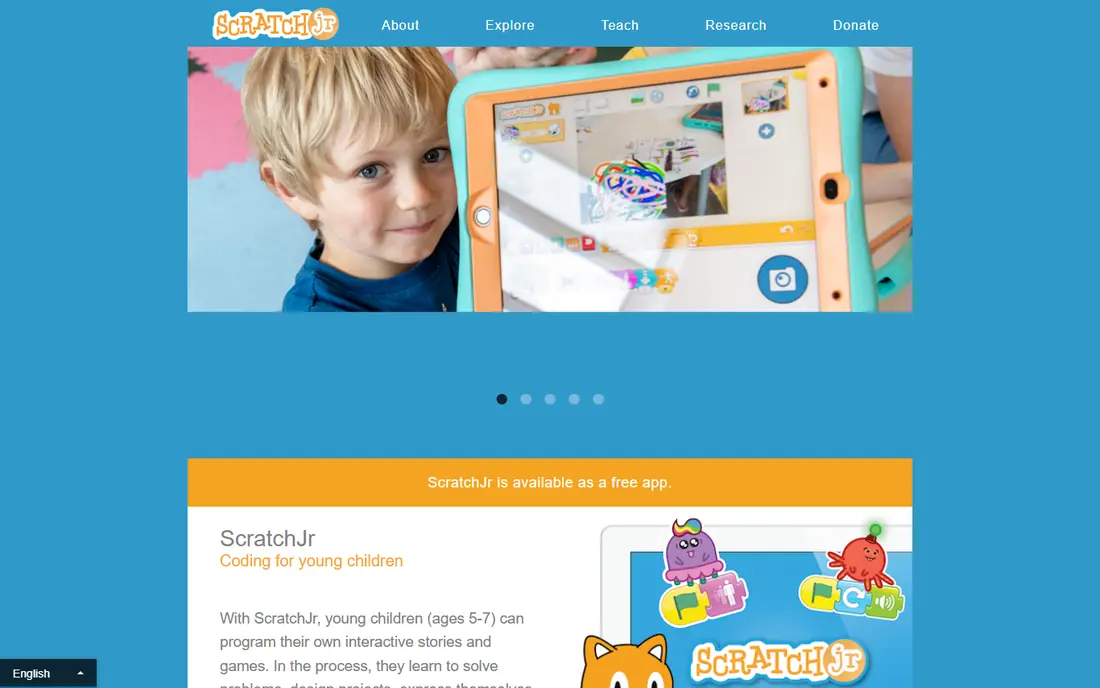
ScratchJr is our pick for the youngest coders because it removes reading as a barrier. Children snap picture blocks together to move characters, add sounds, and build short stories, which teaches sequencing and cause and effect without typing. The app is free on iPad and Android tablets, and it needs no account for basic use. The limit is age range. ScratchJr is designed for ages 5 to 7, so children aged 8 and up will likely want the fuller Scratch platform or Code.org instead. For a first taste of coding, though, few apps match its simplicity. Let a child finish a small story, then ask them to change one block and see what happens, which teaches testing in a natural way.
- Picture blocks need no reading
- Children create stories and games
- Free on tablets
- Tablet only, so no browser version
- Older children will outgrow it quickly

Code.org offers the most complete free path for school-age children. Courses move from block coding to JavaScript and Python, with short puzzles, videos, and projects that build on each other. Teachers can set up classes and track progress, while parents can let a child work through courses at home without paying. Note that Code.org has also used the CodeAI name in 2026 in some listings, so check the official code.org site for the current branding. The core offer remains free structured learning, which makes it a strong second step after ScratchJr. It suits children who like clear levels and a sense of progress, rather than only open-ended play.
- Free courses from early primary to high school
- Popular themed lessons
- Teacher tools and progress tracking
- Browser-based, so it needs internet access
- Some older lessons may feel school-like to some children
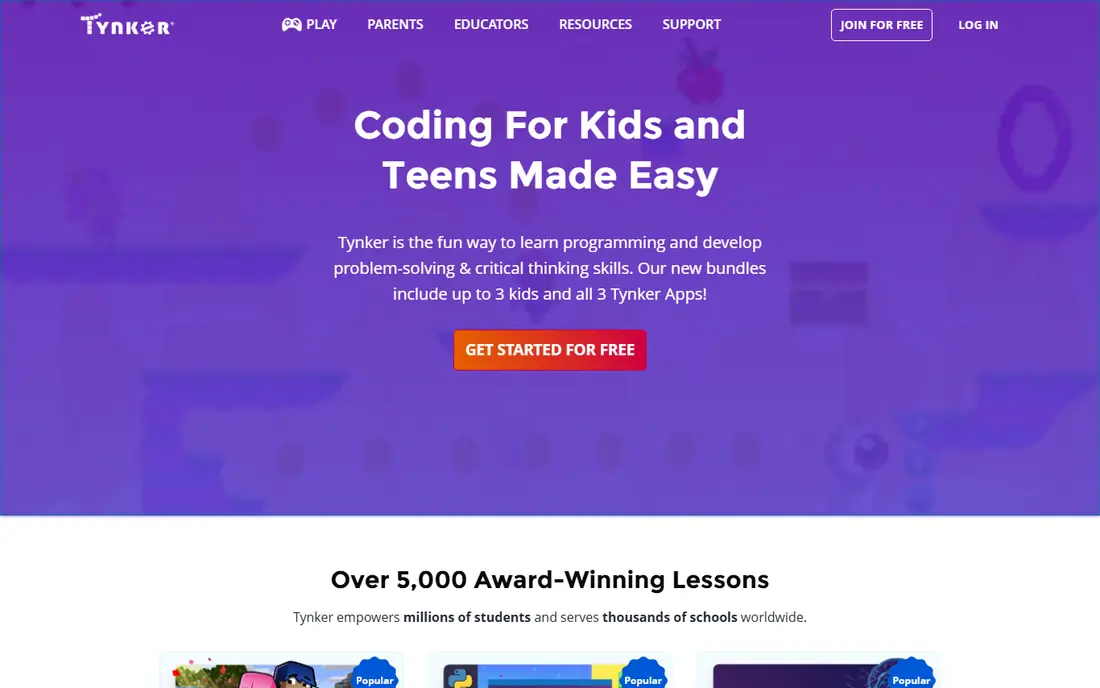
Tynker suits families who want a guided path rather than a single free app. Children start with block coding, then move toward Python and JavaScript through games, puzzles, and creative projects. The course structure helps parents see progress, and the range covers ages 5 to 18, so one account can grow with a child for several years. A free start lets you test the style, but the full library needs a subscription, with individual and family plans listed on the official site. Recent guides list around $120 per year for an individual plan, but prices change, so use See website in your budget check and confirm before you pay. For children who finish free apps and ask for more, Tynker is a natural next step.
- Courses from blocks to Python and JavaScript
- Game and Minecraft-style projects
- Parent and classroom plans
- Full course library needs a paid plan
- Pricing varies by plan, so check the official page
codeSpark Academy uses word-free puzzles and games to teach coding logic to children who cannot yet read fluently. Characters and puzzles introduce sequencing, loops, and problem solving through play, which keeps younger children engaged without frustration over text. Parents get a dashboard that shows progress and suggests next activities. The app is aimed at younger learners, roughly ages 5 to 9 in many guides, so it works best as a bridge between ScratchJr and block coding with text. A free trial lets families test whether the game style fits their child. Check the official codespark.com pricing page for current plans, since school and home pricing differ.
- Word-free puzzles suit pre-readers
- Game-based lessons
- Parent dashboard and progress reports
- Full access needs a subscription
- Best for younger children, so older kids may outgrow it
Hopscotch lets children build games, animations, and interactive stories on iPad using visual blocks. The appeal is creativity: a child can make a game, publish it for others to play, and remix ideas from the community. That sharing loop often keeps children coding longer than a puzzle app alone, since they want friends to try what they made. Basic creation and play are free, while some tutorials need a subscription. Hopscotch also offers classroom accounts and lesson plans, which makes it useful in schools. It suits children who like making things more than solving set puzzles, and it pairs well with Code.org for children who also need structured lessons.
- Children build and share games
- Visual blocks are easy to grasp
- Community projects spark ideas
- IPad focused, so Android and browser users miss out
- Some tutorials need a subscription
Lightbot teaches coding logic by asking players to guide a robot with commands, then reuse those commands as procedures and loops. The puzzle format is direct: a child tries a solution, watches it fail, fixes one step, and tries again. That loop builds debugging habits early, without needing to read long instructions. A free web demo covers early levels, while the full mobile app is paid, with prices set by the app stores. Lightbot works for a wide age range, since adults also enjoy the later puzzles, so parents and children can solve levels together. Use it for short sessions when you want focused logic practice rather than open-ended building.
- Teaches procedures and loops through puzzles
- Short levels suit focused sessions
- Web demo available
- Puzzle-only style may bore children who want to build games
- Full app is paid on mobile stores
Swift Playgrounds is our pick for older children on Apple devices who are ready for real code. It teaches Swift through interactive lessons, puzzles, and projects, and children can build app-like creations that feel closer to real software than block games. The app is free from Apple on iPad and Mac, with no subscription for core lessons. The limits are platform and age. Swift Playgrounds needs an Apple device, and it suits children roughly in upper primary and above who can read code and type with care. For a child who has finished block coding and asks how real apps are made, it is an excellent next step, and it pairs well with school coding lessons.
- Free from Apple
- Teaches real Swift code
- Children build real app-like projects
- Apple devices only
- Needs reading and typing skills, so it suits older children
Kodable introduces programming concepts through maze-style games where a small character follows a sequence of commands. Children learn order, conditions, and debugging by planning a route, testing it, and fixing mistakes. The step-by-step design suits early primary children and classroom use, where teachers need simple setup and progress tracking. A free trial lets families and schools test the app, while full home and school plans are paid, so check the official Kodable pricing page. Kodable works best for ages 4 to 10 as a first logic app, before or alongside ScratchJr and Code.org. It is less suited to teenagers, who will likely prefer Tynker or Swift Playgrounds.
- Gentle introduction to sequences and conditions
- Classroom tools for teachers
- Progresses toward JavaScript
- Full access needs a paid plan
- Younger focus means older children may move on quickly
Blockly Games, from Google, offers free puzzle games that teach block coding and show the matching JavaScript code. Children solve mazes, draw pictures, and build simple games, while the side panel shows how blocks translate into text code. That bridge helps children see that blocks are real programming, not just a toy version. The app runs in a browser with no install and no account for basic play, which makes it easy to use on school Chromebooks and home computers. It lacks the full course structure of Code.org, so it works best as practice alongside a course, or as a free taster for a child who likes puzzles. For a no-cost, no-signup start, Blockly Games is hard to beat.
- Free in any browser
- Puzzles build toward real JavaScript
- No account needed for basic play
- No guided course structure like Code.org
- Puzzle style suits self-driven children more than others
How we picked these
We compared official feature pages, pricing pages, app store listings, privacy policies, and public reviews for each app. We favored apps that are still available in October 2026, suit a clear age range, teach real coding ideas such as sequences, loops, and debugging, and offer a free plan or trial. We did not claim hands-on testing, and we used See website where a price could not be verified at writing time.
How to choose by age and interest
Start with age, then interest. Ages 5 to 7 do well with ScratchJr, codeSpark Academy, and Kodable, since picture blocks and word-free play remove reading pressure. Ages 8 to 12 do well with Code.org, Blockly Games, and Hopscotch, which add structure and creativity. Older children ready for text code do well with Tynker and Swift Playgrounds, depending on device.
Keep sessions short and project-based
Short sessions of 20 to 30 minutes work better than long weekend marathons, especially for younger children. Set a small goal for each session, such as finishing one level, adding a sound to a game, or fixing one bug. A finished project, even a tiny one, builds more confidence than hours of unfinished levels.
Check safety and accounts
Check whether an app needs an account, whether children can share projects publicly, and whether chat or community features can be turned off. For younger children, prefer apps with no account or a parent-managed account, and review sharing settings together. Schools should also check privacy policies and data handling before setting up class accounts.
Let the child choose the project
A child who builds a game about their favorite animal will practice longer than a child forced through levels they do not enjoy. Offer two or three apps that fit their age, let them try each for a week, and keep the one they return to without prompting. Interest is the best predictor of progress in early coding.