Best Apps for Kids to Learn Math in 2026: 9 Apps Compared
By ToolNimba Editorial Team October 30, 2026 8 min read

- Top pick
 Khan Academy Kids
Free early learning for ages 2 to 8
Starting priceFreeCheck out Khan Academy KidsRead our review - Runner-up
 Prodigy Math
Game-based practice for grades 1 to 8
Starting priceFreeCheck out Prodigy MathRead our review - Also great
 DreamBox
Adaptive instruction that fills gaps
Starting price$12.95 per monthCheck out DreamBoxRead our review
How we researched this
We compared official pricing and feature pages, app store listings, privacy policies and public user reviews. Prices change, so check the provider's site before you pay.
Key takeaways
- Khan Academy Kids is the best free starting point for ages 2 to 8, with no ads or in-app purchases.
- Prodigy Math is the best motivator for grades 1 to 8, wrapping curriculum practice in a role-playing game.
- DreamBox is the best adaptive teacher, finding gaps and filling them with visual lessons.
- Zearn offers a free, structured K to 8 curriculum that mirrors classroom teaching.
- Short, regular sessions beat long ones: 15 to 20 minutes, three or four times a week, works better than weekend cramming.
Quick comparison
| Name | Best for | Starting price | Free plan | |
|---|---|---|---|---|
| Khan Academy Kids | Free early learning for ages 2 to 8 | Free | Yes | Visit |
| Prodigy Math | Game-based practice for grades 1 to 8 | Free | Yes | Visit |
| DreamBox | Adaptive instruction that fills gaps | $12.95 per month | Free trial | Visit |
 Zearn | Free structured curriculum for K to 8 | Free | Yes | Visit |
 IXL | Broad skill coverage from pre-K to 12 | $9.95 per month | Free trial | Visit |
 SplashLearn | Gamified practice for ages 4 to 11 | $7.99 per month | Yes | Visit |
 Moose Math | Early math games for ages 2 to 7 | Free | Yes | Visit |
 DragonBox Numbers | Building number sense for ages 4 to 8 | $5.99 per month | Free trial | Visit |
 Funexpected Math | Guided early math with a digital tutor | $10.99 per month | Free trial | Visit |
The best apps for kids to learn math
The best math app depends on your child's age and whether they need teaching, practice, or motivation. Some apps below teach concepts from scratch, while others drill skills through games. We compared age range, curriculum alignment, and price to help you match the app to your child.

Khan Academy Kids is the app we recommend first for young children, because it is entirely free, with no ads and no in-app purchases. It covers early math through thousands of lessons, games, and books for ages 2 to 8, with cheerful characters that guide children through counting, shapes, and early addition.
Its limit is age: the content ends around second grade, so older children will outgrow it. It is also gentler and less game-driven than Prodigy, which some children may find less exciting. But for a safe, free, high-quality start, nothing here beats Khan Academy Kids.
- Completely free with no ads
- Thousands of lessons
- Covers math and reading
- Ends around second grade
- Less game-driven than Prodigy
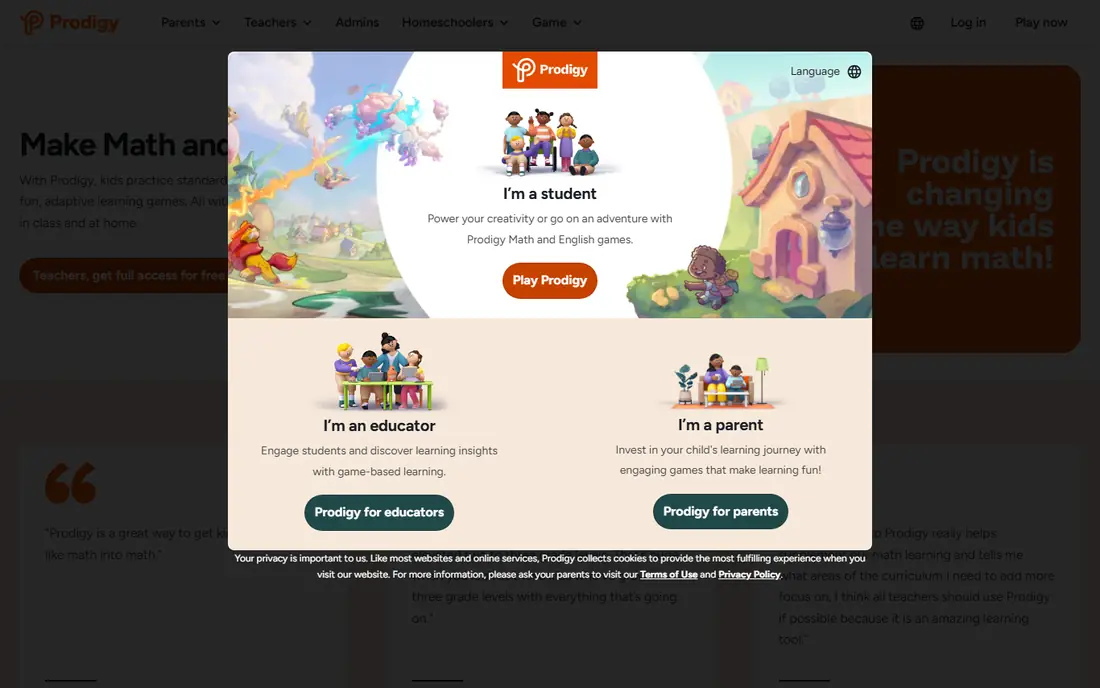
Prodigy Math turns math practice into a role-playing game where children answer questions to cast spells and progress through a fantasy world. The questions adapt to grade level and curriculum, covering grades 1 to 8, and the core educational content is free, with all practice questions available without paying.
Premium memberships from around 4.91 dollars a month add pets, rewards, and game perks, but not extra learning, so they are optional. Some parents find the game layer distracting. But if your child resists practice, Prodigy's game world is the most reliable motivator in this list.
- Engaging role-playing game world
- Curriculum-aligned questions
- Free core content
- Premium membership adds game perks, not learning
- Can distract with game features
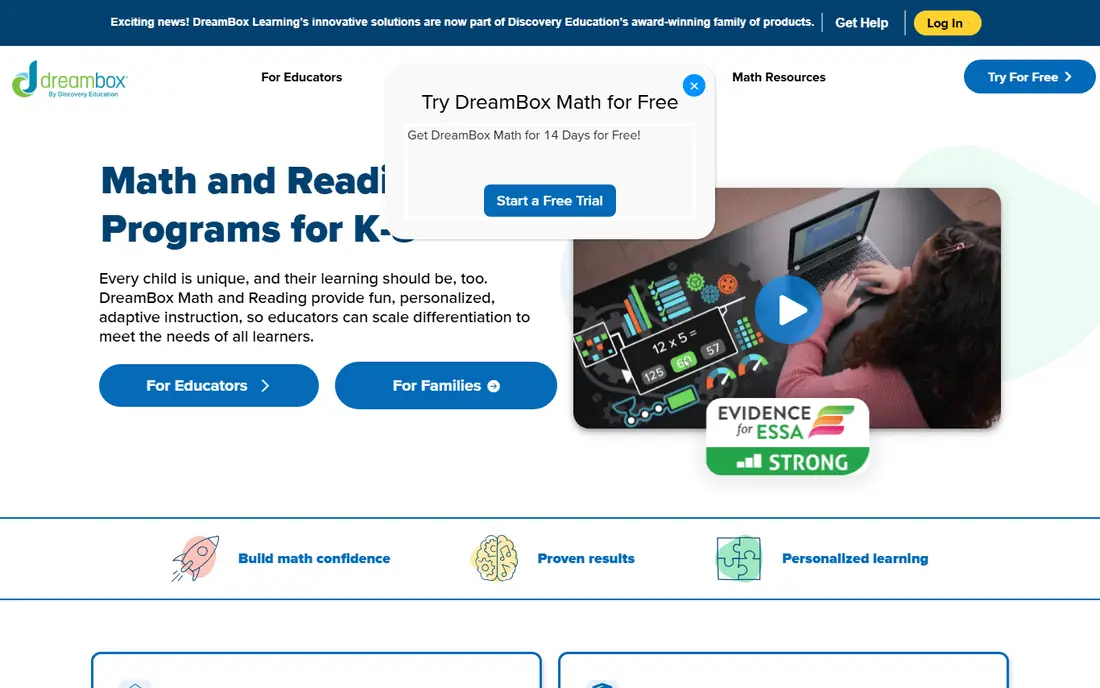
DreamBox is the teaching app in this list, not just a practice app. It adapts moment by moment, noticing when a child struggles and re-teaching the concept with visual lessons before moving on. That gap-filling approach is why studies have linked regular DreamBox use to measurable score gains, and it suits children who need concepts explained, not just drilled.
At 12.95 dollars a month, it costs more than most rivals, and its world is calmer and less game-like than Prodigy's. But for a child who finds math hard, DreamBox's patient, adaptive teaching is the best investment here.
- Adapts to each child in real time
- Teaches concepts visually
- Strong research backing
- Higher monthly price
- Less game-like than Prodigy
Zearn offers a free, structured math curriculum for kindergarten through eighth grade, with lessons that mirror classroom teaching: a short video, guided practice, and independent work. That structure helps children who need a clear path rather than open-ended games, and teachers use the same platform in classrooms.
It is less playful than Prodigy or SplashLearn, and some school features require a paid plan. But for families who want a real curriculum for free, Zearn is the strongest option here, and it pairs well with a game app for motivation.
- Free core curriculum
- Structured lessons with video support
- Classroom-aligned
- Less game-driven
- School features need a paid plan
IXL covers math from pre-K through twelfth grade with thousands of skills, each broken into small, trackable steps. Its diagnostics pinpoint exactly where a child's gaps sit, and its progress reports show parents and teachers what is improving. For families who want comprehensive coverage in one subscription, IXL is unmatched.
The style is drill-heavy and can feel dry next to game apps, so motivation may need outside help. Pricing starts at 9.95 dollars a month for one subject and rises with more subjects. If breadth and diagnostics matter most, IXL is the pick.
- Huge skill library across grades
- Diagnostic tools pinpoint gaps
- Tracks progress in detail
- Drill-heavy style can feel dry
- Price rises with subjects
SplashLearn mixes games, lessons, and practice for ages 4 to 11, adapting difficulty as children progress. It covers math and reading, aligns with school curricula, and gives parents a dashboard showing skills mastered and time spent. Family plans start around 7.99 dollars a month, and schools use it free.
The free family tier is limited, and some children may find content repetitive over time. But for elementary ages, SplashLearn balances fun and structure well, sitting between Prodigy's game world and Zearn's classroom style.
- Adaptive games across math and reading
- Curriculum-aligned
- Parent dashboard
- Free plan is limited for families
- Some content repeats
Moose Math, from Duck Duck Moose, is a free early math adventure where children help build a city by completing mini-games on counting, addition, subtraction, and shapes. It is designed for ages 2 to 7, with a parent section tracking progress, and it costs nothing with no ads.
Its range ends at early math, so children beyond first or second grade will need another app. But for preschool and kindergarten, Moose Math is a delightful, safe, and free introduction to numbers.
- Completely free
- Charming mini-games
- Progress tracking for parents
- Limited to early math
- No content for older children
DragonBox Numbers teaches number sense without relying on reading or symbols at first. Children manipulate colorful blocks called Nooms, learning how numbers relate, add, and break apart through play. That visual, Montessori-style approach suits young children who struggle with abstract numerals.
It is subscription-based at around 5.99 dollars a month, and its focus is narrow: number sense rather than a full curriculum. As a foundation builder before formal arithmetic, though, DragonBox Numbers is one of the most thoughtfully designed apps here.
- Visual, hands-on number sense
- No reading required
- Montessori-style approach
- Subscription-based
- Narrow focus on number sense
Funexpected Math is designed for ages 3 to 7, with thousands of interactive tasks across hundreds of lessons, guided by a digital tutor that adjusts to each child's pace. It covers early math plus logic, spatial skills, and early coding, which broadens it beyond counting and addition.
At 10.99 dollars a month, it is pricey for its age range, and older children will outgrow it. But for families who want a guided, tutor-led path for a young child, Funexpected Math offers the most complete early curriculum here.
- Personalized digital tutor
- Wide curriculum for ages 3 to 7
- Logic and coding topics included
- Higher price for the age range
- Less content for older children
How we picked these
We compared official pricing pages, age ranges, and curriculum alignment for math apps actively available in 2026. We favored apps with clear age guidance, parent dashboards, and no advertising to children, and we included free options alongside paid ones. We did not claim hands-on testing; our comparison rests on published specifications, pricing, and public user reviews.
How to choose by age and need
For ages 2 to 5, start with Khan Academy Kids or Moose Math, both free and safe. For ages 5 to 8, add Prodigy for motivation or DreamBox if your child needs concepts re-taught. For ages 8 to 12, Prodigy, Zearn, and IXL cover practice, curriculum, and diagnostics respectively.
Match the app to the problem. If your child hates practice, a game app like Prodigy helps. If your child is behind, DreamBox or Zearn teach rather than drill. If you want breadth across grades, IXL covers the most ground. And keep sessions short and regular: 15 to 20 minutes, several times a week, beats occasional long sessions.