Best Asset Management Software in 2026: 9 Tools Compared
By ToolNimba Editorial Team October 30, 2026 9 min read

- Top pick
 UpKeep
Mobile maintenance teams
Starting price$24 per user per monthCheck out UpKeepRead our review - Runner-up
 MaintainX
Mobile-first work orders
Starting priceSee websiteCheck out MaintainXRead our review - Also great
 Fiix
Preventive maintenance
Starting priceSee websiteCheck out FiixRead our review
How we researched this
We compared official pricing and feature pages, app store listings, privacy policies and public user reviews. Prices change, so check the provider's site before you pay.
Key takeaways
- UpKeep and MaintainX are our top picks for small maintenance teams, because they combine work orders, assets, and mobile use at a clear price.
- Fiix suits manufacturing teams that want a free tier plus preventive maintenance, while Asset Panda suits tracking mixed equipment across sites.
- IBM Maximo and SAP-style EAM suit large, capital-heavy operations, but they are quote-based and need longer implementation.
- Free plans from Fiix and MaintainX are real starting points, not just demos, though advanced features need paid tiers.
- Price per user adds up fast, so check whether requesters can submit work without a paid license before you buy.
Quick comparison
| Name | Best for | Starting price | Free plan | |
|---|---|---|---|---|
| UpKeep | Mobile maintenance teams | $24 per user per month | Free trial | Visit |
| MaintainX | Mobile-first work orders | See website | Yes | Visit |
| Fiix | Preventive maintenance | See website | Yes | Visit |
 Limble CMMS | Easy setup for small crews | See website | Free trial | Visit |
 Asset Panda | Tracking mixed equipment | See website | No | Visit |
 Snipe-IT | IT asset tracking | See website | Yes | Visit |
 Sortly | Inventory and supplies | See website | Yes | Visit |
 eMaint CMMS | Mid-market maintenance | See website | Free trial | Visit |
 IBM Maximo | Enterprise asset lifecycle | See website | No | Visit |
The best asset management software
Asset management covers two jobs that often get mixed up. A CMMS manages work orders, preventive maintenance, and spare parts, while EAM covers the full lifecycle, including procurement, depreciation, and compliance. The tools below cover both, with CMMS first for most small and mid-size teams.
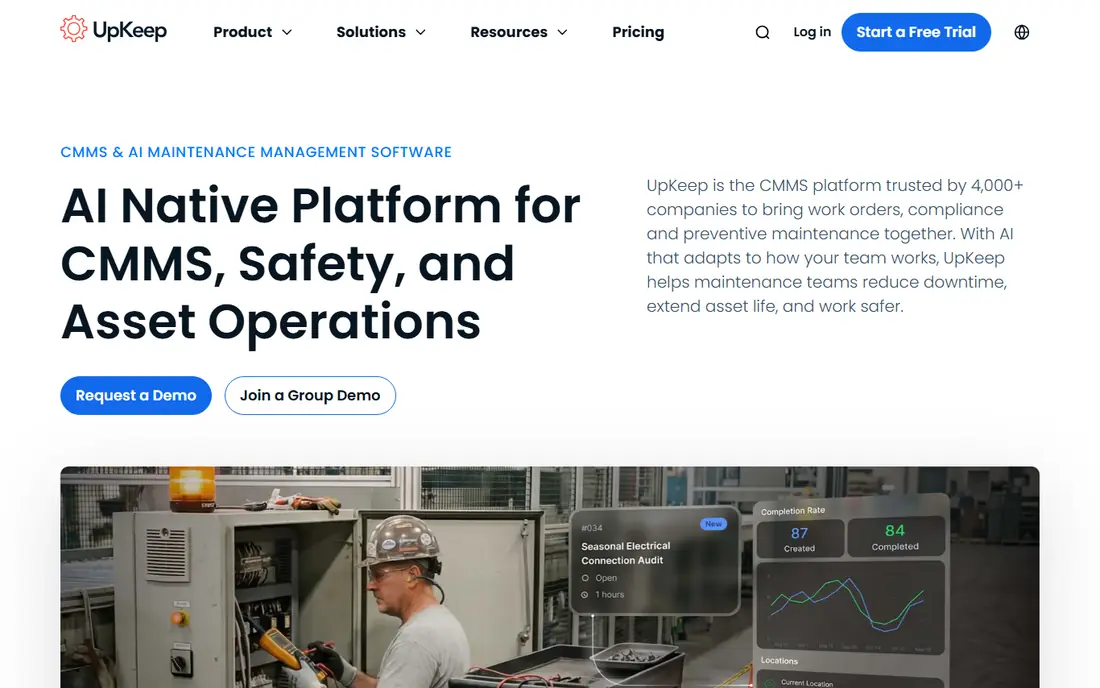
UpKeep is a mobile-first CMMS that helps technicians create work orders, track assets, and complete preventive tasks from the floor. Its Essential plan at $24 per user per month gives small teams a clear entry price, with a free trial to test the workflow. That simplicity helps teams moving off paper or spreadsheets.
Larger operations may need Premium features for advanced reporting, integrations, and multi-site control, which raises cost. Requester access also needs checking, since not every staff member needs a full license. For a small maintenance crew that needs to go live fast, UpKeep is a strong pick.
- Strong mobile app for technicians
- Work orders, assets, and preventive schedules in one place
- Clear Essential pricing
- Cost rises with many users
- Advanced reporting needs higher plans
- Customization is thinner than EAM platforms
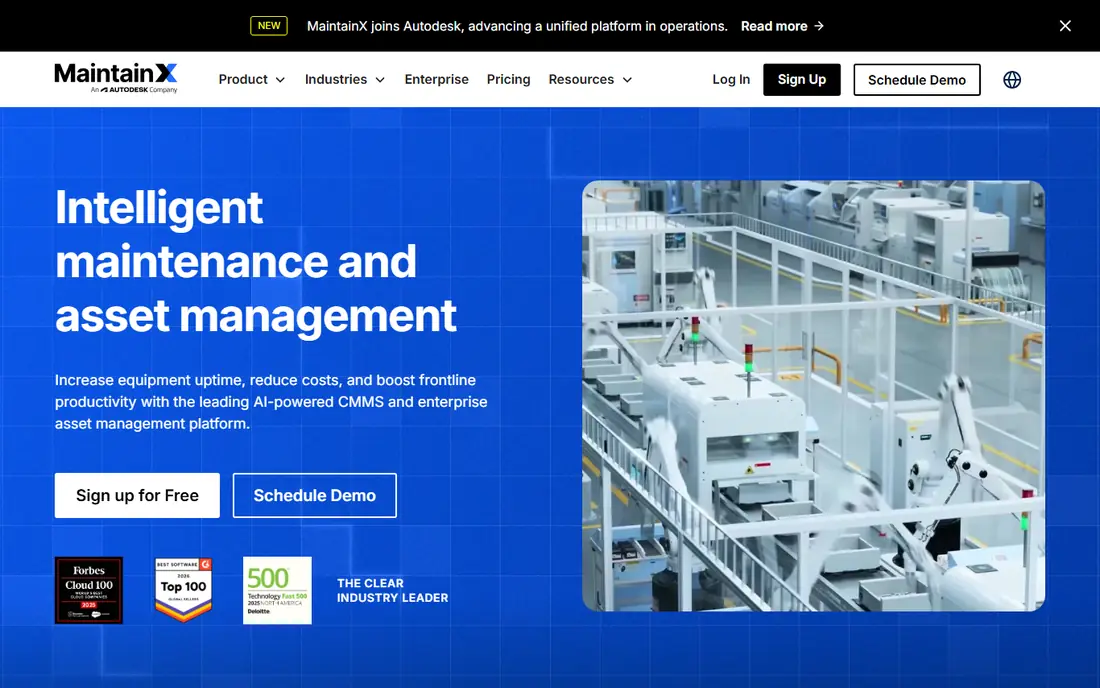
MaintainX is built for distributed teams that work from phones. Technicians can receive work orders, message the team, complete checklists, and log asset history without returning to a desk. A free plan covers basic work orders and asset tracking, which makes it a low-risk trial for a whole crew.
Paid plans add preventive schedules, parts inventory, purchasing, and advanced reporting, so the free tier will not suit a complex plant forever. It also lacks the full lifecycle and capital planning of an EAM platform. For mobile teams that need simple, reliable work orders, MaintainX is excellent.
- Free plan for basic work orders
- Clean mobile experience
- Good communication tools for teams
- Advanced features need paid tiers
- Less EAM depth than Maximo
- Pricing varies by plan and region
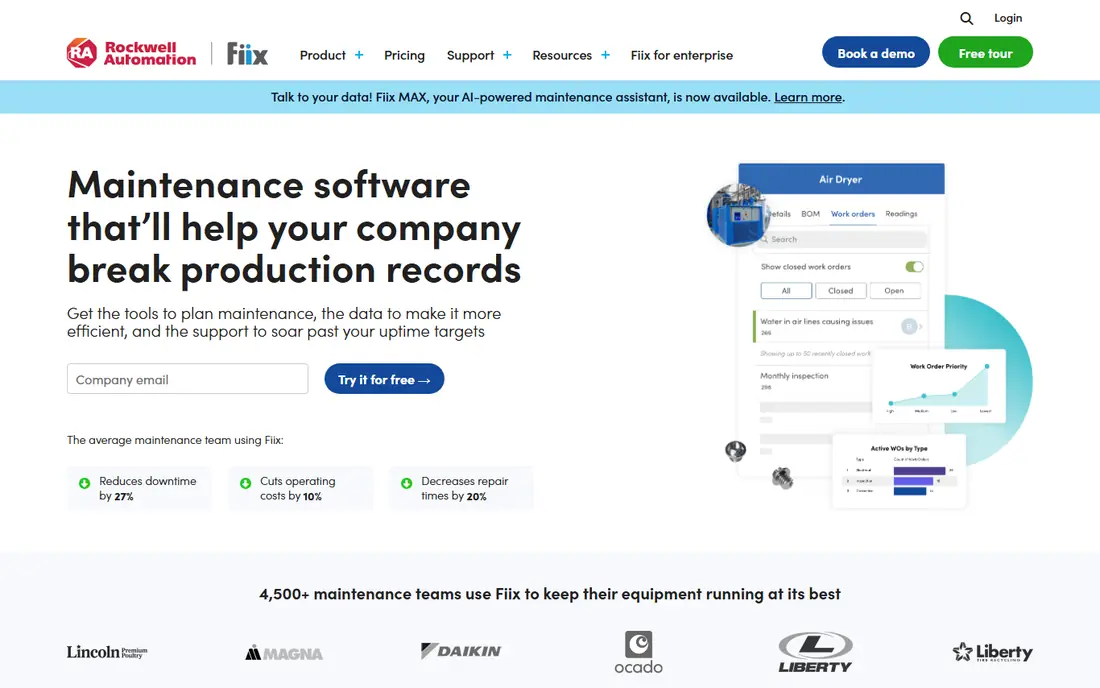
Fiix, now part of Rockwell Automation, offers core asset management and preventive maintenance with a free tier that lowers the barrier for small plants. Paid plans add multi-site management, AI insights, and deeper reporting, while manufacturing integrations help connected operations. That mix suits food, beverage, and manufacturing teams.
Paid pricing varies, with some reports placing Basic around $45 per user per month, so check the current vendor page before you budget. Report and form customization is also thinner than on some mid-market tools. For a free start with a path to manufacturing-grade features, Fiix is a practical choice.
- Free tier for core CMMS
- Preventive maintenance scheduling
- Manufacturing integrations through Rockwell Automation
- Paid plans can be higher than rivals
- Report customization is limited
- Enterprise pricing is quote-based
Limble CMMS is known for fast setup and a mobile app that works offline, which matters in basements, plants, and remote sites. Small crews can create assets, schedule preventive tasks, and track work history without a long implementation. That ease of use is its main strength.
Pricing is less consistently published than UpKeep, so get a current quote before you compare totals. It also lacks the full EAM lifecycle of larger platforms. For a small crew that wants to be live in weeks, Limble is a strong, user-friendly pick.
- Easy setup for small teams
- Offline mobile mode
- Work orders and preventive maintenance in one place
- Pricing is often quote-led or varies
- Less enterprise depth than Maximo
- Advanced integrations may need higher plans
Asset Panda is a tracker first, not a maintenance system. You can tag laptops, tools, vehicles, and equipment, check items in and out, and track location across campuses or job sites. Custom fields let you record serial numbers, warranties, and condition, which helps audits.
It does not offer the same work order and preventive maintenance depth as UpKeep or Fiix, so maintenance teams may need a second tool. Pricing is quote-based, which makes budgeting harder. If your main job is knowing where assets are, Asset Panda is a focused choice.
- Flexible asset tracking with barcodes
- Good for laptops, tools, and equipment across sites
- Custom fields and check-in or check-out
- No free plan
- Pricing is quote-based
- Less maintenance depth than a CMMS
Snipe-IT is an open-source IT asset system for tracking laptops, tablets, monitors, software licenses, and accessories. You can check assets in and out, run audits, and record depreciation, which suits IT teams with many devices. A hosted version is also available for teams that do not want to self-host.
Self-hosting saves license cost but costs IT time for setup, updates, and backups. The interface is practical rather than beautiful, and support varies by plan. For IT asset tracking on a budget, Snipe-IT is a capable and transparent option.
- Open-source option if you self-host
- Strong IT asset fields for devices and licenses
- Barcode and audit tools
- Self-hosting needs IT time
- Interface is functional rather than polished
- Support depends on plan or community
Sortly is a visual inventory app that suits supply rooms, tool cribs, and small stocks. You add photos, barcodes, quantities, and locations, then track items in and out from a phone. A free plan lets small teams test the system before they pay.
It is not a maintenance platform, so work orders and preventive schedules are limited. Paid plans add users, folders, and reporting, which small teams may need as stock grows. For inventory visibility without a full CMMS, Sortly is a simple pick.
- Visual inventory with photos and barcodes
- Free plan to start
- Good for supply rooms and small stocks
- Not a full CMMS
- Advanced features need paid plans
- Less suited to heavy maintenance workflows
eMaint, part of Fluke Reliability, suits mid-market teams that need customization. You can tailor forms, workflows, and reports for manufacturing, facilities, or utilities, and track assets, parts, and preventive tasks in one system. That flexibility helps when standard CMMS templates do not fit your process.
The trade-off is setup time and learning curve. Admins need time to configure the system well, and pricing depends on scope. Small crews may find UpKeep or MaintainX faster to adopt. For a mid-size operation with complex needs, eMaint is a strong choice.
- Highly customizable forms and workflows
- Strong asset and inventory features
- Good for manufacturing and facilities
- Steeper learning curve
- Implementation can take longer
- Pricing varies by scope
IBM Maximo is an enterprise asset management platform for organizations with large, capital-heavy asset portfolios. It covers procurement, work management, inventory, reliability, and compliance, with integrations for IoT and condition monitoring. Utilities, transport, and large manufacturers often standardize on it.
Cost and implementation are enterprise-scale, with contracts often running into large sums over several years. Small teams should not buy Maximo for basic work orders. For a large operation where asset failure has major safety or financial impact, Maximo is the benchmark in this list.
- Full EAM lifecycle from procurement to disposal
- Strong for utilities, transport, and capital-heavy sites
- Reliability and compliance tools
- Quote-based enterprise pricing
- Long implementation
- Overkill for small teams
How we picked these
We compared official pricing pages, feature pages, and public reviews for asset and maintenance tools in 2026. We favored tools with a clear CMMS or EAM focus, a real free tier or trial where claimed, and mobile use for field teams. We mixed CMMS tools for small teams, trackers for IT and inventory, and EAM for enterprises, since asset management is not one job. We did not claim hands-on testing we did not do, and we used See website where pricing is quote-based or varies by plan.
How to choose the right system
Start by naming your main job. If you need work orders and preventive maintenance, pick a CMMS such as UpKeep, MaintainX, or Fiix. If you need to know where devices are, pick a tracker such as Asset Panda or Snipe-IT. If you need lifecycle, procurement, and compliance at scale, look at EAM such as Maximo.
Count licenses the right way
Per-user pricing can mislead when many staff only submit requests. Ask whether requesters, viewers, or read-only users need paid licenses, and whether technicians need full licenses. Pilot with a real crew, import a clean asset list, and test offline mode if your site has dead zones. Clean data matters more than features: a CMMS with messy asset names will produce messy reports.
Plan for growth, not just day one
A free plan is a good start, but check what happens when you add sites, parts inventory, or purchasing. Some features are gated behind higher tiers, and migration later costs time. Choose a tool that can grow one tier at a time, rather than one that forces a jump to enterprise pricing after a small expansion.