Best Audio Books App in 2026: 9 Apps Compared
By ToolNimba Editorial Team October 30, 2026 10 min read

- Top pick
 Audible
Owning a large library
Starting price$14.95 per monthCheck out AudibleRead our review - Runner-up
 Libby
Free library borrowing
Starting priceFreeCheck out LibbyRead our review - Also great
 Spotify
Bundled music and audiobooks
Starting price$12.99 per monthCheck out SpotifyRead our review
How we researched this
We compared official pricing and feature pages, app store listings, privacy policies and public user reviews. Prices change, so check the provider's site before you pay.
Key takeaways
- Libby is the best free starting point for anyone with a library card, though popular titles often have wait times.
- Audible suits listeners who want to own books and keep them after canceling, thanks to its credit model.
- Spotify is best for existing Premium subscribers who listen to one or two books a month within its hour allowance.
- Libro.fm and Kobo offer strong credit value, with Libro.fm adding support for independent bookstores.
- Chirp and Apple Books suit people who prefer buying single titles without a monthly subscription.
Quick comparison
| Name | Best for | Starting price | Free plan | |
|---|---|---|---|---|
| Audible | Owning a large library | $14.95 per month | Free trial | Visit |
| Libby | Free library borrowing | Free | Yes | Visit |
| Spotify | Bundled music and audiobooks | $12.99 per month | No | Visit |
 Libro.fm | Indie bookstore support | $14.99 per month | No | Visit |
 Everand | Multi-format reading | $11.99 per month | Free trial | Visit |
 Kobo | Budget credits | $9.99 per month | Free trial | Visit |
 Chirp | Discounted single titles | Free | Yes | Visit |
 Audiobooks.com | Credit plus VIP picks | $14.95 per month | Free trial | Visit |
 Apple Books | Buying without a subscription | Free | Yes | Visit |
The best audio books apps
Audiobook apps differ mainly in ownership. Some sell you a book to keep, some lend you a book for a few weeks, and some sell listening time by the hour. The nine apps below cover each model, so you can choose based on how many books you finish and whether you want to keep them.
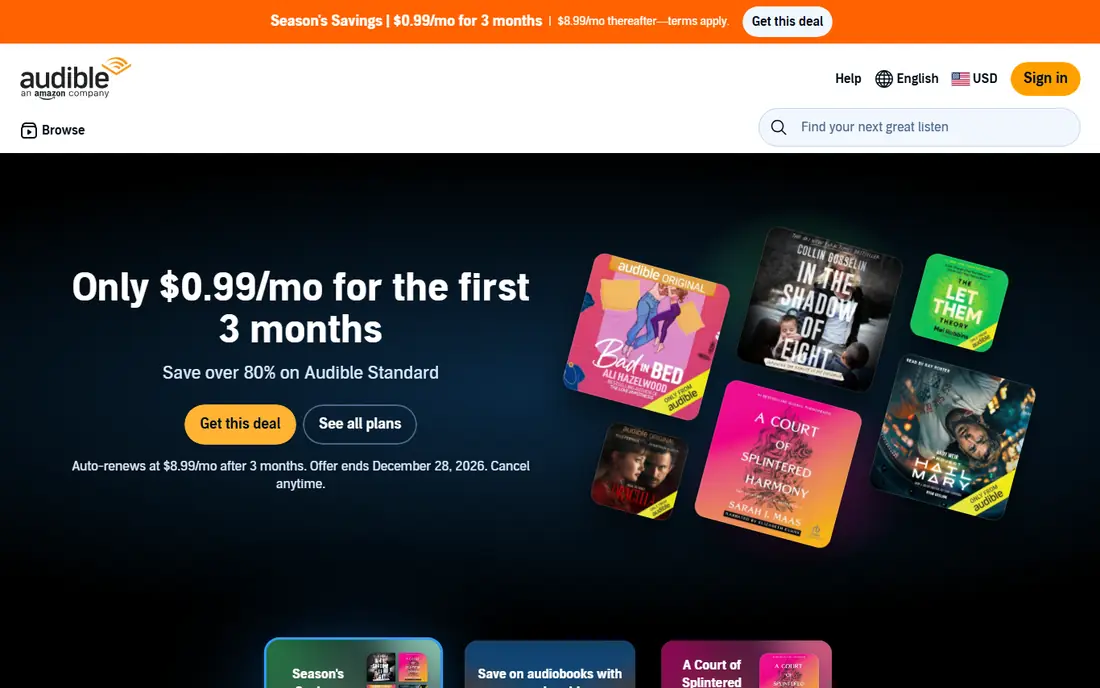
Audible remains the default pick for serious audiobook listeners, mainly because of ownership. Premium Plus at $14.95 per month gives one monthly credit to buy a book you keep, even if you cancel, plus access to the Plus Catalog for extra listening. That model suits people who finish at least one book a month and like building a permanent library.
The catch is cost and credit management. If you listen less often, $14.95 per month can feel high for one book, and credits need tracking so they do not expire. A lower-cost Standard plan is also listed in some comparisons, so check the current Audible plans page before choosing, since plan names and prices change.
- Large catalog and exclusives
- Credits buy books you keep
- Plus Catalog adds extra listening
- Monthly cost is higher than some rivals
- Unused credits can expire
- Catalog access ends for non-owned titles if you cancel
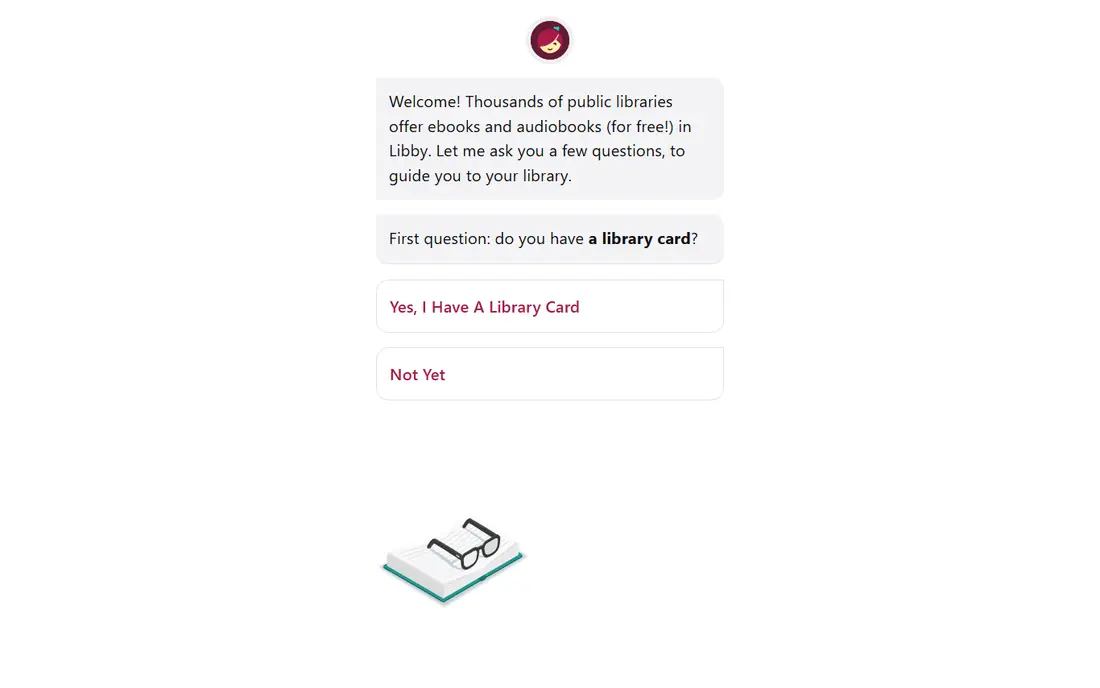
Libby should be the first app every audiobook listener tries, because it costs nothing beyond a public library card. You borrow audiobooks and ebooks from your library, download them for offline listening, and they return automatically when the loan ends. For patient listeners, that is hard to beat.
The limit is availability. New bestsellers often have long hold queues, and smaller libraries may lack some titles. Use Libby for backlist books and steady listening, and add a paid service only for new releases you want right away.
- Completely free with a library card
- Offline downloads
- Easy holds and returns
- Wait times for popular titles
- Catalog depends on your library
- Borrowed books auto-return
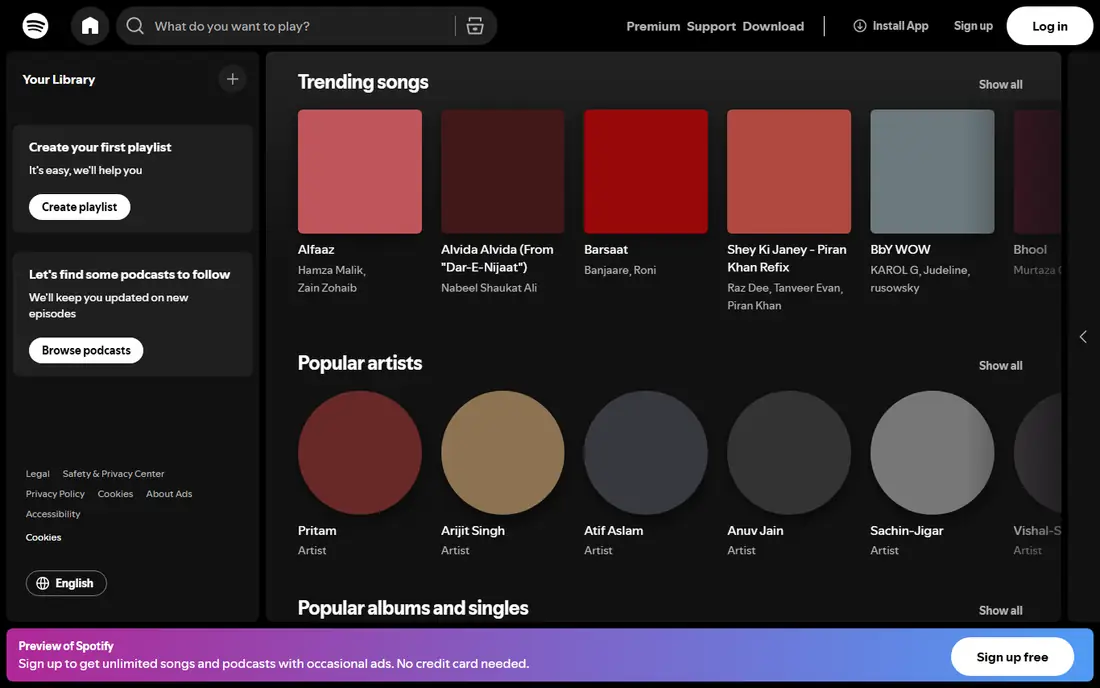
Spotify makes sense if you already pay for Premium. Premium Individual at $12.99 per month includes 15 hours of audiobook listening per month, which covers roughly one average book. That bundle is good value for casual listeners who also want ad-free music.
The catch is the hour cap. Hours expire at the end of the billing period, and a long book can eat the whole allowance. Heavy listeners who finish several books a month will likely need Audible, Libro.fm, or Everand instead, or a Spotify top-up plan.
- Music, podcasts, and audiobooks in one app
- 15 audiobook hours per month on Premium
- Easy for existing subscribers
- Hours do not roll over
- You do not own the books
- Long books can use the full monthly allowance
Libro.fm is our pick for listeners who want Audible-style ownership with a different business model. At $14.99 per month, you get one credit for a book you own as a DRM-free file, and your purchase supports a local independent bookstore of your choice. That combination appeals to readers who care where their money goes.
The trade-off is price and trial. There is no ongoing free tier, and the monthly cost matches Audible, so the choice comes down to values and catalog. If DRM-free files and bookstore support matter to you, Libro.fm wins. If you want the largest catalog and exclusives, Audible still leads.
- DRM-free downloads you own
- Supports independent bookstores
- Credits do not expire in the same strict way as some rivals
- Price is similar to Audible
- No free trial in most cases
- Catalog is smaller than Audible in some categories
Everand, formerly Scribd, suits readers who switch between audiobooks, ebooks, and magazines. Standard at $11.99 per month includes one premium title plus catalog access, with higher Plus and Deluxe tiers for heavier use. For people who finish several shorter books a week, that catalog model can cost less per book than buying credits.
The limit is ownership and availability. You stream or borrow from the catalog rather than owning books, and some popular titles face monthly limits. Everand works best as a discovery and volume service, paired with Audible or Libro.fm for books you want to keep.
- Audiobooks, ebooks, and magazines in one subscription
- Tiered plans
- Offline downloads
- You do not own titles
- Heavy use can face limits
- Popular bestsellers may be limited
Kobo is a smart budget alternative for credit listeners. At $9.99 per month for a monthly audiobook credit, it undercuts Audible and Libro.fm, and Kobo Plus streaming plans add another way to listen without buying each title. If you already use a Kobo e-reader, the shared account is a bonus.
The catch is catalog depth. Kobo lists a large catalog, but Audible still leads for exclusives and some new releases. Check that your favorite authors and series are available on Kobo before switching, especially if you listen to niche genres.
- Lower monthly credit price than Audible
- Kobo Plus options for streaming
- Works with Kobo e-readers
- Audiobook catalog is smaller than Audible
- Streaming titles do not transfer as owned books
- Availability varies by region
Chirp is best for bargain hunters who do not want another subscription. The app is free, and you buy individual audiobooks, often at deep discounts, with some titles listed from $1. You own what you buy, which makes Chirp a good companion to Libby for filling gaps cheaply.
The limit is predictability. You cannot count on a specific new release being on sale, and there is no credit plan for steady monthly listening. Use Chirp to build a library slowly from deals, not as your only source for new releases.
- No subscription required
- Frequent deals from $1 and up
- Hundreds of free titles
- You own purchases
- Deals rotate, so a specific title may not be discounted
- No monthly credit system
- Catalog is deal-driven
Audiobooks.com follows a familiar credit model at $14.95 per month, with one regular book plus VIP picks on its standard plan. New members are offered a 30-day trial, which makes it easy to test the app, narration quality, and catalog before paying. The VIP picks add value if you enjoy the rotating selection.
The honest question is why choose it over Audible. The answer is usually a trial offer, a specific title, or a preference for its app. Compare catalog, credit expiry, and VIP terms with Audible and Libro.fm before committing, since the monthly price is the same.
- Monthly credit plus VIP book picks
- Large catalog
- 30-day trial for new members
- Price matches Audible
- VIP picks are limited to a rotating selection
- Owned versus streamed terms need checking per title
Apple Books suits listeners who buy a book every few months and dislike subscriptions. You find a title, pay once, and listen in the Books app, with offline downloads for travel. That simplicity is refreshing after comparing credit plans, hour caps, and catalog limits.
The downside is cost for heavy listeners. Without a subscription, each book costs its full price, so finishing several books a month quickly exceeds Audible or Kobo. Apple Books is best as a pay-as-you-go store, paired with Libby for free borrowing.
- Buy single audiobooks with no subscription
- Offline downloads
- Works well on Apple devices
- No credit subscription for heavy listeners
- Prices vary by title
- Best experience is inside Apple devices
How we picked these
We compared official pricing pages, app store listings, catalog models, ownership terms, and public reviews for audiobook services available in the United States. We favored services with clear pricing, a usable free tier or trial where offered, and a distinct model, whether ownership, borrowing, bundling, or discount buying. We did not claim hands-on testing we did not do, and prices reflect published list prices checked in October 2026.
How to choose the best audiobook app for you
Count how many books you finish per month first. If the answer is zero to one, start with Libby and add Chirp or Apple Books for occasional purchases. If it is one to two, a credit service such as Audible, Libro.fm, or Kobo fits well. If it is three or more, Everand or a bundled Spotify plan may cost less, depending on book length.
Ownership versus access
Ownership matters if you relisten to favorites or want a library that survives a canceled subscription. Audible credits, Libro.fm DRM-free files, Chirp purchases, and Apple Books purchases give you that. Borrowing and streaming services such as Libby, Spotify, and Everand give access only while you subscribe or while the loan lasts, so choose based on how you listen, not just the monthly price.
Tips for saving money
Use Libby holds early for popular books, since queues move faster if you join sooner. Save Audible or Libro.fm credits for expensive, long books, and use Plus Catalog or Everand for shorter titles. Watch for Chirp deals on backlist titles, and cancel or pause a subscription during a slow listening month rather than letting credits pile up unused.
Sources
- https://www.audible.com
- https://libbyapp.com
- https://www.spotify.com
- https://libro.fm
- https://www.everand.com
- https://www.kobo.com
- https://www.chirpbooks.com
- https://www.audiobooks.com
- https://www.apple.com
- https://ecommerceparadise.com/best-audiobook-subscription-in-2026-find-the-right-service-for-your-listening-habits/