Best Audio Streaming Service in 2026: 9 Services Compared
By ToolNimba Editorial Team October 30, 2026 10 min read

- Top pick
 Spotify
Everyday listening and discovery
Starting price$12.99 per monthCheck out SpotifyRead our review - Runner-up
 Apple Music
Apple device owners
Starting price$11.99 per monthCheck out Apple MusicRead our review - Also great
 YouTube Music
Video fans and YouTube users
Starting price$11.99 per monthCheck out YouTube MusicRead our review
How we researched this
We compared official pricing and feature pages, app store listings, privacy policies and public user reviews. Prices change, so check the provider's site before you pay.
Key takeaways
- Spotify remains our pick for most people because of its free tier, playlists and wide device support.
- Apple Music and Tidal offer the strongest sound quality at a similar monthly price, while Qobuz goes further for serious listeners.
- Prime members get a discount on Amazon Music Unlimited, and YouTube Music suits people who already watch a lot of video.
- Free tiers from Spotify, Deezer, Pandora and SoundCloud are real options, but they come with ads and limits.
Quick comparison
| Name | Best for | Starting price | Free plan | |
|---|---|---|---|---|
| Spotify | Everyday listening and discovery | $12.99 per month | Yes | Visit |
| Apple Music | Apple device owners | $11.99 per month | Free trial | Visit |
| YouTube Music | Video fans and YouTube users | $11.99 per month | Yes | Visit |
 Amazon Music Unlimited | Prime members and Alexa homes | $12.99 per month | Free trial | Visit |
 Tidal | High quality audio | $11.99 per month | Free trial | Visit |
 Deezer | Lossless audio on a budget | $11.99 per month | Yes | Visit |
 Qobuz | Audiophiles and classical fans | $12.99 per month | Free trial | Visit |
 Pandora | Personalized radio | $11.99 per month | Yes | Visit |
 SoundCloud Go+ | Independent and underground music | $11.99 per month | Yes | Visit |
The best audio streaming services
Choosing a music service comes down to where you listen, how much sound quality matters to you, and whether you want a free tier. The services below all offer large catalogs, but they differ in price, audio quality and extras.
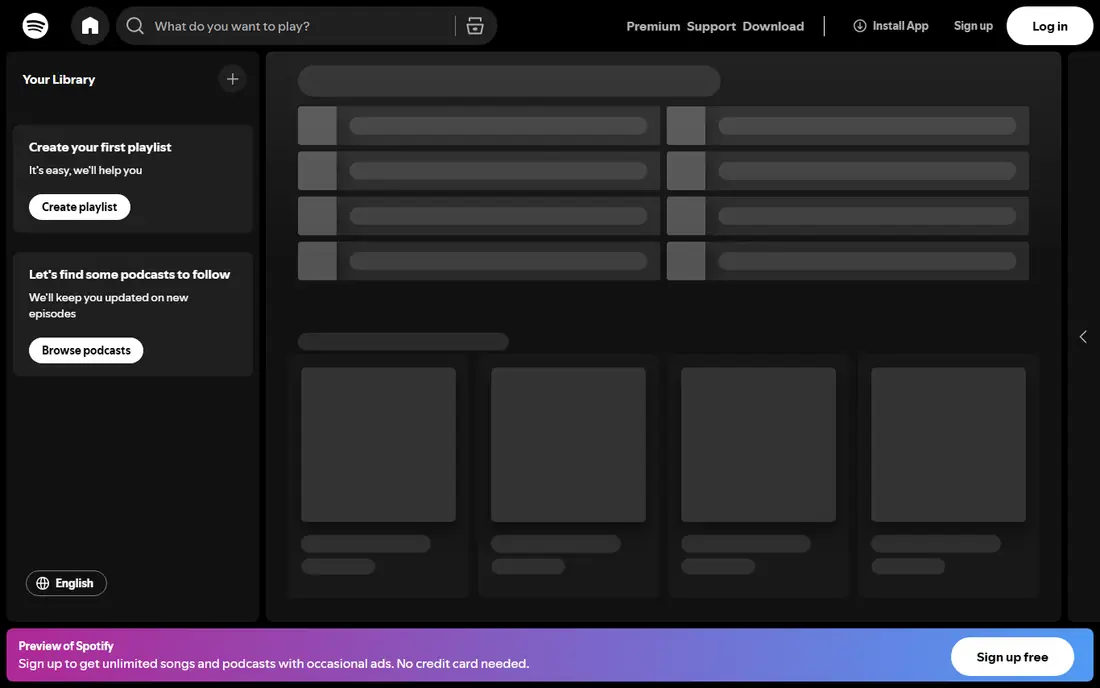
Spotify is the easiest default choice for most listeners. Its playlists, daily mixes and recommendation tools are widely praised, and the app runs on phones, computers, speakers, cars and game consoles. The free tier lets you try the catalog without paying, though ads interrupt playback and mobile listening is shuffle based in many cases. Premium removes ads, adds offline downloads and gives full on demand control.
The catch is sound quality. Spotify has added lossless audio, but rival services have offered high resolution audio for longer, and its price has crept up over the years. If you mainly listen on earbuds or in the car, that may not matter. If you own good headphones and care about detail, compare Apple Music or Tidal before you commit.
- Large catalog
- Strong playlists and discovery
- Works on almost every device
- Free tier has ads and limited skips
- Lossless audio has rolled out slowly
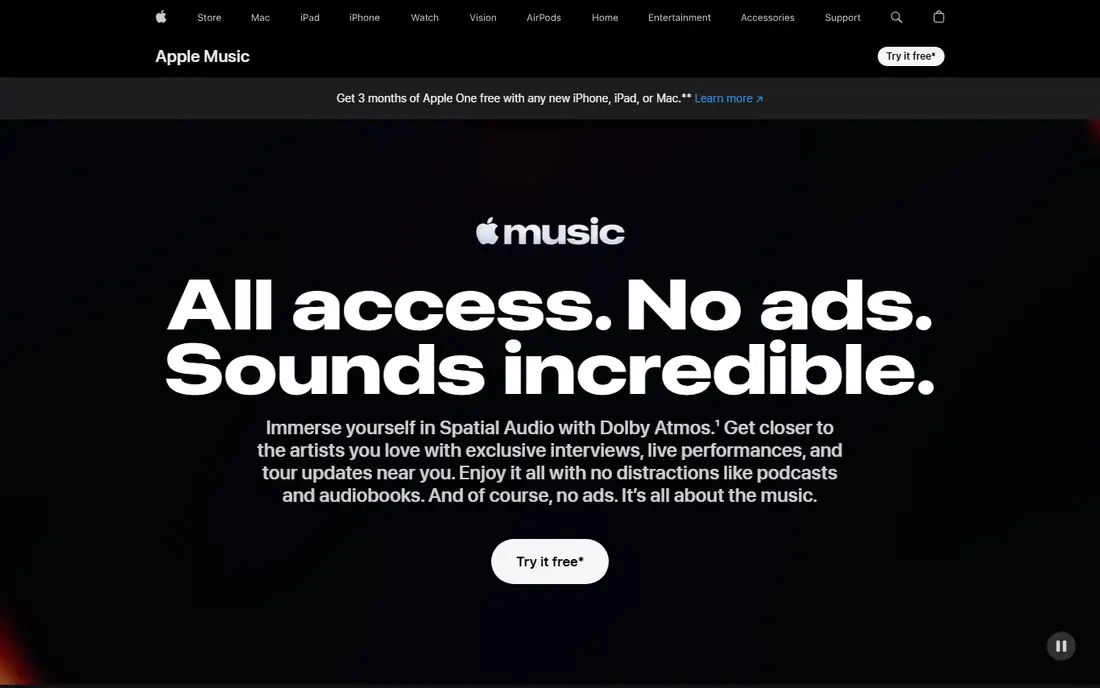
Apple Music makes the most sense if you already live in the Apple world. It works smoothly with iPhones, iPads, Macs, Apple Watch and HomePod, and Siri control is built in. Lossless audio and Dolby Atmos tracks are included at no extra cost, which is a genuine advantage at this price. The catalog covers mainstream music well, and curated playlists and radio shows are strong.
There is no free tier beyond a trial, so you cannot test it for months without paying. The service also lacks some of Spotify social features, such as collaborative playlist tools that feel as easy. For Android users, the app works but does not feel as native. Still, for sound quality per dollar, it is hard to beat.
- Lossless and spatial audio included
- Deep integration with Apple devices
- Large catalog
- No permanent free tier
- Android and Windows apps feel less polished
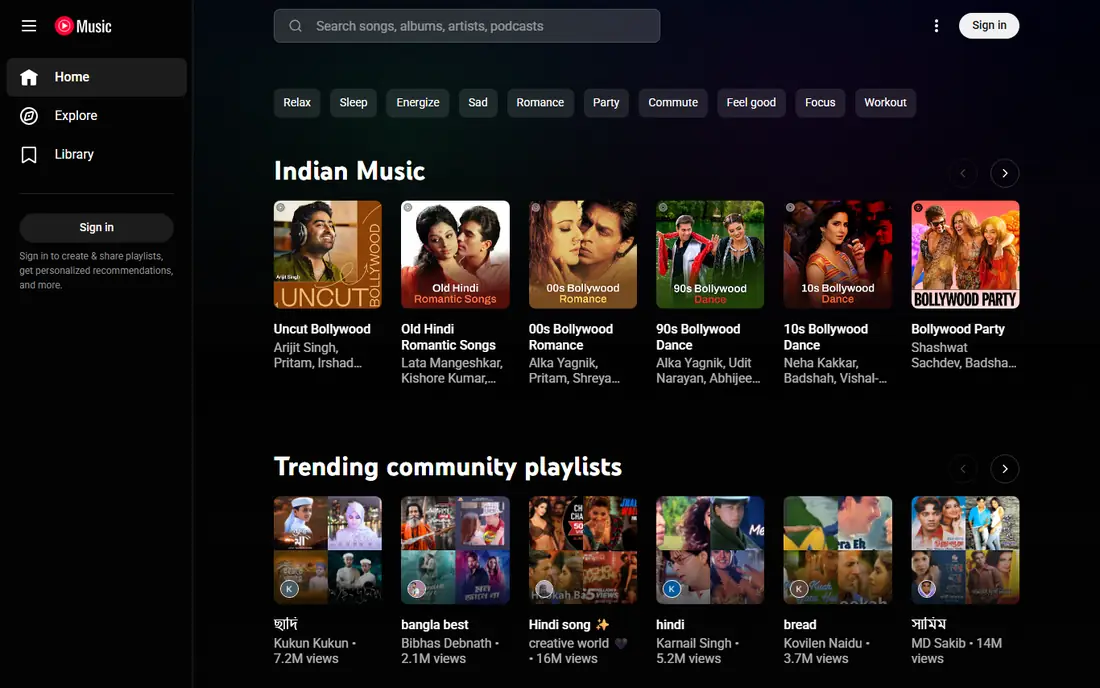
YouTube Music stands out for music you cannot find anywhere else. Live performances, covers, remixes and fan uploads sit next to official albums, which makes it a strong pick for people who follow artists beyond studio releases. If you already pay for YouTube Premium, YouTube Music is included, which changes the value calculation completely.
The downside is audio quality, which is capped lower than lossless rivals, and the interface mixes video and audio in ways some listeners find messy. Offline downloads and background play require a paid plan. If video matters to you, this is the clear winner. If pure sound quality matters more, look at Apple Music, Tidal or Qobuz.
- Huge range of covers, live versions and remixes
- Ties into YouTube Premium
- Good recommendations
- Audio quality tops out lower than rivals
- App can feel cluttered
Amazon Music Unlimited is the best value pick for Prime members, who pay less than the standard rate. It includes HD and Ultra HD audio, offline listening and a large catalog, and it works naturally with Echo speakers and Alexa voice commands. Asking Alexa to play a song, album or playlist is simple, and the service handles that use case better than most rivals.
The app itself is less polished than Spotify or Apple Music, and discovery features are not as strong. Be careful not to confuse it with Prime Music, the smaller catalog included with a Prime membership, which has fewer songs and shuffle style limits. For a household already paying for Prime and using Alexa, Unlimited is a sensible and cheaper route to high quality audio.
- HD and Ultra HD audio included
- Prime discount
- Strong Alexa integration
- App design lags rivals
- Prime Music alone is much more limited
Tidal has rebuilt its pricing around a single plan that includes high resolution audio, which makes it simpler than its old two tier setup. The sound quality is excellent on good equipment, and the service includes Dolby Atmos tracks and editorial content focused on artists. Its interface is clean, and offline listening works well.
Discovery and social features are not as strong as Spotify, and there is no free tier, only a trial. Tidal has also raised its price in 2026, so check the current rate before signing up. For listeners who prioritize audio quality and want one straightforward plan, it remains a strong choice. For casual listeners, the extra quality may be hard to hear on basic earbuds.
- HiRes and spatial audio on one plan
- Artist focused features
- Clean interface
- No free tier
- Discovery is weaker than Spotify
Deezer offers a large catalog and lossless FLAC audio, which puts it in the same quality bracket as Apple Music and Tidal. Its Flow feature builds a personal radio mix from your tastes, and the free tier lets you test the service before paying. Lyrics, podcasts and offline listening on paid plans round out a solid package.
The main weakness is presence in the United States, where Deezer is less widely supported on devices and in cars than Spotify or Apple Music. It also lacks the big exclusive podcasts and video extras some rivals use to stand out. If you want lossless audio with a free tier to start, Deezer deserves a closer look, especially if you already know its app from Europe.
- Lossless FLAC audio
- Large catalog
- Free tier for trying it out
- Smaller US presence
- Fewer exclusive features than rivals
Qobuz is aimed at listeners who care most about sound quality and album presentation. It streams in high resolution FLAC, up to 24-bit and 192 kHz on supported tracks, and it pairs streaming with a download store for people who want to own albums. Editorial notes and liner information are deeper than on most rivals, and classical and jazz catalogs are especially strong.
The app is functional rather than flashy, and discovery tools are weaker than Spotify. There is no free tier, so you will need a trial or a paid month to judge it. Qobuz also works well with dedicated audio hardware and apps such as Roon. If you listen on a good home system and value detail, it is the top pick in this list for pure quality.
- Very high resolution FLAC streaming
- Download store
- Strong classical and jazz catalog
- No permanent free tier
- App and discovery are basic
Pandora built its name on personalized radio, and that remains its strength. Tell it an artist or song you like, and it builds a station around similar music, learning from your thumbs up and thumbs down ratings. The free tier covers radio listening with ads, while paid tiers add ad free radio, offline stations and, on Premium, full on demand playback.
Pandora Premium now costs about the same as Spotify and Apple Music, but its on demand experience and audio quality do not match them. That makes the free and mid tier radio plans the better value here. If you prefer radio style listening and do not want to build playlists, Pandora is still a pleasant, low effort choice.
- Excellent personalized stations
- Free radio tier
- Simple to use
- On demand catalog is smaller in feel
- Audio quality is lower than lossless rivals
SoundCloud is different from the other services here because much of its catalog comes from artists uploading directly. That means demos, remixes, DJ sets and underground releases you will not find on mainstream services. Go+ adds a fuller licensed catalog, offline listening, ad free playback and higher quality streaming for eligible tracks.
The trade off is consistency. Track quality varies because uploads come from many sources, and songs can disappear if an artist removes them. There is no family plan, which makes it pricier for households. As a second service next to a mainstream one, SoundCloud is excellent for discovery. As your only service, check that the artists you love are actually on it.
- Huge range of independent uploads, mixes and DJ sets
- Artist comments
- Free tier
- Catalog varies by track
- No family plan
- Audio quality varies by upload
How we picked these
We compared official pricing pages, app store listings and current comparison guides for each service, focusing on US individual prices, free tiers, audio quality and catalog strengths. We favored services that are widely available in the United States, work on phones and common speakers, and have a clear reason to choose them over rivals. Prices change often, so check the vendor page before you subscribe.
What to check before you pay
Start with your devices. A service that sounds great on paper is less useful if it does not work well in your car, on your speaker or on your watch. Next, test the free tier or trial with your own playlists and headphones, and pay attention to whether the app surfaces music you actually want. Audio quality only matters if your headphones and connection can show it, so do not pay extra for high resolution audio you cannot hear.
Think about households too. Family plans cut the cost per person a lot, but not every service offers one, and student discounts can cut the price further if you qualify. Finally, check how easy it is to cancel and whether your playlists can move. A service that locks you in with no export path is a weaker choice than one that lets you leave.
Sources
- https://freeyourmusic.com/blog/best-music-streaming-services
- https://techbii.com/top-5-music-streaming-services-find-your-sound/
- https://smartupworld.com/whats-the-cheapest-streaming-music-service/
- https://www.playlistgo.io/reviews/cheapest-music-streaming-service/
- https://www.engadget.com/2274733/pandora-stream-music-service-raise-prices/
- https://www.spotify.com
- https://www.apple.com/apple-music
- https://music.youtube.com
- https://music.amazon.com
- https://tidal.com
- https://www.deezer.com
- https://www.qobuz.com
- https://www.pandora.com
- https://soundcloud.com