Best Bible Study Apps in 2026: 9 Market Leaders Compared
By ToolNimba Editorial Team October 30, 2026 9 min read

- Top pick
 YouVersion
Daily reading and plans
Starting priceFreeCheck out YouVersionRead our review - Runner-up
 Logos
Deep study and sermon prep
Starting priceFreeCheck out LogosRead our review - Also great
 Olive Tree
Custom study library
Starting priceFreeCheck out Olive TreeRead our review
How we researched this
We compared official pricing and feature pages, app store listings, privacy policies and public user reviews. Prices change, so check the provider's site before you pay.
Key takeaways
- YouVersion is the largest free daily Bible app by reach, while Logos and Accordance lead for deep, original-language study.
- Bible Gateway, Blue Letter Bible and Olive Tree sit in the middle, offering strong free tools with paid libraries for serious readers.
- Market leadership does not mean best fit: a daily reader, a small-group leader and a seminary student need different tools.
- Check translation availability, offline access and note syncing before you pay, since libraries and subscriptions do not always transfer.
Quick comparison
| Name | Best for | Starting price | Free plan | |
|---|---|---|---|---|
| YouVersion | Daily reading and plans | Free | Yes | Visit |
| Logos | Deep study and sermon prep | Free | Yes | Visit |
| Olive Tree | Custom study library | Free | Yes | Visit |
 Bible Gateway | Translation comparison | Free | Yes | Visit |
 Blue Letter Bible | Free word studies | Free | Yes | Visit |
 Accordance | Scholarly original-language study | See website | Free trial | Visit |
 Dwell | Audio Bible listening | $9.99 per month | Free trial | Visit |
 BibleProject | Animated Bible overviews | Free | Yes | Visit |
 ESV Bible App | ESV reading and listening | Free | Yes | Visit |
The best bible study apps
These are the leading Bible study apps by user base and reputation, from free daily reading apps to professional study platforms. We compared publisher pages, pricing summaries and reputable Bible-app roundups, focusing on translations, study tools, audio, offline access and price.

YouVersion, also known as the Bible App, is the market leader for everyday Bible reading. It is free, offers reading plans, devotionals, verse images, audio in many versions, and features for friends and small groups. For a new reader or a family building a daily habit, that combination is hard to beat, and the lack of a paywall removes a common barrier.
The limit is depth. YouVersion is built for reading and devotion, not for original-language word studies, large commentary libraries or sermon research. Serious students often pair it with Blue Letter Bible or Olive Tree for study, while keeping YouVersion for daily plans. If your goal is a daily habit, start here and add a study tool only if you need it.
- Free daily reading and plans
- Huge translation range in publisher material
- Friends, notes and community features
- Study depth is limited compared with Logos
- Some translations vary by region and licence
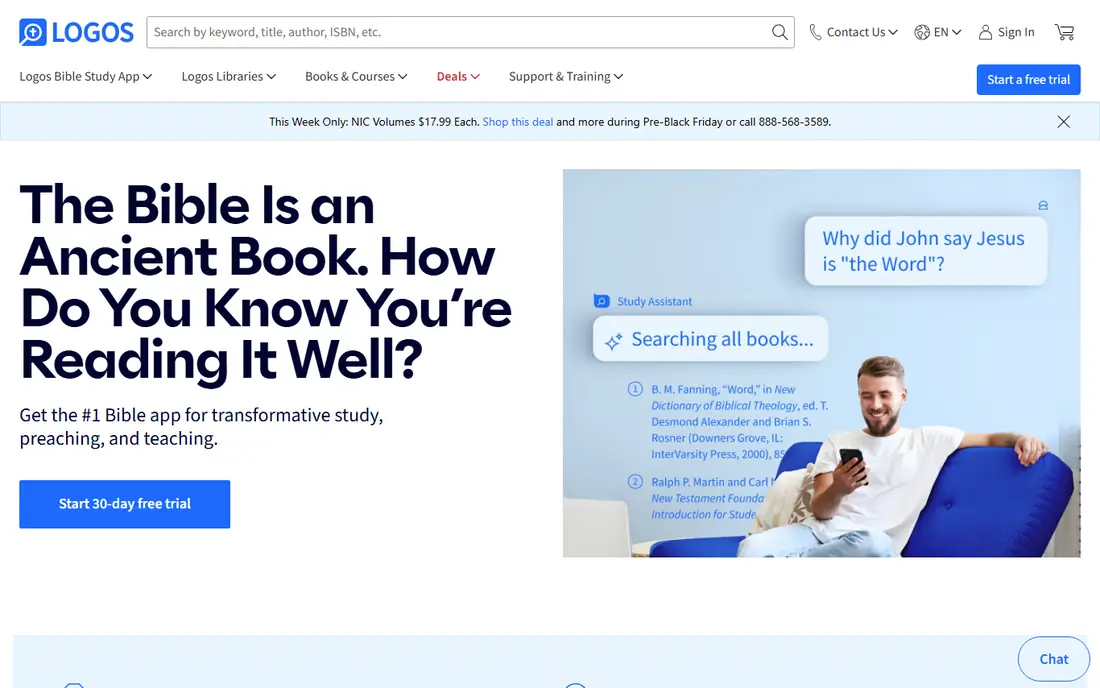
Logos is the professional-grade leader for pastors, students and serious Bible teachers. Its passage guides, word studies, commentaries and original-language tools link verses to a large library, and notes, highlights and reading plans sync across phone, tablet and computer. A free version lets new users test the core app before paying for a subscription or library.
Cost and complexity are the honest catches. Paid subscriptions are listed from $9.99 per month for Premium in reputable summaries, with Pro higher, and full libraries can cost far more as one-time purchases. New users may need a week or more to learn the workflow. Logos fits best if you study or teach weekly; daily readers will find YouVersion simpler and free.
- Deep library and passage guides
- Original-language tools
- Notes and highlights sync across devices
- Paid tiers and libraries can be expensive
- Learning curve is steep for new users
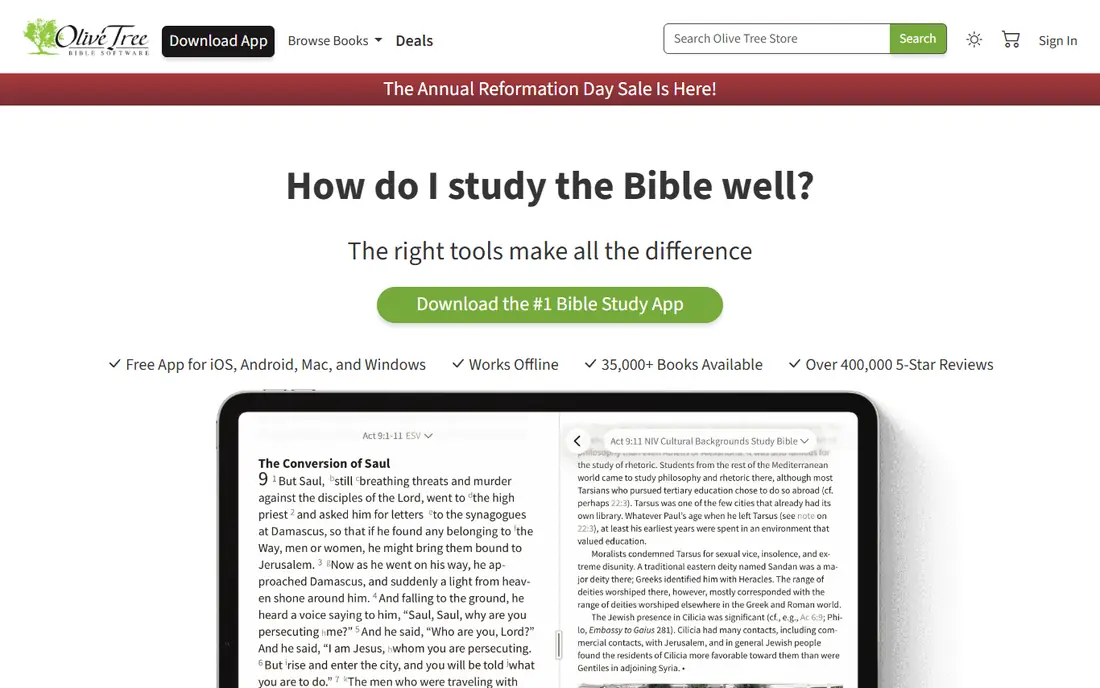
Olive Tree sits between YouVersion and Logos: easier than Logos, deeper than a reading app. Its split-screen layout lets you read Scripture beside a commentary or study notes, tap a word for original-language help, and build a library by buying only the resources you want. Offline downloads and cross-device syncing make it practical for travel and church use.
The free app includes basic translations and some free resources, while a Plus subscription is listed at $5.99 per month in reputable summaries, with a starter option lower. That a la carte model suits readers who want a few trusted commentaries rather than a huge library. If you want the deepest original-language research, Logos or Accordance still lead.
- Clean split-screen study layout
- Tap for original-language word help
- Resources bought one by one
- Best resources are paid
- Free library is smaller than a paid Logos library
Bible Gateway is a leader for readers who compare translations. Its website and app make it easy to read the same passage in several versions, search by keyword, and listen to audio Bibles. Devotionals, reading plans and study notes add value for daily readers who do not want to manage a large library.
A Plus subscription, listed from about $4.92 per month on annual billing in reputable summaries, gives access to deeper study resources and removes some limits. Free users still get a strong reading tool, but serious word study is easier in Blue Letter Bible or Logos. Bible Gateway fits best as a quick, reliable reference for translation questions.
- Easy side-by-side translation comparison
- Large audio and devotional library
- Web and app access
- Deeper study tools sit behind Plus
- Ads and upsells appear in free use
Blue Letter Bible is the best free option for readers who want to dig into Greek and Hebrew word meanings without paying. Tap a verse to see lexicon entries, concordance data, cross-references and public-domain commentaries, all free. That depth explains why many pastors and students keep it alongside a paid library tool.
The trade-off is polish. The website and app feel more functional than beautiful, and navigation takes a little learning. For a reader who values free depth over design, that is a fair exchange. For a daily devotional habit, YouVersion remains easier and more inviting.
- Free original-language tools
- Lexicons and commentaries
- Strong cross-reference help
- Interface feels dated to some users
- App experience is less polished than YouVersion
Accordance is a scholarly leader, especially for original-language work in Greek and Hebrew. Its syntax search, morphology databases and fast local searching suit seminary students, researchers and pastors who build detailed exegetical studies. A starter licence is listed from $49 in reputable summaries, with resources sold a la carte after that.
That power comes with cost and complexity. Accordance is overkill for daily reading, and its interface rewards keyboard-led study rather than casual browsing. If you need the deepest language tools and already study at that level, Accordance is a top pick. Most readers will be happier with Olive Tree or Blue Letter Bible.
- Powerful syntax and morphology search
- Fast local searching
- Respected scholarly library
- Starter licence and resources cost more than free apps
- Learning curve is steep
Dwell is the leader for people who prefer to listen rather than read. It offers multiple voices, background music options, listening plans and offline playback, which suit commutes, workouts and bedtime listening. The audio quality and calm design make long listening sessions pleasant rather than tiring.
Dwell is not a study platform. It lacks the commentary libraries and original-language tools of Logos, so text studiers should pair it with another app. A free trial is offered, with paid plans listed from $9.99 per month in reputable summaries. For audio-first readers, it is our pick.
- High-quality audio voices and music
- Listening plans
- Offline listening
- Focus is audio, not deep text study
- Subscription required for full access
BibleProject leads for visual learning. Its short animated videos explain Bible books, themes and key ideas in plain language, and its app pairs videos with reading plans and study notes. Teachers, small-group leaders and new readers often use it to build context before opening a passage.
It is not a replacement for a Bible text app. You will still need YouVersion, Bible Gateway or Olive Tree for full text, translations and notes. Used together, BibleProject adds understanding that text alone can miss, especially for readers new to the Bible's overall story.
- Free animated overviews and study videos
- Clear book and theme guides
- App and classroom resources
- Not a full Bible text study app
- No large commentary library
The ESV Bible App, from Crossway, is a strong free pick for readers who prefer the English Standard Version. It offers clean reading, audio, reading plans and search, without the clutter of a large marketplace. For churches and study groups that use the ESV, having the same text in the app and in print is a practical plus.
The limit is scope. If you often compare many translations or need original-language tools, Bible Gateway or Blue Letter Bible will serve you better. As a focused, free ESV reader with audio, though, this app is hard to fault.
- Free ESV text and audio
- Clean reading design
- Study notes in some editions
- Focused on one translation family
- Study depth is less than Logos
How we picked these
We compared publisher pages, pricing summaries and reputable Bible-app roundups, and we favoured apps with a large user base, a clear study or reading strength, and availability today. We checked free versus paid access, translation range, audio, offline use and note syncing, and we mixed free daily apps with professional study platforms. We did not claim exact download counts where sources disagreed, and prices can change, so check the publisher page before subscribing.
How to choose the right Bible study app
Start with your goal, not the app store ranking. For a daily habit, choose YouVersion or the ESV Bible App and add a reading plan you can finish. For translation questions, use Bible Gateway for side-by-side comparison. For word studies on a budget, Blue Letter Bible gives free depth that many paid apps charge for.
For small-group leadership or teaching, Olive Tree offers a good balance of depth and ease, while Logos and Accordance suit weekly sermon prep and academic study. Check offline access if you travel or have weak signal, and check whether notes, highlights and purchased resources sync across your phone and computer. A free trial or free tier is the best way to test a study workflow before paying for a library.
Sources
- https://theleadpastor.com/tools/best-bible-study-apps/
- https://www.apppicker.com/reference/logos-deep-bible-study
- https://www.warmpeach.com/blog/best-bible-apps-for-mac
- https://www.youversion.com
- https://www.logos.com
- https://www.olivetree.com
- https://www.biblegateway.com
- https://www.blueletterbible.org
- https://www.accordancebible.com
- https://dwellapp.io
- https://bibleproject.com
- https://www.esv.org