Best Booking Software in 2026: 9 Tools Compared
By ToolNimba Editorial Team October 30, 2026 11 min read

- Top pick
 Calendly
Meeting booking
Starting priceFreeCheck out CalendlyRead our review - Runner-up
 Acuity Scheduling
Service appointments
Starting price$16 per monthCheck out Acuity SchedulingRead our review - Also great
 Square Appointments
Square-based services
Starting priceFreeCheck out Square AppointmentsRead our review
How we researched this
We compared official pricing and feature pages, app store listings, privacy policies and public user reviews. Prices change, so check the provider's site before you pay.
Key takeaways
- Calendly is best for simple meeting booking, while Acuity and Square Appointments are better for paid service appointments with intake forms and staff calendars.
- Square Appointments offers a real free plan for solo service businesses, and Setmore offers a free plan for up to four users.
- Small teams should check whether pricing is per seat, per location or per account, because that changes the total cost far more than the headline price.
- If you sell classes, packages or memberships, SimplyBook.me and Fresha-style tools may fit better than a simple meeting scheduler.
- Test the booking page on a phone before you buy, because most customers will book from mobile, not from a desktop.
Quick comparison
| Name | Best for | Starting price | Free plan | |
|---|---|---|---|---|
| Calendly | Meeting booking | Free | Yes | Visit |
| Acuity Scheduling | Service appointments | $16 per month | Free trial | Visit |
| Square Appointments | Square-based services | Free | Yes | Visit |
 Setmore | Small teams on a budget | Free | Yes | Visit |
 SimplyBook.me | Configurable service booking | Free | Yes | Visit |
 Cal.com | Open source scheduling | Free | Yes | Visit |
 Zoho Bookings | Zoho users | Free | Yes | Visit |
 TidyCal | Solo pros who charge | $29 one-time | Yes | Visit |
 Booksy | Beauty and barber booking | $29.99 per month | Free trial | Visit |
The best booking software
Booking software covers two different jobs. One job is letting someone book a meeting with you, with no payment and no intake form. The other job is running a service business, with staff calendars, deposits, intake forms, reminders and payments. We compared official pricing pages and feature pages, and we grouped tools by which job they do best, so a consultant does not buy a salon platform and a salon does not buy a meeting link tool.
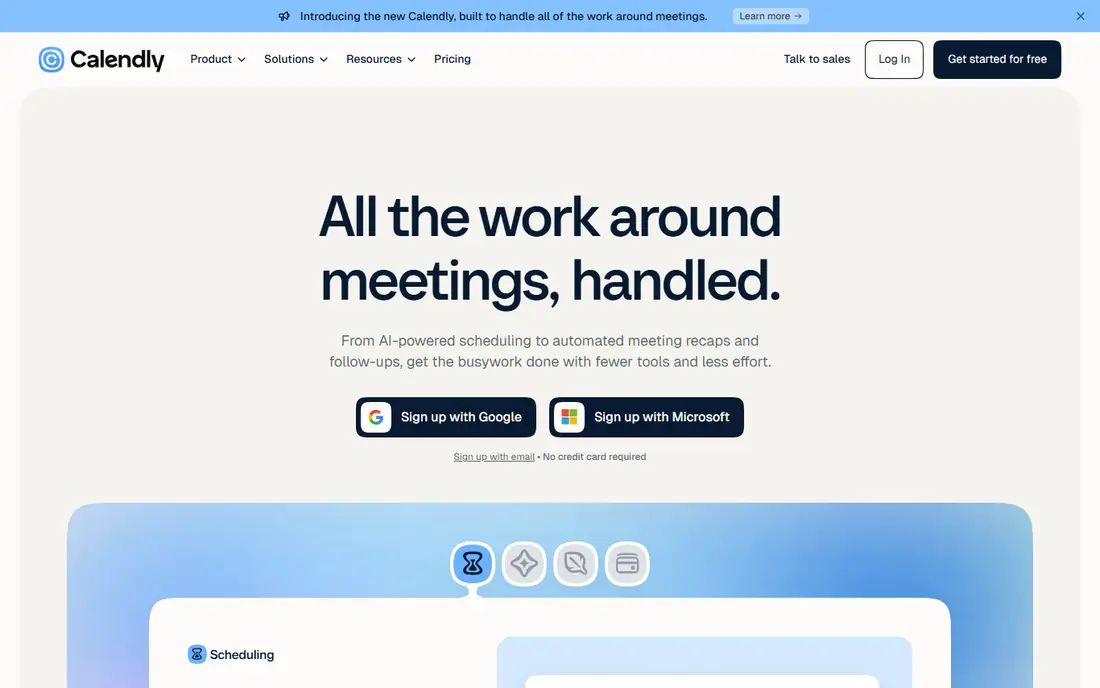
Calendly is the simplest tool in this list for booking meetings. You share a link, the other person picks a time that works with your calendar, and both sides get a confirmation. That simplicity is why consultants, sales teams and coaches use it for discovery calls, interviews and follow-ups. Clients do not need an account, and the booking page is clear on mobile.
The limit is service depth. Calendly does not offer the intake forms, deposits and staff scheduling that a salon or clinic needs, and its free plan covers only one event type. Paid plans add more event types, payments, routing and team features, but pricing is per seat, so a team of five pays five times. For pure meeting booking, Calendly is hard to beat. For paid service appointments, look at Acuity or Square first.
- Simple booking links and event types
- Calendar sync
- Widely recognised by clients
- Free plan limited to one event type
- Standard starts at $10 per seat per month billed annually
- Team costs scale per seat
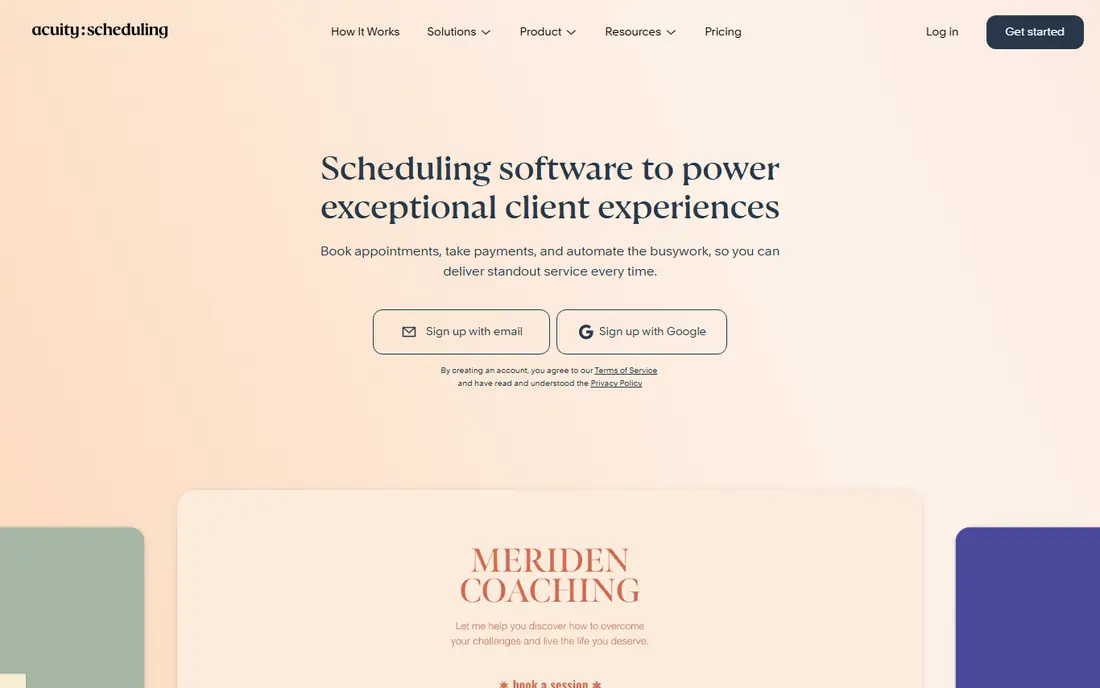
Acuity Scheduling, now part of Squarespace Scheduling, is built for service businesses that need more than a meeting link. Clients can book, pay a deposit, fill in an intake form and reschedule on their own, which cuts admin time for coaches, therapists, tutors and wellness studios. Packages and subscriptions are available on higher plans, which suits businesses that sell a block of sessions rather than one-off appointments.
Pricing starts at $16 per month billed annually for one calendar, with higher tiers adding more calendars and features. That per-account model can be cheaper than per-seat pricing for a small team, but check how many staff calendars your plan includes. Acuity is the pick when intake, payment and client management matter as much as the calendar itself.
- Intake forms, deposits and packages
- Client self-scheduling
- Squarespace integration
- No permanent free plan
- Pricing is per account tier, so check calendar limits on each plan
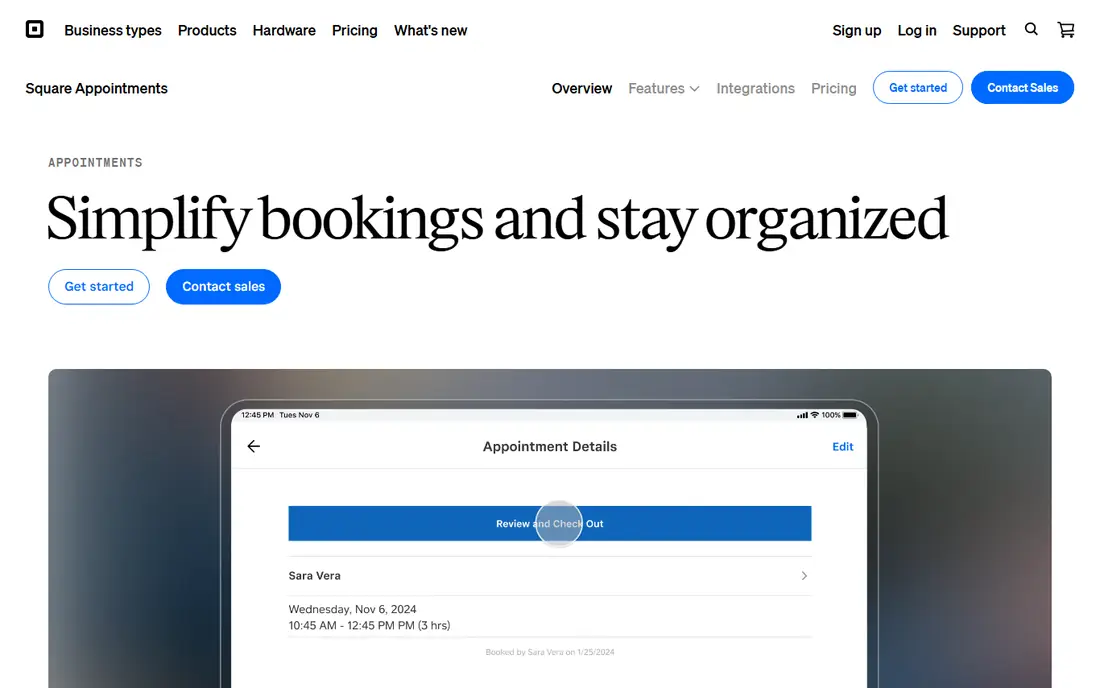
Square Appointments is the natural first stop for a salon, barber, spa or studio that already takes card payments with Square. The free plan covers a booking site, reminders and staff calendars with no employee limit for a single location, and you pay through card processing fees rather than a subscription. That makes it a genuine free starting point, not a trial.
The catch is location pricing. Plus costs $49 per location per month and Premium costs $149 per location per month, so a business with three locations pays three times. Features such as no-show fees, multi-staff booking and waitlists also sit on paid plans. If you are a solo or single-location service business on Square, the free plan is excellent. If you have many locations, compare the total location cost against Acuity or Setmore.
- Real free plan for solo businesses
- Booking site, reminders and staff calendars
- Tied to Square payments
- Paid plans are per location, at $49 and $149 per month
- Ties you to Square payments
Setmore targets the same service businesses as Acuity, with a free plan that is unusually generous for a small team. Up to four users can book, manage a client database and send reminders without paying a subscription. Payments can run through Stripe, Square or PayPal, which gives more choice than a single-processor platform.
The free plan has edges. It sends one reminder rather than two, and deposits, video appointments and two-way calendar sync require Pro. Pro costs $5 per user per month billed annually, and each staff calendar counts as a user, even without a login. For a team of four or fewer, Setmore is the best free starting point. For a larger team, count calendars carefully before you compare it to Acuity.
- Free plan for up to four users
- Payments through Stripe, Square or PayPal
- 24-hour phone support on paid plans
- Free plan sends one reminder instead of two
- Deposits and two-way sync need Pro at $5 per user per month billed annually
SimplyBook.me suits service businesses that need a configurable booking website rather than a single link. You can set up services, providers, classes and custom features, and choose which features to enable for your business type. That flexibility helps studios, clinics and multi-service businesses that do not fit a standard appointment template.
The free plan covers 50 bookings per month, which is enough to test the system but not enough for a busy studio. Paid pricing depends on booking volume and feature choices, so check both before you commit. If your business needs classes, multiple providers or a custom booking flow, SimplyBook.me offers more configuration than Calendly or TidyCal, at the cost of a slightly longer setup.
- Free plan with 50 bookings per month
- Wide choice of booking features
- Classes, services and multi-provider support
- Booking volume and feature allowances matter
- Basic starts at $11.90 per month billed annually
Cal.com is the open source option for teams that want control over their scheduling data and branding. Individuals can use it free, and teams can pay from $12 per user per month for shared features. Developers can self-host it, customise workflows and integrate it into their own product, which is not possible with most closed booking tools.
The trade-off is service depth. Cal.com is excellent for meetings, interviews and team scheduling, but it does not offer the same intake, deposit and class management as Acuity, Square or SimplyBook.me. If you are a developer-led team or a company that wants open source scheduling inside its own app, Cal.com is the clear pick. If you run a salon or clinic, a service platform will save you setup time.
- Open source scheduling
- Free individual plan
- Team plans from $12 per user per month
- Self-hosting and customisation need technical skill
- Fewer service-business features than Acuity or Square
Zoho Bookings is the obvious choice for businesses already using Zoho CRM, Zoho Mail or Zoho Books. Booking pages can be set up for meetings and services, and appointments flow into the wider Zoho system without a separate integration project. The free plan for one user makes it easy to test, especially for a solo consultant or coach.
The limit is team pricing. Paid plans are billed per user, so a growing team should model the total per-user cost, not just the entry price. Zoho Bookings also does not match the service depth of Acuity or Square for complex salon or clinic workflows. For a Zoho-centred business that mainly needs clean meeting and service booking, it is a practical and low-cost fit.
- Free for one user
- Booking pages for meetings and services
- Integration with Zoho apps
- Paid plans are per user, so team costs rise with headcount
- Confirm current paid rates before budgeting
TidyCal is built for solo professionals who want people to book and pay without a monthly subscription. The free plan includes unlimited booking types and payments, which is more generous than Calendly free, and the Individual Lifetime plan costs $29 once. That one-time model appeals to freelancers, coaches and consultants who dislike another monthly bill.
The weakness is scale. TidyCal does not offer the same team routing, intake depth or multi-location service management as larger platforms. For a solo pro, that simplicity is a strength. For a team with staff calendars, packages and complex service rules, Acuity, Square or SimplyBook.me will fit better. If you work alone and charge for your time, TidyCal is excellent value.
- Free plan with unlimited booking types and payments
- Lifetime Individual plan for $29 once
- Simple setup
- Fewer team and service features than Calendly or Acuity
- Best for solo users, not large teams
Booksy is a booking platform and a discovery marketplace for beauty, barber and wellness businesses. Clients can find a salon or barber in the Booksy app, book, pay and review, which brings new customers as well as handling existing ones. That discovery angle is different from a private booking link, and it matters for businesses that rely on new local clients.
Pricing starts at $29.99 per month, with additional costs for team members, and a 14-day trial is available. Booksy is not a general meeting tool, and it is not the cheapest option for a solo consultant. For a beauty or barber business that wants booking, client management and local discovery in one place, it is a strong specialist pick.
- Built for beauty, barber and wellness discovery
- Client booking app
- Marketing and review tools
- No permanent free plan
- Pricing starts at $29.99 per month plus team member costs
- Best for beauty, not general meetings
How we picked these
We compared official pricing pages, feature pages and public comparisons, and we selected tools that are available in the US in 2026 and that offer a clear booking flow for meetings or service appointments. We favoured a mix of meeting schedulers, service platforms and specialist tools, and we noted whether pricing is per seat, per location, per user or per account. We did not claim hands-on testing, and we treated prices as list prices that can change, so readers should check the vendor pricing page before buying.
How to choose booking software for a small business
Start with the booking type. If most bookings are meetings with no payment, Calendly, Cal.com or TidyCal will be enough. If most bookings are paid services with staff, intake forms or deposits, Acuity, Square Appointments, Setmore or Booksy will save more admin time. Choosing the wrong type is the most common mistake, because a meeting tool cannot easily become a salon system.
Count the pricing unit, not just the price
A $10 per seat tool for five people costs $50 per month, while a $49 per location tool for one location costs $49, and a $16 per account tool for one calendar costs $16. Those totals change completely with team size and location count. Model your real team, calendars and locations for a full year, including card processing fees, before you compare headline prices.
Test reminders, payments and mobile booking
Book a test appointment on your phone, pay a deposit if you will charge one, reschedule it and cancel it. Check that reminders arrive, that the calendar blocks correctly, and that the client sees a clear confirmation. A booking tool that looks good on desktop but confuses mobile customers will cost you bookings, no matter how cheap it is.
Sources
- https://calendly.com
- https://acuityscheduling.com
- https://squareup.com/us/en/appointments
- https://www.setmore.com
- https://simplybook.me
- https://cal.com
- https://www.zoho.com/bookings/
- https://tidycal.com
- https://booksy.com
- https://professionalstoolkit.com/articles/acuity-scheduling-alternatives
- https://tidycal.com/compare/calendly-alternatives