Best Cloud Storage Services Comparison in 2026: 10 Services Compared
By ToolNimba Editorial Team October 30, 2026 11 min read

- Top pick
 Google Drive
Everyday files and collaboration
Starting priceFreeCheck out Google DriveRead our review - Runner-up
 Dropbox
Sharing and team files
Starting price$11.99 per monthCheck out DropboxRead our review - Also great
 OneDrive
Windows and Microsoft 365 users
Starting price$1.99 per monthCheck out OneDriveRead our review
How we researched this
We compared official pricing and feature pages, app store listings, privacy policies and public user reviews. Prices change, so check the provider's site before you pay.
Key takeaways
- Google Drive offers the most generous free tier among major providers at 15 GB, shared across Drive, Gmail, and Photos.
- MEGA gives 20 GB free with encryption by default, making it the largest free encrypted option in this comparison.
- Dropbox and OneDrive win on sharing and office integration, while Sync.com, Proton Drive, and pCloud suit privacy focused users.
- Compare the free tier, the paid price at the storage size you actually need, and file size limits before you pick.
Quick comparison
| Name | Best for | Starting price | Free plan | |
|---|---|---|---|---|
| Google Drive | Everyday files and collaboration | Free | Yes | Visit |
| Dropbox | Sharing and team files | $11.99 per month | Yes | Visit |
| OneDrive | Windows and Microsoft 365 users | $1.99 per month | Yes | Visit |
 iCloud | Apple device backups | $0.99 per month | Yes | Visit |
 Box | Business file management | See website | Yes | Visit |
 pCloud | One time payment option | See website | Yes | Visit |
 Sync.com | Private client file sharing | See website | Yes | Visit |
 MEGA | Large free encrypted storage | See website | Yes | Visit |
 Proton Drive | Encrypted storage in Switzerland | See website | Yes | Visit |
 Backblaze B2 | Low cost object storage for backups | See website | No | Visit |
The best cloud storage services
These ten services cover free personal storage, office bundles, privacy focused vaults, and backup storage. Our pick for most people is Google Drive for its free tier and collaboration, with MEGA as the pick for the largest free encrypted tier.

Google Drive gives 15 GB free, which is shared across Drive, Gmail, and Google Photos, and paid Google One plans add 100 GB from $1.99 per month. It works smoothly with Docs, Sheets, and Slides, so teams can edit files together without sending attachments back and forth. Sharing controls, version history, and mobile apps make it a practical everyday drive. Privacy is the main limit. Google encrypts files in transit and at rest, but it holds the keys, so it is not end to end encrypted by default. Users who store sensitive documents may prefer an encrypted provider below, while most households and small teams will find Drive the simplest all round choice.
- 15 GB free shared storage
- Strong Docs and Sheets integration
- Easy sharing controls
- Free storage is shared with Gmail and Photos
- No end to end encryption by default

Dropbox built its name on sync that just works across computers, phones, and the web, and it remains strong for sharing large files and folders with clients. The free Basic plan offers 2 GB, while Plus costs $11.99 per month when billed monthly for 2 TB. File requests, shared folder controls, and many third party integrations help freelancers and creative teams move files without email limits. The small free tier is the clear drawback, and the paid price is higher than some rivals at similar storage sizes. Dropbox still earns its place for users who value dependable sync and sharing over the lowest price, especially when collaborators already use it.
- Reliable sync and sharing
- Wide app integrations
- Simple file requests
- Only 2 GB free
- Plus plan costs more than some rivals for 2 TB
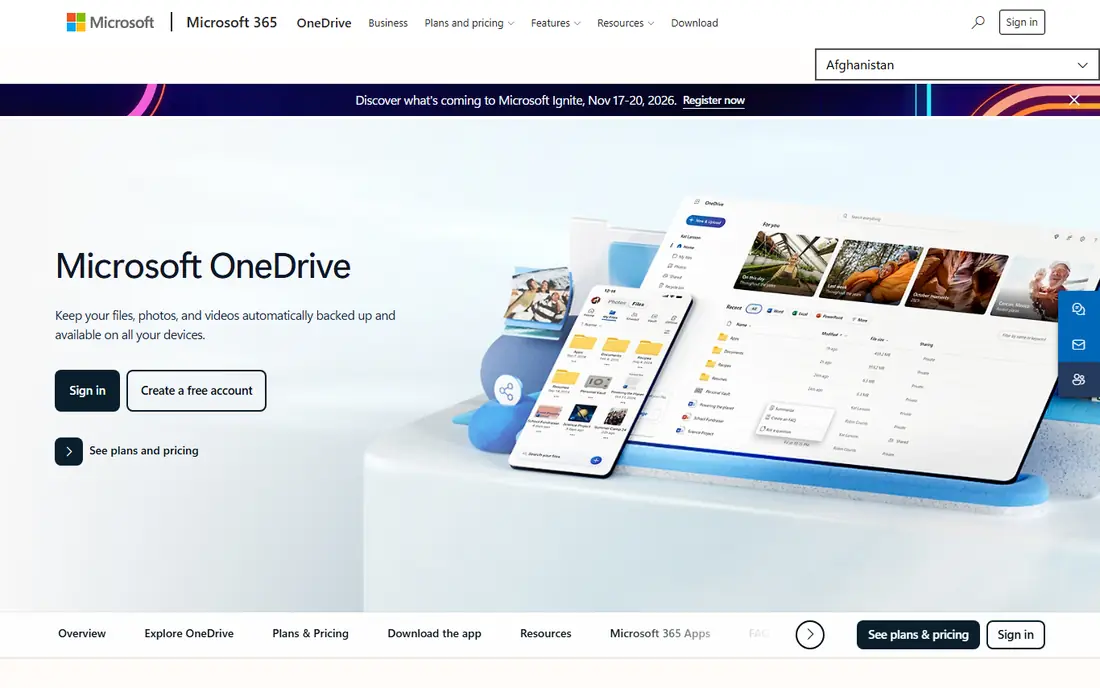
OneDrive syncs files into File Explorer on Windows, with Files On-Demand showing online files without downloading every one. The free plan offers 5 GB, and a 100 GB plan costs $1.99 per month, while Microsoft 365 Personal adds 1 TB plus Office desktop apps. That bundle is strong value for users who already pay for Word, Excel, and Outlook. Users outside the Microsoft ecosystem gain less from OneDrive, and the free tier is smaller than Google Drive or MEGA. For Windows households and offices, though, the built-in sync and Office bundle make it the natural default.
- Built into Windows and File Explorer
- Microsoft 365 bundles add value
- Personal Vault for sensitive files
- Only 5 GB free
- Best value requires a Microsoft 365 plan
iCloud backs up iPhones, iPads, and Macs automatically, syncs Photos, and stores files in iCloud Drive across Apple devices. The free plan offers 5 GB, which fills quickly once photo backups start, and iCloud+ starts at $0.99 per month for 50 GB. Family sharing lets households share a larger plan, which helps when several devices back up to one account. The service is clearly built for Apple users. Windows users can access iCloud Drive and Photos through an app and the web, but the experience is thinner than on Apple devices. If your household runs on Apple hardware, iCloud is almost a requirement for full device backups.
- Automatic iPhone, iPad, and Mac backups
- Simple family sharing
- Low entry price
- Only 5 GB free
- Windows and Android support is limited
Box offers a free personal plan with 10 GB, but single files are limited to 250 MB on that plan, so it suits documents more than large video files. Business plans add admin controls, workflow tools, and integrations with Google Workspace, Microsoft 365, Slack, and many other apps. That focus on governance helps companies that need audit trails and permission controls. Individual users who mainly store photos and videos may find the free file size limit frustrating. Box is best viewed as a business file platform with a usable free tier, not as the cheapest personal photo backup.
- Strong business controls and integrations
- 10 GB free personal plan
- Good admin tools
- Free plan limits file size to 250 MB
- Business pricing needs a quote for some plans
pCloud stands out for lifetime plans, which let users pay once for 500 GB or 2 TB instead of a monthly subscription, alongside yearly plans. The free Basic plan starts at 2 GB and can reach up to 10 GB through setup steps and referrals. Desktop, mobile, and web apps cover most devices, and file versioning helps recover older copies. End to end encryption, called pCloud Crypto, costs extra, so privacy focused users must factor that into the total price. Lifetime plans also require trust that the service will last, so they suit users who want to stop monthly billing and accept that trade-off.
- Lifetime payment options
- Up to 10 GB free
- Apps for most platforms
- Encryption is a paid add-on
- Lifetime plans cost more upfront
Sync.com encrypts files end to end by default, so only you and people you share with can read them, which suits lawyers, accountants, designers, and other professionals sharing client files. The free plan offers 5 GB, with limits on active links, downloads per link, and devices. Paid personal and business plans add much more storage and team controls. The app ecosystem is smaller than Dropbox or Google Drive, so users who rely on many integrations should check compatibility first. For private sharing, though, the default encryption and clear permission controls are a real advantage.
- End to end encryption on all plans
- 5 GB free
- Good sharing controls for professionals
- Fewer third party integrations
- Free plan limits links and devices
MEGA offers 20 GB free with end to end encryption on every account, the largest free tier in this comparison. That combination makes it a strong choice for users who want both space and privacy without paying at first. Paid Pro plans add terabytes of storage, and apps cover desktop, mobile, and web. Free accounts face bandwidth and transfer limits that can slow large downloads, and the interface is more functional than elegant. Users who mainly need a secure place for documents and backups, rather than deep office integration, will get the most from MEGA.
- 20 GB free
- End to end encryption by default
- Large paid plans available
- Transfer limits can apply
- Interface feels less polished than rivals
Proton Drive encrypts files and folder names end to end, and it is based in Switzerland, which appeals to users who want strong privacy law protection. The free plan offers 5 GB, and paid Drive Plus plans add 200 GB and more, with larger bundles adding Mail, VPN, and Pass. An online document editor covers basic Docs and Sheets style work. The free tier is small compared with MEGA or Google Drive, and Linux users get a command line tool rather than a full desktop app. Proton Drive suits users already in the Proton ecosystem, or those who rank encryption and jurisdiction above free storage size.
- End to end encryption including file names
- Swiss based privacy law
- Docs editor included
- Only 5 GB free
- Linux support is limited to a command line tool
Backblaze B2 is object storage for backups and app data, not a Dropbox style sync folder for everyday files. It charges for storage and downloads, with pricing listed on its site, and it works with many backup tools through an S3 compatible API. That design suits users backing up servers, photo libraries, or business data through a dedicated backup app. Beginners should not pick B2 as their first cloud drive, since there is no simple sync client for everyday documents in the same way as Drive or Dropbox. For backup focused users who already use a backup tool, it offers a low cost place to store large archives.
- Low cost object storage
- Simple S3 compatible API
- Good for backup apps
- Not a consumer sync drive
- No free plan
- Setup needs a backup tool
How we picked these
We compared official pricing pages, free tier details, encryption claims, file size limits, and public reviews for each service, and we favored services with a clear current offering in October 2026. We weighed free storage, paid value, privacy, sharing, and platform support. We did not claim hands-on testing, and prices shown as See website reflect plans that vary by storage size, billing period, or region.
How to choose cloud storage
Start by measuring how much you actually store. Check your current drive, photo library, and backups, then add room for growth over the next year. A 100 GB plan suits many households, while photo heavy families and video creators often need 1 TB or 2 TB. Paying for far more than you use wastes money, while a too small plan leads to constant cleanup. Next, decide how much privacy and sharing matter. If you share files with clients, check link controls, expiry, and password options. If you store sensitive documents, favor end to end encryption and check whether file names are encrypted too. If you mainly need device backup, pick the service built into your phone or computer platform first.
Free tier traps to check
Free tiers differ in more than the headline number. Check file size limits, link limits, device limits, and whether bonus storage expires. MEGA bonus storage, for example, can include time limited achievements, and pCloud free storage grows through setup steps. Read the fine print before you move a large library to a free plan.
Backup versus sync
Sync services keep the same files on all devices, while backup services keep copies you can restore after loss or ransomware. Many users need both, for example a sync drive for active work plus a separate backup for photos and archives. Do not treat a sync folder as your only backup, since deleting a file on one device can delete it everywhere.