Best Credit Card Processing Companies in 2026: 10 Companies Compared
By ToolNimba Editorial Team October 30, 2026 12 min read

- Top pick
 Square
Simple in-person and online selling
Starting priceFreeCheck out SquareRead our review - Runner-up
 Stripe
Online and developer-led selling
Starting priceFreeCheck out StripeRead our review - Also great
 PayPal
Trusted checkout for online buyers
Starting priceFreeCheck out PayPalRead our review
How we researched this
We compared official pricing and feature pages, app store listings, privacy policies and public user reviews. Prices change, so check the provider's site before you pay.
Key takeaways
- Flat-rate processors such as Square, Stripe, and PayPal suit low volume sellers who want predictable fees and no monthly charge.
- Interchange-plus processors such as Helcim suit higher volume sellers, because the markup is transparent and debit cards cost less to accept.
- Subscription processors such as Stax and Payment Depot can save money at high volumes, but the monthly fee must be earned back every month.
- The cheapest headline rate is not always the cheapest total cost, once monthly fees, hardware, chargeback fees, and contract terms are added.
Quick comparison
| Name | Best for | Starting price | Free plan | |
|---|---|---|---|---|
| Square | Simple in-person and online selling | Free | Yes | Visit |
| Stripe | Online and developer-led selling | Free | Yes | Visit |
| PayPal | Trusted checkout for online buyers | Free | Yes | Visit |
 Helcim | Transparent interchange-plus pricing | Free | Yes | Visit |
 Payment Depot | High volume subscription pricing | See website | No | Visit |
 Stax | Subscription pricing at scale | See website | No | Visit |
 Clover | Point of sale hardware and software | See website | No | Visit |
 Toast | Restaurant point of sale | See website | No | Visit |
 Shopify Payments | Shopify stores | See website | No | Visit |
 Authorize.net | Payment gateway for merchant accounts | $25 per month | No | Visit |
The best credit card processing companies
The companies below cover flat-rate, interchange-plus, subscription, point of sale, and gateway models, so compare them on your sales volume, sales channel, and average order value.
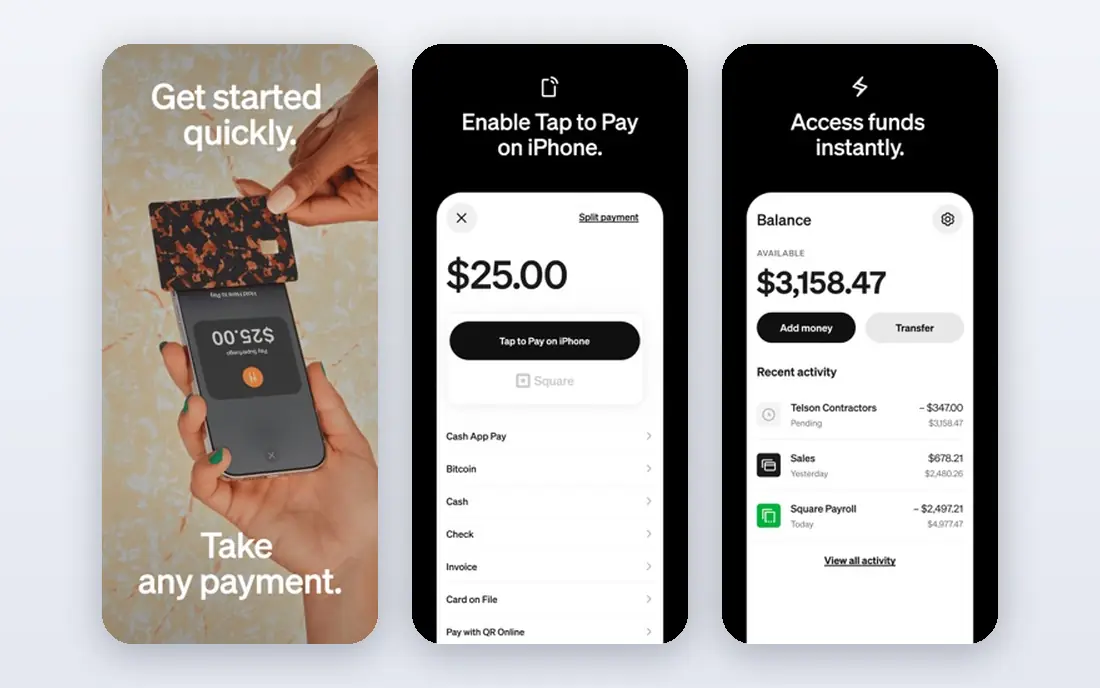
Square is the easiest starting point for a small business that wants to take cards this week. There is no monthly fee on the free plan, hardware ranges from a simple reader to a full counter setup, and the same account can support in-person sales, invoices, and an online store. Published in-person rates sit around 2.6 percent plus 15 cents on the free plan, with higher online rates. The weakness appears as volume grows. Flat rates bake in an average card cost, so you pay the same rate for a cheap debit card and an expensive rewards card. Once monthly card volume passes roughly ten thousand dollars, an interchange-plus quote is worth comparing.
- No monthly fee on the free plan
- Fast setup with hardware and online tools
- Clear flat rates for in-person and online sales
- Flat rates cost more at high volumes
- Account holds and reviews can frustrate some sellers
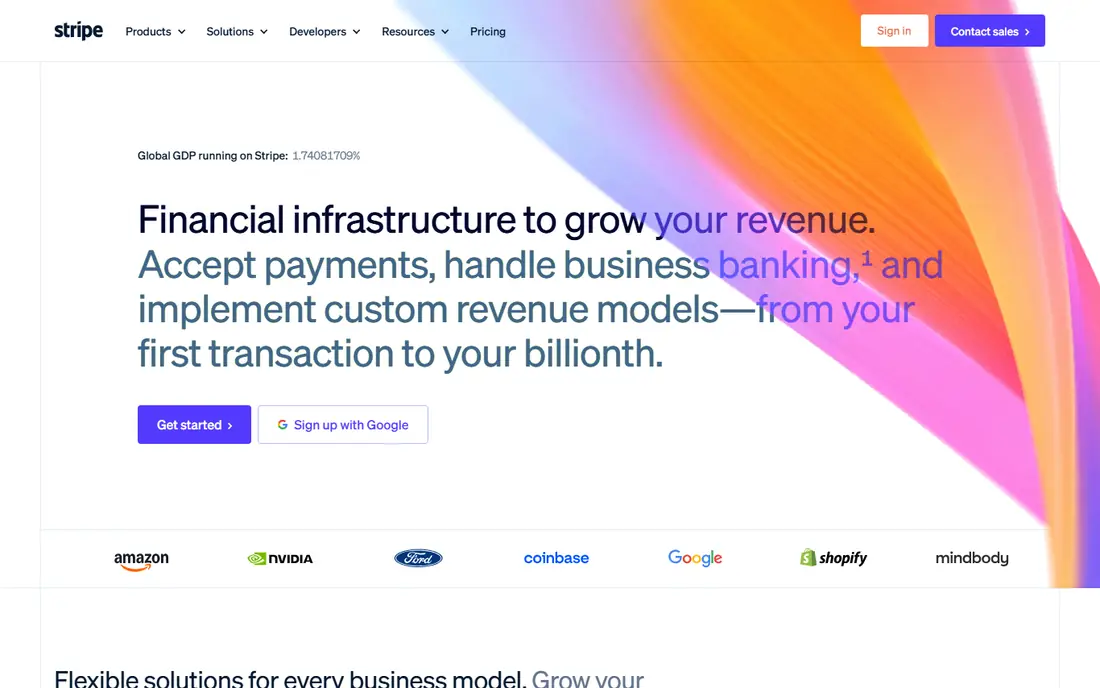
Stripe is the standard choice for online businesses that need flexible checkout. Its published standard online rate is 2.9 percent plus 30 cents for many US card payments, with extra fees for international cards and currency conversion. Developer tools cover subscriptions, marketplaces, invoicing, and payment links, which is why so many software and e-commerce companies build on Stripe. Stripe is less suited to a shop that mainly takes cards in person, where a point of sale system such as Square or Clover may fit better. Chargeback fees also add up for dispute-prone sellers, so read the current fee schedule before you commit.
- Strong online checkout and developer tools
- Supports subscriptions, invoices, and many payment methods
- No monthly fee for standard online pricing
- Online rates are higher than in-person rates
- Support is largely online
- Chargeback fees apply on disputes
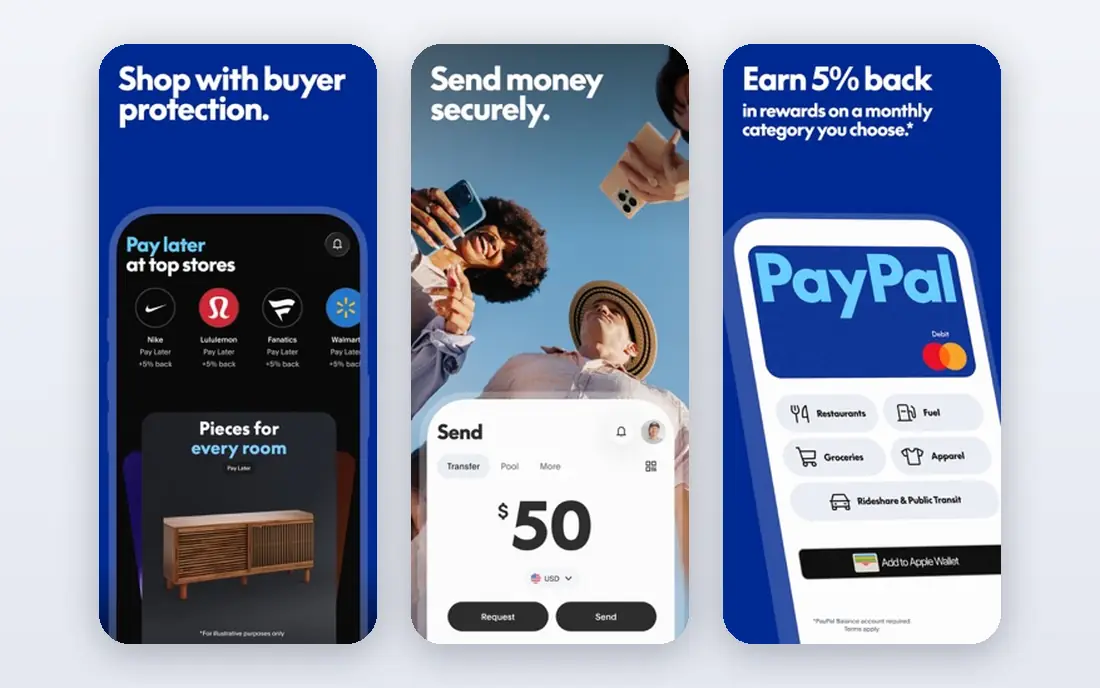
PayPal earns its place through buyer trust. Many online shoppers prefer to pay with PayPal rather than typing card details into an unfamiliar store, and that familiarity can lift conversion for small sellers. Standard online checkout rates are higher than Square in-person rates, with published PayPal Checkout rates around 3.49 percent plus 49 cents, so the cost of that trust is real. PayPal suits sellers who already get traffic from buyers who ask for it, and sellers who want invoicing and online payments without a developer setup. Compare PayPal against Stripe on your average order value, since the fixed per-transaction fee matters more on small orders.
- Buyers recognise and trust the PayPal name
- Online checkout, invoicing, and seller tools in one account
- No monthly fee for standard accounts
- Online checkout rates are high compared with in-person rates
- Account holds can affect some sellers
- Fee tiers vary by product
Helcim is the transparency pick on this list. It charges interchange, which is the cost paid to the card-issuing bank, plus a published markup. Published entry tiers sit around interchange plus 0.40 percent plus 8 cents in person and interchange plus 0.50 percent plus 25 cents online, with lower markups at higher volumes. There is no monthly fee to earn back, which makes the comparison with flat-rate tools unusually clean. That transparency helps most when you accept many debit cards, because interchange-plus passes the lower debit cost to you instead of averaging it away. Helcim suits growing businesses that want to see exactly what each card costs and are ready to read a monthly statement rather than a single flat rate.
- Interchange-plus pricing with published volume tiers
- No monthly fee
- Free point of sale and invoicing tools
- Online markup is higher than in-person markup
- Savings depend on card mix
- Some features suit larger sellers better
Payment Depot uses a membership model. You pay a monthly fee, then pay interchange plus a small per-transaction fee, without a percentage markup on top of interchange. That structure can save a meaningful amount for businesses with steady, high card volume, because the savings on each sale eventually pass the monthly fee. Low volume sellers should be careful. A monthly fee that looks small on paper still needs to be covered every month, including slow months. Payment Depot fits established businesses with predictable volume that can model the break-even point from real statements. New sellers should start with a no-monthly-fee option and revisit Payment Depot once volume is stable.
- Interchange-plus pricing under a membership model
- No percentage markup on interchange
- Suits high volume sellers
- Monthly membership fee must be earned back
- Less suited to very low volume sellers
- Pricing tiers vary by volume
Stax, formerly Fattmerchant, follows a similar idea to Payment Depot. You pay a monthly subscription and then pay interchange plus a small per-transaction fee, rather than a percentage markup. For businesses processing tens of thousands of dollars a month, that model can beat flat-rate pricing by a clear margin, especially on larger average orders. The same warning applies in reverse. If your volume falls, the subscription does not fall with it, so the deal that saved money in a busy month can cost money in a quiet one. Stax pricing tiers have also changed over time, so confirm the current monthly fee and per-transaction charge in writing before you sign. Stax suits established, higher volume sellers who can forecast volume with confidence.
- Subscription model with interchange-plus pricing
- Dashboard and invoicing tools
- Suits businesses with large monthly volume
- Monthly subscription cost
- Needs enough volume to beat flat-rate pricing
- Pricing tiers have changed over time, so confirm current terms
Clover is a point of sale system first and a processor second. Its hardware covers mobile readers, counter terminals, and full stations, and its software handles inventory, staff, orders, and reporting. Published in-person processing rates vary by plan, often around 2.3 to 2.6 percent plus 10 cents, with higher rates for keyed-in payments. Cost is the main question. Many Clover bundles carry monthly software fees and agreements that run for years, so the total cost over the agreement matters more than the processing rate alone. Clover suits shops and restaurants that want an integrated counter system and are ready to commit to it. Sellers who only need to take occasional payments should compare Square or Helcim first.
- Wide hardware range from mobile readers to counter stations
- Point of sale software for retail and restaurants
- App marketplace for add-ons
- Monthly software fees and long agreements on many bundles
- Processing rates vary by plan and seller
- Hardware ties you to the Clover system
Toast is the restaurant specialist on this list. It covers table management, menus, online ordering, handheld ordering, kitchen display, and reporting in one system, which is why many full-service and quick-service restaurants choose it over a general point of sale tool. Staff can take orders at the table and send them straight to the kitchen. Pricing needs care. Toast does not always publish a single processing rate, so you should ask for a written quote based on your volume, average ticket, and card mix, and compare it with Square and Clover on the same numbers. Toast suits restaurants that will use its restaurant tools daily. A retailer or service business will usually get better value elsewhere.
- Built for restaurants, with tables, menus, online ordering, and kitchen tools
- Hardware and software designed to work together
- Offline payment handling
- Processing rates are often not published and need a quote
- Hardware is Toast-specific
- Leaving can be costly mid-agreement
Shopify Payments is the natural choice for a business already selling on Shopify. It is built into checkout, so there is no separate gateway to configure, and published online card rates on the Basic plan sit around 2.9 percent plus 30 cents, with lower rates on higher tiers. Shop Pay and wallet payments can also help conversion for repeat buyers. The catch is lock-in. Shopify Payments only makes sense inside a Shopify store, and the store plan fee sits on top of processing costs. Sellers who use a third-party gateway on Shopify may also pay extra Shopify transaction fees. For a Shopify store owner, Shopify Payments is usually the simplest and cheapest path. For a seller on another platform, Stripe or PayPal is a better fit.
- Built into Shopify checkout with no extra gateway setup
- Card rates fall as Shopify plan tier rises
- Supports Shop Pay and major wallets
- Requires a Shopify store plan
- Using a third-party gateway adds extra Shopify fees
- In-person rates depend on plan and hardware
Authorize.net is a gateway, not a complete processor by itself. It connects your website or point of sale system to a merchant account, handles card authorisation, and offers fraud screening and recurring billing. The published gateway fee is around 25 dollars per month, plus per-transaction gateway fees, with processing costs charged by the merchant account behind it. That split confuses many first-time sellers. Authorize.net suits businesses that already have, or want, a separate merchant account and need a gateway that works with many carts and platforms. Sellers who want one account, one statement, and one support team should choose Square, Stripe, or Helcim instead.
- Long-running gateway with wide platform support
- Works with a separate merchant account
- Fraud tools and recurring billing features
- Gateway fee sits on top of merchant account costs
- Setup is more technical than Square or Stripe
- Not a complete processor on its own
How we picked these
We compared official feature pages, pricing pages, fee schedules, and public reviews for processors that serve small businesses in the United States. We favoured companies with published rates or clear quote processes, current products, and a distinct model, whether flat-rate, interchange-plus, subscription, point of sale, or gateway. We did not claim hands-on testing, and processing rates change often, so we point you to vendor fee pages where a figure was uncertain.
How to compare processors without getting burned
Work out your effective rate from real statements
Add up all processing costs for a month, including monthly fees, per-transaction fees, and incidental charges, then divide by total card volume. That effective rate is the only number that lets you compare a flat-rate tool with an interchange-plus deal fairly. A processor that looks cheap on one rate can be expensive once every fee is counted.
Match the model to your volume
Flat-rate pricing suits low volume and new sellers. Interchange-plus suits growing sellers who accept many debit cards. Subscription pricing suits high volume sellers who can cover a monthly fee every month. If your volume swings by season, favour a model with no monthly fee or a low one.
Read the contract before you sign
Check the agreement length, early termination fee, hardware terms, and how rates can change. Point of sale bundles often carry longer terms than payment-only accounts. Ask for the full fee schedule in writing, including chargeback fees, monthly minimums, and statement fees, and keep that document with your signed agreement.
A note on cost and advice
This article is not financial advice. Compare effective rates and contract terms, and talk to an accountant or adviser before you sign a long agreement or change how your business handles customer payments. Rates and terms in this guide reflect public information at the time of writing and can change.