Best Design Apps in 2026: 10 Apps Compared
By ToolNimba Editorial Team October 30, 2026 12 min read

- Top pick
 Figma
Product teams and design systems
Starting priceFreeCheck out FigmaRead our review - Runner-up
 Sketch
Mac-based interface design
Starting price$10 per monthCheck out SketchRead our review - Also great
 Canva
Fast graphic design and templates
Starting priceFreeCheck out CanvaRead our review
How we researched this
We compared official pricing and feature pages, app store listings, privacy policies and public user reviews. Prices change, so check the provider's site before you pay.
Key takeaways
- Figma remains our pick for most product teams because it pairs browser-based collaboration with strong design system tools.
- Penpot and Lunacy give solo designers and small teams capable free options, with Penpot adding open-source self-hosting.
- Canva and Adobe Express suit fast graphic design work, while Sketch, Affinity Designer, and UXPin suit more focused professional workflows.
- Framer stands apart because it turns design work into a published website, so it fits marketing sites more than app screens.
- Prices vary widely, so check whether you pay per editor, per site, or once, before you commit a team budget.
Quick comparison
| Name | Best for | Starting price | Free plan | |
|---|---|---|---|---|
| Figma | Product teams and design systems | Free | Yes | Visit |
| Sketch | Mac-based interface design | $10 per month | Free trial | Visit |
| Canva | Fast graphic design and templates | Free | Yes | Visit |
 Affinity Designer | Vector illustration on desktop and iPad | See website | Free trial | Visit |
 Framer | Design to published website | Free | Yes | Visit |
 Penpot | Open-source product design | Free | Yes | Visit |
 Lunacy | Free desktop design on Windows | Free | Yes | Visit |
 ProtoPie | High-fidelity interactive prototypes | See website | Free trial | Visit |
 Adobe Express | Quick social and marketing graphics | Free | Yes | Visit |
 UXPin | Code-based design systems | See website | Free trial | Visit |
The best design apps
These picks cover interface design, graphic design, prototyping, and design systems. We compared official feature pages, pricing pages, and public documentation, and we kept only tools that are still available in October 2026.
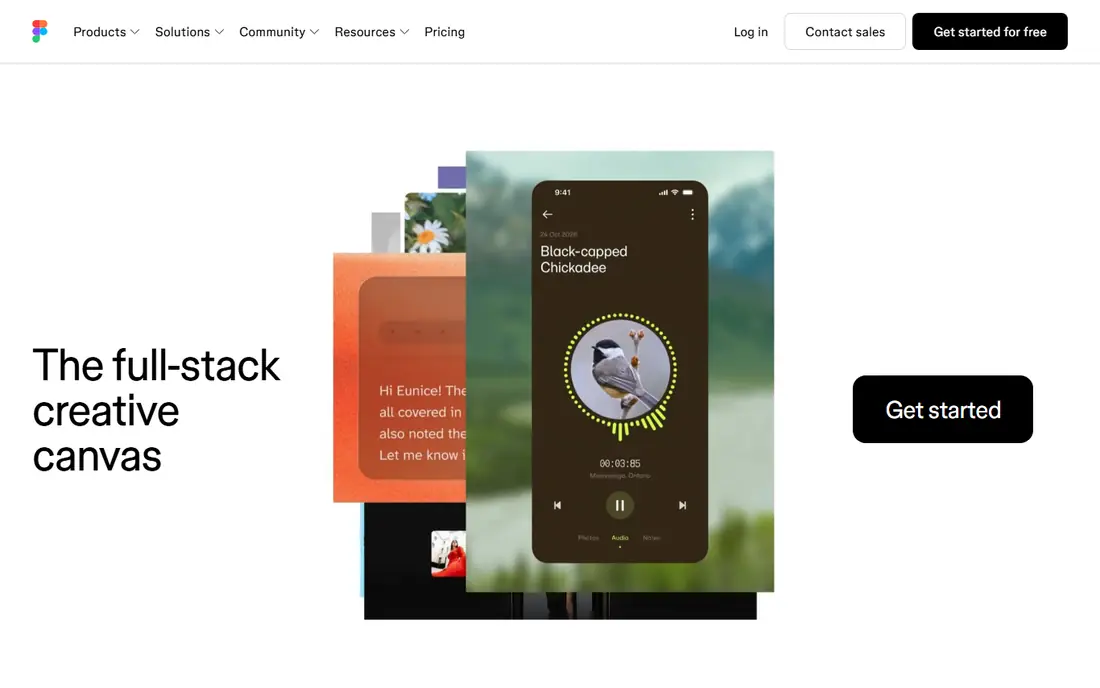
Figma is our pick for most teams because it removes the usual friction around files and versions. Designers, writers, and developers can open the same file in a browser, leave comments in context, and inspect specs without passing files back and forth. That shared workspace matters most when a product has many screens, states, and contributors. The design system tools are the other reason Figma leads this list. Components, styles, variables, and shared libraries help a team keep buttons, colors, and spacing consistent across a whole app. The free Starter plan covers a small number of files, so it works for learning and small projects. Professional costs $15 per editor per month when billed monthly, with a lower annual rate, and it removes the file limits and adds team libraries.
- Real-time collaboration in the browser
- Strong components, variables, and libraries
- Large plugin and community library
- Paid seats add up for large teams
- Offline work is limited compared with native apps
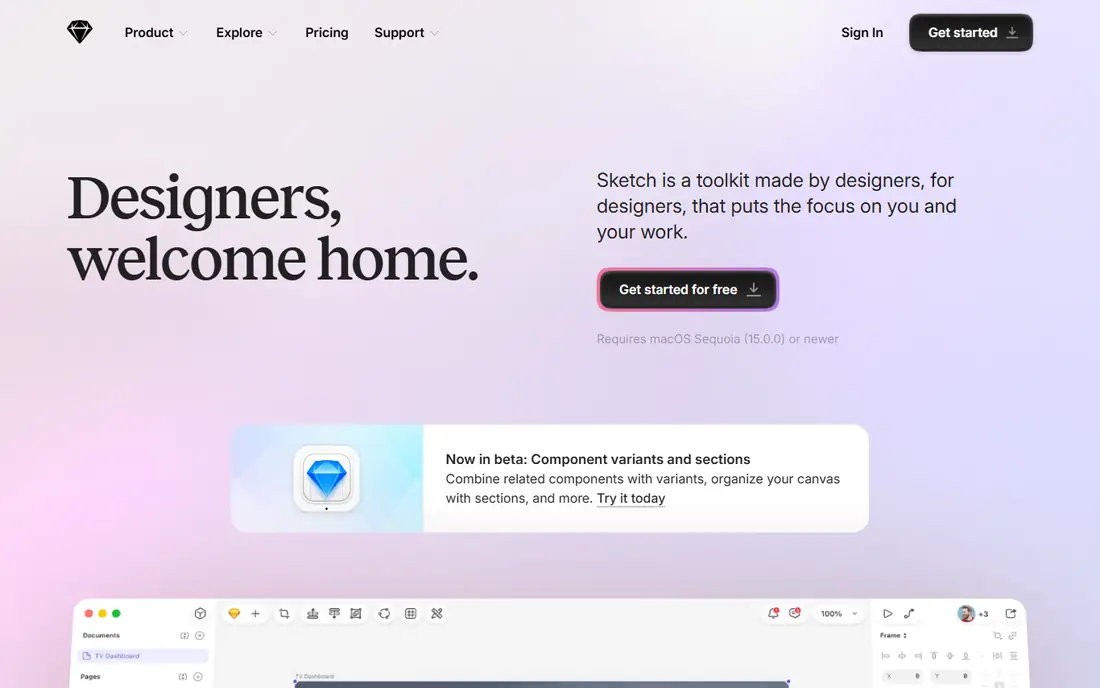
Sketch suits designers who work on a Mac and want a focused, native tool rather than a browser tab. The vector editor feels direct for icons, screens, and app layouts, and symbols and libraries help keep repeated elements consistent. It also works offline, which is a real benefit on travel days or with an unstable connection. The main trade-off is platform. If your team includes Windows or Linux users, they will rely on web viewing and handoff rather than the full app. Sketch lists a Standard plan at $10 per editor per month when billed yearly, and a free trial lets you test the workflow before paying. For a Mac-only team that values speed and simplicity, it remains a solid choice.
- Fast native Mac app
- Strong vector editing and symbols
- Works offline
- Mac only for the main app
- Collaboration is less live than Figma
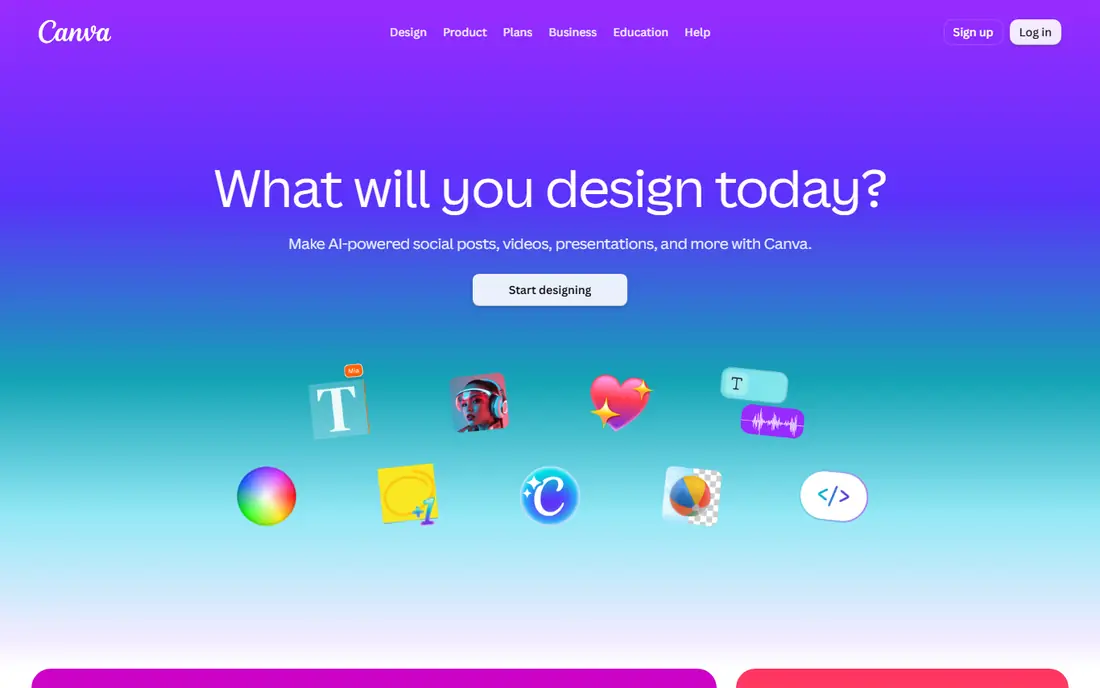
Canva is the easiest way for a small team to produce good-looking graphics without design training. Templates cover social posts, presentations, app store screenshots, posters, and short videos, and the editor uses drag and drop rather than complex vector tools. That speed makes it a good companion to a product design tool, rather than a replacement for one. The free plan is generous for basic work, including many templates, photos, and graphics. Paid plans add brand kits, background removal, and more storage, which matter when several people publish under one brand. Canva is not the best pick for detailed app interface work, but for marketing graphics and quick layouts, few tools match its pace.
- Very large template library
- Easy for non-designers
- Works in the browser and on mobile
- Less precise control than a dedicated vector tool
- Advanced brand tools sit behind paid plans
Affinity Designer appeals to illustrators and graphic designers who want professional vector tools without a monthly bill for every seat. It handles detailed illustration, logo work, and print-style layouts, and it switches between vector and pixel tools in the same document. The iPad version is unusually capable, so illustrators can sketch and refine away from a desk. It is less suited to large product teams. There is no shared multiplayer canvas or built-in design system library in the Figma sense, so teams need their own file and naming habits. Pricing has changed since Canva acquired Serif, so check the official Affinity page for the current offer before you buy. For individual creative work, it offers strong value.
- Precise vector and raster tools in one app
- One-time purchase history and no subscription pressure
- Strong iPad version
- No built-in team collaboration like Figma
- App interface work needs more manual setup
Framer started as a prototyping tool and now works best as a website builder with design-grade control. You can lay out pages, add animation and interactions, connect a content collection, and publish to a custom domain without handing files to a developer. That makes it a strong pick for landing pages, portfolios, and marketing sites. The pricing model needs care. Framer charges per site, so a team with many sites should map costs before scaling. The free plan covers a basic site on a Framer subdomain, which is enough to test the editor and publish a small project. For native app design, Figma or Sketch remain better fits, but for the web, Framer closes the gap between design and launch.
- Designs publish as real websites
- Strong animation and layout tools
- Free starting plan
- Pricing is per site, not per designer
- Less suited to native app screens
Penpot is our pick for teams that want control over their tools and their files. It is open-source, it runs in the browser, and it can be self-hosted, which suits organizations with strict data or procurement rules. It supports components, shared libraries, design tokens, and developer handoff with code that matches open web standards. The trade-off is ecosystem size. You will find fewer plugins and community templates than in Figma, and some workflows take an extra step. For many product teams, that is a fair exchange for no per-editor fee on the self-hosted version and full access to the file format. If you value openness and long-term independence from one vendor, Penpot deserves a trial.
- Open-source and self-hostable
- Uses open standards such as SVG
- Browser-based collaboration
- Smaller plugin and template library than Figma
- Some advanced features are still maturing
Lunacy, from Icons8, fills a gap that few free tools cover well: a full desktop design app that costs nothing to start. It opens Sketch files, works with common design tasks, and includes access to Icons8 graphics, photos, and icons. Windows users in particular benefit, since many leading design tools are browser-based or Mac-first. It is not a full replacement for a team platform. Real-time collaboration, shared libraries, and developer handoff are more limited than in Figma, so larger teams may still need a second tool. For solo designers, students, and small teams on a tight budget, Lunacy offers a capable free starting point with no subscription required.
- Free desktop app for Windows, Mac, and Linux
- Reads Sketch and Figma files
- Built-in graphics and icons
- Collaboration tools are thinner than Figma
- The interface can feel busy for new users
ProtoPie is the tool to reach for when a static mockup cannot answer the question. It lets designers build prototypes that respond to taps, swipes, voice, and device sensors, so user testing feels much closer to a real app. You can import screens from Figma or Sketch, then add logic, variables, and conditional interactions without writing code. That focus is also its limit. ProtoPie does not try to replace a full design tool or a design system library, so most teams will use it alongside Figma or Sketch. Pricing varies by plan and team size, so check the official ProtoPie pricing page and use the free trial to test a real prototype before paying. For teams that test often, the realism is worth it.
- Builds realistic prototypes without code
- Sensors and device inputs included
- Works with Figma and Sketch files
- Paid plans are needed for full use
- It is a prototyping tool, not a full design system platform
Adobe Express suits marketers and small business owners who need polished graphics fast. The template library covers social posts, flyers, presentations, and short videos, and the editor keeps the steps short. Adobe Fonts and stock content help a basic design look more polished than a generic template. The free plan covers a useful set of templates and tools, while the Premium plan adds more assets, brand tools, and editing features. Adobe Express will not replace a dedicated interface or illustration tool for detailed work. As a fast companion for daily marketing content, especially inside an Adobe workflow, it is a practical pick.
- Quick templates and Adobe stock access
- Simple photo and video edits
- Adobe Fonts included on paid plans
- Less control than Illustrator or Figma
- Some best assets require a paid plan
UXPin takes a different approach to design systems: it lets teams design with components that mirror production code. That link reduces the gap between a mockup and a shipped product, and it helps large teams document patterns, states, and usage rules in one place. Designers can also build interactive prototypes with conditional logic and data. The learning curve is higher than in Canva or Lunacy, and the setup pays off most for teams that already maintain a component library. Solo designers and small teams may find Figma or Penpot simpler. Check the official UXPin pricing page, since plans are aimed at professional teams, and use the trial to test how well its code components match your stack.
- Design with real code components
- Strong documentation for design systems
- Interactive prototypes
- Steeper learning curve than template tools
- Pricing suits teams more than solo users
How we picked these
We compared official feature pages, pricing pages, app store listings, privacy policies, and public reviews for each tool. We favored tools that are still actively available in October 2026, cover a distinct need such as interface design, graphic design, prototyping, or design systems, and offer a free plan or trial where possible. We did not claim hands-on testing, and we left out discontinued tools such as InVision and Marvel.
What to check before you pay
Start with the job, not the brand. Interface design for a product team points to Figma, Sketch, or Penpot. Marketing graphics point to Canva or Adobe Express. A published website points to Framer. A realistic prototype points to ProtoPie. A code-linked system points to UXPin. Matching the tool to the output saves more time than any feature list.
Check the pricing model
Some tools charge per editor, some per site, and some per team. Count who actually edits, not who only views or comments, and ask whether viewers are free. A tool that looks cheap for one designer can become costly for a team of ten, while a per-site tool can be cheap for a team with one site and costly for an agency with many.
Check file compatibility and handoff
Ask how designs move to developers and to other tools. Figma, Penpot, and Lunacy handle common file types and handoff in different ways, and ProtoPie imports from Figma and Sketch. If your developers need specs, assets, and tokens, test that flow on a real screen before you migrate a whole project.
Check collaboration and platform needs
Browser tools suit mixed Mac and Windows teams. Native tools suit offline work and speed on one platform. Sketch needs a Mac for full editing, while Figma and Penpot run in a browser. If stakeholders only comment, a free viewer seat may be enough, so do not pay for editors they will never use.