Best Digital Signage Software for Offices in 2026: 9 Tools Compared
By ToolNimba Editorial Team October 30, 2026 9 min read

- Top pick
 ScreenCloud
Multi-location content governance
Starting price$20.00 per monthCheck out ScreenCloudRead our review - Runner-up
 Yodeck
Budget office screens
Starting priceFreeCheck out YodeckRead our review - Also great
 OptiSigns
App library and drag-and-drop design
Starting price$9.00 per monthCheck out OptiSignsRead our review
How we researched this
We compared official pricing and feature pages, app store listings, privacy policies and public user reviews. Prices change, so check the provider's site before you pay.
Key takeaways
- ScreenCloud is our pick for multi-location offices, with content governance, app integrations, and live data displays from 20 dollars a screen a month.
- Yodeck is the best budget option, with one screen free and paid plans from 8 dollars a screen a month.
- OptiSigns is the best app-rich option, with a huge app library and drag-and-drop design from 9 to 10 dollars a screen a month.
- Rise Vision is the best choice for offices that also need emergency alerts and screen sharing in one platform.
- Check hardware compatibility and offline caching before committing: the cheapest software costs more if it needs new players for every screen.
Quick comparison
| Name | Best for | Starting price | Free plan | |
|---|---|---|---|---|
| ScreenCloud | Multi-location content governance | $20.00 per month | Free trial | Visit |
| Yodeck | Budget office screens | Free | Yes | Visit |
| OptiSigns | App library and drag-and-drop design | $9.00 per month | Free trial | Visit |
 Rise Vision | Alerts, screen sharing, and communication in one platform | $11.00 per month | Free trial | Visit |
 Play Digital Signage | Simple budget signage | Free | Yes | Visit |
 TelemetryTV | Data dashboards and kiosk displays | $8.00 per month | Free trial | Visit |
 Appspace | Workplace communication plus signage | See website | Free trial | Visit |
 Xibo | Self-hosted signage for IT teams | Free | Yes | Visit |
 NoviSign | Template-heavy interactive displays | $14.00 per month | Free trial | Visit |
The best digital signage software for offices
Office digital signage turns lobby, meeting room, and break room screens into internal communication: announcements, dashboards, room bookings, visitor welcome, and emergency alerts, without printing posters or emailing everyone. The nine tools below cover budget, multi-location, app-rich, and self-hosted options, and we compared pricing per screen, content management, hardware support, and offline reliability.
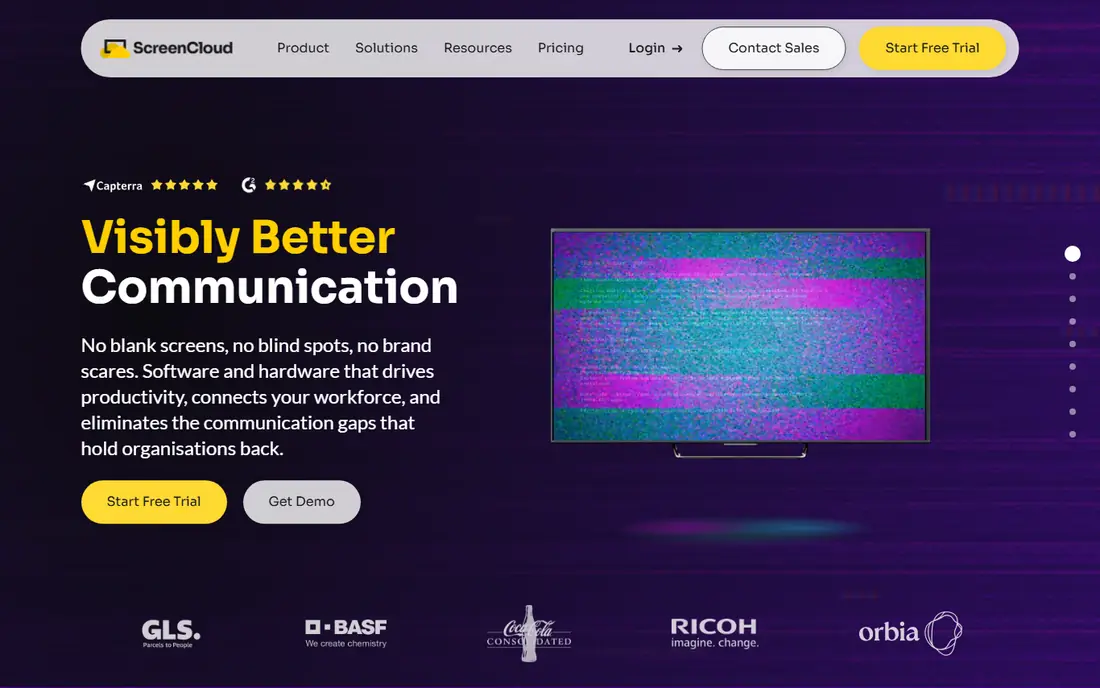
ScreenCloud helps organizations manage content permissions, screen groups, and communications workflows while maintaining control over who publishes what, which matters most for multi-location offices and franchises. Its app integrations connect screens to calendars, dashboards, spreadsheets, and business intelligence tools, so displays update automatically. Plans start at 20 dollars a screen a month billed annually, with a 14-day trial on Core and Pro tiers.
It is cloud only, with no self-hosted option, and its price is higher than budget rivals. But for offices that need governance across many screens and locations, ScreenCloud is the best-controlled choice.
- Content permissions and screen groups
- App integrations and live data displays
- Strong multi-location control
- Higher price than Yodeck or OptiSigns
- Cloud only, no self-hosted option
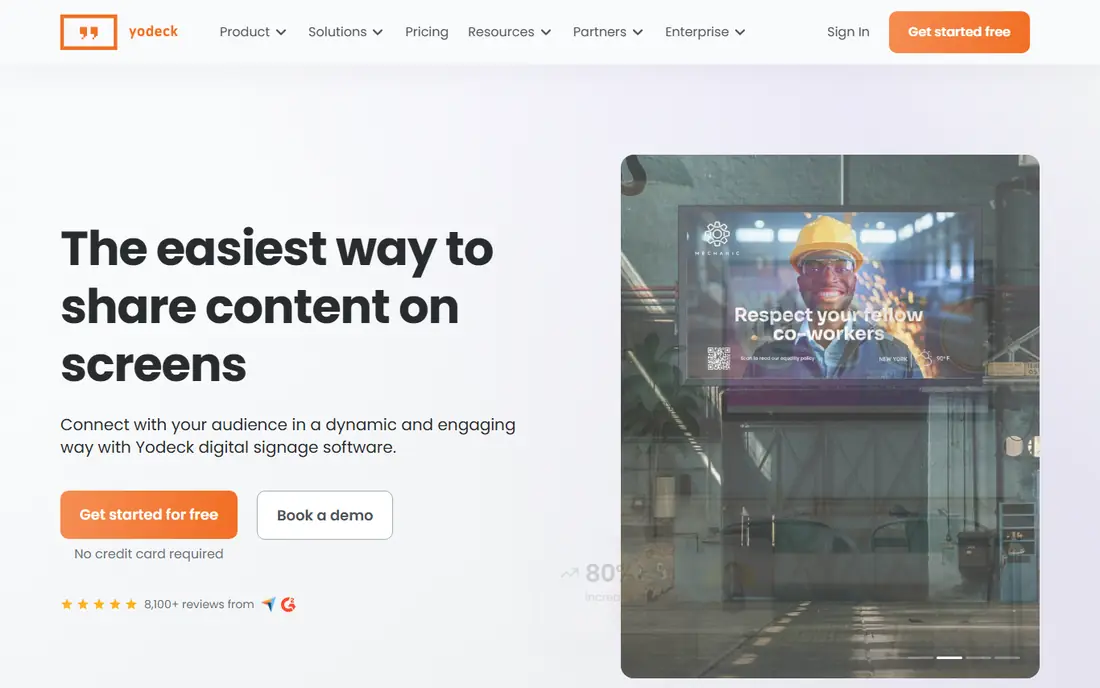
Yodeck combines easy deployment, remote management, scheduling, and integrations in a platform that scales with growing screen networks, with one screen free and paid plans from 8 dollars a screen a month billed annually. That free tier lets small offices test signage on a single lobby or break room screen before committing, and its Raspberry Pi and Android players keep hardware costs low.
Advanced features need higher tiers, and its app library is smaller than OptiSigns'. But for small or budget-conscious offices, Yodeck's free tier and low entry price are unbeatable.
- Free for one screen
- Paid plans from 8 dollars a screen a month
- Easy deployment and remote management
- Advanced features need higher tiers
- Smaller app library than OptiSigns
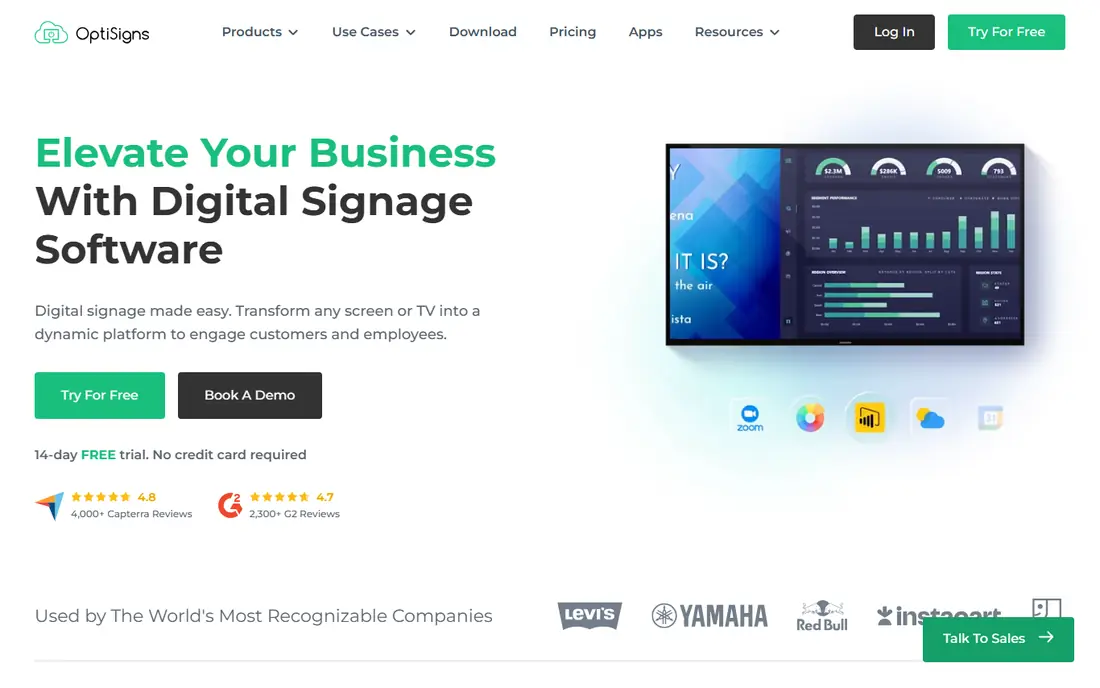
OptiSigns connects screens to calendars, dashboards, spreadsheets, social feeds, and other real-time data sources that update automatically, with a drag-and-drop editor and a huge app library that suits offices wanting rich, live displays without design skills. Plans start at 9 to 10 dollars a screen a month depending on source, with a 14-day trial and no card required on some plans.
Deployment is cloud only except for Enterprise on-premises or private cloud tiers, and pricing varies slightly by source. But for offices that want live data and apps on screens easily, OptiSigns is the best app-rich choice.
- Huge app library
- Drag-and-drop editor
- Live data from calendars, dashboards, and feeds
- 14-day trial
- Cloud only except Enterprise on-prem
- Pricing reported as 9 to 10 dollars a screen a month by source
Rise Vision
Best for: Alerts, screen sharing, and communication in one platform
Rise Vision brings together digital signage, wireless screen sharing, and CAP-compliant emergency messaging in one platform, which suits offices that need announcements, meeting room sharing, and emergency alerts without separate tools. Plans start around 11 dollars a display a month, with some sources reporting 9.99 dollars, and a free trial for testing. Its emergency alert capability is a genuine differentiator for workplace safety.
Its heritage is education-focused, and some office-specific features need higher tiers. But for offices that value emergency alerts alongside signage, Rise Vision is the best combined platform.
- Digital signage plus wireless screen sharing
- CAP-compliant emergency messaging
- From 11 dollars a display a month
- Education-focused heritage
- Some office features need higher tiers
Play Digital Signage offers an affordable, easy-to-manage signage platform with a free first screen, paid plans from 7.20 to 8 dollars a screen a month depending on billing, and broad hardware compatibility across Windows, macOS, Android, ChromeOS, and Linux. That simplicity suits lean office teams that want signage up quickly without a long setup.
Its feature set is simpler than ScreenCloud's, with fewer enterprise governance tools. But for budget-conscious offices that want simple, reliable cloud signage, Play is an excellent choice.
- First screen free
- Paid plans from 7.20 to 8 dollars a screen a month
- Broad hardware compatibility
- Simpler feature set than ScreenCloud
- Fewer enterprise governance tools
TelemetryTV suits offices that want data dashboards and operations displays, not just announcements, with dashboard widgets, kiosk mode, and advanced scheduling from 8 dollars a device a month billed annually. That data focus makes it ideal for operations rooms, sales dashboards, and KPI walls, where live numbers matter more than posters.
Its learning curve is heavier than Yodeck's, and its dashboard focus may exceed simple announcement needs. But for data-heavy office displays, TelemetryTV is the best dashboard signage tool.
- Dashboard and data displays
- Kiosk mode
- From 8 dollars a device a month
- Free trial
- Heavier learning curve than Yodeck
- Dashboard focus may exceed simple announcement needs
Appspace combines digital signage with employee communications, desk booking, room reservations, and workplace management in one platform, which suits offices modernizing the whole workplace, not just screens. That suite approach means signage, room displays, and employee app content can be managed together, with consistent branding and permissions. Pricing is available on request, with a free trial and demo available.
Its suite may be overkill for signage-only offices, and quote-based pricing makes comparison harder. But for offices buying a full workplace platform, Appspace's integrated signage is the best choice.
- Combines signage with employee communications, desk booking, and room reservations
- Strong workplace suite
- Pricing on request
- Larger suite may be overkill for signage-only offices
Xibo is an open source digital signage platform that IT teams can self-host for free, with Xibo Cloud from 4.90 dollars a display a month for teams that prefer hosted management. That control suits organizations with strict data, network, or compliance requirements that cannot use cloud-only tools, and its open source heritage gives flexibility for custom integrations.
Self-hosting needs IT setup and maintenance, and the interface is less polished than ScreenCloud or Yodeck. But for IT teams that prefer to self-host, Xibo is the best free and flexible choice.
- Free self-hosted version
- Xibo Cloud from 4.90 dollars a display a month
- Full control for IT teams
- Self-hosting needs IT effort
- Interface is less polished than cloud rivals
NoviSign offers template-heavy signage with a pre-built widget library for weather, social walls, and data displays, plus interactive kiosk and touch display support, from 14 dollars a screen a month billed annually. A 30-day trial and demo are available. That template library suits offices that want polished displays quickly without design work.
Its interface feels dated next to newer rivals, and its entry price is higher than Yodeck's or Play's. But for interactive kiosks and template-driven displays, NoviSign is a solid, proven choice.
- Pre-built widget library
- Interactive kiosk and touch support
- 30-day trial
- Interface feels dated next to newer rivals
- Higher entry price than Yodeck
How we picked these
We compared official pricing pages, content management features, hardware support, and public 2026 digital signage comparisons for tools actively available in 2026. We favored tools with real office use cases, not just retail menu boards, and we covered budget, multi-location, app-rich, dashboard, suite, and self-hosted options. We did not claim hands-on testing; our comparison rests on published specifications, pricing, and public user reviews.
How to roll out office signage
Start with one screen and one use case, such as lobby announcements or a break room dashboard, and prove the workflow before buying players for every room. Check hardware first: confirm which players, TVs, and operating systems each tool supports, and whether existing screens or spare devices can run it, since new players for every screen can dwarf software costs.
Also check offline caching: how long a screen keeps playing if the network drops, and whether it recovers automatically. Offices with flaky Wi-Fi need strong caching, or screens will go blank at the worst moment. Finally, assign ownership: one person or team should own content, permissions, and updates, or screens quickly become stale and ignored.