Best Digital Signage Software in 2026: 9 Platforms Compared
By ToolNimba Editorial Team October 30, 2026 10 min read

- Top pick
 Yodeck
Small businesses testing signage on a budget
Starting price$8 per screen per monthCheck out YodeckRead our review - Runner-up
 OptiSigns
Offices and restaurants that want drag-and-drop editing
Starting price$10 per screen per monthCheck out OptiSignsRead our review - Also great
 ScreenCloud
Franchises, offices and internal communications at scale
Starting price$20 per screen per monthCheck out ScreenCloudRead our review
How we researched this
We compared official pricing and feature pages, app store listings, privacy policies and public user reviews. Prices change, so check the provider's site before you pay.
Key takeaways
- Cloud signage software usually costs 5 to 30 dollars per screen per month in 2026, before hardware and installation.
- Yodeck and OptiSigns offer the cheapest credible starting points, with free tiers for one and three screens respectively.
- ScreenCloud suits larger, multi-location teams that need polished apps and stronger support, at a higher per-screen price.
- Self-hosted Xibo can cut licence costs, but it adds server, backup and security work that small teams should price honestly.
Quick comparison
| Name | Best for | Starting price | Free plan | |
|---|---|---|---|---|
| Yodeck | Small businesses testing signage on a budget | $8 per screen per month | Yes | Visit |
| OptiSigns | Offices and restaurants that want drag-and-drop editing | $10 per screen per month | Yes | Visit |
| ScreenCloud | Franchises, offices and internal communications at scale | $20 per screen per month | Free trial | Visit |
 Rise Vision | Schools, nonprofits and community spaces | $11 per display per month | Free trial | Visit |
 TelemetryTV | Operations teams that need live data on screens | $8 per device per month | Free trial | Visit |
 NoviSign | Interactive kiosks and touch displays | $14 per screen per month | Free trial | Visit |
 Xibo | IT teams that want to self-host signage | Free | Yes | Visit |
 PosterBooking | Small shops with very tight budgets | Free | Yes | Visit |
 Fugo | Design-led screens with many content apps | $20 per screen per month | Free trial | Visit |
The best digital signage software
Digital signage software is the management layer that decides what each screen shows, when it shows it, and whether it is still playing. We compared official pricing pages and feature lists for platforms that work in October 2026, from free single-screen tools to enterprise platforms. Prices below are per screen per month unless noted, and most cloud prices assume annual billing.
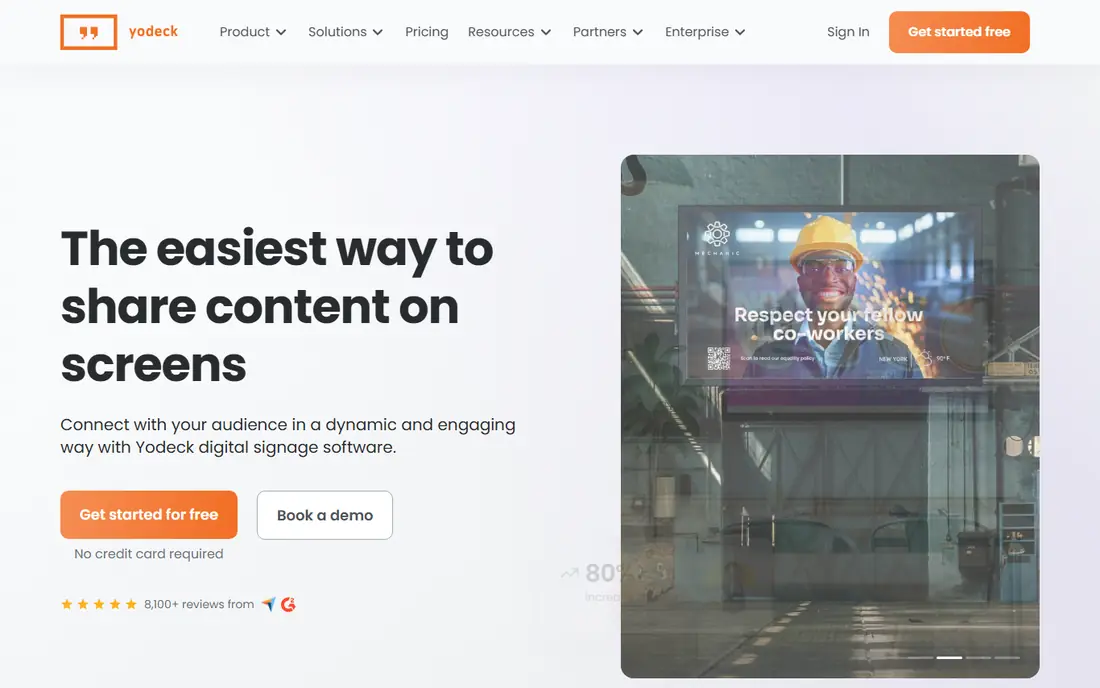
Yodeck is the price anchor for this category, and it earns that position. One screen is free forever, paid plans run from 8 dollars per screen per month, and players based on Raspberry Pi hardware keep costs down for small deployments. Scheduling, playlists, apps and offline playback cover the core needs of shops, cafes, offices and clinics.
The catch is support and scale. Priority support and advanced controls sit on higher tiers, so a network where a dark screen means lost revenue should read the support terms closely. For a single site or a small chain with someone in-house to manage screens, Yodeck is hard to beat on cost.
- One screen free forever
- Low paid pricing
- Raspberry Pi players and offline playback
- Support depth rises with plan tier
- Enterprise features need higher plans
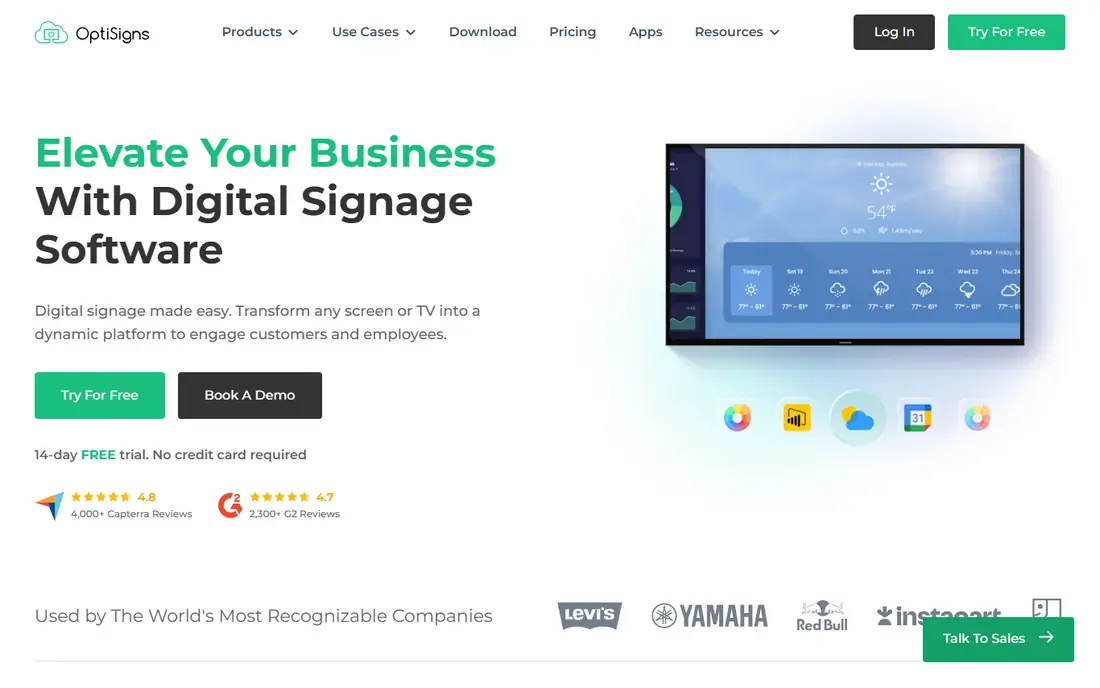
OptiSigns suits teams that want to build screens quickly without design software. Its drag-and-drop editor, templates and app library cover menus, schedules, social feeds, dashboards and announcements, and it runs on many players including smart TVs and sticks. The free plan covers up to three screens with branding, while paid plans start at 10 dollars per screen per month.
Add-ons can raise the bill. Video walls and background music, for example, are charged separately on some plans, so price the full setup for your screens, not just the base licence. For offices, restaurants and clinics that value a large integration catalogue, OptiSigns is a strong mid-priced choice.
- Free plan for up to three screens
- Large app and integration library
- Easy editor
- Free plan shows branding
- Video walls and some add-ons cost extra
ScreenCloud
Best for: Franchises, offices and internal communications at scale

ScreenCloud is the cleanest mid-market option on this list. Its editor is polished, its app library covers workplace tools, social feeds, dashboards and media, and its security documentation includes SOC 2 audit and data processing terms that larger buyers often require. Multi-location management, scheduling and permissions suit franchises and corporate communications teams.
The price reflects that polish. Core starts at 20 dollars per screen per month billed annually, with Pro at 30 dollars, and single sign-on and premium support sit on higher plans. ScreenCloud suits teams that will pay more for a polished, well-supported platform, rather than buyers chasing the lowest per-screen price.
- Polished editor and 80 plus apps
- Strong security documentation
- Multi-location management
- Higher per-screen price
- Single sign-on and premium support need higher tiers
Rise Vision has long served schools and nonprofits, and its template library reflects that focus: announcements, schedules, events and emergency messages are easy to build without design help. Pricing is listed at 11 dollars per display per month on annual billing, with a monthly rate slightly higher, and a trial lets teams test the editor before committing.
It is less focused on complex retail media or advanced data dashboards than TelemetryTV or enterprise platforms. For schools, churches, clinics and community spaces that need clear, reliable screens, Rise Vision remains a practical, well-priced choice.
- Large template library
- Education-friendly pricing
- Simple scheduling
- Less suited to complex retail media
- Some features need higher tiers
TelemetryTV suits teams that want screens to show live information, not just slides. Its dashboard and data apps connect to metrics, charts, weather, calendars and internal tools, which makes it popular for operations rooms, warehouses and offices that track performance. Pricing starts at 8 dollars per device per month, with higher tiers for more features.
The editor is more functional than beautiful, so design-led retail screens may prefer ScreenCloud or Fugo. For data-heavy deployments where accuracy and refresh speed matter more than fancy templates, TelemetryTV offers strong value.
- Strong data and dashboard apps
- Low starting price
- Good for operations walls
- Design tools are less polished than ScreenCloud
- Higher tiers needed for advanced features
NoviSign is a good fit when screens are not just for viewing but for touching. It supports interactive kiosks, wayfinding, menus and forms, alongside standard playlists and scheduling. Pricing starts at 14 dollars per screen per month billed annually, with a 30-day trial, and offline playback covers many content types, though web pages and streams still need a connection.
The starting price is higher than budget rivals, so it makes most sense when interactivity is a real requirement. For museums, showrooms, clinics and retail kiosks, NoviSign offers a focused toolset that simpler slideshow players lack.
- Touch and interactive support
- Good template range
- Offline playback for many content types
- Higher starting price than Yodeck
- Web content still needs internet
Xibo is the open-source option for teams that prefer to host signage themselves. The self-hosted CMS is free, layouts are flexible, and a cloud option starts from a low per-display price for teams that do not want to run a server. That control appeals to IT departments with strict data rules or existing infrastructure.
The hidden cost is time. Self-hosting means managing updates, backups, security and player software, which can outweigh licence savings below roughly 50 screens. Xibo suits IT-led deployments with the skills to run it well, rather than small shops that want a fully managed service.
- Self-hosted CMS is free and open source
- Cloud option available
- Flexible layouts
- Self-hosting adds server and security work
- Setup needs IT skill
PosterBooking stands out for price alone: it offers a free tier for up to 10 screens, with paid plans from a low monthly rate after that, based on vendor pricing. Setup is simple, and it covers images, video, web pages and scheduling for small shops, cafes and offices that just need screens to look current.
It lacks the deep app library and enterprise controls of ScreenCloud or OptiSigns, so larger networks will likely outgrow it. For a small business testing signage or running a handful of screens on a tight budget, PosterBooking is the cheapest credible starting point.
- Free for up to 10 screens
- Simple setup
- Low paid pricing after the free tier
- Fewer advanced apps than rivals
- Free tier has limits and branding considerations
Fugo combines a polished editor with a broad app range, covering dashboards, social feeds, menus, calendars and design tools. Pricing starts at 20 dollars per screen per month billed annually, with a trial and a single free screen option that carries a watermark. Offline playback keeps screens running during short outages, though live streams still need internet.
At that price, Fugo competes directly with ScreenCloud, so the choice comes down to app fit and editor taste. Design-led teams that want many integrations and a modern interface will find Fugo a strong option, while budget buyers should start with Yodeck or OptiSigns.
- Strong app and integration range
- Polished editor
- Offline playback
- Higher per-screen price
- One free screen has a watermark
How we picked these
We compared official pricing pages, feature lists and public reviews for signage platforms that work in October 2026 across common hardware, including smart TVs, sticks and dedicated players. We included free, budget, mid-market and self-hosted options, and we favoured platforms with clear per-screen pricing, scheduling, remote management and offline playback. Where a price could not be confirmed from the vendor at the time of writing we wrote See website, and readers should confirm current pricing before buying hardware.
What to check before you buy screens and software
Start with the screens you already own. Many platforms run on a smart TV browser or a low-cost stick, while larger networks benefit from dedicated players for reliability. Check which players your chosen platform supports, how long offline playback lasts, and whether content updates work over your internet connection.
Price the whole deployment, not just the licence
Add players, mounts, cabling, installation and design time to the per-screen licence. At 10 screens, software alone can run from 600 to 3,600 dollars a year across the price range on this list, before hardware. A free software tier does not make the project free, but it does let you test one screen before scaling.
Test scheduling, permissions and proof of play
Before rolling out, test time-based scheduling, user permissions and reporting. Retail and corporate teams often need proof that content played, while schools need simple emergency messaging. Those operational features matter more after launch than the template gallery does during a demo.