Best Document Management Software in 2026: 9 Tools Compared
By ToolNimba Editorial Team October 30, 2026 9 min read

- Top pick
 Google Drive
Simple team collaboration
Starting priceSee websiteCheck out Google DriveRead our review - Runner-up
 Microsoft SharePoint
Microsoft 365 teams
Starting priceSee websiteCheck out Microsoft SharePointRead our review - Also great
 Box
Secure content control
Starting priceSee websiteCheck out BoxRead our review
How we researched this
We compared official pricing and feature pages, app store listings, privacy policies and public user reviews. Prices change, so check the provider's site before you pay.
Key takeaways
- Google Drive and Microsoft SharePoint are our top picks for most small teams, because they combine storage, collaboration, and familiar tools.
- PandaDoc suits sales and service teams that need proposals, contracts, and e-signatures in one workflow, not just file storage.
- M-Files and DocuWare suit regulated or workflow-heavy teams, but they often require a quote and a longer setup.
- Per-user pricing adds up fast, so count every editor, not just admins, and check storage limits before you sign.
- Our pick for most small businesses is Google Drive for simplicity, with Box as a strong choice if security controls matter most.
Quick comparison
| Name | Best for | Starting price | Free plan | |
|---|---|---|---|---|
| Google Drive | Simple team collaboration | See website | Yes | Visit |
| Microsoft SharePoint | Microsoft 365 teams | See website | No | Visit |
| Box | Secure content control | See website | Free trial | Visit |
 Dropbox Business | Simple sharing | $9.99 per person per month | Free trial | Visit |
 Notion | Team docs and wikis | Free | Yes | Visit |
 PandaDoc | Proposals and e-signatures | $19 per user per month | Yes | Visit |
 M-Files | Metadata-driven management | See website | No | Visit |
 DocuWare | Document workflows | See website | No | Visit |
 Zoho WorkDrive | Low-cost team storage | See website | Free trial | Visit |
The best document management software
Document management covers more than storage. Good tools help you find files, control who can edit them, track versions, and automate approvals. The tools below range from simple drives to full workflow platforms.
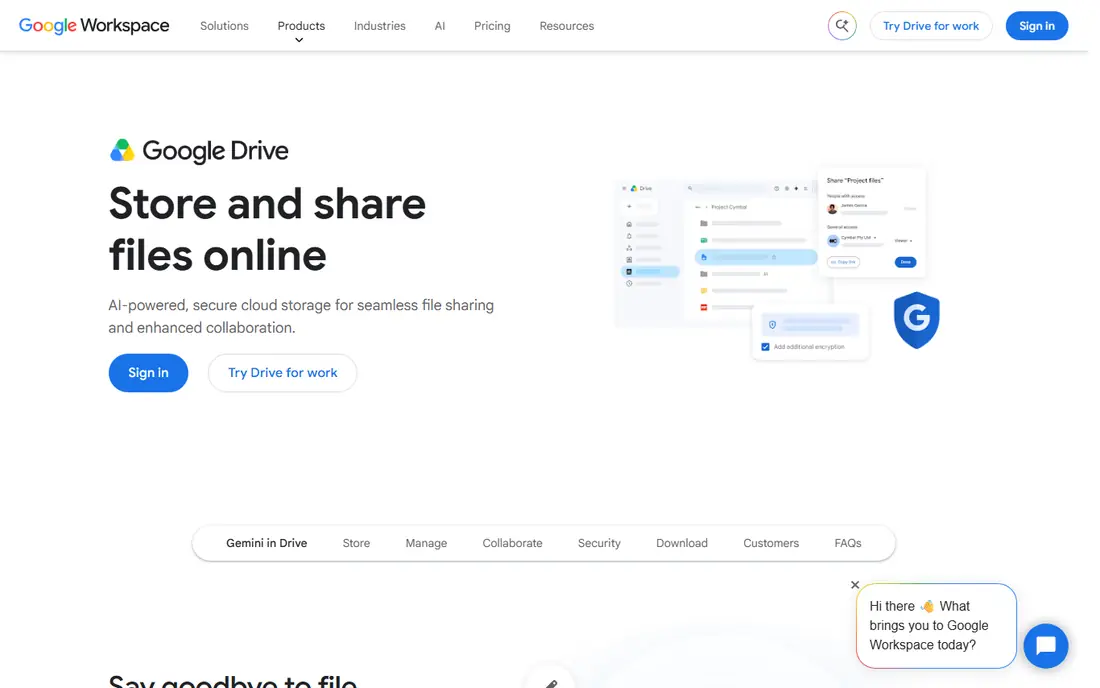
Google Drive is the easiest document system for many small teams. Files open in Docs, Sheets, or Slides, comments and suggestions work in real time, and sharing links are simple to control. Most staff already know the interface, which cuts training time.
The limit is governance. Without clear folder rules and naming, a Drive can become hard to search as it grows. Larger or regulated teams may need Workspace admin controls, retention, and audit features. For a small team that needs to collaborate fast, Drive is a practical first choice.
- Familiar Docs, Sheets, and Slides editing
- Easy sharing and commenting
- Free tier for individuals
- Folder structure can get messy at scale
- Advanced compliance needs Workspace plans
- Storage limits depend on plan
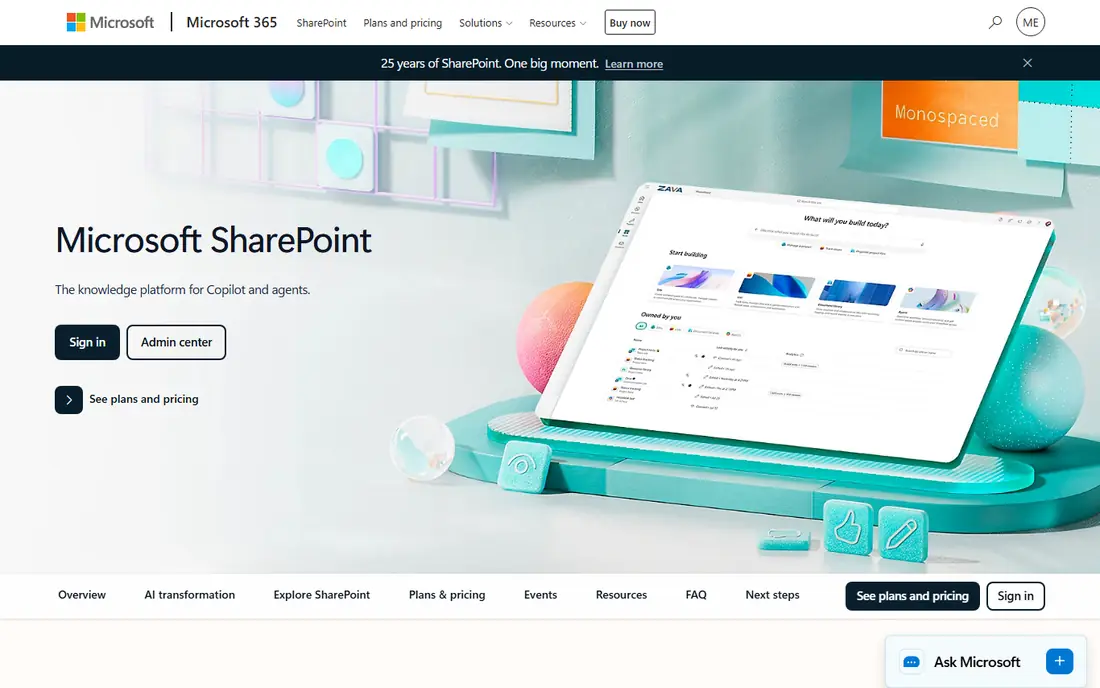
SharePoint suits teams already on Microsoft 365, since it ties documents to Teams, Outlook, and Office apps. You can set permissions by site and library, apply retention policies, and build team sites or intranets around documents. That integration is hard to match if your work lives in Word and Excel.
The downside is complexity. A poorly planned SharePoint can confuse users, and small teams may need help to set up libraries, metadata, and permissions. If you already pay for Microsoft 365, SharePoint is often the best value, since it is included in many plans.
- Deep Microsoft 365 integration
- Strong permissions and retention
- Good for intranets and team sites
- Setup can be complex
- Needs admin time to structure well
- Standalone pricing varies by plan

Box is a content platform built around secure storage, sharing, and governance. You can control who views, edits, or downloads a file, set expiry dates on links, and apply retention and legal hold where needed. External sharing is clearer than on many drives, which helps when clients need access.
Editing is less native than Google Docs or Office Online, though integrations help. Pricing also depends on plan and user count, so small teams should check the minimum. For security-first teams, Box is a strong pick.
- Granular sharing and permissions
- Strong security and compliance options
- Good external sharing controls
- Price rises with advanced features
- Less native document editing than Google or Microsoft
- Minimum user counts on some plans
Dropbox Business is valued for reliable sync and simple sharing. Files appear on desktop and mobile, links are easy to send, and version history helps when someone overwrites a file. Teams that mainly store, share, and collaborate on files will find it straightforward.
It is less of a workflow platform than M-Files or DocuWare, with thinner approval and metadata tools. Per-person pricing also adds up for larger teams. If simple, dependable sharing is the main job, Dropbox does it well.
- Simple sync and sharing
- Good desktop and mobile apps
- Easy external sharing
- Document workflow features are thinner
- Price is per person
- Advanced admin tools need higher plans
Notion is best for living documents, wikis, and team knowledge, rather than as a pure file archive. You can link pages, build databases for projects or policies, and edit together in real time. The free plan suits individuals and small teams getting started.
It handles PDFs and large binary files less well than a dedicated document system, and it is not built for regulated retention. Use Notion for internal docs and guides, and pair it with Drive, SharePoint, or Box for formal records. For knowledge work, it is a flexible and affordable pick.
- Flexible pages, databases, and wikis
- Free plan for individuals
- Good for internal docs and knowledge bases
- Weak for binary files such as large PDFs
- Not a compliance-grade archive
- Permissions can get complex at scale
PandaDoc is a document automation tool, not just storage. You build proposals, quotes, and contracts from templates, add pricing tables and smart fields, send for e-signature, and track when a client opens or signs. That workflow saves sales and service teams real time.
It is not the right tool for storing thousands of general files or for compliance archiving. Per-seat pricing also means every sales user adds cost. If your main document job is closing deals, PandaDoc is a strong specialist pick.
- Templates for proposals and contracts
- Legally binding e-signatures
- CRM integrations and content library
- Not a general file archive
- Per-seat pricing adds up
- Advanced workflows need higher plans
M-Files organizes documents by what they are, not where they sit in a folder tree. You tag a contract by client, type, and date, then find it from any view, which helps when the same file belongs in several places. Workflows for approval, review, and retention add control for regulated teams.
Pricing is often by quote, and implementation takes longer than setting up a drive. Small teams with simple needs will find it heavy. For teams that manage many formal documents and need reliable search and approvals, M-Files is a serious option.
- Find files by metadata, not just folders
- Workflow and approval tools
- Strong compliance options
- Pricing is often quote-based
- Setup takes time
- Overkill for simple storage needs
DocuWare focuses on capturing, indexing, and routing documents through workflows. It suits invoice processing, HR files, and other repeatable document tasks, with search, versioning, and permissions built in. Cloud and on-premises options give IT teams flexibility.
It is less casual than Drive or Dropbox, and pricing usually requires a demo or quote. Small teams that only need sharing will find it more than they need. For process-heavy document work, DocuWare is a dependable choice.
- Strong workflow automation
- Good for invoices and HR files
- Cloud and on-premises options
- Pricing is often quote-based
- Learning curve for admins
- Less suited to casual collaboration
Zoho WorkDrive offers team file storage, sharing, and collaboration at a lower entry price than many rivals. It includes team folders, versioning, and Office-style editing through Zoho apps, and it fits well if you already use Zoho CRM, Mail, or Projects. That bundle value is its main appeal.
It lacks the brand familiarity of Google or Microsoft, and some advanced admin features sit on higher plans. External partners may also prefer a Drive or Dropbox link. For a budget-conscious team, especially one already on Zoho, WorkDrive is worth a trial.
- Low entry price for teams
- Team folders and collaboration
- Good value inside Zoho ecosystem
- Less known than Google or Microsoft
- Advanced compliance needs higher plans
- Integrations are Zoho-led
How we picked these
We compared official pricing pages, feature pages, and public reviews for document systems that serve small businesses in 2026. We favored tools with clear sharing, search, versioning, and permission controls, plus a real free tier or trial where available. We mixed simple drives, wikis, and workflow platforms, since small businesses have different document jobs. We did not claim hands-on testing we did not do, and we used See website where pricing is quote-based or varies by plan and region.
How to choose the right system
Start with your main document job. If you collaborate on drafts, pick Drive, SharePoint, or Notion. If you send proposals, pick PandaDoc. If you route invoices or HR files, pick DocuWare or M-Files. A tool that does everything poorly is worse than a focused tool that does your main job well.
Count users, storage, and permissions
Check whether pricing is per user or per team, and whether guests or viewers count as paid seats. Confirm storage per user, file size limits, and version history length. Test permissions with a real folder: can you share with one client without exposing other clients, and can you revoke access quickly.
Plan migration before you buy
Clean your folders before you migrate, and decide on naming and metadata rules on day one. Move a small pilot set first, test search and sharing, then move the rest. A document system fails when old files are dumped without structure, no matter how good the search tool claims to be.