Best Document Workflow Automation Platform in 2026: 9 Platforms Compared
By ToolNimba Editorial Team October 30, 2026 10 min read

- Top pick
 DocuWare
Invoice and approval workflows
Starting priceSee websiteCheck out DocuWareRead our review - Runner-up
 M-Files
Metadata-based document control
Starting priceSee websiteCheck out M-FilesRead our review - Also great
 airSlate
No-code document workflows
Starting price$19 per monthCheck out airSlateRead our review
How we researched this
We compared official pricing and feature pages, app store listings, privacy policies and public user reviews. Prices change, so check the provider's site before you pay.
Key takeaways
- DocuWare and M-Files suit teams that need controlled storage plus approval routing, while airSlate and PandaDoc are easier starting points for smaller teams.
- PandaDoc starts at $19 per user per month, and Kissflow starts at $1,500 per month, so the price gap between simple document tools and full workflow suites is large.
- Several enterprise platforms, including DocuWare, M-Files, and Nintex, use quote-based pricing, so you should budget for a demo and a sales conversation before you commit.
- The best fit depends less on feature count and more on volume, approval steps, and the systems your documents must connect to.
Quick comparison
| Name | Best for | Starting price | Free plan | |
|---|---|---|---|---|
| DocuWare | Invoice and approval workflows | See website | Free trial | Visit |
| M-Files | Metadata-based document control | See website | Free trial | Visit |
| airSlate | No-code document workflows | $19 per month | Free trial | Visit |
 PandaDoc | Proposals and contracts | $19 per user per month | Free trial | Visit |
 Laserfiche | Regulated records and processes | $73 per user per month | No | Visit |
 Nintex | Enterprise process automation | See website | Free trial | Visit |
 Kissflow | Low-code business workflows | $1,500 per month | Free trial | Visit |
 Revver | Simple document management | See website | No | Visit |
 Formstack | Forms and document generation | See website | Free trial | Visit |
The best document workflow automation platform
A document workflow tool should move a file from inbox to approval to archive without manual chasing. The nine platforms below cover that job from different angles, from simple e-signature flows to full records management.

DocuWare starts our list because it handles the full path for a document, not just storage. You can capture paper and digital files, index them for search, route them for approval, and archive them with an audit trail. That combination fits accounting teams that process invoices, and operations teams that handle contracts and HR forms.
The workflow builder lets you set rules for who approves what, and what happens when a document stalls. You can also connect DocuWare to common business systems, which keeps data from being retyped. The honest catch is price transparency. DocuWare does not publish a simple per-user price, and published third-party summaries put entry bundles around $300 per month. Ask for a quote tied to your user count and document volume before you judge value.
- Strong capture and indexing
- Flexible approval routing
- Cloud and on-premises options
- Pricing is quote-based
- Setup can take time for larger teams
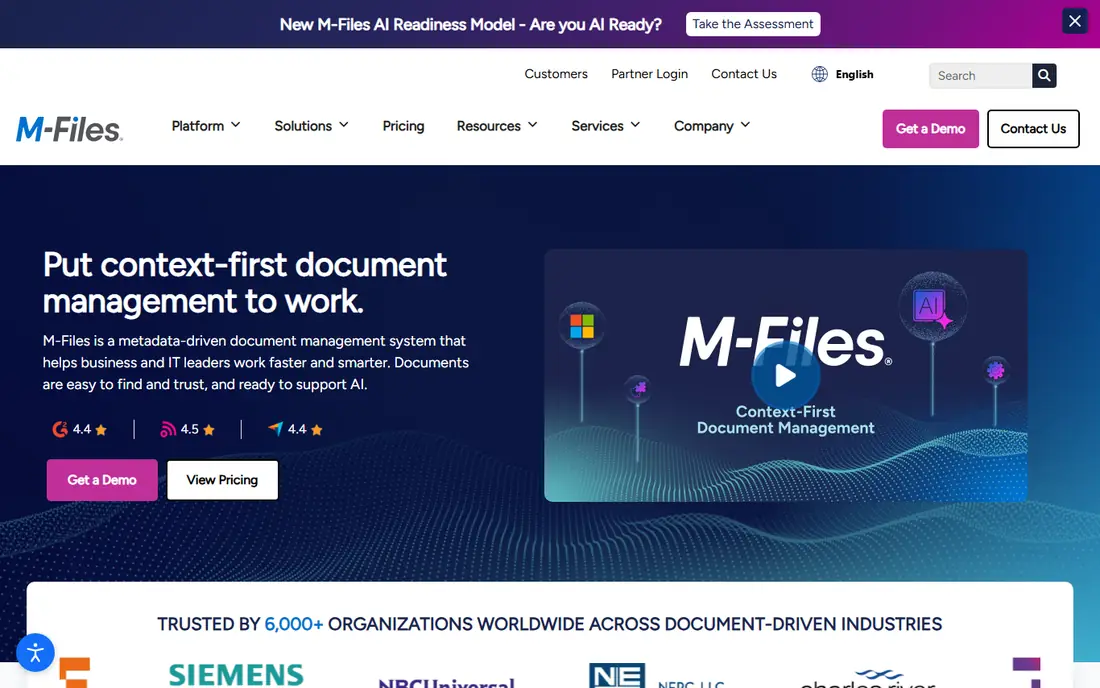
M-Files takes a different approach to finding documents. Instead of relying on folders, it organizes files by metadata such as client, project, document type, and status. That helps when the same document belongs in more than one place, and it reduces the risk of duplicate or outdated copies floating around.
Workflow features cover review, approval, and version control, and the platform includes AI-assisted classification on higher tiers. For regulated firms, the permission model and audit history matter as much as search. The catch is the learning curve. Teams used to folders will need a short adjustment period, and pricing requires a quote, so small teams should confirm the entry cost early.
- Finds files by what they are, not where they sit
- Good governance and permissions
- Works across Microsoft and other tools
- Quote-based pricing
- Folder-based teams may need time to adjust
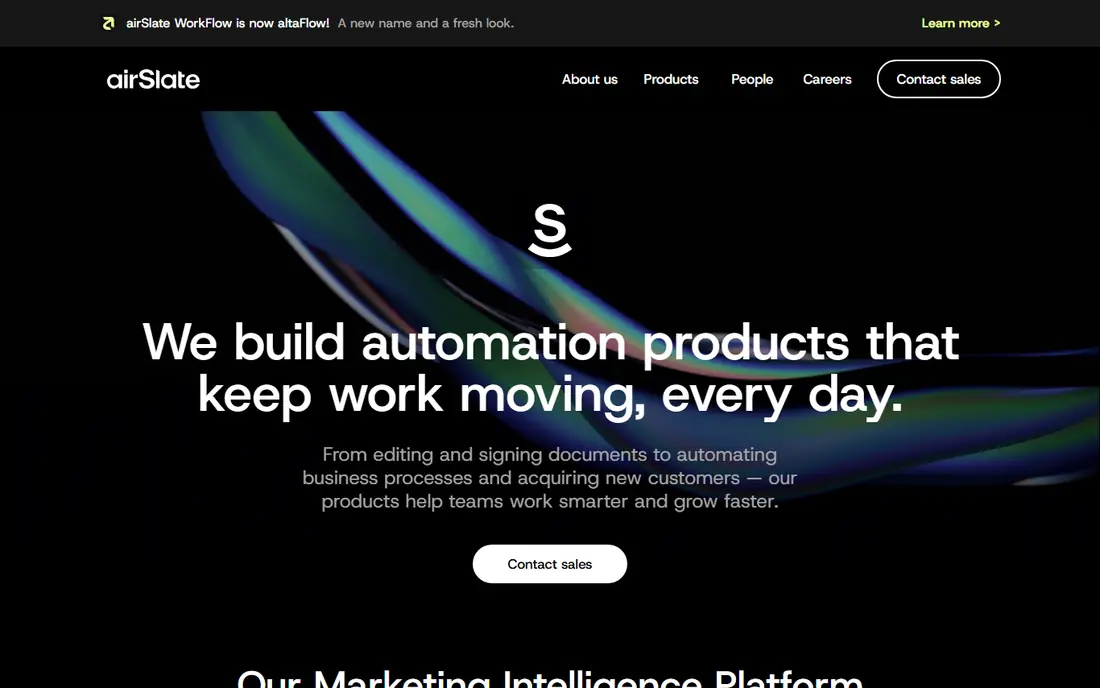
If your team wants to build a workflow without hiring a developer, airSlate is a practical place to start. You can design a flow that collects data with a form, fills a document template, routes it for signature, and stores the finished file. The visual builder makes each step easy to see and change.
Pricing starts at $19 per month on published comparison listings, which makes it far more approachable than enterprise platforms. The trade-off is depth. Very complex approval logic or heavy records requirements may push you toward a higher tier or a different tool. For a small business automating contracts, onboarding packets, and approvals, airSlate covers a lot of ground for the price.
- Visual workflow builder
- Includes e-signature and forms
- Lower entry price than enterprise suites
- Advanced features sit on higher tiers
- Some integrations need setup help
PandaDoc shines when the document itself is the sales tool. Proposals, quotes, and contracts look clean, and you can add pricing tables, approval steps, and payment collection in the same flow. Recipients can sign without creating an account, which keeps deals moving.
The Essentials plan starts at $19 per user per month, and the Business plan at $49 per user per month adds approval workflows, bulk send, and a content library. That structure works well for sales and operations teams. The limit is scope. PandaDoc is not a full records management system, so teams that need long-term retention rules and complex archival controls will likely pair it with another system or choose a broader platform.
- Polished document editor
- Built-in e-signature and payments
- Useful CRM integrations
- Workflow depth is lighter than full ECM suites
- Per-user pricing adds up for large teams
Laserfiche is built for organizations where retention, compliance, and audit trails are not optional. You can capture documents, automate multi-step processes, apply retention schedules, and control access by role. That makes it a natural fit for local government, financial services, and healthcare operations.
Published summaries list Professional pricing from $73 per user per month billed annually, with a five-user minimum on that tier. That puts it above simple document tools, but below some custom enterprise builds. The catch is implementation. Getting retention rules, forms, and workflows right takes planning, and smaller teams may find the setup heavier than they expected.
- Strong records and retention controls
- Process automation with forms
- Long track record in government and finance
- Higher entry price
- Minimum seat rules can raise the total cost
Nintex covers more than documents. It includes workflow automation, forms, document generation, robotic process automation, and e-signature, which lets a larger organization standardize many processes on one platform. Process mapping tools help teams document a workflow before they automate it, which reduces rework later.
That breadth comes with quote-based pricing. Independent benchmarks put smaller cloud deployments in the $15,000 to $40,000 annual range, with larger deployments higher, so Nintex is best judged after a scoped quote. If you run many processes across departments and already use Microsoft 365 or Salesforce, the integration depth can justify the cost. If you need one approval flow, a simpler tool will be faster and cheaper.
- Broad process and document generation tools
- Deep Microsoft and Salesforce connections
- Process mapping included
- Quote-based pricing
- Module pricing can get complex
Kissflow lets business teams build their own workflow apps without writing code. You can start from a prebuilt app for procurement, HR, or finance, then adjust forms, approvals, and notifications to match your process. Documents move through those apps with status tracking, so managers can see where a request is stuck.
The starting price of $1,500 per month for the platform makes it a mid-market choice rather than a small-team tool. That price makes sense when you plan to automate several processes, not just one document flow. Teams that only need document routing should compare Kissflow against cheaper, document-first options before committing.
- Visual app and workflow builder
- Prebuilt business apps
- Clear process tracking
- High starting price for small teams
- Document management is part of a wider suite
Revver, formerly eFileCabinet, focuses on getting documents stored, found, and routed without a steep setup. It offers unlimited storage on its tiers, according to vendor materials, and includes workflow and AI search features that help smaller firms move away from shared drives and paper files.
The interface is less intimidating than enterprise content platforms, which helps teams that want to start quickly. The main drawback is price clarity. You will need to request a quote or a demo to confirm the current per-user cost for your team size. For accounting firms, legal offices, and small operations teams, Revver is worth a demo alongside DocuWare and M-Files.
- Unlimited storage on published tiers
- Straightforward document organization
- AI-assisted search features
- Pricing is not fully published
- Lighter enterprise integration depth than larger suites
Formstack starts at the front of the workflow, where data is collected. You can build a form, collect submissions, generate a finished document from that data, route it for signature, and store the result. That flow fits intake forms, applications, onboarding packets, and service agreements.
The platform also connects to common CRM, payment, and storage tools, which keeps data flowing without manual copying. The catch is bundling. Formstack sells forms, documents, and signatures as related products, so the price depends on which pieces you need. Check the bundle that includes document generation and workflow routing, not just the form builder alone, when you compare totals.
- Strong form builder
- Document generation from form data
- Many integrations
- Full workflow automation needs the right tier
- Pricing varies by product bundle
How we picked these
We compared official feature pages, pricing pages, and app and review listings for document workflow and document management tools that are actively sold in October 2026. We favored products that cover capture or creation, routing or approval, and storage or archive in one flow, rather than tools that only sign or only store files. Where a vendor does not publish pricing, we wrote See website instead of repeating an unverified third-party figure as a fact. Prices change often, so confirm the current plan on the vendor site before you buy.
What to check before you buy
Start with volume and approval steps, not feature lists. A team that processes 20 invoices a week has different needs than a team that processes 2,000. Map the steps on paper first, including who approves, what happens on rejection, and where the finished document must live. Then test that exact flow in a trial or demo, using your own document types.
Storage, search, and retention
Ask how long documents are kept, who can delete them, and how search works when a file is misnamed. Metadata search, as in M-Files, helps large libraries. Folder search works fine for small teams. Retention rules matter for regulated work, so confirm them before you migrate old files.
Integrations and migration
Check connections to your email, CRM, accounting system, and cloud storage. A tool that cannot pull data from your current systems will create manual work. Also ask about migration help, including bulk import, folder mapping, and training. A short pilot with one department will reveal setup effort better than a sales demo alone.
Pricing and total cost
Compare per-user prices, minimum seats, storage limits, and add-on modules. Quote-based tools can look cheaper until implementation and training are added. Ask for the total first-year cost, including setup, and confirm what happens to your documents if you cancel.