Best Email Service for Small Business in 2026: 9 Services Compared
By ToolNimba Editorial Team October 30, 2026 11 min read

- Top pick
 Google Workspace
Teams that live in Gmail, Docs, and Meet
Starting price$7 per user per monthCheck out Google WorkspaceRead our review - Runner-up
 Microsoft 365
Outlook, Word, Excel, and Teams users
Starting price$7 per user per monthCheck out Microsoft 365Read our review - Also great
 Zoho Mail
Budget teams and Zoho app users
Starting price$1 per user per monthCheck out Zoho MailRead our review
How we researched this
We compared official pricing and feature pages, app store listings, privacy policies and public user reviews. Prices change, so check the provider's site before you pay.
Key takeaways
- Google Workspace and Microsoft 365 both start at $7 per user per month on annual plans, so the choice comes down to Gmail and Docs versus Outlook and Office.
- Zoho Mail is the lowest-cost credible option at $1 per user per month, with a free plan for very small teams in some regions.
- Proton Mail is our pick for privacy-first teams, while Fastmail is our pick for teams that want clean email without a full office suite.
- Titan, GoDaddy, IONOS, and Hostinger suit teams that want email bundled with a domain or hosting, but check renewal prices before you commit.
- Buy your domain separately if you can, keep admin access in-house, and turn on two-step verification and spam controls from day one.
Quick comparison
| Name | Best for | Starting price | Free plan | |
|---|---|---|---|---|
| Google Workspace | Teams that live in Gmail, Docs, and Meet | $7 per user per month | Free trial (14 days) | Visit |
| Microsoft 365 | Outlook, Word, Excel, and Teams users | $7 per user per month | Free trial (30 days) | Visit |
| Zoho Mail | Budget teams and Zoho app users | $1 per user per month | Yes | Visit |
 Proton Mail | Privacy-first and regulated teams | $6.99 per user per month | Free trial (14 days) | Visit |
 Fastmail | Teams that want email done well, nothing extra | $3 per user per month | Free trial (30 days) | Visit |
 Titan | Small teams buying email with hosting | See website | Free trial | Visit |
 GoDaddy Professional Email | Domain owners who want simple setup | See website | No | Visit |
 IONOS Email | Low-cost email bundled with hosting | See website | No | Visit |
 Hostinger Mail | Cheapest bundled mailboxes for new sites | $0.39 per mailbox per month | No | Visit |
The best email services for small business
We compared official feature pages, published pricing, app store listings, privacy policies, and public reviews for the services below. Our pick for most small businesses is Google Workspace, with Microsoft 365 as the close alternative for teams that live in Outlook, Word, and Excel.
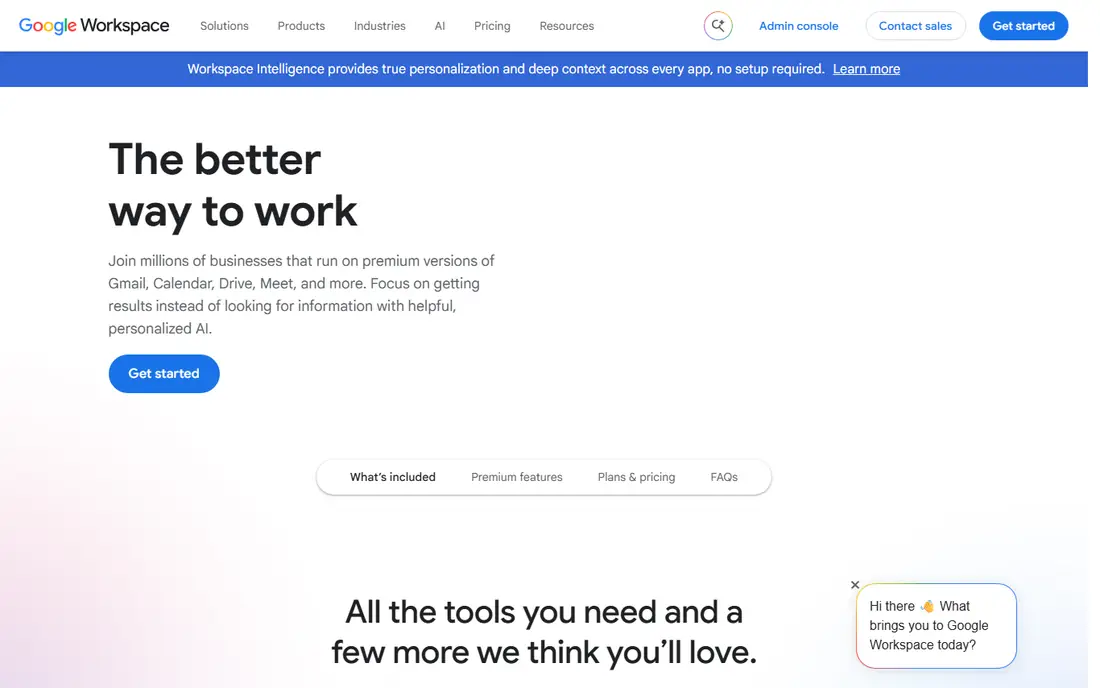
Google Workspace gives a small business a professional address, such as [email protected], inside the Gmail interface most staff already know. Business Starter costs $7 per user per month billed annually, or $8.40 on flexible monthly billing, and includes Drive, Docs, Sheets, Calendar, and Meet. That bundle is why it suits so many small teams: email, files, and meetings sit under one login.
The limit is storage on Starter. At 30 GB pooled per user, a team that stores large video or design files will need Standard at $14 per user per month billed annually for 2 TB pooled. Also check Gmail sending limits if you send bulk mail, since Workspace is built for person-to-person mail, not marketing blasts. For most teams under 50 people, Starter is the right starting point.
- Familiar Gmail on your own domain
- Drive, Docs, and Meet included
- Simple admin console
- Starter storage is 30 GB pooled per user
- Heavy Excel users may miss desktop Office depth

Microsoft 365 Business Basic costs $7 per user per month billed annually, following a July 2026 price rise, and includes Outlook email, Teams, web and mobile Office apps, a 100 GB mailbox, and 1 TB of OneDrive storage per user. Business Standard at $14 adds desktop Office apps, while Premium at $22 adds stronger security and device management. That tier ladder is clear once you know which apps your team actually opens each day.
The main drawback is complexity. The admin centre has many settings, and Basic does not include installed desktop apps, which surprises some buyers. If your clients send Word and Excel files all day, or your team already uses Outlook and Teams, Microsoft 365 is our pick over Google. If your team works mainly in a browser, Google is simpler.
- Full Outlook and Office apps
- 100 GB mailbox and 1 TB OneDrive on Basic
- Strong compliance tools
- Admin centre takes longer to learn
- Desktop Office requires Standard or Premium
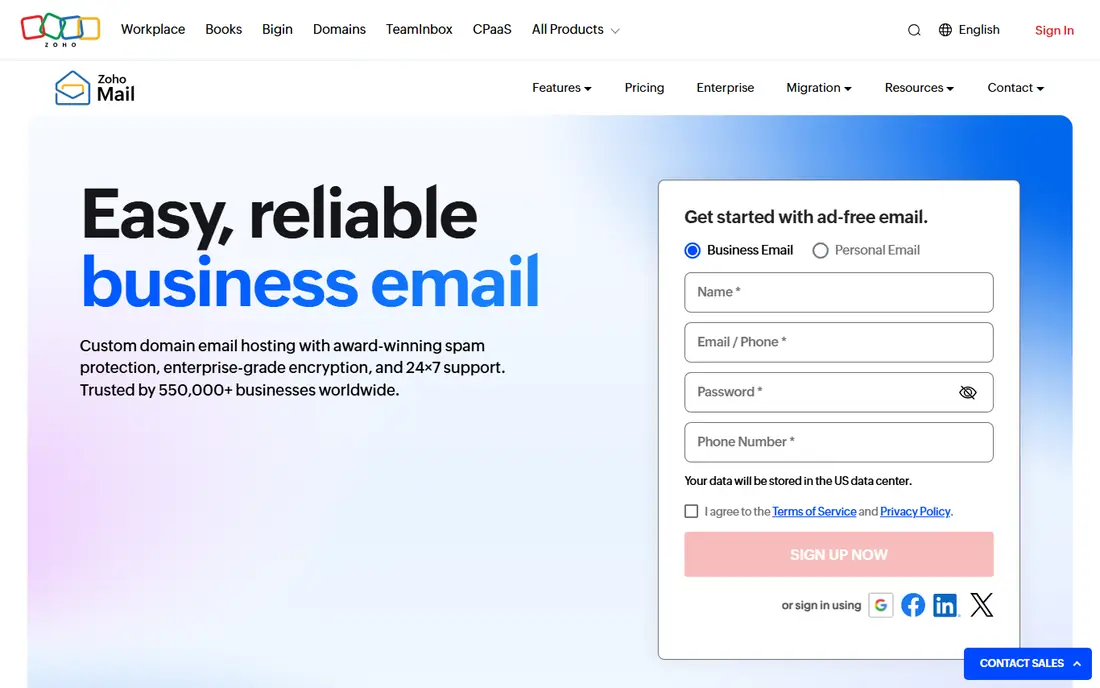
Zoho Mail proves that business email does not need to cost $7 per user. Mail Lite starts at $1 per user per month billed annually, and a free plan covers up to 5 users in some regions, with 5 GB per user. Paid plans add more storage, IMAP access, and admin controls. Teams that already use Zoho CRM, Zoho Books, or Zoho Workplace will find the shared apps convenient.
The trade-off is scope. Zoho Mail is email first, not a full rival to Google Workspace or Microsoft 365, and some advanced collaboration features sit in Zoho Workplace rather than Mail alone. For a solo owner, a tiny team, or a business that just needs reliable custom-domain email, Zoho Mail is our pick on value.
- Lowest entry price in this list
- Free plan for up to 5 users in some regions
- Clean web and mobile apps
- Fewer built-in collaboration tools than Google or Microsoft
- Free plan limits IMAP and ActiveSync
Proton Mail is built for teams where privacy is a client requirement, not just a preference. Business plans start at $6.99 per user per month billed annually, with 15 GB storage on the entry business tier in recent listings, and mail is encrypted end to end between Proton users. Admin controls, custom domains, and catch-all addresses cover the basics a small business needs.
The cost is integration friction. Some desktop email apps need Proton Mail Bridge, and the ecosystem is smaller than Google or Microsoft. If you handle legal, health, or financial mail and want encryption as the default, that trade is worth it. If you need deep CRM and app integrations, Google or Microsoft will fit better.
- End-to-end encryption by default
- Swiss data hosting
- Strong security and privacy controls
- Some desktop and integration workflows need Proton Mail Bridge
- Fewer third-party integrations than Google or Microsoft
Fastmail appeals to teams that are tired of email bundled with tools they never open. Basic starts at $3 per user per month billed annually, and Standard at $5 adds more storage and features. You get custom domains, calendars, contacts, masked email addresses, and solid spam filtering, in a web and mobile experience that stays focused on mail.
Fastmail will not replace Docs or Office, so a team that needs shared documents must pair it with another tool. That is also its strength: you pay for email, not a suite. For a small team that already uses separate docs and file tools, or simply wants a private, independent email provider, Fastmail is our pick.
- Clean, fast, ad-free email
- Strong spam controls
- Works with standard email apps
- No full office suite
- Smaller vendor than Google or Microsoft
Titan is the email service many small businesses meet through their hosting provider. It offers custom-domain mail, calendars, contacts, and scheduling features in a modern web and mobile app, and it is designed for teams that want email running on day one with a new website. That bundle path suits owners who do not want to manage separate domain, hosting, and email accounts.
Pricing depends on the partner and plan, so check the total at checkout, including renewal rates. Titan also lacks the deep office suite and compliance depth of Google and Microsoft. For a new business that buys a domain and hosting together, Titan is a practical, low-friction choice.
- Business email with calendar and scheduling tools
- Often bundled with hosting providers
- Simple setup for new domains
- Pricing varies by hosting partner
- Fewer advanced admin tools than Google or Microsoft
GoDaddy Professional Email
Best for: Domain owners who want simple setup
GoDaddy Professional Email suits a business that already registers its domain with GoDaddy and wants mail working without a separate provider. Setup is straightforward, since domain records can be configured in the same account, and the service covers the basics: custom-domain addresses, webmail, mobile access, calendars, and contacts.
It is not the best choice for a team that needs advanced security, retention, or large-scale admin controls. Compare the plan price and storage against Zoho Mail and Fastmail before you buy, especially at renewal, when introductory hosting bundles often rise. For a very small team that values one vendor for domain and email, GoDaddy is a workable option.
- Easy setup alongside a GoDaddy domain
- Familiar webmail and mobile apps
- Calendar and contacts included
- Pricing and storage vary by plan
- Advanced admin and compliance tools are limited
IONOS Email appears in low-cost hosting bundles, with recent listings around $1 per mailbox per month on longer terms. It covers the core need: a professional address on your domain, webmail access, spam protection, and mailboxes you can add as the team grows. For a business that already hosts a site with IONOS, keeping email in the same account reduces admin work.
Check the term before you judge the price. Long terms lower the monthly rate but lock you in, and renewal prices can differ from the first-term rate. IONOS is a solid budget choice for simple mail, and a weaker choice for teams that need the collaboration or compliance tools in Google Workspace or Microsoft 365.
- Low entry price in hosting bundles
- Custom-domain mailboxes
- Spam protection included
- Pricing depends on term length
- Support and admin depth vary by plan
Hostinger Mail is the cheapest entry point in this list on paper, with introductory pricing around $0.39 per mailbox per month on a 48-month term, renewing at about $1.59 per mailbox per month in recent listings. It includes custom-domain mail, aliases, forwarding, and spam protection, and it pairs naturally with a Hostinger website.
Read the renewal line before you buy. The low first-term price is the headline, not the long-term cost, and a team that grows to many mailboxes should price the renewal total. Hostinger suits a new site owner who wants working business email at the lowest possible start cost, while Google or Microsoft suit teams that need a full productivity suite.
- Very low introductory price
- Easy setup with Hostinger hosting
- Aliases and forwarding included
- Introductory price requires a long term and renews higher
- No full office suite
How we picked these
We compared official feature pages, published pricing, app store listings, privacy policies, and public reviews, and we focused on services that give a small business a custom-domain inbox, not personal free mail or bulk marketing tools. We weighted price per user, storage, security controls, admin ease, and how well each service fits the tools a team already uses. We did not run hands-on trials for this guide, and we did not invent prices, storage figures, or awards. Where pricing varied by partner or term, we said so and used See website for the entry price.
How to choose a business email service
Start with the apps your team opens every day. If that list is Gmail, Docs, and Meet, choose Google Workspace. If it is Outlook, Word, Excel, and Teams, choose Microsoft 365. If email alone is the need, Zoho Mail, Fastmail, or Proton Mail will cost less and stay simpler. The suite decision matters more than small price gaps between similar plans.
Check storage, domains, and migration
Confirm storage per user, mailbox limits, and whether your domain is included or bought separately. Ask how mail migrates from your old provider, and whether contacts and calendars move too. A cheap plan that forces a painful migration, or runs out of storage in year one, is not cheap.
Lock down security from day one
Turn on two-step verification for every account, including the admin account. Set up SPF, DKIM, and DMARC records for your domain, since these records help other servers trust your mail and reduce spoofing. Check retention, backup, and admin recovery options before you need them, especially if email holds client contracts or invoices.
Price the renewal, not just the first term
Hosting bundles often advertise a low first-term rate. Write down the renewal price, the term length, and the cost for each extra mailbox. For suite plans, note the annual versus monthly billing gap, since monthly billing costs more on both Google and Microsoft plans.