Best Employee Communication Apps in 2026: 10 Apps Compared
By ToolNimba Editorial Team October 30, 2026 10 min read

- Top pick
 Slack
Team channels and chat
Starting priceFreeCheck out SlackRead our review - Runner-up
 Microsoft Teams
Chat and meetings in Microsoft 365
Starting priceFreeCheck out Microsoft TeamsRead our review - Also great
 Workvivo
Internal community and news
Starting priceSee websiteCheck out WorkvivoRead our review
How we researched this
We compared official pricing and feature pages, app store listings, privacy policies and public user reviews. Prices change, so check the provider's site before you pay.
Key takeaways
- Slack and Microsoft Teams suit office and hybrid teams that need channels, chat, and meetings in one place.
- Workvivo, Staffbase, Simpplr, and Firstup suit larger companies that need internal news, recognition, and frontline reach.
- Connecteam and Blink suit deskless and frontline teams that need mobile-first chat, scheduling, and updates.
- Zoom Workplace and Google Chat are strong low-cost options for teams already using Zoom or Google Workspace.
- Workplace from Meta is not on this list, because Meta shut it down in May 2026, so teams still on it need a replacement.
Quick comparison
| Name | Best for | Starting price | Free plan | |
|---|---|---|---|---|
| Slack | Team channels and chat | Free | Yes | Visit |
| Microsoft Teams | Chat and meetings in Microsoft 365 | Free | Yes | Visit |
| Workvivo | Internal community and news | See website | No | Visit |
 Staffbase | Enterprise internal communications | See website | No | Visit |
 Simpplr | Intranet and employee experience | See website | No | Visit |
 Firstup | Frontline and targeted communications | See website | No | Visit |
 Connecteam | Deskless team management | Free | Yes | Visit |
 Blink | Frontline mobile communication | See website | Free trial | Visit |
 Zoom Workplace | Meetings plus team chat | Free | Yes | Visit |
 Google Chat | Chat in Google Workspace | Free | Yes | Visit |
The best employee communication apps
We compared tools for team chat, company news, and frontline updates, with attention to mobile access, admin controls, and pricing. The right pick depends on whether your team sits at desks, works in the field, or mixes both.
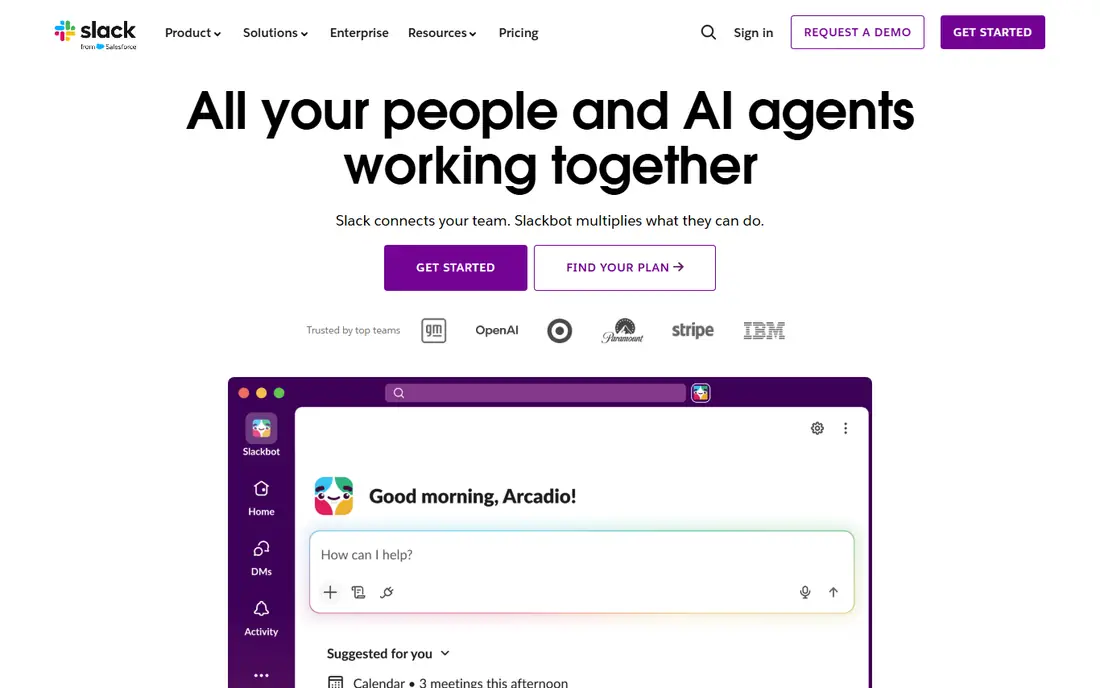
Slack remains the default for many office and hybrid teams. Channels organize work by team, project, or topic, while direct messages, huddles, and threads keep smaller talks separate. The Pro plan at $8.75 per user per month adds full message history, more integrations, and group calls. The free plan works for small teams, but its history limit can frustrate growing teams that need to search older decisions. Admins also need to set channel rules early, or the workspace can grow messy. For desk-based teams that live in chat, it is hard to beat.
- Channels for teams and projects
- Large integration library
- Searchable message history on paid plans
- Free plan limits message history
- Costs rise per user
- Channel sprawl needs admin care
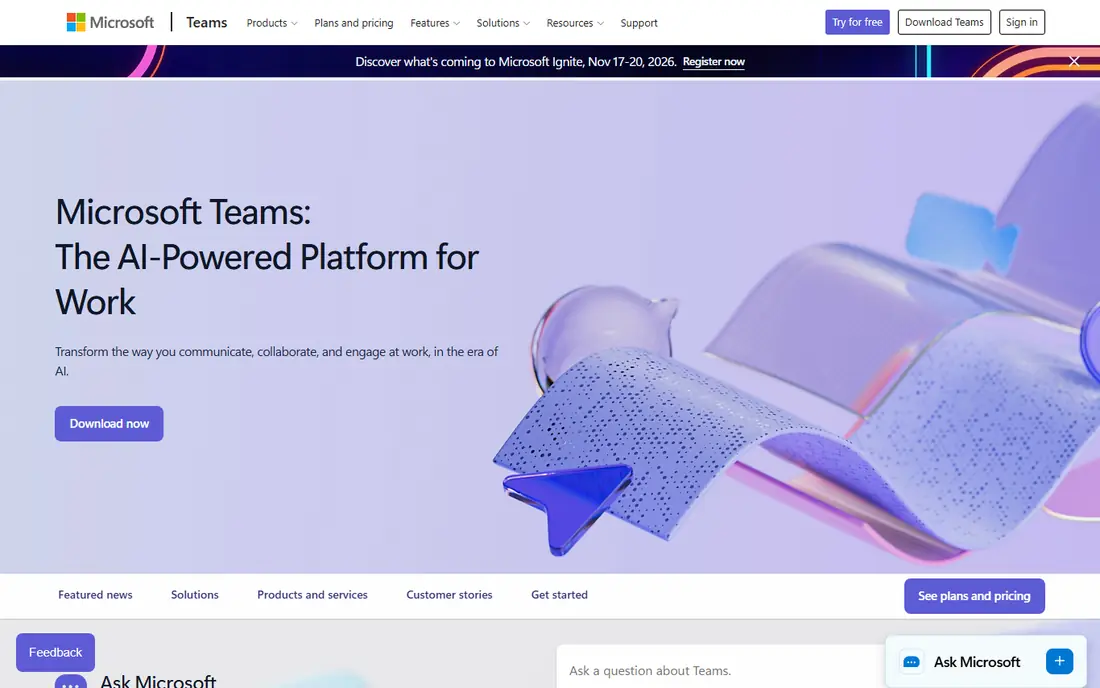
Microsoft Teams suits companies that already use Outlook, SharePoint, and Office apps. Chat, video meetings, file sharing, and team channels sit in one place, and documents open without switching tools. A free version covers basic chat and meetings for small teams. The interface packs a lot into one window, and new users may need time to learn where files, chats, and teams live. Teams that do not use Microsoft 365 elsewhere may find Slack simpler, but for Microsoft shops, Teams is the natural choice.
- Chat, meetings, and files in one app
- Strong Microsoft 365 integration
- Free version for basic use
- Interface can feel busy
- Best value comes with a Microsoft 365 plan
- Setup needs admin planning
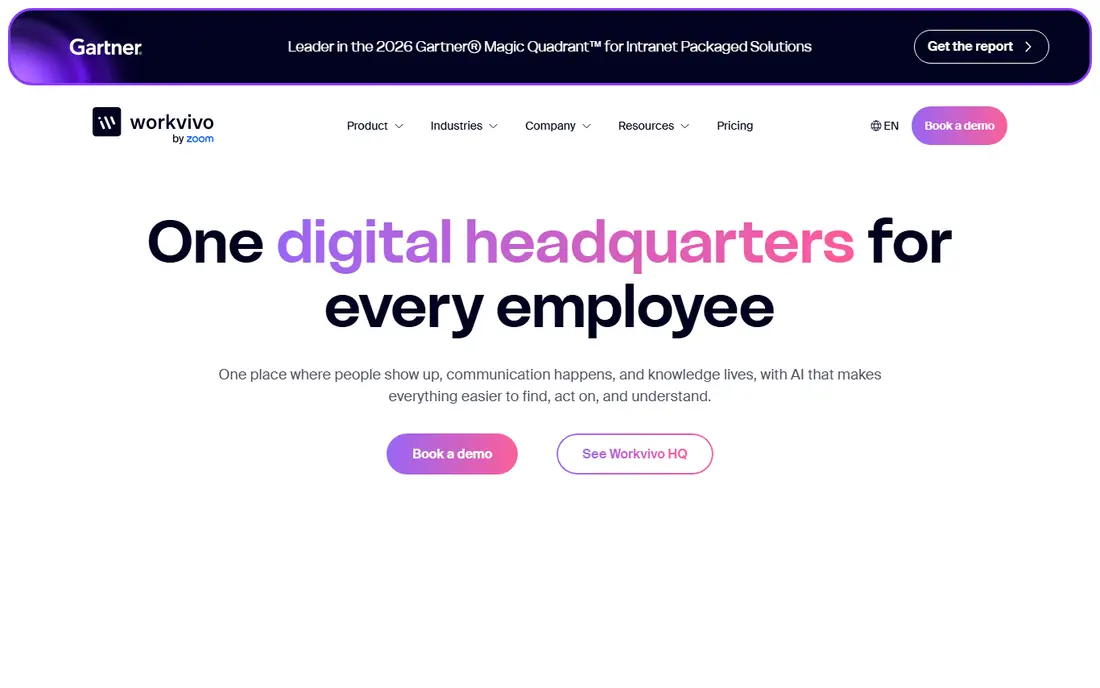
Workvivo, now part of Zoom, is a strong replacement for teams that liked the social feel of Workplace from Meta. It offers a company news feed, spaces for teams, recognition, and events, which helps remote and frontline staff feel part of one company. Meta named Workvivo as its preferred migration partner for Workplace customers. Pricing is quote-based, so small teams cannot budget from the site alone, and the feature set suits larger companies better than a five-person team. For mid-sized and large companies that need internal community, it is a leading pick.
- Social-style internal news feed
- Recognition and community features
- Mobile app for all staff
- Enterprise pricing needs a quote
- May be more than a small team needs
- Setup takes planning
Staffbase is built for internal communications teams that need to reach office and frontline staff with the same message, tailored by location, role, or language. It combines an intranet, a mobile app, and email tools, with analytics that show readership and engagement. That makes it useful for companies with many sites or shifts. It is an enterprise platform, so pricing and implementation reflect that scale. Small companies will find Slack or Connecteam simpler, but large companies that need governed, measurable internal news will find Staffbase fits well.
- Internal news, email, and mobile app in one platform
- Audience targeting
- Analytics for communications
- Enterprise pricing and setup
- May be heavy for small teams
- Quote needed for cost
Simpplr gives distributed teams a central home for news, knowledge, and people, with search that helps staff find policies, updates, and colleagues. Its intranet style suits companies that need more structure than a chat feed, including governance, permissions, and content ownership. Mobile access helps frontline staff stay in the loop. Teams that only need chat will find it heavier than Slack or Google Chat, and pricing requires a quote. It fits best when a company wants an intranet plus internal communications, rather than chat alone.
- Modern intranet with news and search
- AI-assisted content and search
- Good for distributed teams
- Quote-based pricing
- Intranet focus may be more than chat-only teams need
- Rollout needs content planning
Firstup focuses on getting the right message to the right people, especially frontline staff who do not sit at a desk. Comms teams can target by role, site, or shift, send through mobile, email, or other channels, and see who received and read each message. That targeting reduces noise for staff who only need relevant updates. It is priced for larger employers, and small office teams will get more value from a chat tool. For companies with many frontline workers, warehouses, stores, or field teams, Firstup solves a real problem that general chat tools often miss.
- Targeted delivery by role and location
- Mobile-first design
- Analytics on reach and engagement
- Enterprise pricing needs a quote
- Setup needs audience planning
- Less suited to small office teams
Connecteam is an all-in-one app for deskless teams, combining chat, scheduling, time tracking, forms, and training in one mobile app. That breadth helps small businesses manage field, retail, or service staff without buying several tools. The free plan covers basic use for small teams. Office teams that only need chat may find the extra operations features unnecessary, and some advanced tools sit on paid plans. For managers of frontline teams who need chat plus scheduling and task tracking, it is a practical and low-cost choice.
- Free plan for small teams
- Chat, scheduling, and forms in one app
- Mobile-first for frontline staff
- Chat is part of a wider operations app
- Advanced features need paid plans
- Office teams may prefer Slack
Blink is built for frontline workers who may not have a company email address or a desk. Staff join with a phone number, see a company feed, chat with teams, and access forms and updates from a mobile app. That low barrier helps reach retail, logistics, and care staff who are often missed by email-based tools. Pricing is quote-based, and the integration list is smaller than the largest platforms. For frontline-first companies, the mobile design and easy onboarding matter more than a huge app catalog, and Blink delivers on those points.
- Mobile-first feed and chat for frontline staff
- News, recognition, and forms
- Works without company email
- Pricing needs a quote
- Smaller integration list than Slack or Teams
- Office teams may want more depth
Zoom Workplace combines video meetings, team chat, whiteboards, and phone in one platform, which suits teams that already meet on Zoom. The free plan covers basic meetings and chat, while paid plans lift meeting limits and add more admin controls. Keeping meetings and chat in one app reduces switching for hybrid teams. Teams that live mainly in chat may still prefer Slack for channels and integrations, since Zoom chat is built around meetings first. For meeting-heavy teams, though, Zoom Workplace is a coherent and low-cost option.
- Meetings, chat, and phone in one platform
- Free plan for basic use
- Familiar meeting experience
- Chat depth is less than Slack for some teams
- Paid plans needed for longer meetings and more features
Google Chat suits teams already using Gmail, Drive, and Meet. Spaces organize chats by team or project, direct messages cover one-to-one talks, and files from Drive open in place. It is free with a Google account, and Workspace plans add more storage, admin controls, and meeting features. It does not match Slack on integrations or channel depth, and companies outside Google Workspace may find setup less natural. For Google shops that need simple, reliable team chat without a new subscription, it is a strong fit.
- Free with a Google account
- Spaces for teams and projects
- Works with Gmail, Drive, and Meet
- Fewer integrations than Slack
- Admin controls sit in Workspace
- History and features vary by Workspace plan
How we picked these
We compared official feature pages, pricing pages, app store listings, privacy policies, and public reviews for employee communication tools that cover team chat, internal news, or frontline updates. We favored tools with a free plan or trial, a clear mobile experience, and admin controls for larger teams. We did not claim hands-on testing, and we excluded Workplace from Meta because it shut down in May 2026.
How to choose the right tool for your team
Start with how your staff actually work. Desk-based teams need channels, search, and integrations. Frontline teams need a mobile app that works without company email, with news and chat in one place. Mixed teams may need two layers: chat for office staff and a frontline app for field staff, linked by shared news.
Check reach, not just features
Ask what share of staff can actually use the tool on day one. If frontline staff lack company email, a tool that needs it will leave them out. Test signup, mobile access, and language options with real staff, and check whether managers can target messages by site, role, or shift.
Plan governance early
Set rules for channels, spaces, and news ownership before launch, or the tool will fill with duplicate groups and stale posts. Name owners for each channel, set a review cycle for pinned news, and archive groups that are no longer used. A simple governance plan keeps the tool useful after the first month.
Measure whether messages land
Use readership, reaction, and reply data where available, and ask staff whether they saw key updates. If a safety or policy message missed half the frontline team, the tool or the targeting needs fixing, not more messages. Keep the number of company-wide posts low, so important news stands out.
Sources
- https://www.slack.com/pricing
- https://www.microsoft.com/en-us/microsoft-teams/pricing
- https://www.workvivo.com
- https://www.staffbase.com
- https://www.simpplr.com
- https://www.firstup.io
- https://www.connecteam.com/pricing
- https://www.blinkapp.com
- https://www.zoom.com/pricing
- https://workspace.google.com/pricing/