Best ERP Software in 2026: 9 Tools Compared
By ToolNimba Editorial Team October 30, 2026 11 min read

- Top pick
 Odoo
Small and growing firms
Starting priceFreeCheck out OdooRead our review - Runner-up
 Oracle NetSuite
Mid-market growth firms
Starting priceSee websiteCheck out Oracle NetSuiteRead our review - Also great
 Microsoft Dynamics 365 Business Central
Microsoft-based firms
Starting price$80 per monthCheck out Microsoft Dynamics 365 Business CentralRead our review
How we researched this
We compared official pricing and feature pages, app store listings, privacy policies and public user reviews. Prices change, so check the provider's site before you pay.
Key takeaways
- Odoo and ERPNext are the lowest-cost starting points, with free or low-cost tiers, while NetSuite and SAP suit larger firms with complex finance needs.
- Published per-user prices cover only part of the cost, because implementation, training, data migration, and support often cost more than year one licenses.
- Microsoft Dynamics 365 Business Central fits firms already using Microsoft 365, Teams, and Outlook, with Essentials at 80 dollars per user per month.
- Firms that need strong manufacturing should shortlist SAP, Infor, and Acumatica, not a finance-only tool with light inventory features.
- A phased rollout, starting with finance and inventory, lowers risk compared with switching every department at once.
Quick comparison
| Name | Best for | Starting price | Free plan | |
|---|---|---|---|---|
| Odoo | Small and growing firms | Free | Yes | Visit |
| Oracle NetSuite | Mid-market growth firms | See website | No | Visit |
| Microsoft Dynamics 365 Business Central | Microsoft-based firms | $80 per month | No | Visit |
 SAP S/4HANA Cloud | Large enterprises | See website | No | Visit |
 Acumatica | Flexible mid-market firms | See website | No | Visit |
 Sage Intacct | Finance-led firms | See website | No | Visit |
 ERPNext | Budget open-source firms | Free | Yes | Visit |
 SAP Business One | Mid-market manufacturers | See website | No | Visit |
 Infor CloudSuite | Industry-specific manufacturing | See website | No | Visit |
The best ERP software
ERP software joins finance, inventory, sales, purchasing, and often manufacturing and HR in one system. That promise is real, but the right tool depends on company size, industry, and how much change a team can handle at once. We compared official product pages, pricing pages, documentation, and public reviews, and we kept tools that are sold and supported now.
This is not financial advice. ERP costs vary by modules, users, and implementation scope, so treat every price here as a starting point and request a formal quote.
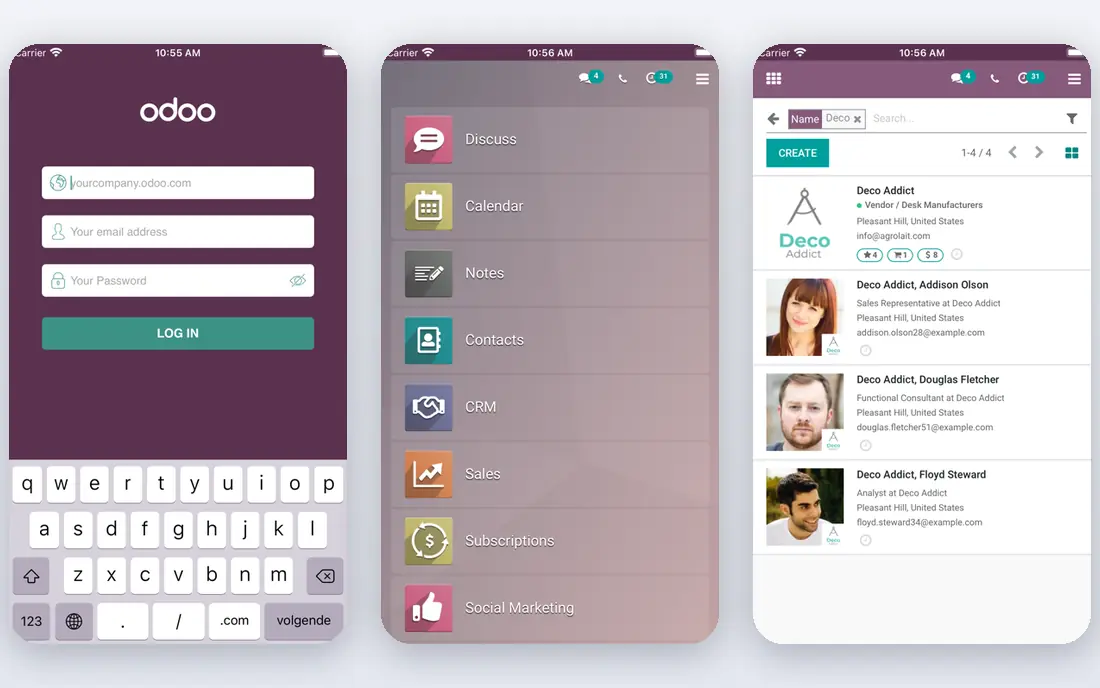
Odoo suits a small firm that wants to start with one problem and add modules as it grows. You can start with a single app for free, then move to paid plans that cover all apps, including sales, inventory, accounting, manufacturing, and HR. The modular design makes a phased rollout practical, and the open-source base gives partners room to customize without waiting on a vendor roadmap.
The catch is depth and support. Community edition has no vendor support, and Enterprise features such as advanced studio tools and multi-company support cost more. A firm that needs deep multi-entity consolidation or advanced manufacturing planning may outgrow Odoo sooner than it expects. Price the full module set you need, not just the entry plan, before you compare it with NetSuite or Business Central.
- Free one-app plan and free Community edition
- Broad module range from CRM to inventory
- Open-source flexibility
- Best features sit in paid Enterprise
- Complex rollouts still need a partner
- Reporting is lighter than mid-market rivals
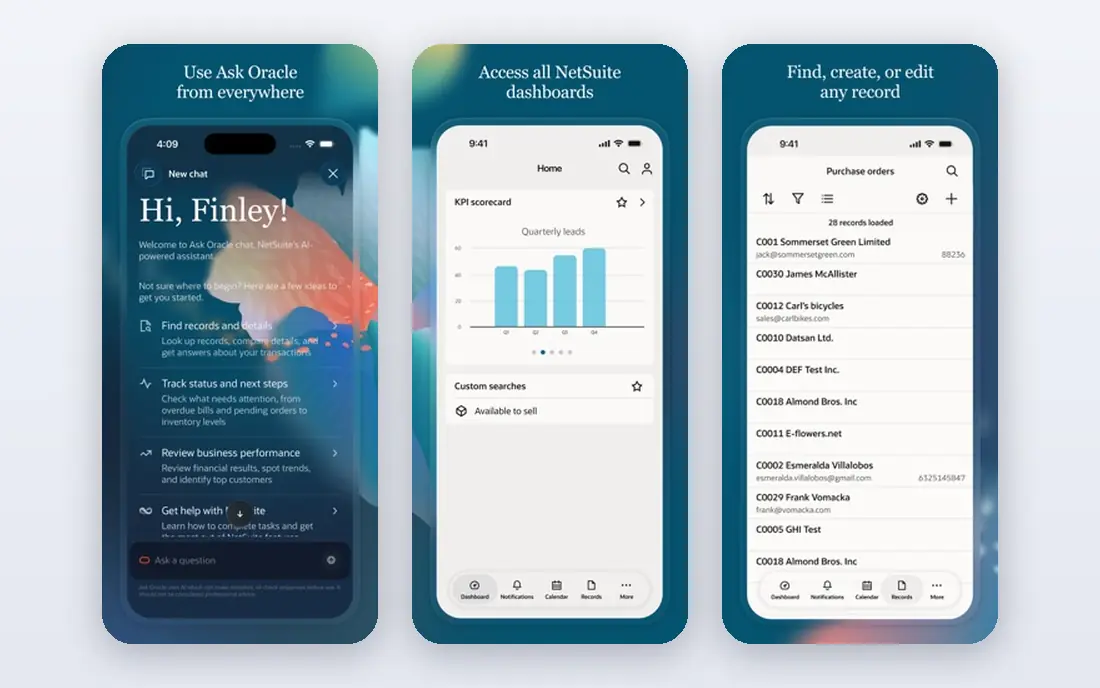
NetSuite fits a growing firm that has outgrown separate accounting and inventory tools. It joins financial management, order management, inventory, CRM, and ecommerce in one cloud system, which helps firms with several entities, currencies, or sales channels. That unified view is why many mid-market firms choose it as a long-term platform, even when the first quote feels high.
Pricing is the main hurdle. NetSuite does not publish a simple price list, and published estimates often start near 999 dollars per month plus per-user fees, with the final figure depending on modules and users. Implementation also takes time and partner help. Ask for a full year one and year three cost, including implementation, training, and support, before you sign.
- Unified finance, inventory, CRM, and ecommerce
- Strong multi-entity and multi-currency support
- Large partner network
- No public price list, so quotes vary
- Implementation can take months
- Ongoing costs rise with users and modules
Microsoft Dynamics 365 Business Central
Best for: Microsoft-based firms
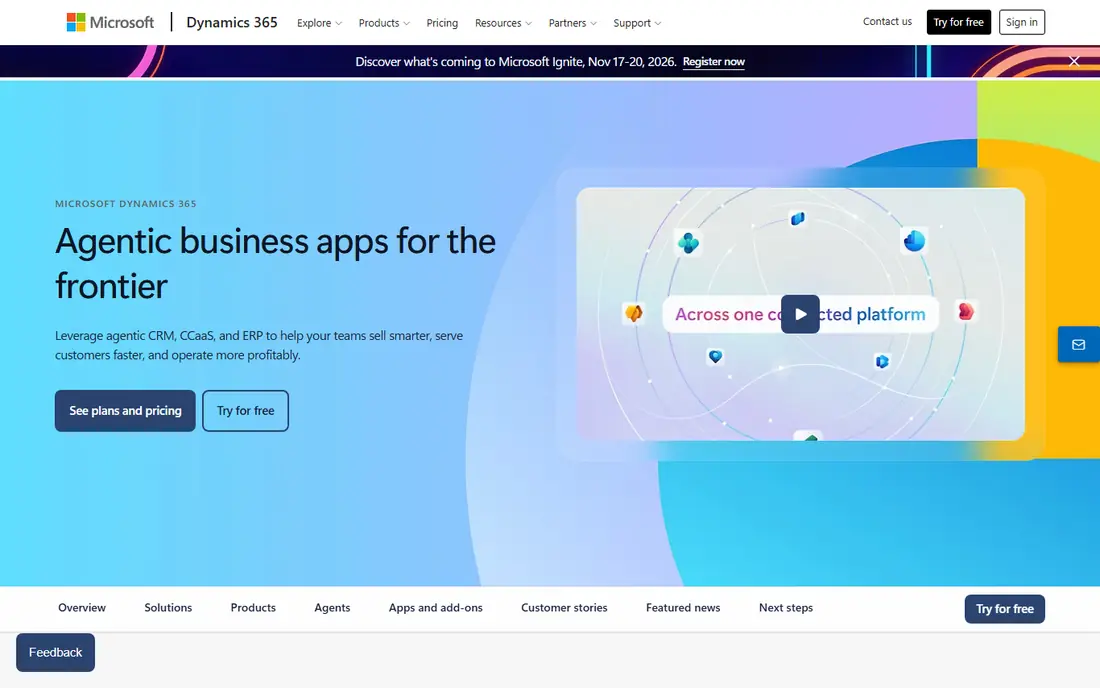
Business Central is the natural pick for a firm that already lives in Microsoft tools. Essentials costs 80 dollars per user per month, Premium costs 110 dollars per user per month, and a limited Team Members plan costs 8 dollars per user per month. Essentials covers finance, sales, purchasing, and inventory, while Premium adds manufacturing and service management, which makes the tier choice important for makers and distributors.
The total cost goes beyond licenses. Most small firms need a partner for setup, data migration, and training, and that work can cost far more than the first year of licenses. If your team uses Google Workspace instead of Microsoft 365, the integration advantage fades, and Odoo or NetSuite may fit better. Check which tier your company needs before you price users.
- Native fit with Microsoft 365, Teams, and Outlook
- Clear Essentials and Premium tiers
- Strong partner network
- Per-user fees add up as teams grow
- Most firms need a partner to implement
- Premium needed for manufacturing
SAP S/4HANA Cloud suits large enterprises with complex manufacturing, global operations, or strict compliance needs. It offers deep financial consolidation, supply chain planning, and manufacturing control in one system, with real-time data that helps large firms close books and plan production faster. For a global firm with many plants and entities, that depth is hard to match.
Small and mid-market firms should not start here. Pricing is custom and typically runs into six figures per year for larger deployments, and implementation often takes many months with specialist consultants. If your firm has under 100 staff and simple inventory, a mid-market tool will deliver value sooner and at far lower cost.
- Deep finance, supply chain, and manufacturing depth
- Real-time analytics
- Global compliance and multi-entity support
- High cost and long implementation
- Needs specialist partners
- Too heavy for most small firms
Acumatica fits mid-market firms that want flexibility in how they pay and grow. Instead of charging for every named user in the same way as rivals, it uses a consumption-based model tied to resources used, which can help firms with many occasional users, such as warehouse staff or field teams. Manufacturing, distribution, and project accounting are strong, and the cloud system works well on mobile devices.
The lack of a public price list means you must request a quote and compare it on total resources, not just users. Implementation is partner-led, so partner quality matters as much as the software. Ask how pricing changes as transaction volume grows, and test mobile workflows for warehouse and field staff before you commit.
- Consumption-based pricing rather than strict per-user fees
- Strong manufacturing and distribution
- Cloud and mobile access
- No public price list
- Partner-led implementation
- Reporting and customization need partner help
Sage Intacct suits finance-led firms, professional services, and nonprofits that need strong accounting first. It offers multi-entity consolidation, dimensional reporting, revenue recognition, and approval workflows that help finance teams close faster and control spending. For a services firm with complex billing and reporting needs, that finance depth matters more than factory planning.
Manufacturing and deep inventory are not its strength. A firm that makes, stores, and ships complex products may need another system or add-ons for warehouse and production work. Pricing is quote-based, and published estimates often start near 15,000 dollars per year for smaller deployments. Compare it with NetSuite if you need finance plus inventory, and with Odoo if cost matters most.
- Strong financial controls, reporting, and multi-entity support
- Good fit for services and nonprofits
- Cloud-native design
- Weaker manufacturing and inventory than full ERP rivals
- Pricing is quote-based
- Needs add-ons for some operations
ERPNext is the budget open-source alternative to Odoo. You can self-host it for free, which suits technically capable startups and small firms with in-house IT help. Hosted plans through Frappe Cloud start at a low monthly figure, and the system covers accounting, stock, selling, buying, HR, and basic manufacturing in one place.
Self-hosting is not free in time. Updates, backups, security, and customization need someone who can manage them, and the partner network is smaller than Odoo or NetSuite. If your firm has no technical staff, a hosted plan with support is the safer path. Test the modules you need most, because ERPNext manufacturing depth is basic compared with SAP or Infor.
- Free to self-host as open source
- Covers accounting, inventory, HR, and manufacturing
- Low hosted pricing via Frappe Cloud
- Needs technical skill to self-host well
- Smaller partner network than Odoo
- Support depends on plan and partner
SAP Business One fits mid-market manufacturers and distributors that want an SAP path without the scale of S/4HANA. It covers finance, sales, purchasing, inventory, and production, and it offers both cloud and on-premise deployment. Firms that plan to grow into larger SAP systems value that path, even if they do not need it today.
Pricing varies by user count, deployment, and partner, so a formal quote is essential. Implementation needs a partner, and the interface can feel older than Odoo or Business Central. Compare Business One with Acumatica and Business Central on manufacturing depth, total implementation cost, and how easily your team can learn the system.
- SAP ecosystem path for growing firms
- Solid inventory and manufacturing
- On-premise and cloud options
- Pricing is quote-based and varies by deployment
- Partner implementation needed
- Interface feels older than cloud rivals
Infor CloudSuite suits manufacturers and distributors with industry-specific needs that generic ERP tools handle poorly. It offers editions tuned for discrete and process manufacturing, food and beverage, distribution, and other sectors, with deep production, quality, and supply chain features. For a firm with complex shop floor or batch rules, that industry depth can save heavy customization.
The cost and complexity rule it out for most small firms. Pricing is custom, implementation takes months, and the system rewards firms that match its industry model. If your firm is a general services business or a small retailer, Odoo or Business Central will be simpler and cheaper. Choose Infor when industry fit, not price alone, drives the decision.
- Industry-specific editions for manufacturing, distribution, and food
- Deep production and supply chain features
- Cloud delivery
- Custom pricing only
- Implementation is complex
- Best fit is narrow industry use, not general small business
How we picked these
We reviewed official product and pricing pages, documentation, and public reviews for ERP systems that are sold and supported now. We favored tools with clear module coverage for finance and inventory, plus a mix of low-cost open-source options and large enterprise platforms. We did not claim hands-on testing, and we did not invent user counts, ratings, or implementation costs. Where a vendor does not publish a price, we wrote See website and advised readers to request a formal quote that includes implementation and support.
How to choose without overbuying
Start with finance and inventory
Most firms gain the most from joining accounting, sales orders, purchasing, and stock first. Manufacturing, HR, and advanced planning can follow once data is clean and staff trust the core system. A phased rollout also gives you a working system sooner and limits disruption to daily operations.
Price year three, not just year one
Licenses, implementation, training, data migration, support, and add-ons all count. Ask each vendor for a three year total, including what happens when you add users, entities, or modules. A low entry price that doubles in year two is not a bargain if a higher-priced tool stays flat.
Test with your own data and workflows
Demos use clean sample data. Ask for a trial or proof of concept with your chart of accounts, your product list, and a real order-to-cash workflow. Watch how staff enter orders, handle returns, and close a month, because daily friction matters more than a feature list.