Best Field Service Management Software in 2026: 9 Tools Compared
By ToolNimba Editorial Team October 30, 2026 9 min read

- Top pick
 Jobber
Small to mid-size home service teams
Starting price$29.00 per monthCheck out JobberRead our review - Runner-up
 Housecall Pro
Customer experience and online booking
Starting price$59.00 per monthCheck out Housecall ProRead our review - Also great
 ServiceTitan
Large enterprise trades businesses
Starting priceSee websiteCheck out ServiceTitanRead our review
How we researched this
We compared official pricing and feature pages, app store listings, privacy policies and public user reviews. Prices change, so check the provider's site before you pay.
Key takeaways
- Jobber is our pick for most small to mid-size home service teams, with transparent pricing from 29 dollars a month billed annually.
- Housecall Pro is the best customer-experience option, with booking, review, and financing tools beside daily dispatch.
- Service Fusion is the best flat-pricing option, with unlimited users at every tier from 208 dollars a month billed annually.
- ServiceTitan is the best enterprise choice for larger HVAC, plumbing, and electrical businesses with dedicated admin staff.
- Price by your crew size and structure, not just features: per-user, flat, and per-technician models change the cheapest option fast.
Quick comparison
| Name | Best for | Starting price | Free plan | |
|---|---|---|---|---|
| Jobber | Small to mid-size home service teams | $29.00 per month | Free trial | Visit |
| Housecall Pro | Customer experience and online booking | $59.00 per month | Free trial | Visit |
| ServiceTitan | Large enterprise trades businesses | See website | No | Visit |
 Workiz | Call-heavy dispatch and lead tracking | See website | Free trial | Visit |
 Service Fusion | Flat pricing with unlimited users | $208.00 per month | No | Visit |
 ServiceM8 | Small mobile-first teams | $29.00 per month | Yes | Visit |
 Kickserv | Smaller businesses wanting core FSM features | $60.00 per month | Free trial | Visit |
 Zoho FSM | Teams already using Zoho | Free | Yes | Visit |
 FieldPulse | Growing small field-service businesses | See website | Free trial | Visit |
The best field service management software
Field service management software schedules jobs, dispatches technicians, handles quotes and invoices, takes payments, and tracks customers, replacing whiteboards, spreadsheets, and phone tag. The nine tools below cover solo operators, growing crews, and enterprise trades, and we compared pricing models, scheduling, mobile apps, and payment handling.
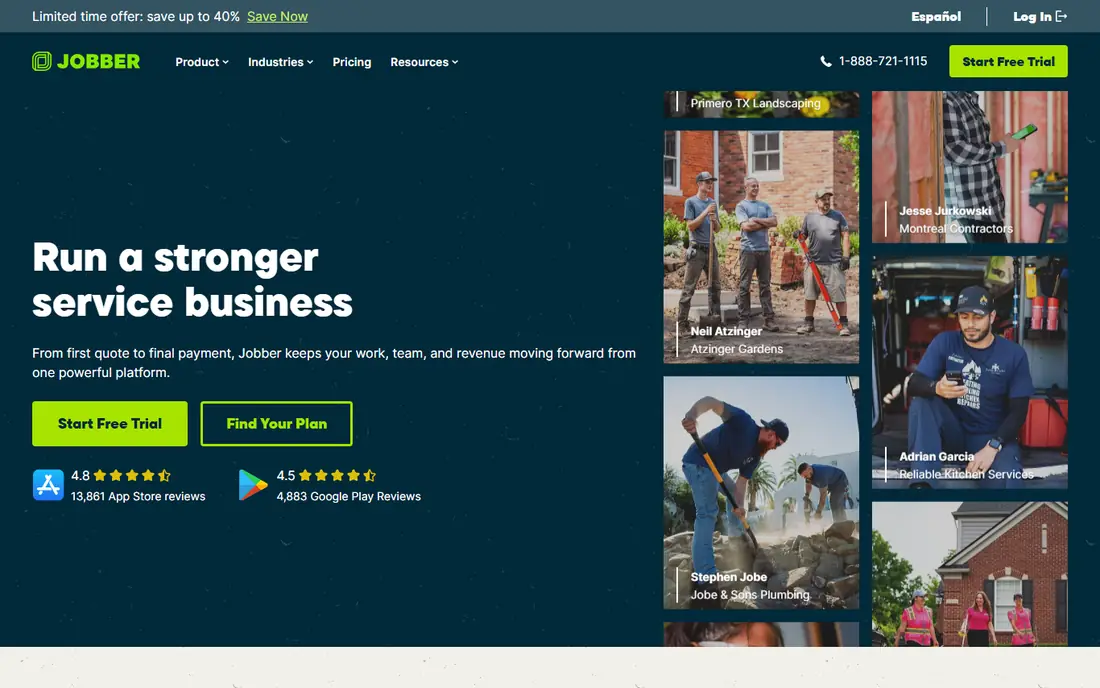
Jobber is the best overall pick for most home service teams, nailing scheduling, quotes, invoices, payments, client hub, reviews, and campaigns in one flow that scales from a solo operator to a 15-user team without a pricing cliff. Core costs 49 dollars month-to-month or 29 dollars a month billed annually for one user, with higher tiers up to 599 dollars a month for larger teams. A 14-day free trial needs no card.
Higher tiers are expensive for large crews, and payment processing fees of around 2.5 to 3.5 percent apply on top of subscriptions. But for transparent pricing and a workflow that just works, Jobber is the safest first trial.
- Transparent pricing
- Excellent scheduling and mobile experience
- Quote-to-payment workflow
- 14-day trial
- Higher tiers climb to 599 dollars a month
- Payment processing fees apply
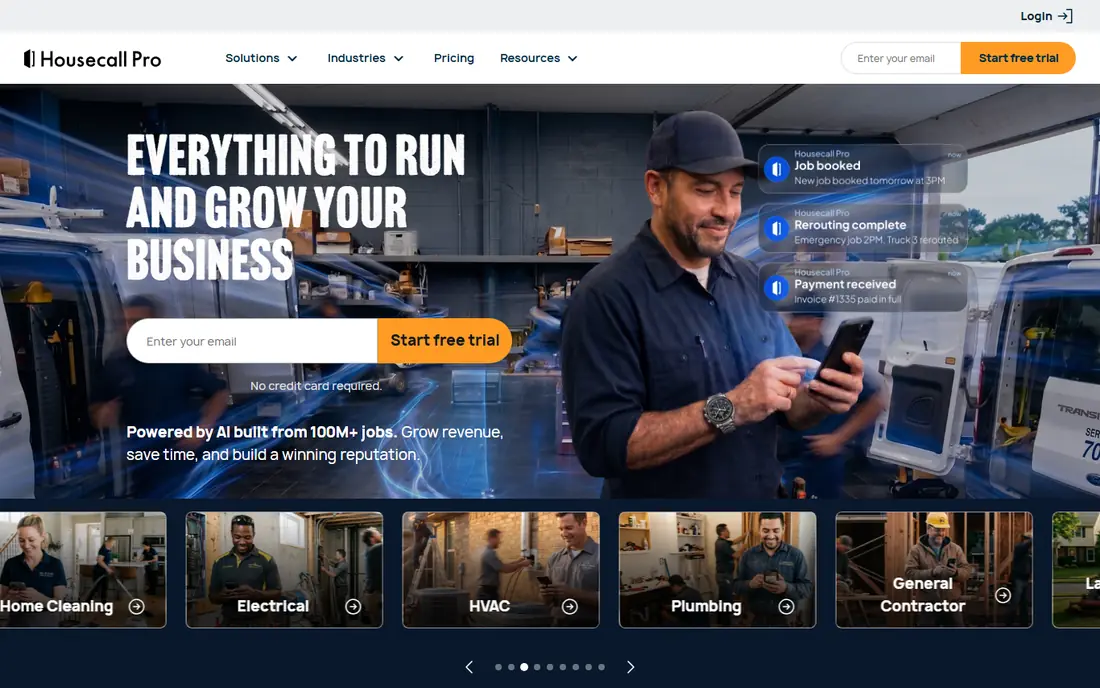
Housecall Pro suits solo operators and growing teams that want booking and review tools beside daily field workflow, with scheduling, estimates, payments, a customer portal, reviews, and AI tools built in. Basic costs 79 dollars month-to-month or 59 dollars a month billed annually for one user, with a 14-day trial and no card required. Its price book, job costing, consumer financing, and review management make Basic a stronger documented entry package than its price suggests.
Entry is 30 dollars a month more than Jobber Core on either billing option, and extra users cost 35 dollars each beyond tier caps on some plans. But for customer-experience-focused teams, Housecall Pro's booking and review tools justify the premium.
- Online booking and customer portal
- Review management
- Price book and job costing
- Financing
- Higher entry price than Jobber
- 35 dollars per user beyond tier caps on some plans
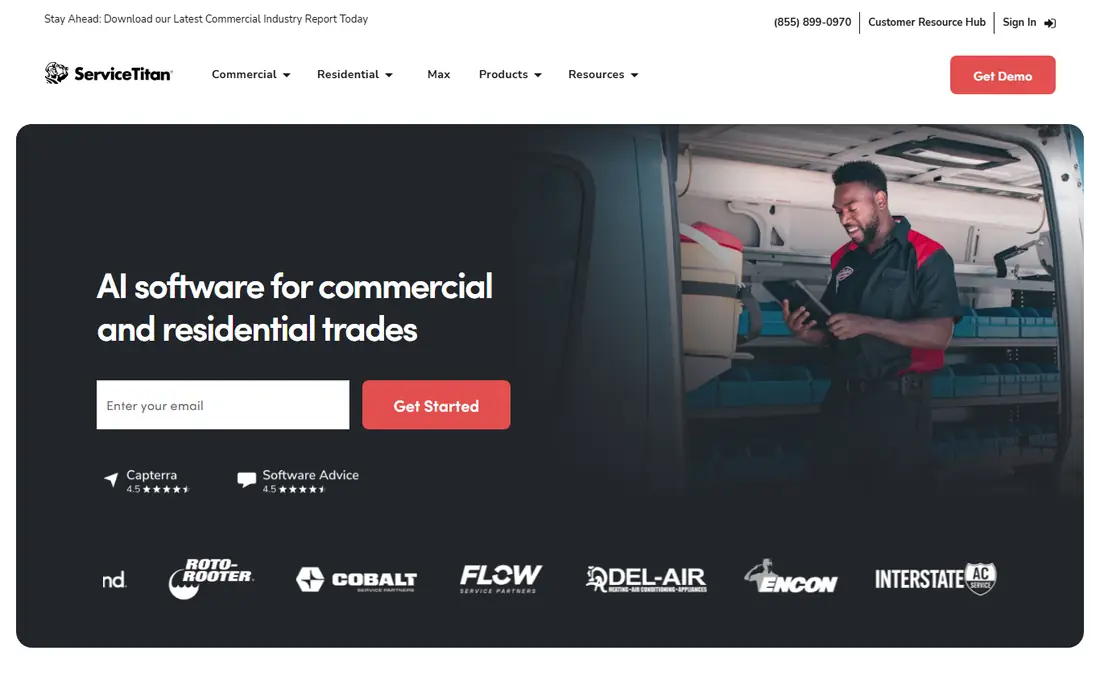
ServiceTitan is the most powerful platform for larger home service companies, with deep dispatch, marketing, reporting, and customer and location-level history that support multi-location operations. Pricing is quote-only, commonly reported at 250 to 500 dollars per technician a month, with implementation costs and onboarding time to match. That price buys depth that smaller tools cannot match for large operations.
It is overkill and overpriced for solo operators and small crews, and it needs dedicated admin staff to run well. But for larger HVAC, plumbing, and electrical businesses, ServiceTitan's scale and depth make it the enterprise standard.
- Deepest feature set for large trades
- Location-level history
- Marketing and reporting at scale
- Quote-only, commonly 250 to 500 dollars per technician a month
- Needs dedicated admin staff
Workiz suits small to mid-size teams whose operation lives or dies on inbound calls, with calls, texts, dispatching, lead tracking, and AI answering built around the phone workflow. Its Genius AI answering handles after-hours traffic, which can pay for itself for call-heavy businesses, and a 7-day trial needs no card. Pricing varies by quote on many plans.
Service plans require higher tiers, and quote-based pricing makes comparison harder. But if calls and lead handoffs are your bottleneck, Workiz's communication-first design is the best fit.
- Calls, texts, and dispatch in one place
- AI answering
- Lead and source tracking
- Pricing by quote on many plans
- Service plans need higher tiers
Service Fusion prices flat with unlimited users at every tier, from 208 dollars a month billed annually for Starter to 533 dollars for higher tiers, which makes team-level math predictable as headcount grows. Core dispatch, billing, and customer management are included, without per-seat charges that punish hiring. That model suits crews where several employees need logins but not all need advanced tools.
Entry is higher than Jobber or Housecall Pro for solo operators, some operational tools are add-ons, and buying starts with a demo rather than a self-serve trial. But for teams with several logins, Service Fusion's flat pricing often wins on total cost.
- Unlimited users at every tier
- Core dispatch and billing
- Predictable team-level math
- Higher entry price than Jobber or Housecall Pro
- Some tools are add-ons
- Demo rather than trial
ServiceM8 is a mobile-first field service tool for small teams, with a free Lite tier, paid plans from 29 dollars a month up to 349 dollars depending on job volume, and unlimited users on paid plans. Its job management, invoicing, and mobile workflow suit small crews that live on phones in the field.
Android now covers most core workflows but still lacks some iOS-only tools, and dispatch mapping and GPS check-ins need higher tiers. But for small, mobile-first teams on a budget, ServiceM8's free tier and low entry price are attractive.
- Free Lite tier
- Paid plans from 29 dollars a month
- Unlimited users on paid plans
- Android lags iOS on some features
- Dispatch mapping needs higher tiers
Kickserv offers straightforward job tracking, scheduling, and billing for smaller service businesses, at 60 dollars a month for 5 users, which undercuts per-user rivals for small crews. Its simple setup suits teams that want core field service features without a long implementation.
Dispatch mapping and GPS check-ins require Run or higher tiers, and its ecosystem is smaller than Jobber's or Housecall Pro's. But for small teams that want core features at a predictable price, Kickserv is a solid, affordable choice.
- Straightforward job tracking and billing
- 60 dollars a month for 5 users
- Simple setup
- Dispatch mapping and GPS check-ins need Run or higher
- Smaller ecosystem than Jobber
Zoho FSM, part of Zoho's business suite, offers customer records, assets, work orders, scheduling, a mobile app, and invoices, with a free plan and paid plans from around 25 dollars a month. That value suits small teams already using Zoho CRM, Books, or other Zoho apps, since data flows between them without extra integrations.
Its field service ecosystem is smaller than Jobber's, and trades-specific depth is lower. But for Zoho-centric small teams, Zoho FSM's price and integration make it the natural choice.
- Free plan available
- Paid plans from around 25 dollars a month
- Customer records, assets, and work orders
- Smaller field service ecosystem
- Depth below Jobber for trades-specific workflows
FieldPulse serves growing small field-service businesses with scheduling, CRM, invoicing, and custom job stages that can trigger customer updates automatically. That automation keeps customers informed without manual messages, which matters for teams scaling beyond whiteboard dispatch. Pricing is by contact rather than published tiers, with a trial available.
Accounting sync excludes some operational data, and quote-based pricing makes comparison harder. But for growing teams that want customizable workflows, FieldPulse is a credible alternative to Jobber and Housecall Pro.
- Custom job stages can trigger customer updates
- Growing feature set
- CRM and invoicing included
- Pricing by contact, not published tiers
- Accounting sync excludes some operational data
How we picked these
We compared official pricing pages, scheduling and dispatch features, mobile apps, and public 2026 field service comparisons for tools actively available in 2026. We favored tools with real quote-to-payment workflows and published or widely reported pricing, and we noted where pricing models differ. We did not claim hands-on testing; our comparison rests on published specifications, pricing, and public user reviews.
How to choose field service software
Start with your pricing model, not your feature list. Solo operators should compare Jobber Core and Housecall Pro Basic directly, since the 30 dollar monthly gap adds up to 360 dollars a year. Teams with several logins should compare Service Fusion's flat price against per-user totals, since unlimited users can win once headcount passes a few seats.
Also trial with real work, not demos. Run a week's dispatch, send real estimates, capture a payment on-site, and test the mobile app in the field with poor signal. That week tells you more than any feature table, and it reveals whether the workflow fits your crew or fights it. Finally, do the math on payment processing at your real monthly volume: at 50,000 dollars a month processed, every 0.5 percent of processing fees is 250 dollars a month.