Best Free CAD Software in 2026: 9 Tools Compared
By ToolNimba Editorial Team October 30, 2026 9 min read

- Top pick
 FreeCAD
Parametric 3D design for any use
Starting priceFreeCheck out FreeCADRead our review - Runner-up
 LibreCAD
Lightweight 2D drafting
Starting priceFreeCheck out LibreCADRead our review - Also great
 OpenSCAD
Code-based parametric parts
Starting priceFreeCheck out OpenSCADRead our review
How we researched this
We compared official pricing and feature pages, app store listings, privacy policies and public user reviews. Prices change, so check the provider's site before you pay.
Key takeaways
- FreeCAD is the best free CAD software overall, with parametric 3D modeling, assemblies, and CAM tools at no cost.
- LibreCAD and QCAD are the best free picks for 2D drafting, such as floor plans and technical drawings.
- Tinkercad is the easiest starting point for beginners and students, running entirely in a browser.
- Fusion for personal use and Onshape Free offer professional-grade tools, but with limits on commercial use and file privacy.
- Check the license before commercial work: truly open source tools allow any use, while free tiers of commercial tools usually do not.
Quick comparison
| Name | Best for | Starting price | Free plan | |
|---|---|---|---|---|
| FreeCAD | Parametric 3D design for any use | Free | Yes | Visit |
| LibreCAD | Lightweight 2D drafting | Free | Yes | Visit |
| OpenSCAD | Code-based parametric parts | Free | Yes | Visit |
 QCAD | Polished 2D drafting | Free | Yes | Visit |
 Fusion | Professional 3D design and CAM for personal use | Free | Yes | Visit |
 Onshape Free | Browser-based parametric CAD and collaboration | Free | Yes | Visit |
 Tinkercad | Beginners and education | Free | Yes | Visit |
 SketchUp Free | Simple 3D concept design | Free | Yes | Visit |
 Solid Edge Community | Professional-grade 3D for personal projects | Free | Yes | Visit |
The best free CAD software
CAD software is how engineers, architects, and makers turn ideas into precise, measurable designs. The free tools below range from open source workhorses to free tiers of professional platforms, and we compared what each one actually lets you do, and what its license restricts.
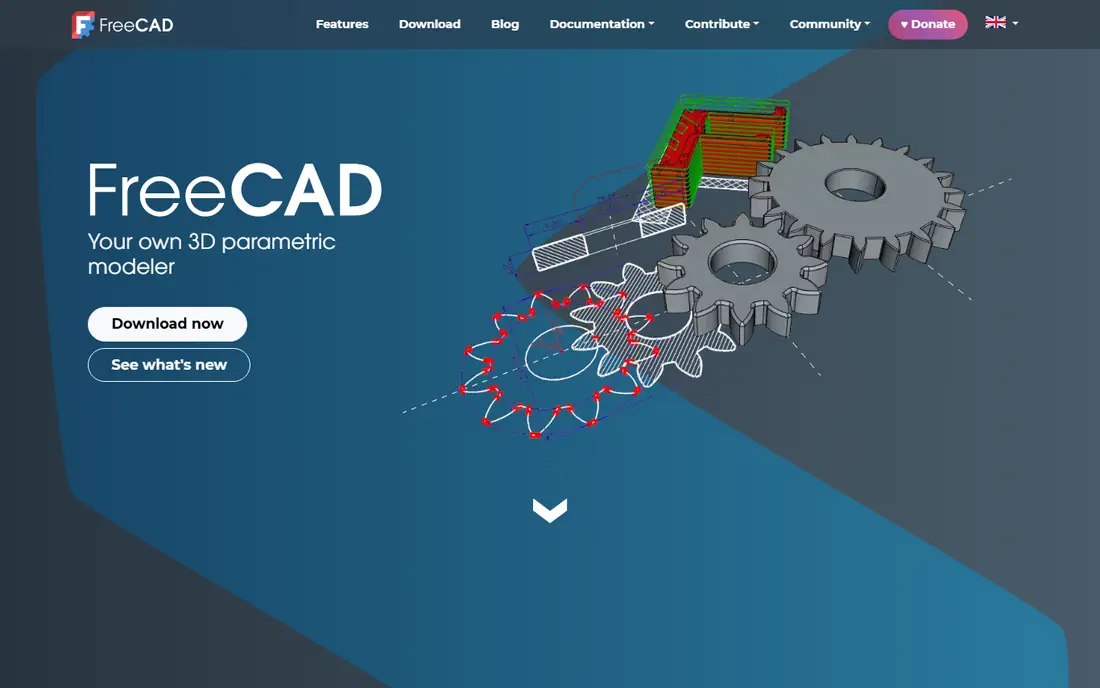
FreeCAD is the most capable free CAD tool available, and it is open source, so there are no license limits on commercial work. Its parametric workflow lets you change a dimension later without rebuilding the part, and specialized workbenches cover finite element analysis, CAM toolpaths for CNC, architectural design, and robotics. A Python scripting interface and a large add-on community extend it further.
The learning curve is real. The interface packs in many workbenches, and new users can feel lost before their first part takes shape. Large, complex models can also strain stability. But for engineers, product designers, and makers who want a serious tool without a subscription, FreeCAD is the clear first choice.
- Fully open source with no limits
- Parametric modeling with feature history
- FEM, CAM, and architecture workbenches
- Interface can feel complex
- Occasional stability issues on large models
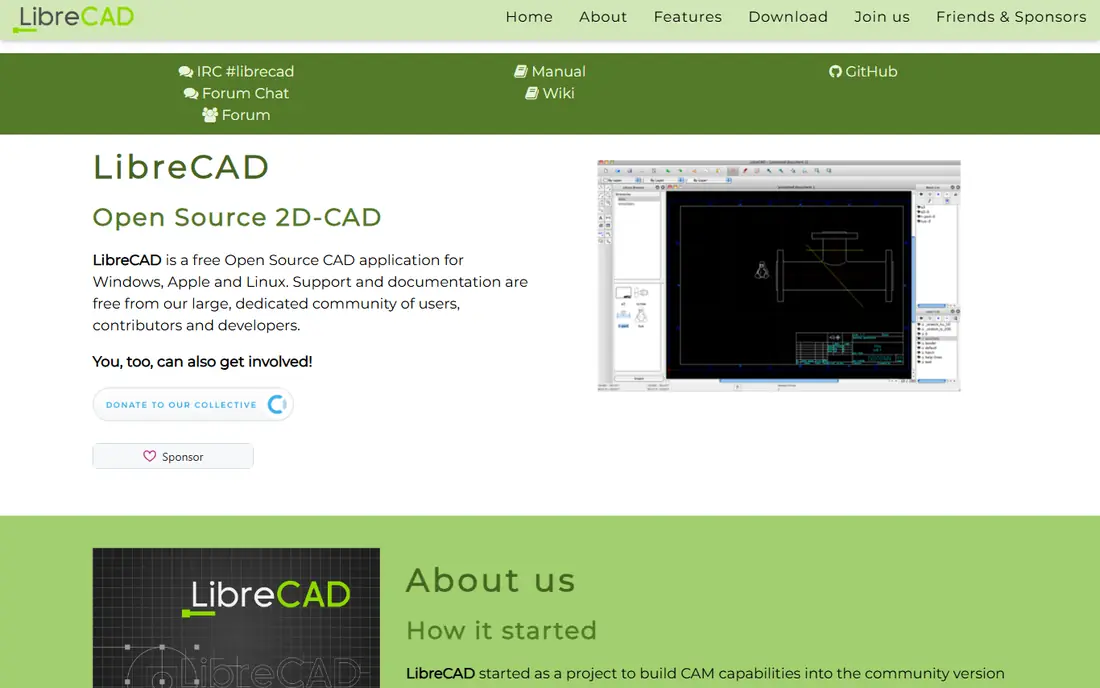
LibreCAD is the tool for 2D work: floor plans, layouts, schematics, and laser-cut files. It is small, fast, and runs on Windows, Mac, and Linux, with an AutoCAD-like interface that feels familiar to anyone who has drafted before. DXF support makes it easy to share files with other CAD tools and with cutting machines.
It does no 3D modeling at all, and its feature set is simpler than paid drafting tools. But for pure 2D drafting, that simplicity is a strength: it opens fast, stays out of your way, and costs nothing. If your work is plans and layouts rather than parts, LibreCAD is hard to beat.
- Free and open source
- Fast and lightweight
- Good DXF support
- 2D only
- Fewer advanced drafting features than QCAD Pro
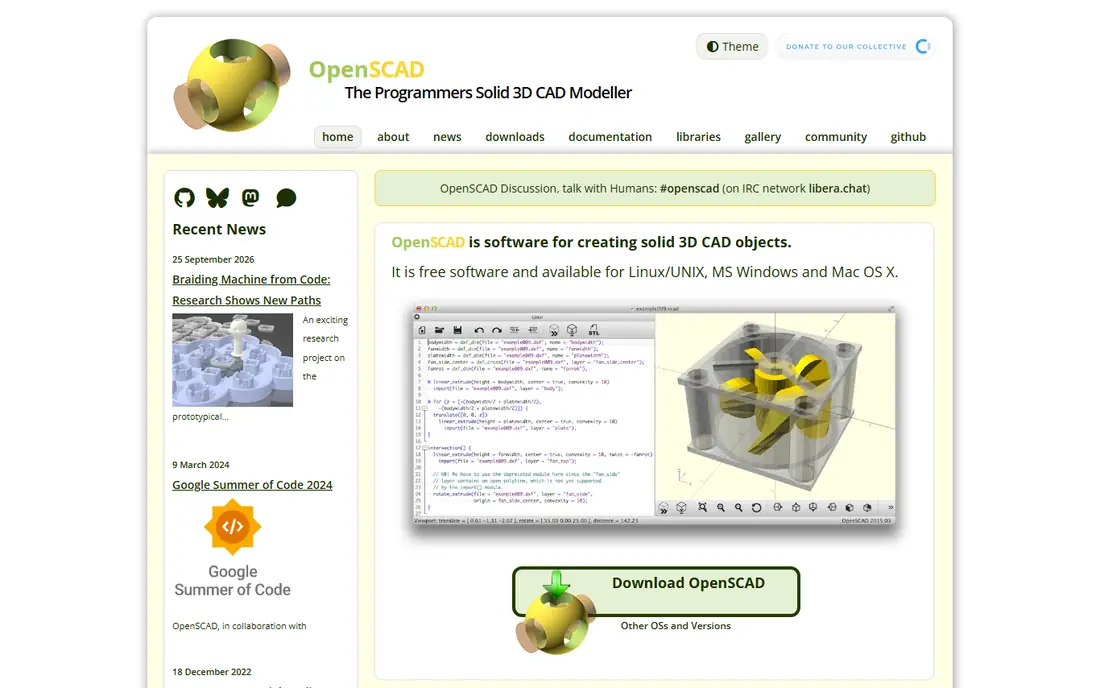
OpenSCAD takes a different approach: you write code that describes your part, and the program builds the geometry. That makes designs fully parametric and repeatable, and it fits beautifully with 3D printing, where a small change to a dimension should update the whole part. Designs live in text files, so they work with version control like any code.
There is no mouse-driven modeling, so if you want to drag shapes around, OpenSCAD will frustrate you. It also suits programmers far more than visual designers. But for engineers and makers who think in parameters and want exact, reproducible parts, OpenSCAD is a uniquely powerful free tool.
- Fully parametric by code
- Perfect for 3D printing
- Repeatable and version-controllable designs
- No interactive modeling
- Requires programming comfort
QCAD is the more polished cousin of LibreCAD for 2D drafting. Its community edition is open source and free, with a clean interface, solid dimensioning, and good file support for DXF. It feels closer to a commercial drafting tool than most free options, which makes it a good pick for users who want a professional drafting experience without paying.
The main limit is DWG: full DWG support sits in the paid Pro version, while the free edition leans on DXF. It is also 2D only, like LibreCAD. For technical drawings, floor plans, and workshop drawings, QCAD is the most refined free 2D option here.
- Clean, professional 2D drafting
- Open source community edition
- Good DXF and DWG handling
- DWG support needs the paid Pro version
- 2D only
Fusion, from Autodesk, is the closest free route to professional CAD. Its personal license gives hobbyists and students real parametric modeling, CAM toolpaths, and simulation, with a huge library of tutorials and community designs. If you are learning CAD for a career, Fusion teaches skills that transfer directly to paid work.
The free license has real limits: a cap on active documents, restricted export formats, and a ban on commercial use. It also requires an Autodesk account and regular online checks. For personal projects, 3D printing, and learning, Fusion is excellent. For commercial work, FreeCAD or Onshape's terms may suit you better.
- Professional-grade 3D, CAM, and simulation
- Large tutorial community
- Cloud collaboration
- Free personal license limits active documents and exports
- Non-commercial use only
Onshape Free puts full parametric CAD in your browser, with no install and no powerful computer needed. Multiple people can edit the same design at once, with version history built in, which makes it a strong choice for student teams and open source hardware projects. It runs on Chromebooks and tablets as easily as on desktops.
The catch is privacy: every document on the free plan is public, and commercial use is not allowed. If your designs are open source or schoolwork, that is fine. If you need private or commercial designs, you will need a paid plan or a different tool. For collaborative, public design work, Onshape Free is unmatched.
- Full parametric CAD in a browser
- Real-time collaboration
- Runs on any device
- Free plan makes all documents public
- Non-commercial use only
Tinkercad, also from Autodesk, is where most people should start with 3D design. You build models by combining simple shapes in a browser, with no install and no jargon, and you can be printing your first part within an hour. Teachers love it for classrooms, and it includes circuits and code blocks for learning electronics alongside design.
It is deliberately simple, which means it cannot handle precise engineering drawings, assemblies, or complex parts. Think of Tinkercad as a first step: learn the ideas here, then move to FreeCAD or Fusion when your projects outgrow it. For a first 3D model, nothing here is friendlier.
- Easiest CAD tool to learn
- Runs in a browser
- Great for schools and first 3D prints
- Too simple for engineering work
- Limited precision and file control
SketchUp Free is the quickest way to sketch a room, a piece of furniture, or a building concept in 3D. Its push-pull modeling feels intuitive: draw a shape, pull it into a solid, and keep building. The web version runs in a browser, and a large warehouse of shared models gives you furniture and fixtures to drop into a design.
The free version is for personal, non-commercial use, and exports are limited to a few formats, which can frustrate users who need CAD files for manufacturing. It is also a concept tool rather than a precision engineering tool. For visualizing spaces and early ideas, SketchUp Free is fast and enjoyable.
- Fast push-pull modeling
- Good for rooms and furniture
- Browser-based
- Personal non-commercial use only
- Limited export formats
Solid Edge Community
Best for: Professional-grade 3D for personal projects
Solid Edge Community Edition brings Siemens professional CAD technology to hobbyists and students for free. It covers 3D part and assembly design, sheet metal, and 2D drafting at a level close to paid tools, which makes it a strong choice for makers who want pro-grade features at home.
It runs on Windows only, it is for personal use rather than commercial work, and its files do not open in the paid version of Solid Edge. Drawings carry a watermark. Within those limits, though, it is one of the most capable free CAD packages available, especially for sheet metal and mechanical design.
- Professional 3D, sheet metal, and 2D drafting
- Generous for personal use
- Siemens technology
- Windows only
- Non-commercial use
- Files do not open in paid Solid Edge
How we picked these
We compared official license terms, feature pages, and platform support for free CAD tools that are actively maintained in 2026. We favored tools with genuinely free access, whether open source or a free tier, and we noted license limits that matter for commercial work. We did not claim hands-on testing; our comparison rests on published specifications, licensing, and public user reviews.
How to choose the right free CAD tool
Start with your output. If you need 2D drawings, pick LibreCAD or QCAD and skip the 3D tools entirely. If you need 3D printed parts, FreeCAD or OpenSCAD will serve you for years, and Tinkercad is the gentlest first step. If you are learning for a career, Fusion or Solid Edge Community teach professional workflows, with the trade of non-commercial limits.
Then check the license. Open source tools like FreeCAD, LibreCAD, and OpenSCAD allow commercial use with no strings. Free tiers of commercial tools usually ban commercial work and may make files public, as Onshape Free does. A tool that is free for learning but not for selling can become an expensive surprise later.