Best Free PDF Signing Tools in 2026: 9 Tools Compared
By ToolNimba Editorial Team October 30, 2026 8 min read

- Top pick
 Adobe Acrobat
Free self-signing and form filling
Starting priceFreeCheck out Adobe AcrobatRead our review - Runner-up
 Dropbox Sign
Free signature requests with audit trails
Starting priceFreeCheck out Dropbox SignRead our review - Also great
 Xodo Sign
Most generous free outbound tier
Starting priceFreeCheck out Xodo SignRead our review
How we researched this
We compared official pricing and feature pages, app store listings, privacy policies and public user reviews. Prices change, so check the provider's site before you pay.
Key takeaways
- Adobe Acrobat online is the best free pick for signing your own PDFs, with fill, sign, and password protection at no cost.
- Dropbox Sign is the best free option for collecting signatures, with 3 free requests per month and unlimited self-signing.
- Xodo Sign offers the most generous free outbound tier, with 5 signature requests a month.
- DocuSign is the best-known platform, but its free tier covers signing documents others send, not sending your own.
- Signing a document someone sends you is free and unlimited on every major platform; only sending is metered.
Quick comparison
| Name | Best for | Starting price | Free plan | |
|---|---|---|---|---|
| Adobe Acrobat | Free self-signing and form filling | Free | Yes | Visit |
| Dropbox Sign | Free signature requests with audit trails | Free | Yes | Visit |
| Xodo Sign | Most generous free outbound tier | Free | Yes | Visit |
 DocuSign | Industry-standard e-signatures | $10 per month | Yes | Visit |
 SignNow | Lowest-cost paid signing per seat | $8 per user per month | Free trial | Visit |
 Zoho Sign | Free signing inside the Zoho ecosystem | Free | Yes | Visit |
 PandaDoc | Free documents with reusable templates | Free | Yes | Visit |
 Smallpdf | Quick one-off PDF signing | Free | Yes | Visit |
 Lumin | Signing with Google Drive and OneDrive sync | Free | Yes | Visit |
The best free PDF signing tools
There are two different jobs here: signing a PDF yourself, which is free almost everywhere, and sending a PDF for someone else to sign, where free tiers are stingy. The nine tools below cover both, and we compared free limits, audit trails, and ease of use.
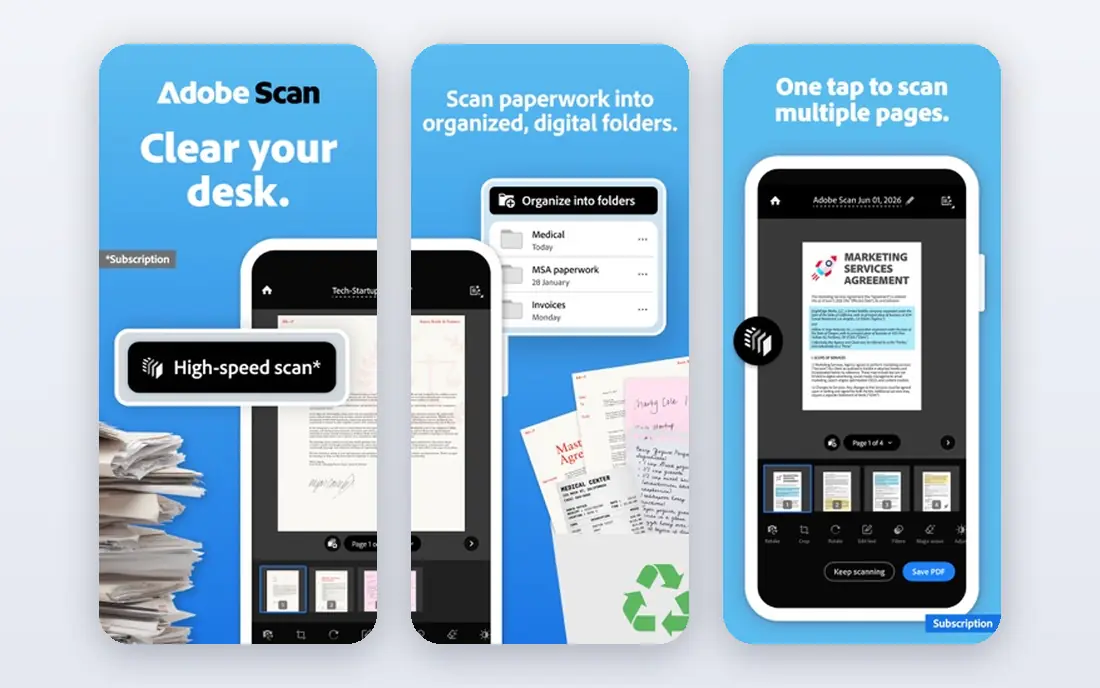
Adobe Acrobat's free online tools are the best starting point for signing your own PDFs. Fill and Sign lets you add text, checkmarks, and a signature in a browser session at no cost, with password protection included, and no separate app is needed for basic signing.
Sending documents for others to sign is limited to 2 requests per 30 days on the free tier, and full Acrobat features need a paid plan from around 12.99 dollars a month. But for the common job of signing a form yourself and sending it back, Adobe's free tools are the simplest and most capable here.
- Free Fill and Sign in the browser
- Password protection
- No app install needed
- Free outbound requests limited to 2 per 30 days
- Full features need a paid plan
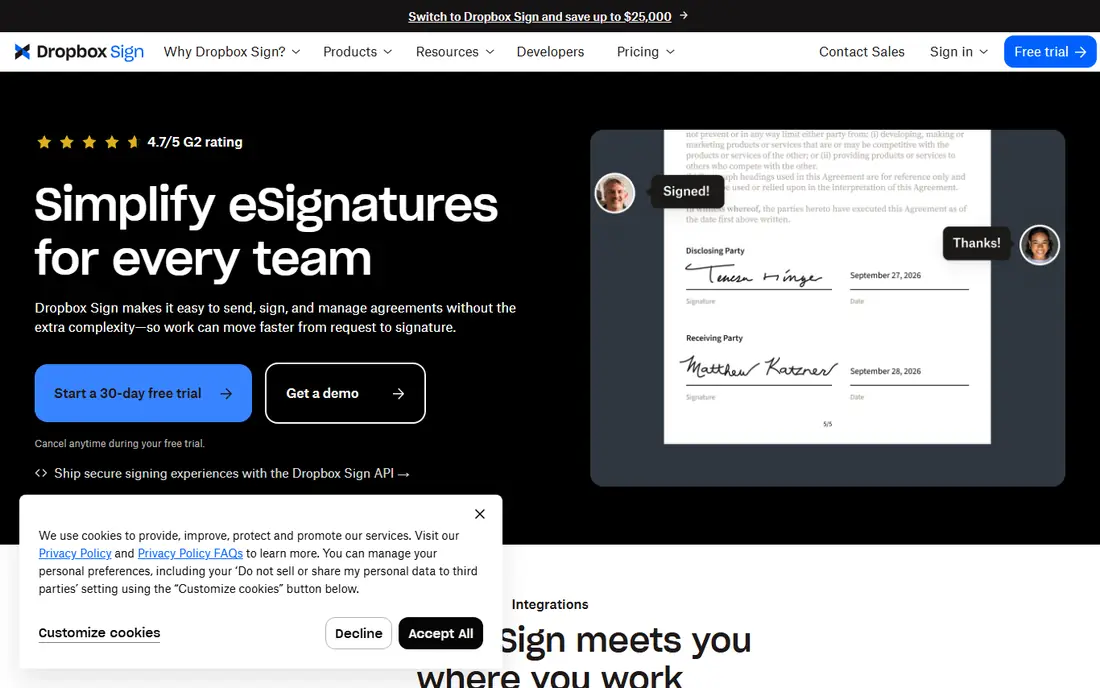
Dropbox Sign, formerly HelloSign, offers the best free balance for collecting signatures. Its free plan includes 3 signature requests per month with a tamper-evident audit trail, plus unlimited self-signing that does not count toward the limit. That combination covers occasional contracts and forms well.
Paid plans from around 15 dollars a month add templates, team features, and higher limits. But for someone who sends a few documents a month and signs their own freely, Dropbox Sign's free tier is the most practical here.
- 3 free signature requests per month
- Unlimited self-signing
- Audit trail included
- Paid plans start around 15 dollars a month
- Templates limited on free tier
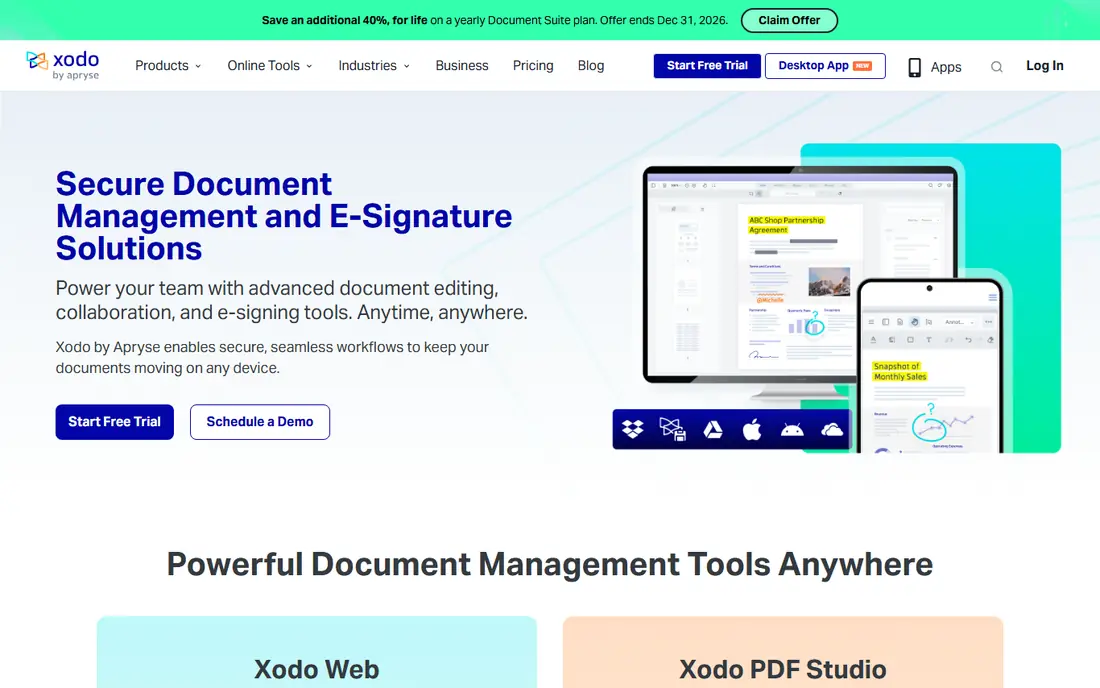
Xodo Sign, formerly eversign, offers the most generous free outbound tier we found: 5 signature requests a month, each with an audit trail, plus a couple of API documents for developers. That allowance covers small businesses sending a document a week without paying.
It is a smaller brand than DocuSign or Adobe, and its interface is less polished, but the free allowance is genuinely useful. For low-volume senders who want the most free requests, Xodo Sign is the best pick here.
- 5 free signature requests a month
- Audit trail
- API documents included
- Smaller brand than DocuSign or Adobe
- Interface less polished
DocuSign is the name most recipients expect on a signature request, with strong audit trails, templates, and integrations with Salesforce, Google, and Microsoft tools. Signing documents that others send you is always free and unlimited, with no account needed in many cases.
The free tier covers only 3 documents total for sending, so regular senders need a paid plan from around 10 dollars a month. But if your recipients or industry expect DocuSign, its familiarity and reliability justify the cost.
- Most widely recognized platform
- Strong audit trails
- Huge integration library
- Free tier does not cover sending
- Paid plans from 10 dollars a month
SignNow offers the lowest paid seat price among major e-signature platforms, at around 8 dollars per user a month billed annually, with unlimited documents and in-person signing. That makes it the best value for teams that know they will sign steadily and want a predictable per-seat cost.
There is no free plan beyond a trial, so casual users should look at Dropbox Sign or Xodo Sign first. But for a team committing to paid signing, SignNow's price per seat is hard to beat.
- Cheapest paid seat among major platforms
- Unlimited documents on paid plans
- Mobile apps
- No free plan beyond a trial
- Interface less modern than rivals
Zoho Sign is the natural signing tool for businesses already using Zoho products. Its free plan covers 5 envelopes a month for one user, with signer authentication, audit trails, and integration with Zoho CRM and other Zoho apps. Paid plans from around 10 dollars per user a month add team features and higher limits.
Outside the Zoho ecosystem, its integration library is thinner than DocuSign's. But for Zoho users who need a free, capable signing tool, Zoho Sign is the obvious choice.
- 5 free envelopes a month
- Integrates with Zoho apps
- Paid plans from 10 dollars a month
- Best value only inside Zoho
- Fewer third-party integrations
PandaDoc's free plan includes 60 documents a year with reusable templates, which suits freelancers and small sales teams sending proposals and quotes. Its editor builds polished documents with pricing tables and content blocks, going beyond simple signature placement.
Paid plans start around 19 dollars per seat a month, and the platform leans toward sales documents rather than pure signing. But for a freelancer who sends proposals regularly, PandaDoc's free tier with templates is a strong value.
- Free plan with 60 documents a year
- Reusable templates
- Proposals and quotes built in
- Paid plans from 19 dollars a seat a month
- More sales-focused than pure signing
Smallpdf is the quickest tool for a one-off signature: open a PDF in the browser, add your signature, and download it, with a full PDF toolkit for compressing, converting, and editing alongside. The free tier covers self-signing with some limits, and its eSign tool handles sending on paid plans.
If you need to collect signatures for free, Dropbox Sign or Xodo Sign are better. But for signing your own PDFs quickly without installing anything, Smallpdf is the fastest option here.
- Fast browser-based signing
- Full PDF toolkit alongside
- No install needed
- ESign tool is self-signing only on free tier
- Sending starts at paid plans
Lumin stands out for cloud workflows: it opens PDFs directly from Google Drive or OneDrive, lets you annotate and sign in the browser or app, and syncs changes back without manual re-upload. Its free plan covers reading, commenting, drawing, and basic signing without watermarks.
Advanced e-signature features, including its Lumin Sign product with up to 5 contracts a month free, sit alongside paid tiers from around 9 dollars a month. For teams whose files live in Drive or OneDrive, Lumin's native sync makes signing feel effortless.
- Free annotation and basic signing
- Native Google Drive and OneDrive sync
- Mobile apps
- Advanced signing features need paid plans
- Paid tiers from around 9 dollars a month
How we picked these
We compared official free tiers, pricing pages, and feature documentation for PDF signing tools actively available in 2026. We distinguished carefully between self-signing, which is free almost everywhere, and sending for signature, where free limits matter. We did not claim hands-on testing; our comparison rests on published terms, pricing, and public user reviews.
The trick that saves you a subscription
If the other party has a DocuSign, Dropbox Sign, or Adobe account, ask them to send the document to you. Receiving and signing is free and unlimited on every major platform; only sending is metered. One free account on their side solves the problem for both of you, and it works for contracts, leases, and most business forms.
For higher-stakes documents, step up to a platform with a full audit trail and, where needed, certificate-based signatures. Free tiers from Dropbox Sign, Xodo Sign, and DocuSign all include audit trails, which record who signed, when, and from where. For deeds, large transactions, or regulated documents, have a qualified attorney review the contract as well.
Sources
- https://www.adobe.com/acrobat/online/sign-pdf.html
- https://www.hellosign.com/pricing
- https://www.xodo.com/sign/pricing
- https://www.docusign.com/pricing
- https://www.signnow.com/pricing
- https://www.zoho.com/sign/pricing.html
- https://www.pandadoc.com/pricing
- https://smallpdf.com/pricing
- https://www.luminpdf.com/pricing