Best Fundraising Platforms in 2026: 10 Platforms Compared
By ToolNimba Editorial Team October 30, 2026 12 min read

- Top pick
 GoFundMe
Personal and community campaigns
Starting priceFreeCheck out GoFundMeRead our review - Runner-up
 Donorbox
Fast donation forms and recurring gifts
Starting priceFreeCheck out DonorboxRead our review - Also great
 Givebutter
Free peer-to-peer and events
Starting priceFreeCheck out GivebutterRead our review
How we researched this
We compared official pricing and feature pages, app store listings, privacy policies and public user reviews. Prices change, so check the provider's site before you pay.
Key takeaways
- Zeffy and GiveLively are the strongest no-platform-fee options for registered nonprofits, funded by donor tips or philanthropy.
- Donorbox and Givebutter balance low starting costs with strong donation forms, recurring giving, and peer-to-peer tools.
- GoFundMe suits personal and community campaigns, while GoFundMe Pro, formerly Classy, suits larger nonprofit campaigns.
- Always separate platform fees from card processing fees, since both affect how much of a $100 gift actually reaches your cause.
Quick comparison
| Name | Best for | Starting price | Free plan | |
|---|---|---|---|---|
| GoFundMe | Personal and community campaigns | Free | Yes | Visit |
| Donorbox | Fast donation forms and recurring gifts | Free | Yes | Visit |
| Givebutter | Free peer-to-peer and events | Free | Yes | Visit |
 Classy | Enterprise nonprofit campaigns | See website | No | Visit |
 Zeffy | Zero-fee nonprofit fundraising | Free | Yes | Visit |
 Fundraise Up | Conversion-focused donation forms | See website | No | Visit |
 Bonfire | T-shirt fundraising | Free | Yes | Visit |
 Donately | Simple online giving | Free | Yes | Visit |
 GiveLively | No-fee nonprofit giving | Free | Yes | Visit |
 Qgiv | Auctions, events, and peer-to-peer | See website | No | Visit |
The best fundraising platforms
We focused on platforms that help nonprofits and community causes collect donations online, keep donor data usable, and launch without a large upfront contract.
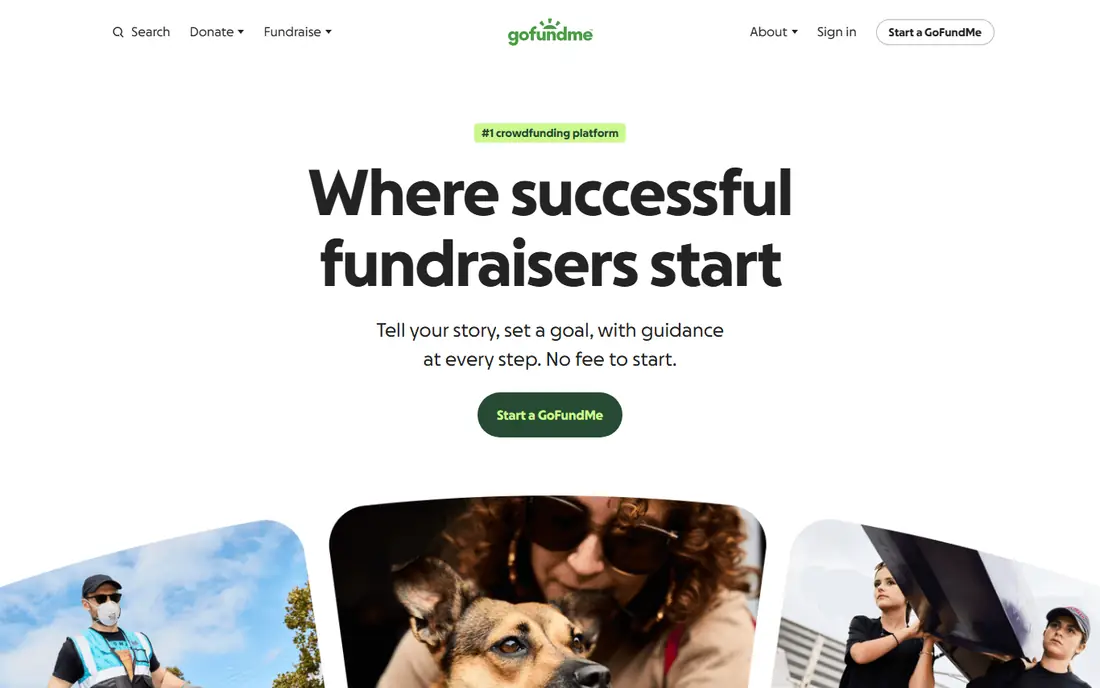
GoFundMe is the name most donors already trust, and that trust matters when a campaign needs to spread quickly. Setting up a page takes minutes, sharing tools are built in, and standard campaigns charge no platform fee, though card processing still applies. For a medical bill, a school emergency, or a neighborhood cause, that speed and familiarity are hard to beat.
Nonprofits should note the limit. Standard GoFundMe is not a donor CRM, an event platform, or a peer-to-peer suite, and its tools for recurring gifts and nonprofit reporting are thinner than dedicated nonprofit platforms.
- Huge public reach and donor trust
- Fast campaign setup with no platform fee on standard campaigns
- Good for medical, emergency, and community causes
- Built for personal campaigns, not nonprofit operations
- Card processing still applies at 2.9 percent plus $0.30, or 2.2 percent plus $0.30 for verified charities
- Recurring giving is limited on standard campaigns
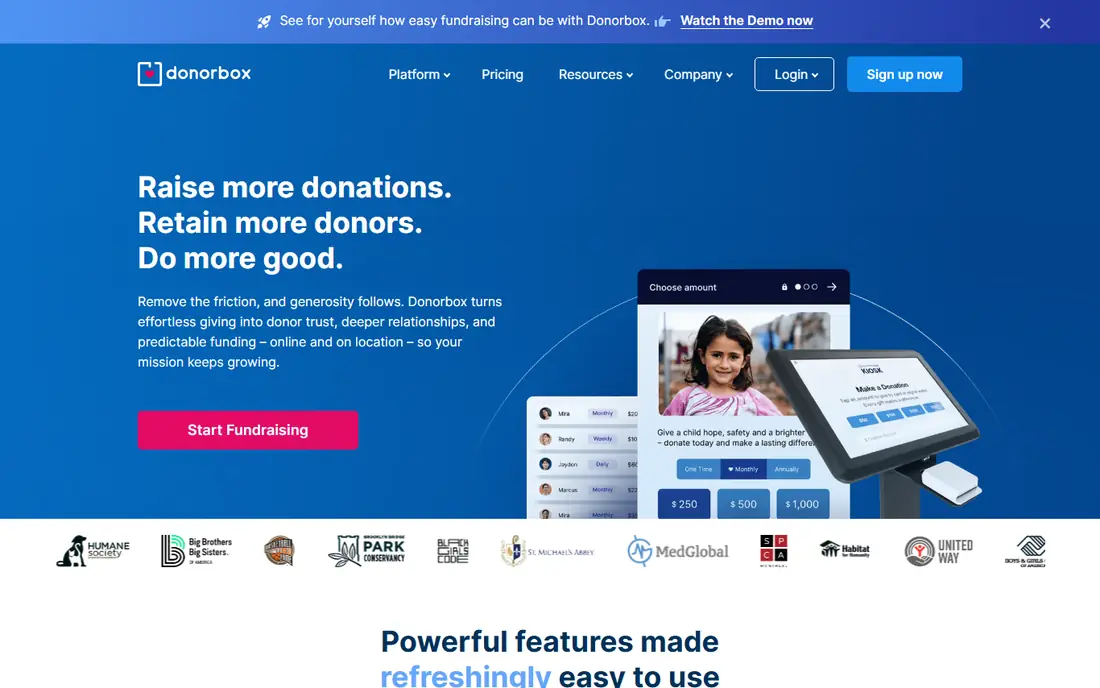
Donorbox is the practical pick for a nonprofit that needs a good donation form this week. You can embed a form on your site, offer one-time and monthly options, let donors cover fees, and send automatic receipts. The donor portal lets supporters manage recurring gifts without emailing your team, which saves time as monthly giving grows.
The fee structure needs a clear read. The free Standard plan charges a 2.95 percent platform fee on top of card processing, so a $100 gift costs more than the processing fee alone. Pro, at $150 per month, lowers the platform fee to 1.75 percent and adds more automation. For small nonprofits, Standard is a fine start. For larger volumes, model Pro versus a no-fee platform before you scale.
- Quick embeddable donation forms
- Strong recurring giving and donor portal
- Integrates with Stripe, PayPal, Salesforce, and Mailchimp
- Standard plan charges a 2.95 percent platform fee plus processing
- Advanced features and lower fees need Pro at $150 per month
- Fees stack on large volumes
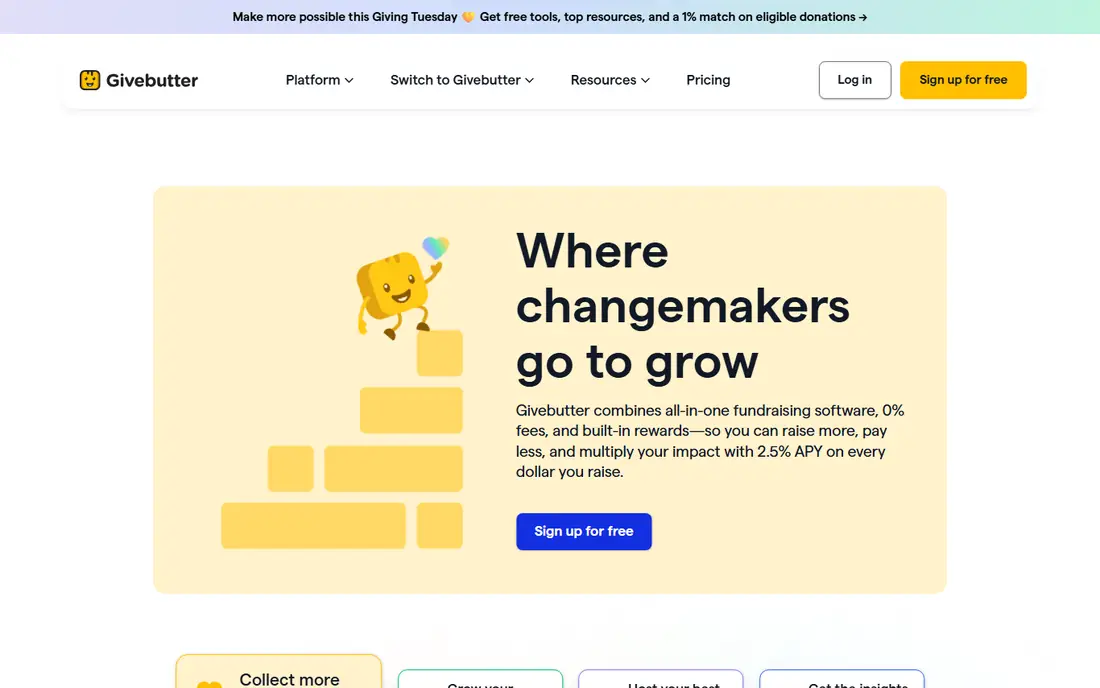
Givebutter combines many fundraising tools that other platforms split across paid plans. A small nonprofit can run donation pages, peer-to-peer fundraisers, ticketed events, and auctions from one account, with a donor experience that feels current on mobile. That breadth is why it appears so often in nonprofit shortlists for 2026.
Pricing is tip-based. With donor tips on, the platform fee is $0, and donors can choose to add a tip to support Givebutter. With tips off, a platform fee of 1 to 5 percent applies depending on the plan, plus standard card processing at 2.9 percent plus $0.30. Most nonprofits leave tips on and let donors cover processing where offered, which keeps effective costs low.
- Free fundraising pages, peer-to-peer campaigns, events, and auctions
- Modern, mobile-first donor experience
- Donor tips fund the free tier
- Platform fee of 1 to 5 percent applies when donor tips are turned off
- Processing fees still apply
- Larger nonprofits may need CRM depth elsewhere
Classy, now sold as GoFundMe Pro, is the enterprise end of this list. It suits larger nonprofits running peer-to-peer events, multi-team campaigns, and gala-style fundraising with dedicated reporting and Salesforce integration. Campaign pages are polished, team fundraising is built in, and staff support is geared to organizations with real fundraising operations.
Small nonprofits should not start here. Pricing is custom, onboarding takes planning, and the feature depth only pays off at volume. If your nonprofit raises most of its money through one annual gala or a large peer-to-peer event, Classy is worth a demo. If you mainly need a donation form and monthly gifts, Donorbox, Givebutter, or Zeffy will be faster and cheaper.
- Strong peer-to-peer, crowdfunding, and event campaigns for larger nonprofits
- Good Salesforce integration
- Now part of GoFundMe Pro
- Custom pricing with no public starting price
- More setup and cost than small nonprofits need
- Best value at enterprise scale
Zeffy is genuinely free for eligible nonprofits, and that claim holds up better than most free labels in this category. There is no platform fee, and Zeffy covers card processing, so a $100 donation reaches the nonprofit in full. Features include donation forms, event ticketing, peer-to-peer campaigns, auctions, raffles, memberships, and a donor CRM, all on the free tier.
Eligibility is the limit. Zeffy serves registered nonprofits in the US and Canada, not individuals or unregistered groups, and donors see an optional contribution prompt at checkout that funds Zeffy. Donors can adjust or remove that contribution. For an eligible small nonprofit that wants to keep every dollar, Zeffy is the first platform to test.
- No platform fees and no processing fees passed to the nonprofit
- Donations, events, peer-to-peer, auctions, raffles, and CRM in one free account
- Automatic tax receipts
- Limited to registered nonprofits in the US and Canada
- No individual personal campaigns
- Funded by optional donor contributions, so donor checkout shows a tip prompt
Fundraise Up focuses on one job, which is turning website visitors into donors at a higher rate. Its checkout suggests gift amounts, makes recurring giving easy, and uses donor data to prompt upgrades and second gifts. Analytics show where donors drop off, and integrations feed results into CRMs and email tools without manual exports.
That focus comes at a price and a fit question. Pricing is by quote, and the platform is built for nonprofits with enough traffic to benefit from conversion testing. A tiny nonprofit with a few hundred site visits a month will get more value from a free form on Zeffy or Givebutter. A midsize nonprofit with steady traffic and a real online fundraising program should put Fundraise Up through a pilot and measure conversion lift.
- High-converting checkout with AI-suggested amounts
- Strong recurring giving and donor upsell tools
- Good analytics and CRM integrations
- Pricing is quote-based
- Best fit is midsize and larger nonprofits
- Smaller teams may not need its optimization depth
Bonfire is a different kind of fundraiser, built around selling custom shirts and apparel for a cause. You design a shirt, set a campaign goal and price, and Bonfire handles printing, shipping, and payment. Supporters get something tangible, and the cause gets a visible message in the community, which suits schools, teams, advocacy groups, and local nonprofits.
It should not be your only donation tool. Income depends on product margins and sales volume, not on direct gifts, and an optional donation feature carries an 8 percent fee when enabled. Use Bonfire as a complement to a donation platform, for example for a campaign launch, a team event, or a merchandise drive, rather than as a replacement for recurring giving.
- No upfront cost to launch a shirt campaign
- Design tools and store pages included
- Good for awareness campaigns tied to a cause or message
- Fundraising depends on product sales, not direct donations
- Optional donation fee of 8 percent applies if enabled
- Margins vary by product and price
Donately suits nonprofits that want simple giving without learning a large platform. Forms are clean, pages are easy to brand, recurring gifts work out of the box, and donor records stay organized for thank-you notes and year-end reporting. Setup is fast enough for a volunteer-run nonprofit to handle.
Fees are the trade-off on the free plan, at 4 percent plus card processing, which is higher than Donorbox Standard on platform fee alone. Paid plans lower that rate and add features, so model your annual volume before choosing Donately over a no-fee option. If simplicity and a tidy donor view matter more than squeezing every fee point, Donately is still a solid pick.
- Clean, simple donation forms and pages
- Recurring giving and donor management included
- Easy setup for small nonprofits
- Free plan charges a 4 percent platform fee plus processing
- Advanced peer-to-peer and event features are thinner than Givebutter
- Paid plans needed for lower fees
GiveLively is another no-platform-fee option for nonprofits, funded by philanthropists rather than by taking a cut of donations. Member nonprofits get fundraising pages, text-to-give, peer-to-peer tools, and donation processing through Stripe, with processing fees passed to the nonprofit at the usual nonprofit card rate. For a small nonprofit, that can save thousands a year versus a percentage platform fee.
Membership is the hurdle. GiveLively requires approval, and that process can take around ten days in recent reports, so plan ahead for a time-sensitive campaign. Support is also leaner than a paid platform. If you can plan around approval and mainly need clean giving pages plus peer-to-peer tools, GiveLively is one of the best value options in this guide.
- No platform fee for member nonprofits
- Text-to-give, peer-to-peer, and fundraising pages included
- Funded by philanthropists rather than fees
- Membership approval can take time
- Support is more limited than paid platforms
- Best for US nonprofits that meet membership criteria
Qgiv rounds out the list for nonprofits whose calendar is built around events. Auctions, galas, peer-to-peer campaigns, text fundraising, and donation forms live in one system, with reporting that helps staff track teams, tables, and auction items together. That breadth helps event teams avoid stitching together separate tools for each fundraiser.
For a nonprofit that only needs a donation form, Qgiv is more than necessary, and quote-based pricing makes budgeting harder at a glance. Ask for a scoped quote tied to your event count and donor volume, and compare it against Givebutter or Zeffy plus a separate auction tool. If events drive most of your revenue, Qgiv is worth that comparison.
- Strong auctions, events, text fundraising, and peer-to-peer in one suite
- Good reporting and donor data tools
- Suits nonprofits with event-heavy calendars
- Pricing is quote-based with no public starting price
- More platform than a form-only nonprofit needs
- Setup takes more time than Donorbox or Zeffy
How we picked these
We compared official pricing pages, fee schedules, help centers, app store listings, privacy policies, and public reviews, and we kept only platforms that are live and actively used by nonprofits or community causes in October 2026. We weighed platform fees separately from card processing fees, checked recurring giving, peer-to-peer tools, event features, and donor data exports, and we favored platforms with clear eligibility rules. We did not claim hands-on testing, and where pricing is custom or depends on tips, we described the model rather than inventing a flat rate.
How to choose a fundraising platform without losing donations to fees
Start with your fundraising mix, not a feature list. A nonprofit that lives on monthly gifts needs strong recurring tools and a donor portal. A nonprofit that lives on galas needs auctions and ticketing. A community group that needs one emergency campaign needs speed and reach. Matching the platform to the mix matters more than picking the platform with the most features.
Do the $100 gift math before you sign
Add platform fee plus card processing for a $100 gift on each shortlist platform, then repeat for $1,000 and $10,000 in monthly volume. A 2.95 percent platform fee plus 2.2 percent processing is about $5.45 on $100, while a no-fee platform keeps the full $100 before any donor tip. That math, done once, often decides the shortlist faster than demos do.
Test the donor checkout on a phone
Most donors give on mobile, so complete a test gift on your phone for each finalist. Check load time, number of steps, Apple Pay and Google Pay options, recurring toggle placement, and whether donors can cover fees. A checkout that takes six steps will lose gifts that a three-step checkout keeps, even if the back-end features look similar.
Check donor data, receipts, and exports
Confirm that you can export donor names, emails, gift amounts, and recurring status without paying for an export, and that tax receipts send automatically. Ask whether the platform syncs with your CRM or email tool, or whether staff will copy data by hand each week. Data you cannot easily use is a hidden cost that grows with every campaign.