Best Generative Presentation Creation Tool in 2026: 9 Tools Compared
By ToolNimba Editorial Team October 30, 2026 11 min read

- Top pick
 Gamma
Fast prompt-to-deck for most people
Starting price$10 per monthCheck out GammaRead our review - Runner-up
 Beautiful.ai
Consistent corporate decks
Starting price$14.50 per monthCheck out Beautiful.aiRead our review - Also great
 Pitch
Team decks and link sharing
Starting priceSee websiteCheck out PitchRead our review
How we researched this
We compared official pricing and feature pages, app store listings, privacy policies and public user reviews. Prices change, so check the provider's site before you pay.
Key takeaways
- Gamma is our pick for most people, thanks to fast prompt-to-deck generation, a useful free tier, and web sharing with PDF and PowerPoint export.
- Beautiful.ai suits teams that need consistent, on-brand decks, while Plus AI and SlidesAI suit users who want AI inside PowerPoint or Google Slides.
- Free tiers are useful for a first draft, but exports, higher slide counts, and brand controls usually need a paid plan.
- Tome shut down in 2025, so older guides that still recommend it are out of date, and its decks are no longer available.
Quick comparison
| Name | Best for | Starting price | Free plan | |
|---|---|---|---|---|
| Gamma | Fast prompt-to-deck for most people | $10 per month | Yes | Visit |
| Beautiful.ai | Consistent corporate decks | $14.50 per month | Free trial (14 days) | Visit |
| Pitch | Team decks and link sharing | See website | Yes | Visit |
 Plus AI | AI inside PowerPoint and Slides | $10 per month | Free trial (7 days) | Visit |
 SlidesAI | Text to slides in Google Slides | $10 per month | Yes | Visit |
 Canva Magic Design | All-round design with AI decks | See website | Yes | Visit |
 Prezi AI | Non-linear, zooming talks | $7 per month | Yes | Visit |
 Decktopus | Solo sellers and quick brand decks | $9.99 per month | No | Visit |
 Presentations.AI | Free PowerPoint drafts | See website | Yes | Visit |
The best generative presentation creation tools
A generative presentation tool turns a prompt, an outline, or a document into a draft deck in minutes, rather than hours of blank-slide work. The best tools do more than generate: they let you edit, fix facts, apply a brand, and export to the format your audience expects. The nine tools below cover web-native decks, PowerPoint and Slides add-ons, and all-round design platforms, and the right pick depends on where your final deck needs to live.
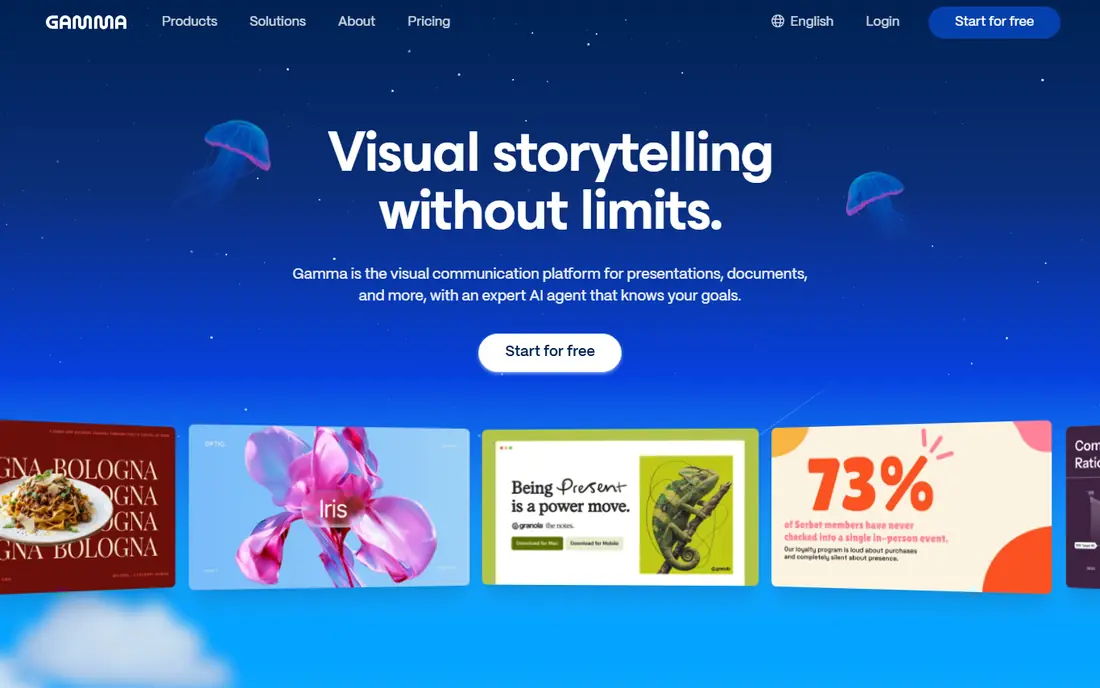
Gamma popularized prompt-to-deck, and it still sets the pace. Type a topic, paste an outline, or upload a document, and Gamma returns a structured, editable deck with images and layouts in under a minute. The web format shares cleanly by link, with analytics on views, and exports to PDF and PowerPoint when a traditional file is needed.
The free tier is useful but finite, since it runs on one-time credits rather than a monthly allowance, and exports need a paid plan for fuller use. PowerPoint users may also miss pixel-level control, since Gamma favors narrative flow over manual slide design. For a first draft that looks presentable fast, Gamma is the best starting point in this guide.
- Fast prompt-to-deck generation
- Web-native decks with sharing and analytics
- PDF and PowerPoint export
- Free tier runs on one-time credits
- Web format feels less familiar to traditional PowerPoint users
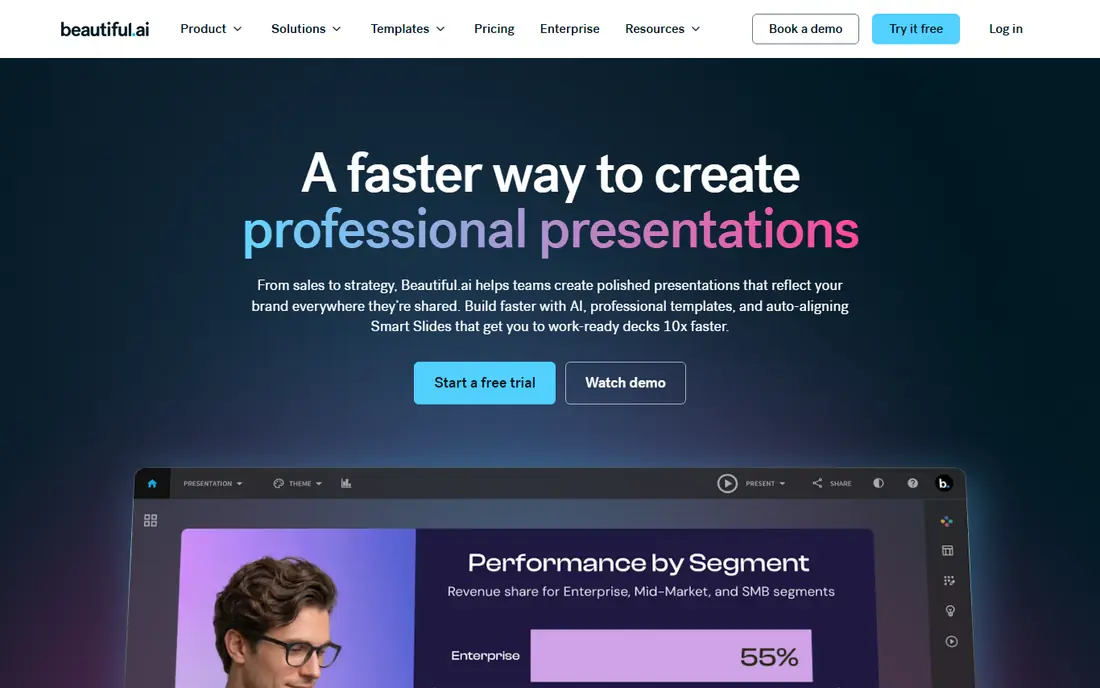
Beautiful.ai suits teams whose decks must look consistent, slide after slide. Smart Slides adjust spacing and layout as you add or remove content, so a deck stays balanced without manual nudging. Team plans add brand controls, shared libraries, and collaboration, which help consulting firms and sales teams present a unified look.
There is no free plan, only a trial, so the entry price is the test price. Creative users who want unusual layouts may also find Beautiful.ai more structured than Gamma or Canva. For corporate, client, and sales decks where consistency matters more than novelty, Beautiful.ai is the strongest pick.
- Smart Slides rebalance layouts as you edit
- Team brand controls
- PowerPoint export for corporate workflows
- No free plan, only a trial
- Less flexible than Gamma for creative, free-form work
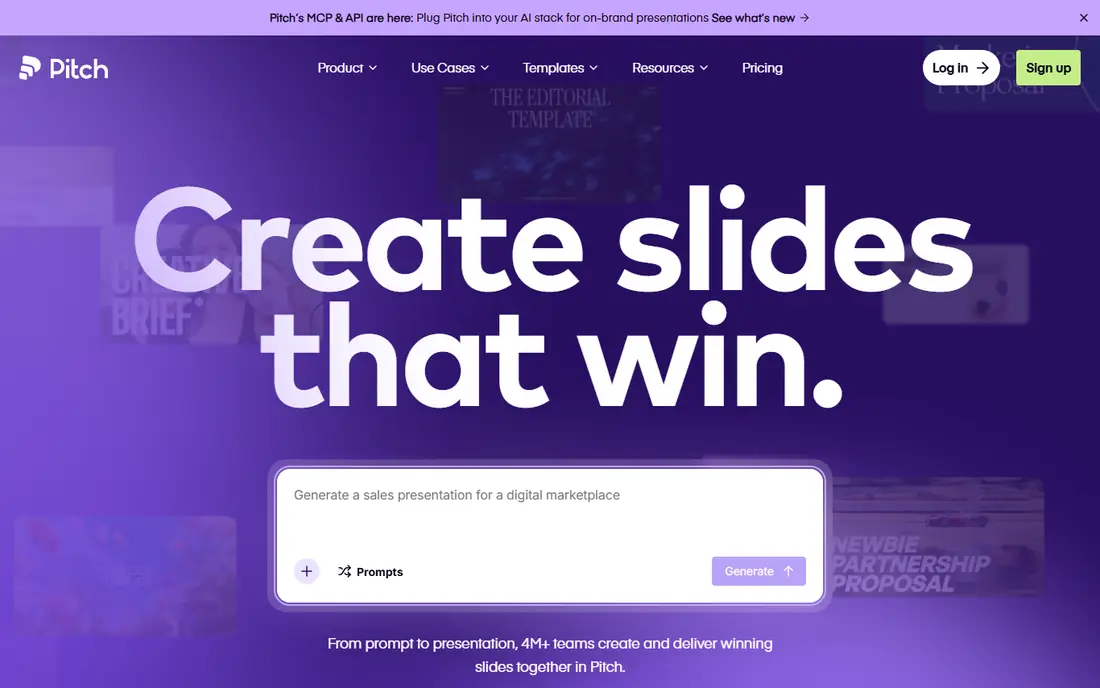
Pitch is built for teams that share decks by link and track what happens next. The free plan covers small teams with AI credits, and paid plans add more members, analytics, and brand features. Collaboration feels natural, with comments and version handling that suit a startup preparing a pitch or a team building a sales deck together.
US pricing needs care, since some pages list euros, so confirm the dollar cost at checkout before comparing with Gamma or Beautiful.ai. AI generation is capable, but teams that want the most advanced generation may prefer Gamma, with Pitch as the sharing and collaboration layer. For team decks shared by link, Pitch is a strong value.
- Free plan for small teams
- Link sharing with analytics
- Collaboration and templates for startup and team decks
- Pricing is in euros on some pages, so US cost needs checking
- AI generation is solid but not the deepest in this list
Plus AI is the pick if your final deck must be a PowerPoint or Google Slides file, not a web link. It adds AI generation, rewriting, and editing inside the tools you already use, so a generated deck opens as real, editable slides, with your existing templates and fonts intact. That native fit matters in corporate settings where a web deck would need converting anyway.
There is no free plan, only a short trial, so test it on a real deck before paying. Users who want a fresh web-native design may prefer Gamma, while users who need to stay in PowerPoint or Slides will find Plus AI saves the most time. For Slides and PowerPoint loyalists, it is the best add-on here.
- Works inside PowerPoint and Google Slides, so files stay native
- Good for editing existing decks
- AI rewrite and outline tools
- No free plan, only a trial
- Value depends on how much you already live in PowerPoint or Slides
SlidesAI does one job well: turn text into a Google Slides deck. Paste an outline or a paragraph, pick a theme, and get editable slides inside Google Slides, where you can refine them with colleagues. The free plan covers a limited number of presentations per year, which is enough to test the workflow and handle occasional decks.
The design range is functional rather than striking, so client-facing decks will need extra polish. For teachers, students, and teams that live in Google Workspace and need a fast first draft on a budget, SlidesAI is the best low-cost add-on. For a polished sales deck, start with Gamma or Beautiful.ai instead.
- Text-to-slides inside Google Slides
- Free plan with a yearly presentation allowance
- Simple, budget-friendly workflow
- Design range is narrower than Gamma or Canva
- Output needs editing for polished client decks
Canva Magic Design suits users who already design in Canva. AI can turn a prompt into a deck, which you can then edit with Canva's full library of templates, images, fonts, and brand tools, and export to PDF, PowerPoint, or video. That breadth means one tool covers social posts, documents, and decks, not just presentations.
The AI itself is more template-led than Gamma's narrative generation, so a deck may feel familiar rather than fresh. Full AI use and brand controls also need a paid plan, and pricing varies by plan and region, so check the current Pro price. For Canva users, Magic Design is the obvious deck tool. For a dedicated AI deck engine, Gamma goes further.
- Huge template library
- AI deck generation inside a full design platform
- PDF, PowerPoint, and video export options
- AI generation is template-led rather than deeply generative
- Best features need a paid plan
Prezi AI suits presenters who want to move through a talk, not just click through slides. The zooming canvas lets you pan from an overview to a detail and back, which helps for teaching, storytelling, and pitches where the big picture matters. AI generation gives a starting canvas, which you can then shape into a path through your points.
That style is not for every audience. Formal corporate decks, printed handouts, and strict PowerPoint workflows may prefer a linear slide tool. For a talk where engagement and a memorable structure matter, Prezi AI is a distinctive pick, and its low entry price makes it easy to try.
- Zooming canvas for non-linear talks
- AI help to start a presentation
- Engaging format for teaching and pitching
- Canvas style does not suit every corporate audience
- Export and compatibility need checking for formal decks
Decktopus targets solo sellers and small businesses who need a decent deck fast, with their brand already applied. Enter a website URL, and Decktopus can build a brand kit from it, then generate a deck that looks like your business, not a generic template. Shared deck analytics help a seller see which prospects actually opened a proposal.
There is no free plan, so the entry price is the test price, and the design range is narrower than larger platforms. For a solo seller who wants a branded deck without design work, Decktopus is a practical pick. For a team or a creative agency, Gamma or Beautiful.ai offer more depth.
- Brand kit from a website URL
- Quick deck generation for solo sellers
- Analytics on shared decks
- No free plan
- Smaller template and design range than Canva or Gamma
Presentations.AI appeals to users who want a free PowerPoint draft, fast. Enter a prompt, get a deck, and download it as PowerPoint for editing, which suits internal meetings, class work, and early drafts where speed matters more than polish. The free tier makes it easy to test without a card.
Paid pricing and feature limits are less clearly published than for Gamma or Beautiful.ai, so confirm the plan before relying on it for client work. Output also needs editing for a polished external deck, as with most AI tools. For a free, quick PowerPoint starting point, Presentations.AI is worth trying beside Gamma's free tier.
- Free plan with PowerPoint drafts
- Instant generation from a prompt
- Useful for quick internal decks
- Paid pricing is less clear than rivals
- Output needs editing for polished external decks
How we picked these
We compared official pricing pages, feature pages, and public reviews for generative presentation tools available in October 2026, favoring tools with a working free tier or trial, real PowerPoint, PDF, or web export, and a track record with creators and teams. We left out Tome, which shut down in 2025, and we left out tools that only offer templates without AI generation. Prices are list prices before promotions and taxes, and annual billing often lowers the monthly equivalent. We did not claim hands-on design testing we did not do, and readers should confirm current pricing and export options on the vendor site before subscribing.
What to check before you choose
Start with the final format. If your audience expects PowerPoint, pick Plus AI, SlidesAI, or a tool with clean PowerPoint export, and test that export on a real deck, since formatting can shift. If your audience will view a link, Gamma, Pitch, or Prezi may serve you better, with analytics and sharing built in. If you need brand control, check templates, fonts, colors, and logo handling on a paid plan, since free tiers often limit those features.
Next, test with your real content, not a demo topic. Paste an actual outline, check facts, numbers, and names carefully, and rewrite anything the AI invents or oversimplifies. AI decks are first drafts, not finished work, and a factual error in a client deck costs more than the time saved. Finally, price by volume. Count decks per month, slides per deck, and team members, then compare free credits, monthly plans, and per-user pricing on that same volume.
Editing an AI deck, in practice
Keep the AI structure, but rewrite the opening and closing slides yourself, since those carry your argument. Check every statistic, quote, and date against a source, simplify crowded slides, and add one visual or example per key point. A deck that is 80 percent AI draft and 20 percent human judgment will read far better than a raw generation.
Sources
- https://gamma.app/pricing
- https://www.beautiful.ai/pricing
- https://pitch.com/pricing
- https://www.plusdocs.com/pricing
- https://www.slidesai.io/pricing
- https://www.canva.com/pricing
- https://prezi.com/pricing
- https://www.decktopus.com/pricing
- https://www.presentations.ai/pricing
- https://dev.to/stimlau/best-gamma-alternatives-in-2026-37dm
- https://arahi.ai/blog/best-ai-presentation-makers-2026