Best HRMS Software in 2026: 9 Systems Compared
By ToolNimba Editorial Team October 30, 2026 11 min read

- Top pick
 BambooHR
Growing teams that want simple core HR
Starting price$10 per employee per monthCheck out BambooHRRead our review - Runner-up
 Rippling
Teams that want HR, IT, and finance together
Starting price$8 per user per monthCheck out RipplingRead our review - Also great
 Gusto
Small US businesses that need payroll first
Starting price$49 per month plus $6 per personCheck out GustoRead our review
How we researched this
We compared official pricing and feature pages, app store listings, privacy policies and public user reviews. Prices change, so check the provider's site before you pay.
Key takeaways
- BambooHR and Gusto publish the clearest starting prices, while Rippling, HiBob, ADP, Paylocity, and Workday rely mainly on quoted pricing.
- Small US teams that want payroll first should start with Gusto, while teams that need HR, IT, and finance in one place should look closely at Rippling.
- Zoho People is the lowest-cost entry point in this list, and it suits teams that already use Zoho tools or want a simple core HR system.
- Global hiring changes the choice: Deel is built for contractors and employees in many countries, while most other options here are strongest in the US.
- Always get an itemised quote that lists implementation, payroll, benefits, and add-on modules before you sign.
Quick comparison
| Name | Best for | Starting price | Free plan | |
|---|---|---|---|---|
| BambooHR | Growing teams that want simple core HR | $10 per employee per month | Free trial (7 days) | Visit |
| Rippling | Teams that want HR, IT, and finance together | $8 per user per month | No | Visit |
| Gusto | Small US businesses that need payroll first | $49 per month plus $6 per person | No | Visit |
 Deel | Hiring contractors and employees abroad | See website | No | Visit |
 Zoho People | Budget-conscious teams and Zoho users | See website | Yes | Visit |
 HiBob | Midsize teams focused on people experience | See website | No | Visit |
 ADP Workforce Now | Midsize companies that want an established vendor | See website | No | Visit |
 Paylocity | Companies that want HR, payroll, and engagement together | See website | No | Visit |
 Workday | Large companies needing HR and finance at scale | See website | No | Visit |
The best HRMS software
We compared official feature pages, published pricing, app store listings, privacy policies, and public reviews for the systems below. Our pick for most small to midsize teams is BambooHR for core HR ease, with Gusto as the stronger choice when payroll leads the decision.
For a team that has outgrown spreadsheets, BambooHR is often the easiest first step. Core covers employee records, reports, workflows, hiring, onboarding, and time off, so a small HR team can run daily work without a long setup project. The published price for larger teams starts at $10 per employee per month for Core, $17 for Pro, and $25 for Elite, while teams of 25 or fewer pay a flat rate starting at $250 per month.
The catch is that the base plans are not a full payroll system. Payroll, benefits administration, time and attendance, and global employment are add-ons, and each is quoted separately. That means the final bill can sit well above the headline plan price. Ask for the add-ons, implementation fee, and any volume discount on the same quote, and check whether performance management or compensation tools matter enough to justify Pro or Elite.
- Clear published starting prices
- Easy employee records and time off
- Hiring and onboarding included in Core
- Payroll and benefits are paid add-ons
- Small teams face a flat monthly minimum
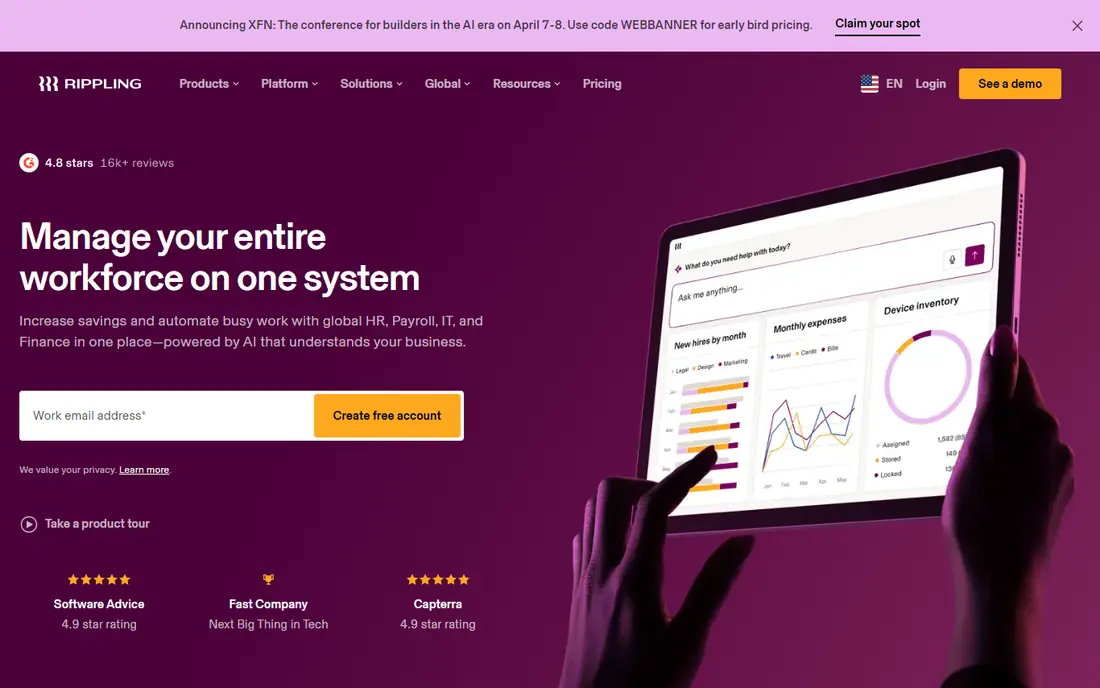
Rippling stands apart because it does not stop at HR. The platform starts at $8 per user per month, with a monthly base fee, and each product you add, such as payroll, benefits, time and attendance, or IT device management, is priced on top. That structure suits a company that wants one record to drive app access, device setup, payroll, and HR changes at the same time.
The trade-off is complexity and cost clarity. You will need a custom quote to know the real total, and a team that only needs basic HR may pay for breadth it never uses. Rippling is a strong fit for fast-growing, remote, or multi-state teams that value automation. It is less appealing if you want a published price and a short, simple setup.
- One employee record across HR, IT, and finance
- Strong automation and workflows
- Global payroll and employer of record options
- Pricing is modular and quote-led
- Setup can take longer than simpler HR tools
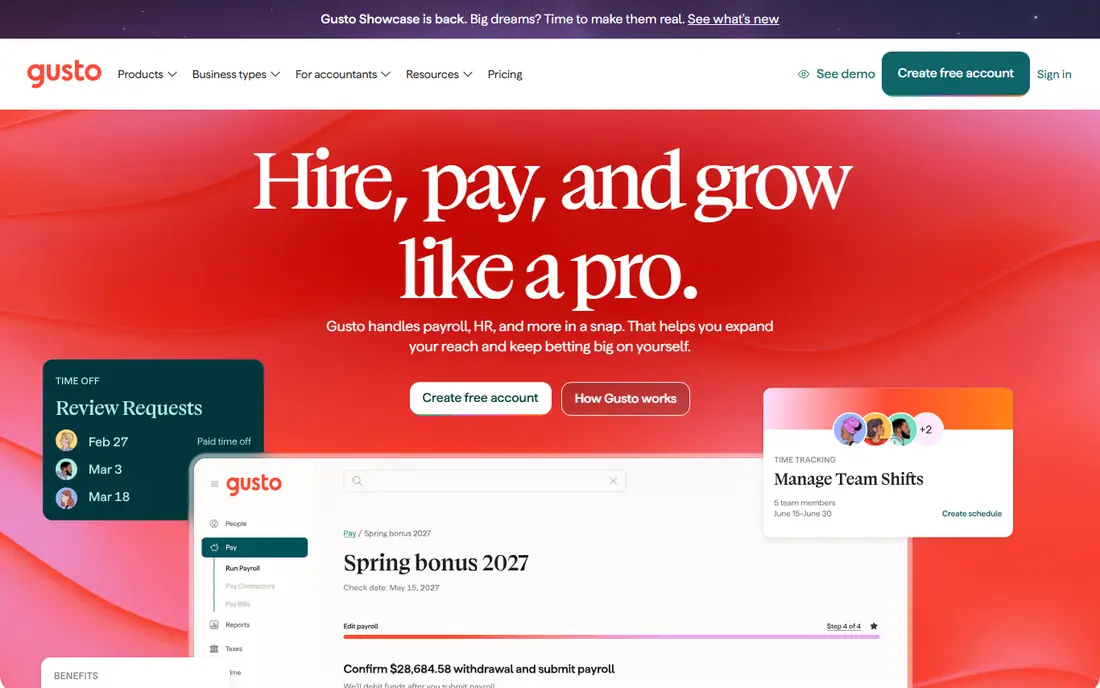
Gusto keeps the buying decision unusually clear. Simple costs $49 per month plus $6 per person, Plus costs $80 per month plus $12 per person, and Premium costs $180 per month plus $22 per person. Every plan includes unlimited payroll runs and automatic payroll tax filings, and there is no long-term contract, which makes it easy to test for a small team.
The limit to watch is geography. Simple covers payroll in one state, so hiring in a second state moves you to Plus. Gusto also runs payroll for US employees only, although it can pay contractors abroad through a separate add-on. If your team is US-based and under about 50 people, Gusto is our pick for payroll-led HR. Larger or global teams will outgrow it sooner.
- Transparent published pricing
- Unlimited payroll runs
- Automatic tax filings on every plan
- Simple covers one state only
- Multi-state payroll requires Plus
- International payroll is limited to contractor payments
Deel solves a different problem from the US payroll tools in this list. If you hire in several countries, it can handle local contracts, payroll, benefits, and tax rules without you setting up a local entity in each place. Contractor management, onboarding documents, and payments sit in the same system, which reduces the patchwork of local providers.
For a team based in one country, that global strength is less useful. Pricing is largely quoted, so you should compare Deel against a local HR and payroll tool on total cost, not on headline features alone. Deel is our pick when international hiring is central to your plan, and a weaker fit when every employee sits in the US.
- Global payroll and employer of record coverage
- Contractor management in one place
- Local compliance support in many countries
- Pricing is quote-led for most products
- Domestic-only teams pay for global depth they may not need
Zoho People earns its place through price and simplicity. It covers employee records, leave, attendance, and performance basics, and it lists a free plan for small teams, which is rare among HR systems. Teams already using Zoho Mail, Zoho CRM, or Zoho Books will find the shared sign-in and data flow convenient.
The system is not trying to be an enterprise suite. Larger companies that need deep compensation planning, complex workforce analytics, or broad US payroll and benefits depth may find gaps. For a small team that wants tidy core HR at a low cost, Zoho People is a sensible shortlist option, and the free plan makes it easy to test the basics first.
- Low-cost entry point with a free plan
- Covers core HR, time off, and attendance
- Fits well with other Zoho apps
- Pricing and plan limits vary by region and edition
- Less depth for large enterprise HR needs
HiBob, often called Bob, aims at companies that have moved past basic record keeping and now care about retention, growth, and culture. Performance reviews, engagement surveys, and compensation management are part of the core pitch, rather than late add-ons. Managers get dashboards that link performance and engagement data, which helps with review conversations.
Pricing is the main hurdle. Published third-party ranges put HiBob around $16 to $25 per employee per month, but the vendor quotes by modules and headcount, and implementation is often charged separately. Get the implementation scope in writing, and check which modules are included before you compare it with BambooHR or Rippling on price.
- Performance, engagement, and compensation tools built in
- Clear people analytics
- Modern interface for managers and staff
- Pricing is quoted and varies by modules
- Implementation can add material cost
ADP Workforce Now
Best for: Midsize companies that want an established vendor
ADP Workforce Now is the established choice in this list. It offers modular HR, payroll, benefits, time, and talent tools, with regulatory monitoring and alerts that matter when you employ people across states. Companies that already use ADP for payroll often stay because the data, tax filings, and support sit with one large vendor.
The downside is transparency. ADP does not publish a list price for Workforce Now, so you must go through sales for a quote, and setup fees may apply. Small teams may also find the breadth more than they need. ADP fits best when compliance depth, scale, and vendor stability matter more than a quick self-serve purchase.
- Deep payroll and compliance resources
- Modular plans for different needs
- Long track record with midsize employers
- Pricing is quote-only
- The system can feel complex for small teams
Paylocity covers the full HR cycle, from hiring and onboarding through payroll, time tracking, benefits, and performance. Its engagement tools, including peer recognition and internal communication features, give it a broader people focus than payroll-only tools. Reporting is also a strength for HR teams that need regular headcount, turnover, and payroll views.
As with ADP, you cannot judge Paylocity on a published price. Quotes vary by modules and headcount, and implementation is often a separate line. Paylocity suits a midsize company that wants one vendor for HR and payroll and is willing to go through a guided implementation. Small teams that want a fast, published-price start will find Gusto or BambooHR simpler.
- Broad HR, payroll, time, and talent coverage
- Employee engagement and communication tools
- Strong reporting options
- Pricing is quote-only
- Implementation fees are commonly reported
Workday belongs on a different shortlist from the rest of this guide. It is built for large employers that need human capital management and financial management in one enterprise system, with detailed analytics, workforce planning, and global operations. Companies with thousands of staff and complex reporting needs are its natural audience.
That scale brings cost and effort. Pricing is quoted, implementation takes months, and the system needs dedicated admin time. A team under a few hundred people will usually get better value from BambooHR, Rippling, or HiBob. Choose Workday when your size, complexity, and finance needs justify an enterprise platform, not because it is the best-known name.
- Deep enterprise HR, payroll, and finance coverage
- Strong analytics and planning
- Global scale for large employers
- Quote-only enterprise pricing
- Implementation is a major project, not a quick setup
How we picked these
We compared official feature pages, published pricing, app store listings, privacy policies, and public reviews for each system, and we left out products that were discontinued, niche point tools, or a poor fit for general HR management. We gave weight to published pricing, payroll and benefits depth, hiring and onboarding, global coverage, and ease of use for the team size each product serves. We did not run hands-on trials for this guide, and we did not invent ratings, user counts, or awards. Where a vendor quotes pricing, we say so plainly, because a quoted price is not the same as a list price you can compare at a glance.
What to check before you buy HRMS software
Start with headcount, states, and countries. A US-only team of 20 has different needs from a 200-person team across five countries, and the right system follows that shape. List the tasks you run every month, such as payroll, time off, onboarding, reviews, and benefits enrolment, then check each shortlisted product against that list, not against a long feature page.
Price the whole system, not the headline plan
Add the base plan, payroll, benefits administration, time tracking, implementation, and any per-module fees. Ask whether pricing is per employee, per user, or a mix, and whether contractors count. Get renewal terms in writing, since a first-year discount can hide a higher second-year price.
Test the daily work, not just the demo
Ask for a demo using your own examples: hire one person, approve one leave request, run one review cycle, and change one bank detail. Check who can see salary data, how approvals work, and how easily you can export your data. A system that looks tidy in a sales demo can still slow down a manager who approves leave every week.
Check payroll and compliance depth
Payroll errors cost trust, so confirm tax filing coverage, direct deposit timing, multi-state handling, and year-end forms. For global teams, confirm which countries are covered natively and which rely on partners. For US teams, confirm benefits carrier connections and open enrolment support before you commit.