Best HVAC Software in 2026: 9 Tools Compared
By ToolNimba Editorial Team October 30, 2026 9 min read

- Top pick
 ServiceTitan
Large residential HVAC companies
Starting priceSee websiteCheck out ServiceTitanRead our review - Runner-up
 Housecall Pro
Small residential teams
Starting price$59 per monthCheck out Housecall ProRead our review - Also great
 Jobber
Solo operators and small crews
Starting price$39 per monthCheck out JobberRead our review
How we researched this
We compared official pricing and feature pages, app store listings, privacy policies and public user reviews. Prices change, so check the provider's site before you pay.
Key takeaways
- Housecall Pro and Jobber are the most approachable starting points for small HVAC teams, with published monthly pricing and free trials.
- ServiceTitan suits larger residential companies that can use its pricebook, sales tools and reporting at scale, but pricing is quote-based.
- FieldEdge is worth a close look for shops that run on QuickBooks, while BuildOps fits commercial contractors mixing service and projects.
- Always get a written quote for your crew size, since per-technician and per-user pricing change the total cost fast.
Quick comparison
| Name | Best for | Starting price | Free plan | |
|---|---|---|---|---|
| ServiceTitan | Large residential HVAC companies | See website | No | Visit |
| Housecall Pro | Small residential teams | $59 per month | Free trial | Visit |
| Jobber | Solo operators and small crews | $39 per month | Free trial | Visit |
 FieldEdge | QuickBooks-heavy mid-market shops | See website | No | Visit |
 BuildOps | Commercial mechanical contractors | See website | No | Visit |
 Service Fusion | Flat-rate pricing for growing teams | $192 per month | No | Visit |
 Workiz | Phone-first residential shops | $65 per month | Free trial | Visit |
 Tradify | Quoting and invoicing focus | See website | Free trial | Visit |
 FieldPulse | Mid-size teams needing offline mode | See website | No | Visit |
The best HVAC software
HVAC software is really field service software with HVAC needs on top: dispatch, equipment history, service agreements, invoicing and a mobile app that works in basements and on rooftops. The tools below cover solo techs through large multi-truck operations.
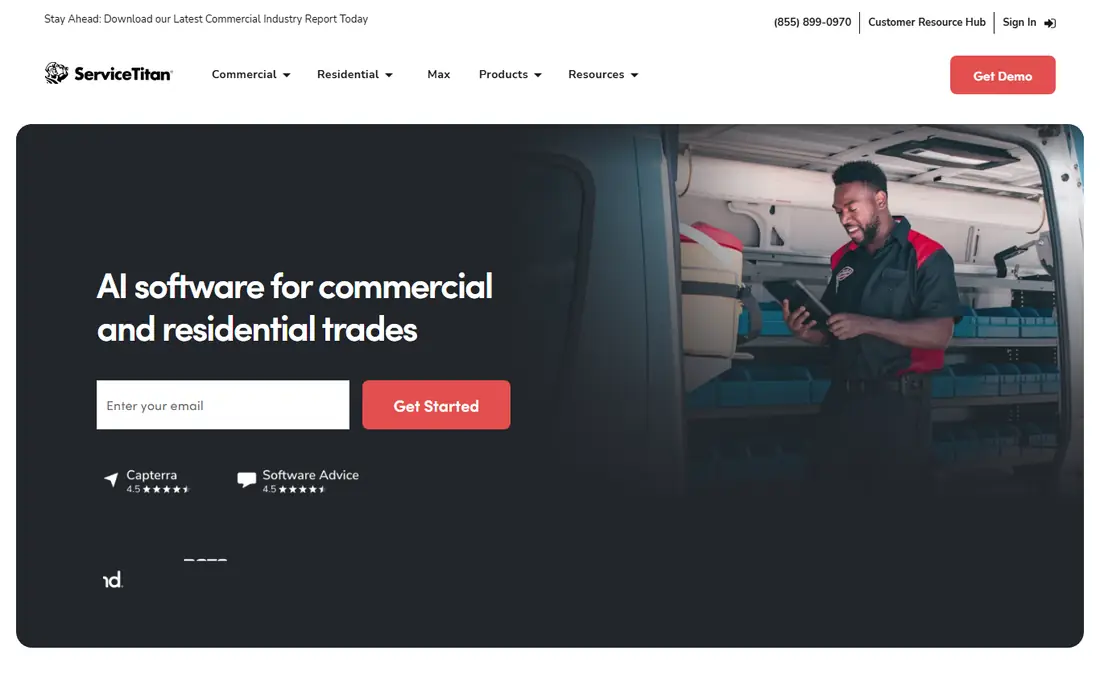
ServiceTitan is the platform larger residential HVAC companies most often compare everything else against. Its pricebook helps techs present good, better and best options on site, and its reporting gives owners a clear view of close rates, revenue per tech and marketing return. For a company with dedicated office staff, that depth pays off.
The trade-off is cost and complexity. There is no published starting price, and per-technician pricing adds up quickly as you grow. Smaller shops may find the setup heavy for what they need. If you run a larger operation and want one system for dispatch, sales, marketing and reporting, ServiceTitan is still the benchmark.
- Deep pricebook, sales and marketing tools
- Strong reporting for larger operations
- Mature mobile app for techs
- Pricing is quote-based and can be high per technician
- Setup and onboarding take time
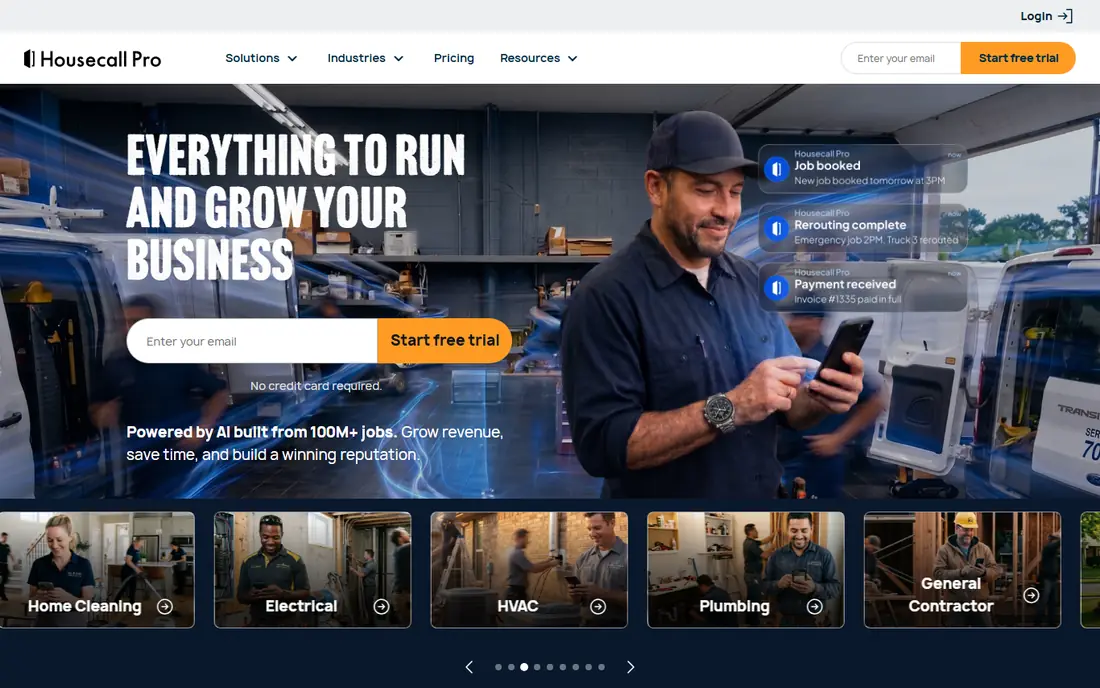
Housecall Pro is our pick for many one to seven truck residential shops because it is easy to adopt. Customers can book online, get text updates and pay from their phone, while dispatchers get a clear schedule without a long training period. That balance of features and simplicity is why it shows up so often in small-team shortlists.
It is less suited to complex commercial work, where contract terms, multi-site equipment and project billing need more structure. Pricing also rises with added users, so a growing team should model the total before committing. For straightforward residential service and repair, it is a strong, low-friction choice.
- Easy online booking and customer text updates
- Approachable setup
- 14-day free trial
- Less depth for commercial contracts
- Extra users add to the monthly bill
Jobber is a good first system for a solo tech or a small crew moving off paper and spreadsheets. Quoting, scheduling, invoicing and a client portal are all in one place, and the entry price is lower than most rivals here. The client hub, where customers approve quotes and pay online, is a genuine time saver for a small office.
The limit is specialisation. Jobber covers many trades, so HVAC-specific workflows such as detailed equipment tracking and service agreement management are lighter than on FieldEdge or ServiceTitan. If you want a simple, affordable system and can live without that depth, Jobber is hard to fault at its starting price.
- Low entry price
- Client hub for quotes and approvals
- 14-day free trial
- Thinner HVAC-specific depth than specialist platforms
- Advanced features sit on higher tiers
FieldEdge earns its place for shops that already run their books on QuickBooks. The integration reduces double entry between jobs and accounting, and service agreement tracking helps teams manage recurring maintenance without losing visits. Dispatch and mobile tools cover the daily work of a mid-size residential shop well.
You will need a demo and quote to learn the price, which makes early comparison harder. Some users also note the interface feels older than newer rivals. If QuickBooks is central to your business and you want a trade-focused system around it, FieldEdge deserves a demo before you decide.
- Strong QuickBooks integration
- Service agreement tracking
- Dispatch built for trade teams
- Pricing is not published, so comparison needs a sales call
- Interface feels dated in places
BuildOps is built for commercial contractors who do both service calls and projects, and that mix is where it stands out. A team can track a maintenance contract, a retrofit project and a repair visit without juggling separate systems. That breadth matters when commercial work, not just residential calls, drives revenue.
For a small residential shop, BuildOps is likely more than needed, and the quote-based pricing means you cannot judge cost without a conversation. For a commercial mechanical contractor that needs service plus project control in one platform, it is one of the most relevant options in this list.
- Combines service work with project management
- Suits commercial and multi-site work
- Modern interface
- Quote-based pricing
- More than a service-only shop needs
Service Fusion appeals to owners who dislike per-user pricing. One flat monthly rate covers unlimited users, so adding office staff or techs does not automatically raise the bill. Built-in phone features and a full job workflow, from dispatch to invoice to payment, make it a complete system for a growing team.
The starting price is higher than Jobber or Housecall Pro, so a solo operator may not see the value yet. There is also no free trial in the usual sense, so a demo matters. If your team is growing and per-user fees are starting to sting, Service Fusion is worth pricing against your current total.
- Flat monthly price with unlimited users
- Built-in phone features
- Dispatch, invoicing and payments in one system
- No free trial on some plans
- Setup can take effort for larger teams
Workiz suits shops where the phone still drives the day. Caller ID lookup, call handling and dispatch sit together, so office staff can see who is calling and book the job without switching tools. The mobile experience is built for techs in the field, not just for the office.
Watch the add-ons. Some of the phone and AI features that make Workiz attractive are sold separately, so the headline price may not be the full cost. For a residential shop that lives by the phone and wants a modern dispatch system, it is still a strong contender.
- Phone and caller ID features built in
- Field-first dispatch
- 14-day free trial
- Some phone and AI features are add-ons
- Commercial depth is lighter than specialist tools
Tradify is a good fit for a team whose main pain is quoting and getting paid, rather than complex commercial contracts. Techs can quote from a phone, customers can approve, and the job flows into an invoice without retyping. That simplicity keeps admin time down for small and mid-size trade businesses.
It is not the deepest HVAC platform for equipment history or service agreements, so larger or commercial-focused shops should check those features in a trial. For a team that wants fast quoting, tidy invoicing and a mobile-first workflow, Tradify is a practical, lower-friction option.
- Mobile-first quoting
- Clean job and invoice workflow
- Free trial available
- Less HVAC-specific equipment and agreement depth
- Pricing varies by region and plan
FieldPulse rounds out this list for mid-size teams that work where signal is weak. Basements, plant rooms and rural sites can break a cloud-only app, and an offline mode that syncs later is a real advantage for techs. The core set covers scheduling, CRM, estimates and invoicing in one system.
Pricing is not published, and add-ons can push the total above the base quote, so get the full breakdown in writing. If offline reliability and a broad field service feature set matter more to you than a famous brand name, FieldPulse is worth including in your demos.
- Solid field service feature set
- Offline mode for low-signal job sites
- CRM and invoicing included
- Pricing is quote-based
- Add-ons can raise the total cost
How we picked these
We compared vendor feature pages, published pricing and public reviews for platforms that serve HVAC teams in October 2026. We looked for dispatch, a usable tech mobile app, scheduling, invoicing and payment features, plus HVAC-relevant strengths such as equipment history or service agreements. Where a vendor does not publish pricing, we say so rather than guessing a number, and we note free trials where vendors offer them.
What to check before you buy
Start with crew size and work mix, because they drive price more than feature lists do. A solo residential tech, a seven-truck residential team and a commercial contractor need different systems, and per-technician pricing punishes growth if you do not model it. Ask each vendor for a total monthly cost at your current headcount and at your headcount in a year.
Trial the mobile app on a real job
Have a tech run a full job in the trial: accept the dispatch, record equipment details, present options, collect a signature and take payment. That single test reveals more than a sales demo, especially for offline behaviour, photo handling and invoice accuracy.
Check accounting and agreement handling
Confirm how jobs sync to your accounting tool, whether service agreements renew automatically, and how equipment history is stored per unit. These details decide whether the software saves admin time or just moves it from paper to a screen.
Sources
- https://www.bdrco.com/blog/hvac-business-software-guide/
- https://www.build-review.com/10-best-hvac-field-service-software-in-2026-compared/
- https://0arch.io/blog/field-service-management-software-cost
- https://www.servicetitan.com
- https://www.housecallpro.com
- https://getjobber.com
- https://fieldedge.com
- https://buildops.com
- https://www.servicefusion.com
- https://workiz.com
- https://tradifyhq.com
- https://www.fieldpulse.com