Best Job Apps in 2026: 10 Apps Compared
By ToolNimba Editorial Team October 30, 2026 10 min read

- Top pick
 Indeed
Most job seekers
Starting priceFreeCheck out IndeedRead our review - Runner-up
 LinkedIn
Networking and professional roles
Starting priceFreeCheck out LinkedInRead our review - Also great
 ZipRecruiter
Employer-matched jobs
Starting priceFreeCheck out ZipRecruiterRead our review
How we researched this
We compared official pricing and feature pages, app store listings, privacy policies and public user reviews. Prices change, so check the provider's site before you pay.
Key takeaways
- Indeed is the best starting point for most job seekers, thanks to its size and filters, while LinkedIn adds networking and recruiter reach.
- All the apps in this guide are free for job seekers. Employers pay to post or promote jobs, so a paid upgrade is rarely needed to apply.
- Specialized apps win for specific jobs. Handshake suits students, Snagajob suits hourly work, Wellfound suits startups, and USAJobs is the only route for federal jobs.
- Use more than one app, set alerts, and tailor each application. A single app, however large, will miss listings that appear only elsewhere.
Quick comparison
| Name | Best for | Starting price | Free plan | |
|---|---|---|---|---|
| Indeed | Most job seekers | Free | Yes | Visit |
| LinkedIn | Networking and professional roles | Free | Yes | Visit |
| ZipRecruiter | Employer-matched jobs | Free | Yes | Visit |
 Glassdoor | Salaries and company reviews | Free | Yes | Visit |
 Monster | Broad job search and alerts | Free | Yes | Visit |
 Handshake | Students and recent graduates | Free | Yes | Visit |
 Snagajob | Hourly and shift work | Free | Yes | Visit |
 SimplyHired | Aggregated listings and salary data | Free | Yes | Visit |
 Wellfound | Startup jobs with salary transparency | Free | Yes | Visit |
 USAJobs | Federal government jobs | Free | Yes | Visit |
The best job apps
Job apps differ less in price, since they are free for seekers, and more in the jobs they list and the people they reach. A general board may list millions of roles, but a niche board may list the exact role you want, with less competition. The ten apps below cover general, professional, hourly, student, startup, and federal work, and the best strategy is usually two or three of them used together, not one alone.
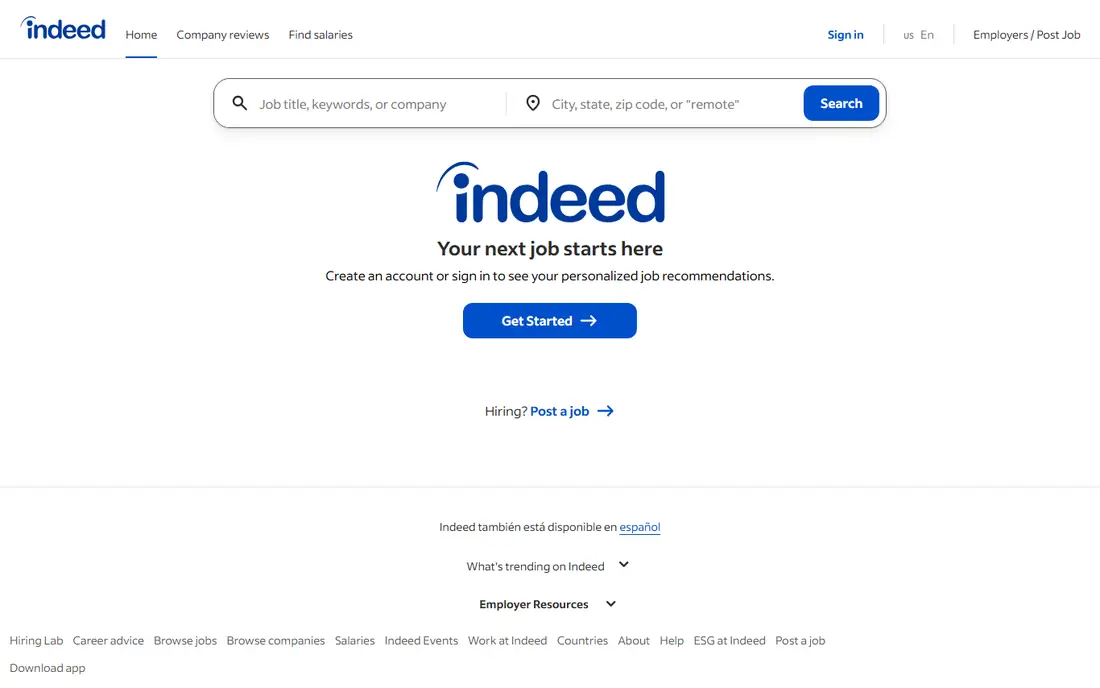
Indeed is the default job app for a reason. It aggregates listings from employers and other boards, covers nearly every industry and location, and lets you filter by salary, remote work, job type, and date posted. Saved searches and alerts mean new roles can reach your phone before you start a daily scroll.
Size brings noise. Popular roles attract many applicants, and some listings linger after a job is filled, so verify a role on the employer site before spending hours on an application. For breadth alone, though, Indeed is the first app most seekers should install, and the one to check daily during an active search.
- Largest general job listing pool
- Strong filters for pay, location, and job type
- Job alerts and saved searches
- High competition for popular roles
- Some listings are reposted or outdated, so check the employer site
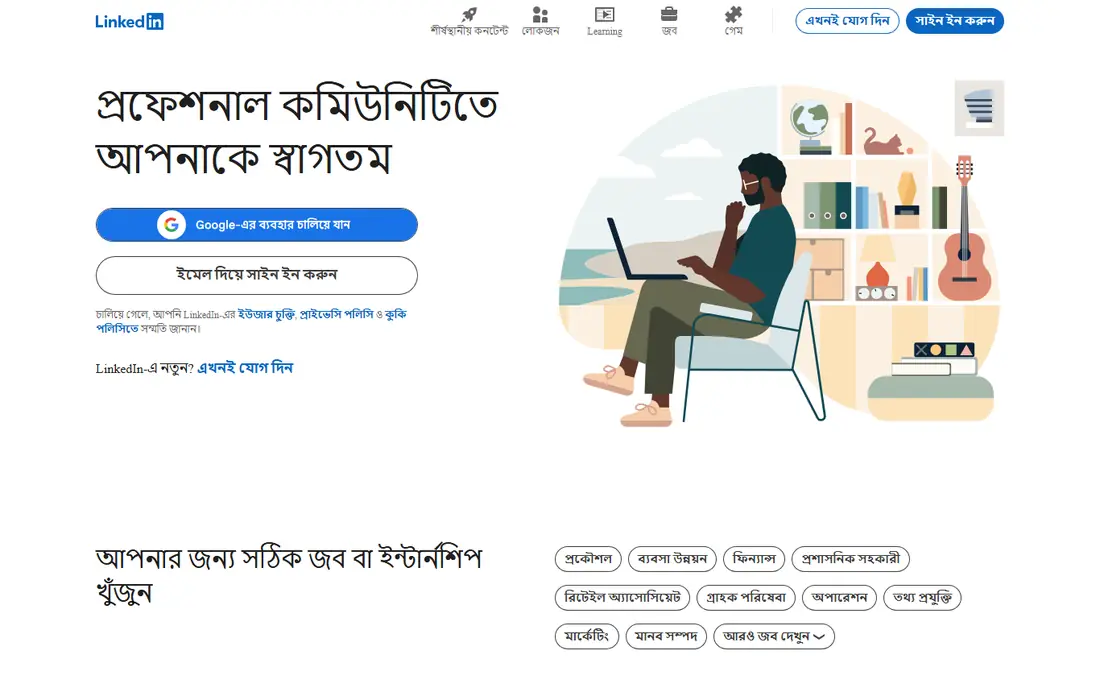
LinkedIn is both a job board and a professional network, and that combination is its edge. Recruiters search profiles directly, hiring managers post roles, and Easy Apply lets you apply to many jobs quickly. Researching a company, a team, and a hiring manager in the same app also helps you tailor an application.
The free tier covers job search and applications, while Premium adds insights such as applicant comparisons and InMail credits. Those extras can help, but they are not required to get hired. For professional, office, and management roles, LinkedIn is essential, especially if you keep your profile current and engage with people in your field.
- Jobs plus recruiter networking in one app
- Easy Apply for many roles
- Company and hiring manager research built in
- Premium features cost extra
- Feed and networking take time to build for new users
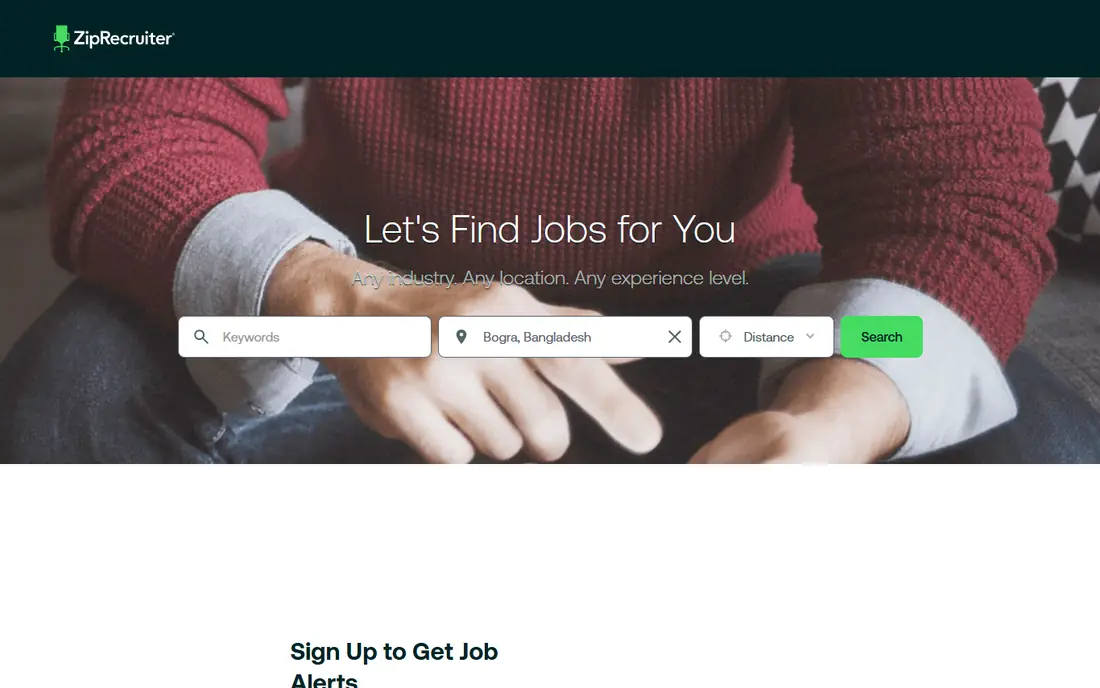
ZipRecruiter flips the usual search: employers can find your profile and invite you to apply, which helps when you are employed and not scrolling daily. The app matches jobs to your profile, sends alerts, and lets you apply quickly to many roles. For seekers who keep a complete, current profile, inbound invites can surface roles you would not have found.
Matches are only as good as the profile behind them, so a thin profile brings thin matches. Some employers also prefer other boards, so ZipRecruiter should sit beside Indeed, not instead of it. As a second app that brings jobs to you, it is a strong pick.
- Employers actively reach out based on your profile
- One-click applications for many roles
- Job alerts tailored to your profile
- Employer pricing means some employers use other boards first
- Match quality depends on a complete profile
Glassdoor earns its place through research, not just listings. Salary ranges, employee reviews, and interview reports sit beside job posts, so you can judge pay, culture, and interview style before applying. That context helps you avoid a role that looks good on paper but fails in practice.
Reviews are subjective and can be outdated, so read a range of recent reviews rather than trusting one angry or glowing post. The job pool is also smaller than Indeed in some fields. Use Glassdoor to research every serious application, even if you found the job elsewhere, and apply through the employer or a larger board when needed.
- Salary data and employee reviews beside job listings
- Interview insights
- Company culture research
- Reviews vary in quality and recency
- Job pool is smaller than Indeed for some fields
Monster is one of the oldest job boards, and it still covers a broad range of industries, locations, and job types. Posting a resume lets recruiters find you, alerts keep new roles in view, and career advice articles help with resumes and interviews. For a general search, Monster adds listings you might miss elsewhere.
The experience feels older than Indeed or LinkedIn, and some fields are better covered on newer boards. Treat Monster as a useful extra net, not your only net. If you post a resume there, keep it current and use the same version you send to employers directly.
- Long-running job board with broad coverage
- Resume posting for recruiter discovery
- Career advice and alerts
- Interface and listing quality trail newer rivals
- Some fields are thinner than on Indeed or LinkedIn
Handshake is the job app built for the start of a career. Employers post internships and entry-level roles aimed at students and recent graduates, and many schools partner with Handshake to surface campus events and recruiter sessions. That focus means less competition from experienced candidates for the roles it lists.
Mid-career seekers will find less value here, since the pool is entry-level by design. For a student or recent graduate, though, Handshake should be the first app after Indeed, and the one where a complete profile and a campus connection can matter most. Apply early, since internship deadlines arrive fast.
- Built for students and recent graduates
- Employers recruit specifically for entry-level roles
- Internships and campus events
- Best for students and recent grads, less useful for mid-career roles
- Access is tied to school partnerships for some features
Snagajob is the hourly job app, and that focus is its strength. Retail, food service, hospitality, warehouse, and customer service roles dominate, with map search for nearby work, filters for availability and job type, and one-click applications. For shift work, that focus beats scrolling through office roles on a general board.
Professional and salaried roles are largely absent, so office seekers should look elsewhere. For hourly work, especially part-time, seasonal, or first jobs, Snagajob is the best specialized pick, and its employer reach in hourly hiring is hard to match on a general board.
- Focused on hourly, retail, hospitality, and warehouse roles
- Map search for nearby jobs
- One-click applications and status updates
- Not suited for office or professional roles
- Hourly focus means salary roles are rare
SimplyHired aggregates job listings from hundreds of sources, which helps when a role appears on a small board you would never check. Salary estimates and cost-of-living comparisons add context for a move or a negotiation, and the search itself is simple and fast.
Aggregation brings duplicates and stale posts, so verify any serious role on the employer site before applying. SimplyHired works best as a discovery tool beside Indeed, catching roles that a single board misses. For a broad, low-effort second search, it is a useful free app.
- Aggregates listings from many sources
- Salary estimates and cost-of-living context
- Simple search and alerts
- Aggregated listings can duplicate or go stale
- Less networking than LinkedIn
Wellfound, formerly AngelList Talent, is the startup job board. Listings often show salary ranges, equity offers, and company funding details upfront, which is rare on general boards, and applicants can connect directly with founders and hiring teams. For tech, product, design, and startup operations roles, that transparency saves time and awkward salary talks.
Large-company roles are not the focus, and startup equity can be worth little if the company fails, so weigh cash salary more heavily than paper equity. For startup seekers, Wellfound is essential. For corporate seekers, LinkedIn and Indeed will cover more ground.
- Startup jobs with salary ranges and equity details upfront
- Direct contact with founders and hiring teams
- Remote startup roles
- Startup focus means fewer large-company roles
- Startup risk and equity value vary widely
USAJobs is the only official route for US federal government jobs, from agencies across the country, with pay grades, benefits, and eligibility details listed for each role. If you want federal work, there is no substitute, and the app helps track applications through a process that can take months.
The application itself is longer than a private job application, often requiring detailed work history and eligibility documents, and hiring timelines are slow. Start early, read the qualifications section closely, and tailor your resume to the posting language. For federal careers, USAJobs is not just the best app, it is the required one.
- Official portal for all US federal jobs
- Full benefits and pay grade details
- Nationwide and remote federal roles
- Application process is longer and more detailed than private boards
- Federal hiring moves slowly
How we picked these
We compared official app pages, app store listings, and public reviews for job apps available in October 2026, favoring apps that are free for job seekers, cover a distinct job type or audience, and have a track record of real listings. We included general, professional, hourly, student, startup, and federal apps, and we left out employer-only tools and paid resume services. Prices here refer to job seeker access, since employers pay separately to post. We did not claim hands-on hiring results, and readers should verify any listing on the employer site before applying.
What to check before you apply
Start with a complete profile and a current resume, since ZipRecruiter, LinkedIn, and Monster all surface you to recruiters based on that profile. Use filters for pay, location, remote work, and job type, and set alerts so new roles reach you quickly. Tailor each application to the posting, rather than sending the same resume everywhere, since a tailored application beats ten generic ones.
Next, research before you interview. Check Glassdoor for salary and culture, LinkedIn for the team and hiring manager, and the employer site for the real job description. Watch for scams: a real employer will not ask you to pay for equipment, share bank details before an offer, or interview only by text chat. Finally, track applications in a simple sheet, with the date, the link, and the next step, so follow-ups do not slip.
If you want hourly work
Start with Snagajob and Indeed, filter by distance and availability, and apply to nearby roles first. Map search helps, and a quick application with a clear availability note often matters more than a long resume for shift work.
If you are a student or recent graduate
Start with Handshake and Indeed, and use campus career services for resume help and mock interviews. Apply for internships early, since deadlines close months before start dates, and treat every internship application as practice for full-time roles.
Sources
- https://www.indeed.com
- https://www.linkedin.com/jobs
- https://www.ziprecruiter.com
- https://www.glassdoor.com
- https://www.monster.com
- https://joinhandshake.com
- https://www.snagajob.com
- https://www.simplyhired.com
- https://wellfound.com
- https://www.usajobs.gov
- https://www.zdnet.com/article/best-job-search-sites-and-apps/
- https://www.workstream.us/blog/snagajob-review