Best Mind Map App in 2026: 9 Apps Compared
By ToolNimba Editorial Team October 30, 2026 10 min read

- Top pick
 XMind
Solo maps with many structures
Starting price$4.92 per monthCheck out XMindRead our review - Runner-up
 MindMeister
Browser-based team maps
Starting price$4.99 per monthCheck out MindMeisterRead our review - Also great
 Miro
Workshops and whiteboards
Starting price$8 per user per monthCheck out MiroRead our review
How we researched this
We compared official pricing and feature pages, app store listings, privacy policies and public user reviews. Prices change, so check the provider's site before you pay.
Key takeaways
- XMind is our pick for most solo users because it offers many map structures, a free tier and polished exports at a modest annual price.
- MindMeister and Miro are the stronger choices when several people need to edit the same map at the same time.
- Freeplane and SimpleMind suit users who want offline work and no subscription, though both trade away some polish and collaboration.
- Check the free tier limits before you commit, since several tools cap the number of maps or boards you can keep.
Quick comparison
| Name | Best for | Starting price | Free plan | |
|---|---|---|---|---|
| XMind | Solo maps with many structures | $4.92 per month | Yes | Visit |
| MindMeister | Browser-based team maps | $4.99 per month | Yes | Visit |
| Miro | Workshops and whiteboards | $8 per user per month | Yes | Visit |
 Coggle | Quick simple browser maps | $5 per month | Yes | Visit |
 MindNode | Apple devices | $2.99 per month | Yes | Visit |
 Ayoa | Maps that become tasks | $10 per user per month | Yes | Visit |
 Mindomo | Education and presentations | $6 per month | Yes | Visit |
 SimpleMind | Offline one-time purchase | $29.99 one-time | Yes | Visit |
 Freeplane | Free open-source power mapping | Free | Yes | Visit |
The best mind map apps
A good mind map app should make it easy to start with one central idea, add branches without fuss, and share or export the result. The nine tools below cover solo study, team brainstorming, classroom use and offline work.
XMind is our pick for most people who mainly map alone. It handles large maps without feeling sluggish, and the range of structures means a study plan, a project breakdown and a fishbone analysis can all live in the same app. The free tier lets you try the core mapping tools before paying, which matters when you are still learning how you like to work.
The catch is collaboration. You can share maps, but if your team needs several people editing live at once, MindMeister or Miro will feel more natural. XMind also puts its larger AI credit allowance on Premium, so occasional AI help is fine on Pro, while heavy AI use gets expensive. For individual planning, writing and study, though, it is hard to beat on value.
- Many map structures including fishbone, org chart and timeline
- Strong desktop apps
- Clean exports to PDF, image and office formats
- Real-time collaboration is weaker than browser-first tools
- Full AI features sit on the higher Premium plan
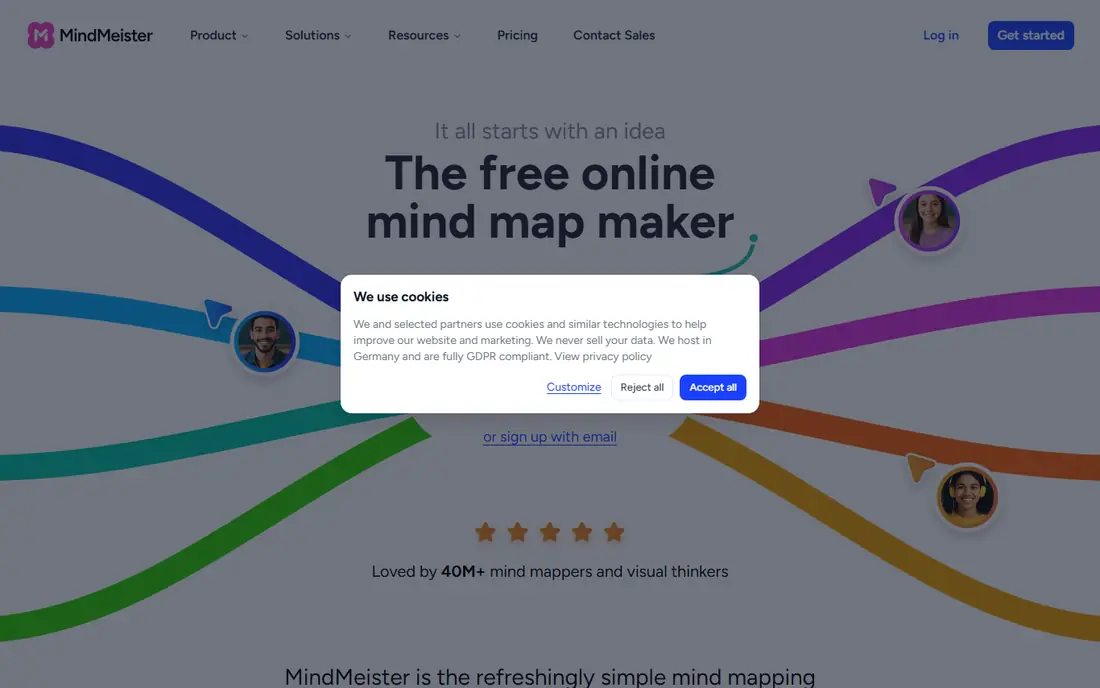
MindMeister is the easiest team mind mapper to explain to a new colleague. Everyone opens the same link, edits live, and can turn the finished map into a presentation without exporting to another tool. That simplicity is why it still shows up in so many classrooms and small teams, even with newer whiteboards around.
The free plan is genuinely useful for a trial, but three maps run out fast once a team adopts it. Paid plans remove that cap and add exports, attachments and admin controls. If your work is mostly collaborative and browser-based, the trade is worth it. If you work offline on planes or in patchy coverage, look at XMind or SimpleMind instead.
- Real-time collaboration in the browser
- History mode to review changes
- Presentation mode built in
- Free plan is limited to three maps
- No full desktop app for offline work
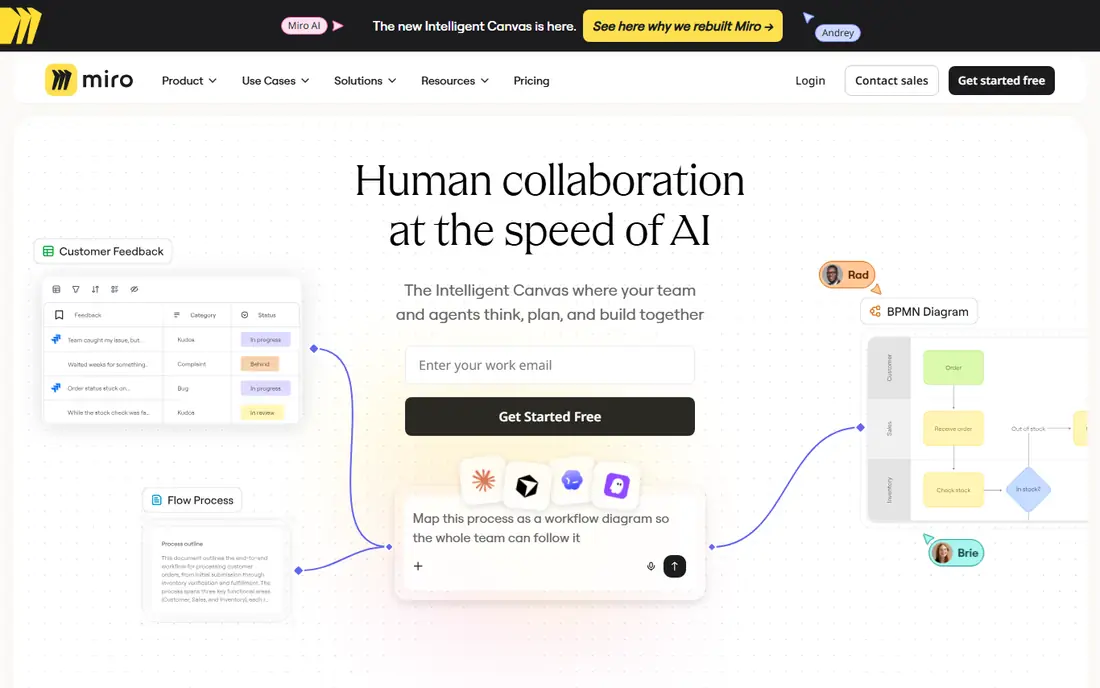
Miro is not the purest mind map app on this list, and that is the point. In a workshop, a mind map rarely sits alone. It sits next to sticky notes, a timeline, screenshots and a voting exercise, and Miro keeps all of that on one board. Teams that already run meetings in Miro will find its mind map templates good enough for most brainstorming.
The downside is focus. If you want strict hierarchies, numbering, outlines and clean exports, a dedicated mapper will serve you better. Miro also rewards a paid plan once you need more than a few editable boards. Choose it when collaboration and mixed content matter more than classic mind map structure.
- Infinite canvas for maps, notes and diagrams together
- Strong templates
- Good for large workshops
- Not a dedicated mind mapper, so maps can feel less structured
- Large boards can slow down
Coggle is the tool we would hand to someone who has never made a mind map before. There is almost nothing to learn: you add a branch, type, and keep going. Sharing is just as simple, which makes it a good fit for a quick team brainstorm or a student group project where nobody wants a tutorial first.
That simplicity has a ceiling. Power users will miss the deeper structures, task features and offline apps of other tools here. The free tier also limits private diagrams, so anything sensitive needs a paid plan or a different tool. For fast, public or low-stakes maps, Coggle is still one of the least frustrating options available.
- Very fast to learn
- Unlimited public diagrams on the free tier
- Real-time sharing
- Fewer structures and styling options than XMind
- Private maps are limited on the free tier
MindNode feels like it was built for people who live on a Mac, iPhone or iPad, because it was. Maps look clean without much styling effort, and switching between a visual map and a text outline is smooth. That outline view is especially useful when a brainstorm needs to become a document or a to-do list.
The obvious limit is platform. If your team uses Windows or Android, MindNode will not work for shared editing. Collaboration is also lighter than MindMeister or Miro. For an Apple-only user who wants a calm, focused mapper at a low price, it is an easy recommendation.
- Clean design that fits macOS and iOS well
- Good outline view
- Low monthly cost
- Apple only, so mixed-device teams are left out
- Collaboration is limited
Ayoa tries to solve the usual problem with mind maps: the map looks great, then nothing happens. Its task boards and whiteboards sit next to the maps, so a branch can become a task with an owner and a due date. Creative teams that like organic, free-form maps rather than rigid hierarchies tend to like its style.
The price is the main hurdle. At $10 per user per month, it costs more than XMind or Coggle, and the free plan is best for personal use. If you only need maps, you can save money elsewhere. If you need maps plus follow-through in one place, Ayoa earns its place on the shortlist.
- Combines mind maps, whiteboards and task boards
- Organic map style suits creative thinking
- AI map generation on higher plans
- Higher starting price than simpler mappers
- Interface can feel busy at first
Mindomo is a steady choice for schools and for anyone who needs to present a map rather than just make one. You can build a map, switch to an outline to check the logic, then present it without rebuilding the work in slides. It runs on the web, Windows, Mac and mobile, so students are not locked to one device.
The free tier is a trial in practice, with three diagrams, so regular users will need a paid plan. The design also feels a little dated next to MindNode or Miro. Those are fair trade-offs if education features, assignment sharing and presentation mode matter more to you than the latest visual polish.
- Maps, outlines and presentations in one tool
- Good for teachers and students
- Works across platforms
- Free plan is limited to three diagrams
- Interface is less modern than newer rivals
SimpleMind is our pick for people who dislike subscriptions. You pay once per platform, download the app, and map offline without worrying about a monthly bill or a cloud account. The mobile apps are useful for capturing ideas on the go, and the desktop version handles larger personal maps well.
It is not a team tool. Sharing and live collaboration are limited compared with browser mappers, and if you want it on Mac, Windows and mobile, you pay per platform. For a solo user who values privacy, offline access and predictable cost, those limits are easy to accept.
- One-time purchase per platform instead of a subscription
- Works offline
- Simple and fast
- Collaboration features are limited
- Buying for several platforms adds up
Freeplane is the power-user option that costs nothing. It grew out of FreeMind and adds scripting, filtering, attributes and other features that suit large research maps and personal knowledge bases. If you enjoy tuning a tool to your workflow, Freeplane rewards the effort.
New users should expect a learning curve. The interface is functional rather than beautiful, and there is no polished live collaboration like MindMeister. For students, researchers and anyone on a tight budget who works mainly alone, it is the best free mind map app in this list.
- Completely free and open source
- Very flexible for large knowledge maps
- Runs on Windows, Mac and Linux
- Interface takes time to learn
- No built-in real-time collaboration
How we picked these
We compared official feature pages, pricing pages and app store listings, plus public reviews, for tools that are actively available in October 2026. We favoured tools with a clear free tier or low entry price, working exports, and a distinct audience, rather than listing every mapper we could find. Prices here are starting prices from vendor pages and third-party pricing checks, so confirm the checkout total before you buy, since billing terms and regional prices vary.
What to check before you choose
Start with how you will actually use the map. Solo study and writing favour XMind, MindNode or SimpleMind, while team brainstorming favours MindMeister, Miro or Coggle. Next, check platform fit: an Apple-only tool is no help to a Windows team, and a web-only tool is a poor choice if you often work offline.
Free tier limits
Count the maps you already have in mind. A three-map free tier is fine for a trial, but not for a semester of coursework or a year of project planning. Also check whether exports carry a watermark on the free plan, since that matters if you share maps with clients.
Collaboration and exports
If a map needs to become a presentation, a document or a task list, pick a tool that does that step well. MindMeister and Mindomo present directly, Ayoa links to tasks, and XMind exports cleanly to common formats. Test one real map, including sharing and export, before you move a whole team.
Sources
- https://www.guideflow.com/blog/mind-mapping-software-tools
- https://www.flozic.ai/blog/best-mind-mapping-software
- https://gauravtiwari.org/best-mind-mapping-apps/
- https://xmind.com/pricing/education
- https://www.mindmeister.com/pricing
- https://miro.com/pricing
- https://coggle.it/pricing
- https://mindnode.com
- https://www.ayoa.com
- https://www.mindomo.com
- https://simplemind.eu
- https://www.freeplane.org