Best Money Saving Apps in 2026: 10 Apps Compared
By ToolNimba Editorial Team October 30, 2026 11 min read

- Top pick
 Acorns
Round-up investing
Starting price$4 per monthCheck out AcornsRead our review - Runner-up
 Digit
Automatic saving
Starting price$5 per monthCheck out DigitRead our review - Also great
 Qapital
Goal-based saving rules
Starting price$3 per monthCheck out QapitalRead our review
How we researched this
We compared official pricing and feature pages, app store listings, privacy policies and public user reviews. Prices change, so check the provider's site before you pay.
Key takeaways
- Free apps such as Chime, SoFi, and Fetch Rewards are the best starting point, because a paid fee can eat a small balance.
- Acorns suits round-up investing, while Qapital and Digit suit people who want rules or automatic transfers for cash goals.
- Rocket Money stands out for finding subscriptions and bills, which is a different kind of saving from moving money to a savings pot.
- Cash back apps such as Honey, Ibotta, and Fetch Rewards help only when you buy the item anyway, not when they push extra spending.
- This article is general information, not financial advice, and rates, fees, and terms can change, so check the official page before you sign up.
Quick comparison
| Name | Best for | Starting price | Free plan | |
|---|---|---|---|---|
| Acorns | Round-up investing | $4 per month | No | Visit |
| Digit | Automatic saving | $5 per month | No | Visit |
| Qapital | Goal-based saving rules | $3 per month | No | Visit |
 Rocket Money | Subscriptions and bills | Free | Yes | Visit |
 Chime | Fee-free banking and round-ups | Free | Yes | Visit |
 SoFi | Banking and saving in one place | Free | Yes | Visit |
 Ally Bank | High-yield savings buckets | Free | Yes | Visit |
 Honey | Online shopping savings | Free | Yes | Visit |
 Ibotta | Grocery and retail cash back | Free | Yes | Visit |
 Fetch Rewards | Receipt points | Free | Yes | Visit |
The best money saving apps
The best money saving app is the one that moves money, or cuts a bill, without needing constant willpower. The ten options below cover automatic saving, investing spare change, banking, and cash back, so you can pick by habit rather than by hype.
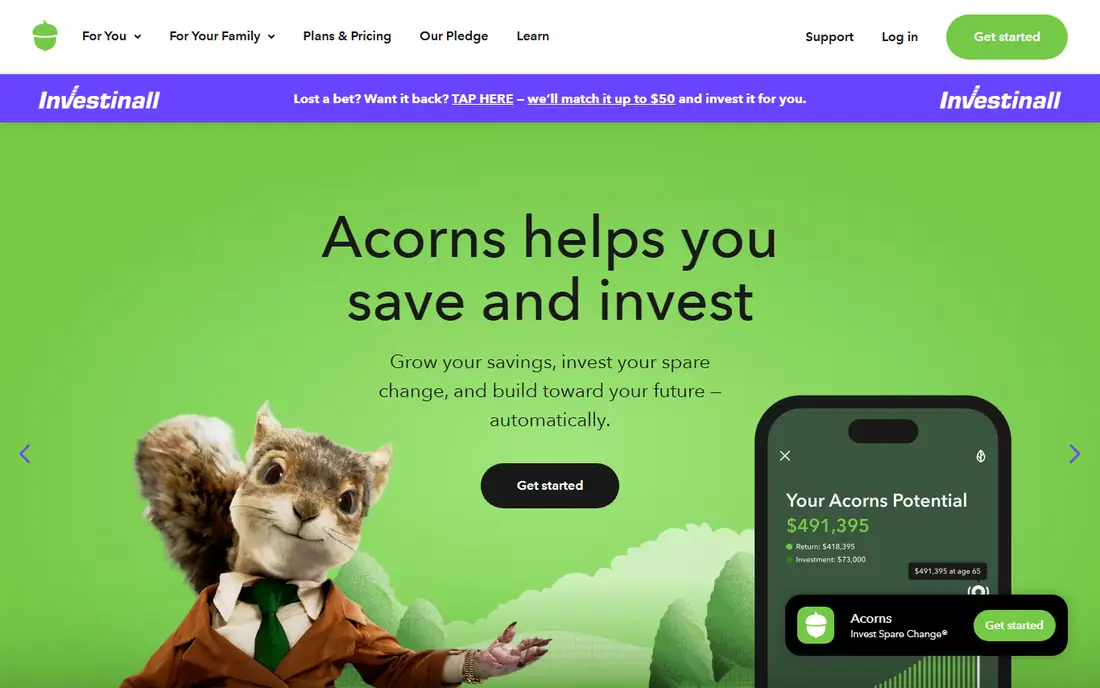
Acorns works for people who want investing to happen in the background. Linked card purchases round up to the nearest dollar, and the spare change goes into a portfolio, so a coffee purchase can leave a small investment behind. The habit matters more than any single round-up, and the app keeps the steps simple for first-time investors.
The fee is the catch to weigh. At $4 per month, the yearly cost is $48, which is a large share of a small balance, so Acorns makes more sense once regular contributions outgrow that fee. Remember that this is investing, not a cash emergency fund, and the value can drop. This is not financial advice, and you should check plan terms on the official site before you join.
- Automatic round-ups
- Diversified portfolios
- Retirement account options on plans
- Monthly fee can outweigh small balances
- Invested money can fall in value
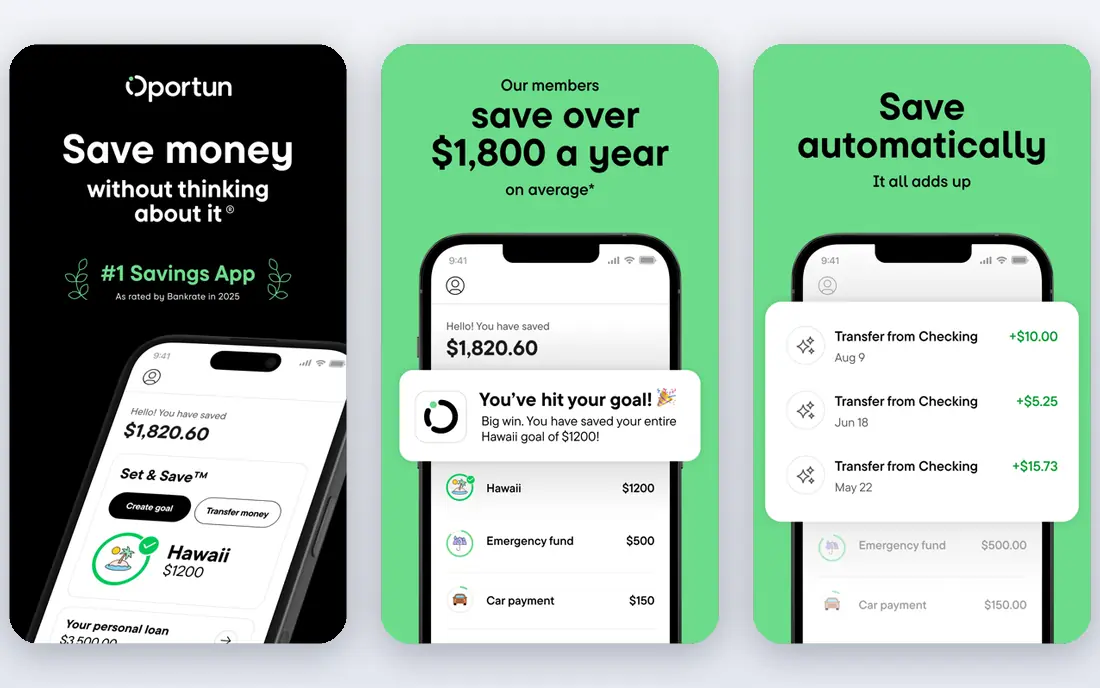
Digit, now part of Oportun as Set and Save, suits people who keep meaning to save but never set an amount. The service studies income, spending, and upcoming bills, then moves small sums it judges safe, so saving happens without a fixed transfer you must remember. That gentle, frequent movement can build a balance faster than a single monthly transfer that feels large.
Automation is not a reason to stop watching your account. If your balance runs low, or an unusual bill lands, an automatic move can still cause strain, so check transfers in the first month and adjust the pace if needed. The monthly fee also means you should compare the amount saved with the cost, and keep the service only while the habit pays for itself.
- Analyzes income and spending
- Moves small amounts automatically
- Goal support
- Monthly fee
- Automation needs monitoring when cash is tight
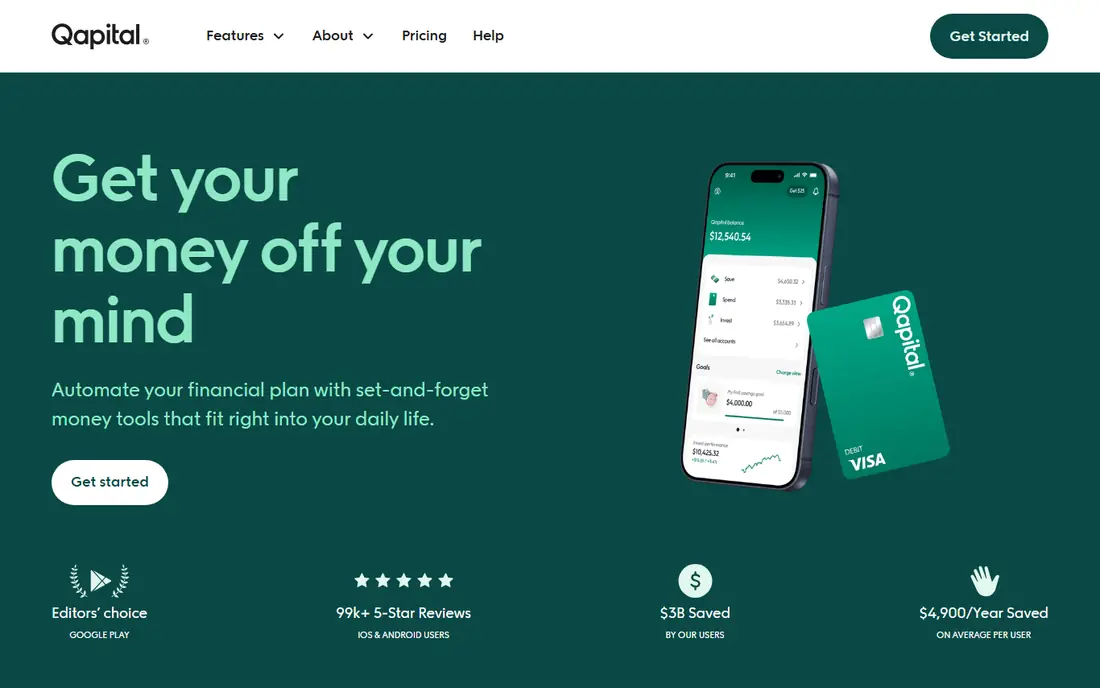
Qapital fits savers who like control and clear goals. You set rules, such as saving a fixed sum each payday, rounding up purchases, or saving when you hit a fitness target, and money moves toward a named goal such as a trip, a deposit, or an emergency fund. Seeing a goal fill up gives a clear reason to keep going, and shared goals help couples save toward the same target.
The basic plan covers saving rules and goals, while investing sits on higher plans, so read the plan table before you expect both features. The $3 starting price is lower than some rivals, but it is still a yearly cost, so a free bank transfer may suit a simple, single goal. Qapital wins when rules and visuals keep you saving where a plain transfer would be forgotten.
- Custom rules and triggers
- Visual goals
- Shared goals for couples
- Monthly fee
- Investing needs a higher plan
Rocket Money saves money in a different way, by cutting what leaves your account rather than by moving money to savings. It lists subscriptions in one place, flags recurring charges you may have forgotten, and tracks spending by category. Cancelling one unused subscription can save more in a year than many round-up habits, and the overview makes that waste easy to spot.
Premium tools, including deeper bill negotiation and extra budgeting features, carry a cost, and negotiation outcomes depend on the provider and your plan. The free tier still gives value as a subscription audit, and a monthly check of that list is a good habit on its own. Use Rocket Money first if your budget leaks through small recurring charges.
- Finds subscriptions
- Tracks spending
- Bill negotiation help
- Premium features are paid
- Negotiation results vary
Chime is a strong free starting point for people who want banking and saving in one app. Round-ups move spare change to savings, automatic transfers can run on payday, and there is no monthly fee to erode a small balance. For a first savings habit, that fee-free structure matters more than a long feature list.
The trade-off is online-only service, with no branch to visit, and a savings rate that can change with market conditions. Check current rates and account terms on the official site, and keep a separate emergency fund plan if you need instant branch access. For everyday saving with low friction, Chime is hard to fault.
- No monthly fee
- Automatic round-ups
- Early direct deposit features
- Online-only banking
- Savings rate can change
SoFi suits people who want one home for checking, savings, and wider money tools. Vaults let you split savings by goal inside the same account, direct deposit can split pay between spending and saving, and the app also covers investing and loans for users who want them. That breadth helps if you prefer fewer apps and one login.
Breadth can also distract, since investing, credit, and loan offers sit close to simple saving. Keep your goal clear, set an automatic transfer on payday, and check rate and bonus terms before you chase a promotion. As a free banking base with goal vaults, SoFi is a solid, flexible choice.
- Checking and savings together
- Savings vaults for goals
- Broad financial tools
- Rate and bonus terms can change
- Many features may distract from saving
Ally Bank fits savers who want a clear, high-yield home for cash without a monthly fee. Savings buckets let you divide one account by goal, such as bills, travel, or an emergency fund, while keeping the money in one place. Automatic transfers and round-up style tools support the habit, and the online tools are simple to use.
As an online-only bank, Ally has no branches, and its savings rate moves with market conditions, so the rate you see today may not hold. That is normal for savings accounts, and the bucket structure still helps you protect money for a goal. If you want a fee-free, goal-based savings account, Ally is a strong pick.
- Savings buckets for goals
- Competitive savings rates
- No monthly fee
- Online-only bank
- Rates can change over time
Honey, now part of PayPal, helps at the moment of purchase by testing coupon codes and showing price history for some items. That can cut the cost of a planned purchase without changing where you shop, and the browser and app tools make the check almost automatic. For frequent online shoppers, the savings add up over a year.
The risk is behavioral, not technical. A coupon can make an unplanned purchase feel like a deal, which wipes out the saving. Use Honey only for items already on your list, compare the final price with other stores, and treat cash back as a bonus, not a reason to buy. Used with discipline, it is a useful free tool.
- Finds coupon codes at checkout
- Price tracking
- Cash back at some stores
- Savings depend on the store
- Can encourage extra purchases
Ibotta suits grocery shoppers who want cash back without switching stores. You activate offers before you shop, scan a receipt or link a loyalty account where supported, and earn cash back on qualifying items. The mix of grocery, household, and retail offers makes it more practical than a tool tied to one store.
The effort is real, since offers must be checked and activated, and some deals require specific brands or sizes. Cash-out minimums and rules also apply, so read them before you count on a payout. If you already buy the qualifying items, Ibotta turns routine shopping into a small saving stream.
- Cash back on groceries and retail
- In-store and online offers
- Gift card options
- Offers need activation
- Cash-out rules apply
Fetch Rewards is the simplest cash back habit on this list, because you snap a photo of any grocery or retail receipt and earn points. There is no need to pre-select offers for most receipts, which removes the main friction of other cash back apps. Points convert to gift cards, so the reward fits everyday spending.
Point value varies by gift card and by offer, and a useful reward takes time to build, so Fetch will not transform a budget on its own. Its strength is consistency: a quick snap after each shop, with no extra purchase needed. Pair it with a shopping list and a savings transfer, and the small rewards support, rather than replace, a real saving habit.
- Points for any receipt
- Simple snap process
- Gift card rewards
- Point value varies by reward
- Points take time to build
How we picked these
We compared official feature pages, pricing, app store listings, privacy policies, and public reviews. We favored apps with a clear saving job, transparent pricing, and a usable free tier or a fee that a regular saver could justify. We did not claim hands-on testing, and we used the prices given in the task brief where official pages confirmed a similar range, writing "See website" in the table only where pricing was unclear.
How to choose a money saving app
Start with the leak in your budget, not with the app with the longest feature list. If subscriptions drain your account, audit them first. If you never save because payday money disappears, pick automatic transfers or round-ups. If you shop often, add one cash back app, but keep the list short so the habit survives.
Check the fee against your balance
A $3 to $5 monthly fee is $36 to $60 a year, which is a large share of a $200 balance and a small share of a $2,000 balance. Free banking and free cash back apps suit small or new balances, while paid automation suits larger, regular saving. Set a review date after three months, compare money saved with fees paid, and cancel any app that does not pay for itself.
Keep emergency cash separate from investing
Round-up investing can grow long-term wealth, but invested money can fall, and selling takes time. Keep an emergency fund in a savings account you can reach quickly, and use investing apps for money you will not need soon. This is not financial advice, and your own goals, income, and risk tolerance should guide the split.