Best Online Meeting Platform in 2026: 10 Tools Compared
By ToolNimba Editorial Team October 30, 2026 11 min read

- Top pick
 Zoom
Dependable video for most teams
Starting priceFreeCheck out ZoomRead our review - Runner-up
 Google Meet
Google Workspace teams
Starting priceFreeCheck out Google MeetRead our review - Also great
 Microsoft Teams
Microsoft 365 organizations
Starting priceFreeCheck out Microsoft TeamsRead our review
How we researched this
We compared official pricing and feature pages, app store listings, privacy policies and public user reviews. Prices change, so check the provider's site before you pay.
Key takeaways
- Zoom, Google Meet, and Microsoft Teams remain the safest defaults, with free plans for groups of 100 people.
- The free plan limits matter most: Zoom caps group meetings at 40 minutes, while Meet and Teams allow 60 minutes.
- Zoho Meeting and Jitsi Meet are the lowest-cost options, with Jitsi free to use and Zoho starting at $1 per host per month.
- Pick the platform your guests already use when possible, since joining friction causes more missed meetings than missing features.
Quick comparison
| Name | Best for | Starting price | Free plan | |
|---|---|---|---|---|
| Zoom | Dependable video for most teams | Free | Yes | Visit |
| Google Meet | Google Workspace teams | Free | Yes | Visit |
| Microsoft Teams | Microsoft 365 organizations | Free | Yes | Visit |
 Webex | Secure enterprise meetings | Free | Yes | Visit |
 GoTo Meeting | Small businesses with few hosts | $12 per month | Free trial | Visit |
 Zoho Meeting | Budget teams on Zoho | $1 per month | Yes | Visit |
 Jitsi Meet | Free browser meetings | Free | Yes | Visit |
 Whereby | Simple browser rooms for clients | $10.99 per month | Yes | Visit |
 RingCentral Video | Phone plus video in one system | $20 per month | Yes | Visit |
 Dialpad Meetings | AI notes without extra cost | Free | Yes | Visit |
The best online meeting platform
An online meeting platform should let people join fast, hear each other clearly, and share a screen without a tutorial. The tools below cover team calls, client meetings, classes, and large webinars, with different prices and limits. We compared official feature pages, pricing pages, and public reviews to build this list.
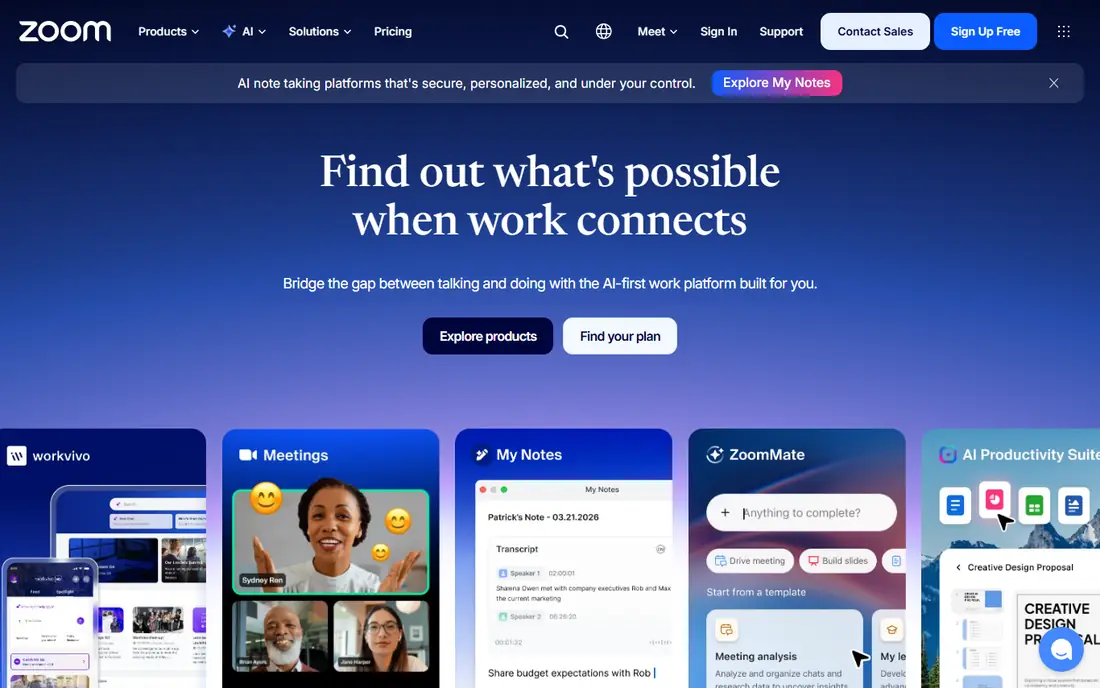
Zoom is the default for a reason. Almost every guest already knows how to join a Zoom link, turn on video, and share a screen, which removes a common source of delay at the start of a call. Paid plans add longer meetings, cloud recording, AI summaries, and larger capacity, while breakout rooms, polls, and reactions help classes and workshops stay interactive.
The free Basic plan allows 100 participants, but group meetings stop at 40 minutes. That limit is fine for a quick check-in and frustrating for a long workshop. The Pro plan, listed at $14.16 per user per month on annual billing in recent comparisons, removes that cap for the host. Zoom fits almost any team, class, or client meeting, as long as the per-user cost fits the budget.
- Very reliable video and audio
- Familiar to most guests
- Strong breakout rooms, polls, and recording
- Free group meetings end at 40 minutes
- Paid plans are per user, so large teams pay more
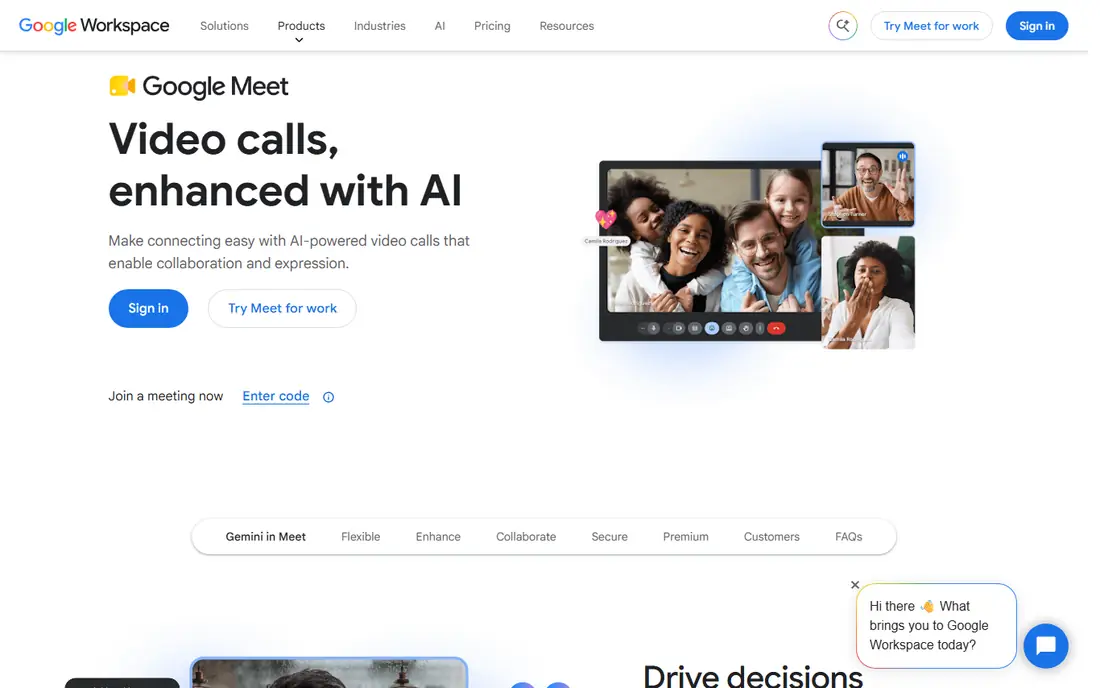
Google Meet is the easiest choice if your team already lives in Gmail, Google Calendar, and Google Drive. A meeting link can sit right in a calendar invite, guests join from a browser, and captions and screen sharing work without extra software. The free plan allows group calls of 60 minutes with up to 100 participants, which is more generous than Zoom's free limit.
Paid Workspace plans raise capacity, add recording and noise cancellation, and add admin controls. Business Starter has been listed at $7 per user per month on annual billing. Meet is less suited to large public webinars with registration pages and marketing tools, where a dedicated webinar platform fits better. For internal calls and client meetings, it is hard to beat for simplicity.
- Runs in a browser with no install for most guests
- Free group calls allow 60 minutes and 100 people
- Tight Gmail and Calendar integration
- Advanced features need a paid Workspace plan
- Fewer webinar tools than dedicated webinar platforms
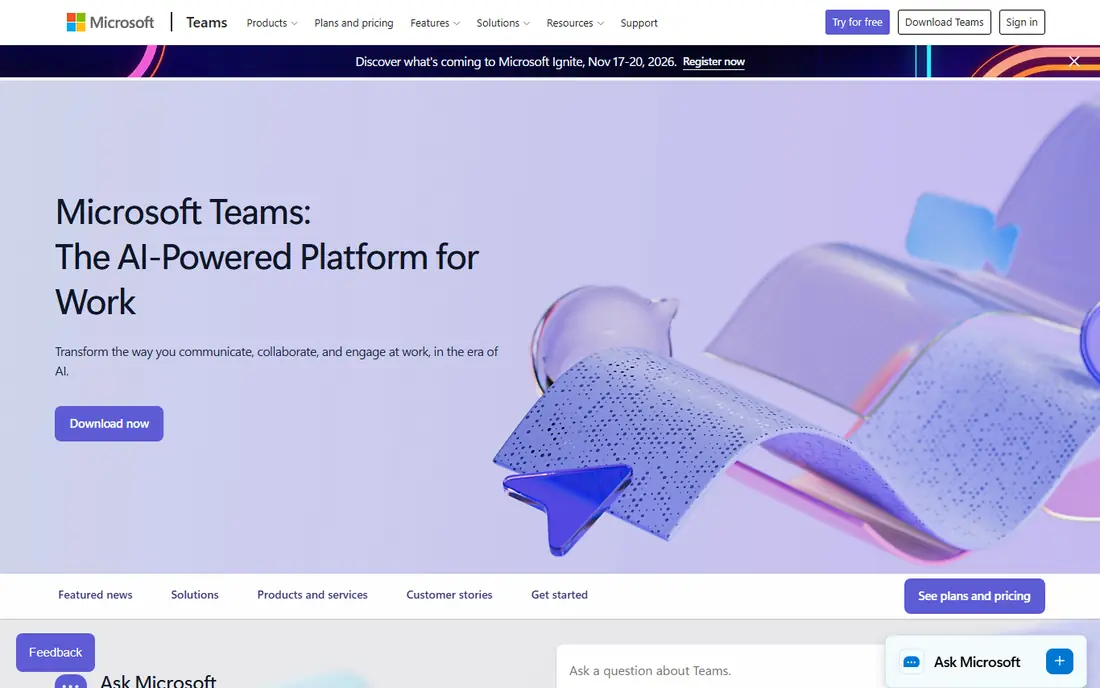
Microsoft Teams makes the most sense for organizations already using Outlook, Word, Excel, and OneDrive. Meetings, chat channels, shared files, and calendars live in one app, so a team can move from a chat thread to a video call without switching tools. The free version of Teams allows group meetings of 60 minutes with up to 100 participants, plus unlimited chat history.
Teams Essentials, a standalone option, has been listed at $4 per user per month. Full Microsoft 365 plans add more storage, desktop Office apps, and larger meeting capacity. Guests outside your organization can join, though the interface feels heavier than Meet or Zoom for a one-off call. For companies standardized on Microsoft, Teams is the natural pick.
- Free plan allows 60-minute groups with 100 people
- Chat, files, and meetings in one app
- Strong admin and security controls
- Interface can feel busy for guests
- Best value requires a Microsoft 365 plan
Webex, from Cisco, is built for enterprises, government, health care, and education, where security and compliance matter as much as video quality. Its free plan allows meetings with up to 100 attendees, and paid Webex Meet plans have been listed at $12 per user per month on annual billing. Features include end-to-end encryption options, noise removal, real-time translation on some plans, and detailed admin controls.
For a small casual team, Webex can feel heavier than Meet or Zoom, and its pricing is not the cheapest. For a regulated organization, a large company, or a school that needs audit trails and control over recordings, that structure is a benefit. Webex also scales to webinars and large events on higher plans, which helps a company that runs both internal meetings and public sessions.
- Strong security and compliance options
- Free plan allows 100 attendees
- Good noise removal and transcription
- Paid plans cost more than some rivals
- Interface feels formal for casual teams
GoTo Meeting is a straightforward choice for a small business where only a few people host meetings. Pricing is per organizer, starting at $12 per organizer per month on annual billing for the Professional plan, while attendees join free. That model can be cheaper than per-user pricing when many staff only attend and never host.
GoTo Meeting lacks a permanent free plan, so you need a trial or a paid plan to use it. It also has fewer chat and file collaboration features than Teams, since it focuses on the meeting itself. If your need is simple, reliable meetings with phone dial-in and screen sharing, GoTo Meeting does that job well without extra complexity.
- Simple hosting and screen sharing
- Priced per organizer, not per attendee
- Reliable audio options including phone dial-in
- No permanent free plan
- Fewer modern collaboration extras than Teams
Zoho Meeting is the budget surprise on this list. Its Standard plan has been listed from $1 per host per month on annual billing, and its free plan allows meetings with up to 100 participants and 60-minute sessions. For a small business, a nonprofit, or a classroom that needs regular meetings without a large software bill, that price is hard to match.
Zoho Meeting is strongest when you already use Zoho CRM, Zoho Mail, or other Zoho apps, since scheduling and contacts connect across the suite. It does not have the same large third-party app library as Zoom or Teams, and dedicated webinar tools sit in Zoho Webinar. For everyday team and client meetings on a tight budget, Zoho Meeting is a smart pick.
- Very low starting price
- Free plan allows 100 participants
- Works well with other Zoho apps
- Smaller ecosystem than Zoom or Teams
- Webinar features need a separate Zoho Webinar plan
Jitsi Meet is the free, open-source option for people who want a meeting link without an account, a download, or a bill. Guests open a link in a browser, join with video and screen sharing, and leave. Organizations that need more control can self-host Jitsi on their own servers, which gives them control over data and capacity.
The free public service is not a managed enterprise product. Support is community-based, and very large meetings may run better on a self-hosted setup or a paid platform. For quick calls, community groups, classes, and privacy-conscious teams that want a no-cost tool, Jitsi Meet is the best free option on this list.
- Free to use in a browser with no account for guests
- Open source and self-hosting option
- No install for most joins
- Fewer admin and support options on the free service
- Large meetings may need self-hosting
Whereby gives each user a personal room link, such as a name-based URL, that clients can open in a browser. That simplicity suits coaches, consultants, tutors, and clinics, where the same link is reused for many appointments. Paid plans have been listed from $10.99 per month, with more rooms, longer group meetings, and recording on higher tiers.
Whereby is not built for a 500-person company all-hands in the same way as Teams or Webex. Its strength is small, repeatable client meetings with minimal friction. If your guests struggle with downloads and meeting IDs, a single Whereby room link can reduce missed starts and support messages.
- Personal meeting room link that is easy to share
- Browser-based joining
- Good for coaches, consultants, and clinics
- Free plan is limited to one room
- Fewer large-meeting features than Zoom
RingCentral Video is part of RingCentral's business communications system, which also includes phone calls and team messaging. That combination suits a business that wants one vendor for its office phone number, its video meetings, and its chat, rather than three separate bills. Its RingEX Core plan has been listed at $20 per user per month on annual billing, and a free video tier exists with limits.
If you only need video meetings, RingCentral costs more than Meet, Zoom, or Zoho. If you are already replacing a desk-phone system, adding video in the same platform can save admin time and keep call history in one place. Check which phone features are included in your region, since availability varies.
- Combines phone, video, and messaging
- Free video tier with limits
- Good for businesses replacing desk phones
- Full price is higher than meeting-only tools
- Setup takes longer than a simple meeting app
Dialpad Meetings, formerly UberConference, is a browser-based meeting tool with a free tier that allows unlimited meetings, with a participant limit and a time cap on video. Its appeal is AI meeting notes. Dialpad can transcribe calls, summarize key points, and capture action items without a separate transcription subscription on many plans.
The free tier caps video participants, so large team meetings need a paid plan, listed in recent comparisons at $15 per user per month for Meetings Business on annual billing. For small teams that want readable notes after every call, Dialpad is a practical choice. For large webinars or classes, a platform with higher capacity will fit better.
- Free tier with unlimited meetings
- AI summaries and transcripts on many plans
- Browser-based joining
- Free video participant limit is low
- Full business phone features cost more
How we picked these
We compared official feature pages, pricing pages, and public reviews for meeting platforms that work in October 2026. We kept only tools that support live video meetings, screen sharing, and guest joining without a complex setup, and that publish clear free limits or starting prices. We included a mix of large suites, budget tools, and a free open-source option, so readers with different budgets and team sizes can find a fit.
How to choose the right platform
Start with your guests, your meeting size, and your existing software, not with a feature checklist.
Match the tool to your guests
If guests are clients or students, pick a tool they already know or can join from a browser. Zoom and Meet win here for most people. If guests are employees on company devices, Teams or Webex may already be installed and managed by IT, which reduces support work.
Check free limits against real meetings
A 40-minute cap is fine for a standup and poor for a training session. A 100-person cap is fine for a team and poor for a company event. Run a real meeting on the free plan, with screen sharing and recording, before you commit a team to it.
Count hosts, not just attendees
Per-user pricing charges for every staff member who needs a paid account, while per-organizer pricing charges only for hosts. A team with 50 attendees and 3 hosts will pay far less on a per-organizer plan. Always model the total bill for your actual host count.
Sources
- https://www.zoom.com
- https://meet.google.com
- https://www.microsoft.com/en-us/microsoft-teams/group-chat-software
- https://www.webex.com
- https://www.goto.com/meeting
- https://www.zoho.com/meeting/
- https://meet.jit.si
- https://whereby.com
- https://www.ringcentral.com
- https://www.dialpad.com
- https://rankite.com/blog/best-video-conferencing-software