Best Org Chart Software in 2026: 9 Tools Compared
By ToolNimba Editorial Team October 30, 2026 8 min read

- Top pick
 Lucidchart
Polished charts plus general diagramming
Starting price$7.95 per user per monthCheck out LucidchartRead our review - Runner-up
 Organimi
Dedicated HR org charts for small teams
Starting price$10 per monthCheck out OrganimiRead our review - Also great
 Microsoft Visio
Formal org charts in Microsoft 365
Starting price$5 per user per monthCheck out Microsoft VisioRead our review
How we researched this
We compared official pricing and feature pages, app store listings, privacy policies and public user reviews. Prices change, so check the provider's site before you pay.
Key takeaways
- Lucidchart is our pick for most teams, combining polished org charts with general diagramming in one tool.
- Organimi is the best dedicated org chart tool for small teams, with automatic chart building from employee data.
- ChartHop is the best choice for larger companies that want org charts tied to headcount planning and people analytics.
- diagrams.net is the best free option, with capable charting at no cost.
- Decide first whether you need a one-off diagram or a living chart: manual tools suit the first, HR-connected tools suit the second.
Quick comparison
| Name | Best for | Starting price | Free plan | |
|---|---|---|---|---|
| Lucidchart | Polished charts plus general diagramming | $7.95 per user per month | Yes | Visit |
| Organimi | Dedicated HR org charts for small teams | $10 per month | No | Visit |
| Microsoft Visio | Formal org charts in Microsoft 365 | $5 per user per month | No | Visit |
 Miro | Collaborative planning charts | $10 per user per month | Yes | Visit |
 diagrams.net | Free chart creation | Free | Yes | Visit |
 ChartHop | Charts tied to workforce planning | Free | Yes | Visit |
 Pingboard | Shareable charts with employee directories | See website | No | Visit |
 SmartDraw | Automated chart formatting | $9.95 per month | No | Visit |
 Creately | Visual collaboration charts | $5 per user per month | Yes | Visit |
The best org chart software
Org chart software falls into two camps: diagramming tools for drawing a chart, and people platforms that keep a chart updated from HR data. The nine tools below cover both, and we compared chart quality, data connections, collaboration, and price.
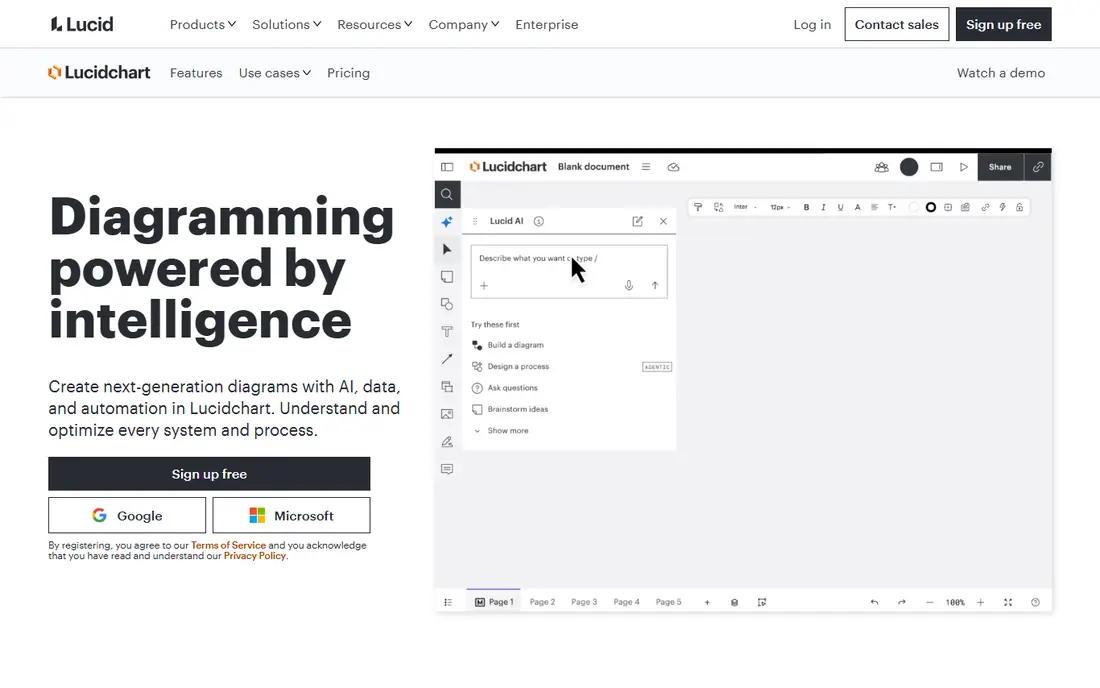
Lucidchart is the most versatile tool here. Its drag-and-drop editor produces presentation-ready org charts, with templates, shape libraries, and data import from spreadsheets, plus conditional formatting that can color boxes by department or location. Real-time collaboration lets several people edit at once, with comments built in.
Because Lucidchart is a general diagramming tool, it does not auto-update from HR data the way ChartHop or Organimi can, so charts need manual upkeep. Individual plans start at 7.95 dollars a month, with team plans higher. If you want beautiful charts and a tool that also handles flowcharts and wireframes, Lucidchart is the best pick.
- Excellent drag-and-drop editor
- Templates and data import
- Real-time collaboration
- Org charts are one feature among many
- Team plans cost more
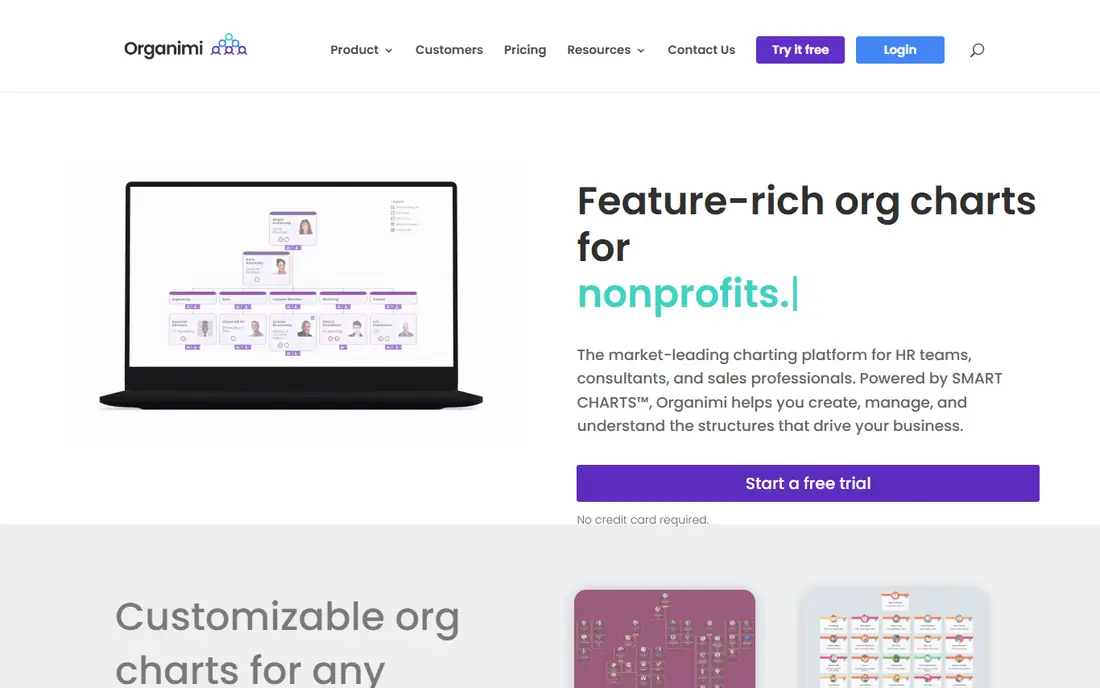
Organimi does one thing and does it well: org charts. It builds charts automatically from employee data, supports matrix reporting, and exports to PDF, PowerPoint, and images. Sync with HR systems like BambooHR keeps charts current on higher plans, and access controls let you share different views with different teams.
There is no free plan, with Basic from around 10 dollars a month, and features like automatic sync and matrix charts need Premium or higher. For small teams that want a dedicated, living org chart without enterprise complexity, Organimi is the most focused choice here.
- Built only for org charts
- Auto-generates charts from data
- HR system sync on higher plans
- No free plan
- Advanced features need Premium tiers
Visio is the formal diagramming standard for Microsoft-centered companies. Its org chart templates link to Excel or database sources, so charts can update from data, and it integrates with Teams and SharePoint for sharing. Plan 1 starts at around 5 dollars per user a month, with Plan 2 adding desktop apps and more features.
The learning curve is steeper than Lucidchart or Organimi, and there is no free plan. But if your company already runs on Microsoft 365 and needs precise, data-linked charts, Visio is the natural fit.
- Deep Microsoft 365 integration
- Data-linked charts from Excel
- Desktop and web versions
- Steeper learning curve
- No free plan
Miro is the whiteboard of this list: an infinite canvas where teams plan re-organizations live, dragging boxes, adding notes, and discussing structure in real time. Its org chart templates give you a starting point, and its workshop features suit planning sessions better than any dedicated chart tool.
At scale, Miro boards can get messy, and charts do not sync with HR data by default, so they go stale without upkeep. Starter plans run around 10 dollars per user a month, with a free tier for small boards. For collaborative re-org planning, Miro is unmatched.
- Infinite canvas for workshops
- Org chart templates
- Real-time multi-user editing
- Charts can get messy at scale
- Not HR-connected by default
diagrams.net, formerly draw.io, is the best free org chart tool available. It runs in a browser or as a desktop app, stores files in your own cloud drive, and imports Visio and Lucidchart files. Its org chart shapes and templates cover the essentials, and there is no paywall for core features.
Templates are less polished than Lucidchart's, and there is no HR sync, so charts are manual. But for a team that needs a good chart for free, diagrams.net is the obvious choice, and it pairs well with a spreadsheet of employee data.
- Completely free
- Runs in browser or desktop
- Imports Visio and Lucidchart files
- Less polished templates
- No HR data sync
ChartHop connects org charts to people data and planning. It syncs with HR systems, builds living charts that update as people join or move, and adds headcount planning, compensation views, and people analytics. A free tier covers up to 150 employees, which makes it accessible to growing companies.
Paid tiers are needed for the full feature set, and setup takes more effort than a simple diagram tool. But for companies that want their org chart to reflect reality and inform hiring plans, ChartHop is the most powerful option here.
- Free for up to 150 employees
- HRIS sync
- Headcount planning and analytics
- Full features need paid tiers
- More setup than chart-only tools
Pingboard combines org charts with an employee directory, profiles, and onboarding tools, so new hires can find people and understand structure from day one. Mobile apps make the directory handy on the go, and sharing options let you publish charts to the whole company.
Pingboard is now part of Workleap, and pricing has moved to bundled plans rather than a standalone chart price, so check current terms. There is no free plan. For growing teams that want charts plus a living directory, Pingboard remains a strong option.
- Org charts plus employee profiles and directory
- Mobile apps
- Onboarding features
- Now part of Workleap with bundled pricing
- No free plan
SmartDraw automates the tedious part of org charts: formatting. Add people and it arranges boxes, balances branches, and keeps spacing clean, with templates for many chart styles. It runs on desktop and web, and imports data for larger charts.
Its interface feels dated next to Lucidchart or Miro, and there is no free plan, with single-user pricing from 9.95 dollars a month. But for users who want a chart that formats itself well, SmartDraw is a dependable workhorse.
- Automatic formatting and layouts
- Many templates
- Desktop and web versions
- Interface feels dated
- No free plan
Creately is a visual workspace where org charts sit alongside other diagrams, with data-connected shapes that can sync to employee information. Templates speed up chart creation, and real-time collaboration lets teams build charts together. Plans start around 5 dollars per user a month, with a free tier for basic use.
Like Lucidchart, it is a general diagramming tool, so HR sync depth is less than ChartHop or Organimi. For teams that want collaborative charting plus other visual work in one place, Creately is a good-value choice.
- Visual workspace with data sync
- Templates
- Real-time collaboration
- Org charts are one feature among many
- Advanced data features need higher plans
How we picked these
We compared official pricing pages, feature documentation, and user reviews for org chart tools actively sold in 2026. We favored tools with clear chart quality, sensible pricing, and either strong diagramming or HR data connections. We did not claim hands-on testing; our comparison rests on published specifications, pricing, and public user reviews.
One-off diagram or living chart
This is the decision that matters most. If you need a chart for a presentation or a re-org announcement, a diagramming tool like Lucidchart, Visio, or diagrams.net is enough, and you will get a more polished result. Draw it, export it, and move on.
If the chart must stay accurate as people join, leave, or change managers, choose an HR-connected tool like ChartHop, Organimi, or Pingboard. Manual charts go stale fast in growing companies, and an outdated org chart is worse than none, since it sends people to the wrong manager. Pay for the sync if your headcount changes often.