Best PAM Tools in 2026: 9 Tools Compared
By ToolNimba Editorial Team October 30, 2026 10 min read

- Top pick
 CyberArk Idira
Large regulated enterprises
Starting priceSee websiteCheck out CyberArk IdiraRead our review - Runner-up
 Delinea
Usability-led mid-market rollouts
Starting priceSee websiteCheck out DelineaRead our review - Also great
 BeyondTrust
Session control and vendor access
Starting priceSee websiteCheck out BeyondTrustRead our review
How we researched this
We compared official pricing and feature pages, app store listings, privacy policies and public user reviews. Prices change, so check the provider's site before you pay.
Key takeaways
- CyberArk, now branded as Idira, is our pick for large regulated estates that need deep vaulting, session control and machine identity coverage.
- Delinea and BeyondTrust suit mid-size to large teams that want a faster rollout or strong vendor and remote session control.
- ManageEngine PAM360 is the clear value pick, with published pricing from $7,995 per year for 10 admins.
- Most enterprise PAM pricing is quote-based, so budget by privileged user count and scope, not by a single list price.
- Start with vaulting and rotation, then add session recording and just-in-time access, rather than buying every module at once.
Quick comparison
| Name | Best for | Starting price | Free plan | |
|---|---|---|---|---|
| CyberArk Idira | Large regulated enterprises | See website | No | Visit |
| Delinea | Usability-led mid-market rollouts | See website | Free trial | Visit |
| BeyondTrust | Session control and vendor access | See website | No | Visit |
 ManageEngine PAM360 | Value and published pricing | $7,995 per year | Free trial | Visit |
 KeeperPAM | Small to mid-size teams | See website | Free trial | Visit |
 Teleport | Cloud-native infrastructure access | Free | Yes | Visit |
 One Identity Safeguard | Governance-linked PAM | See website | No | Visit |
 WALLIX | European and regulated estates | See website | Free trial | Visit |
 StrongDM | DevOps and database access | See website | Free trial | Visit |
The best PAM tools
Privileged access management, often shortened to PAM, controls who can use admin accounts, cloud consoles, databases and servers, and it records what they did. The tools below cover that job in different ways, from classic vaults to short-lived certificates.
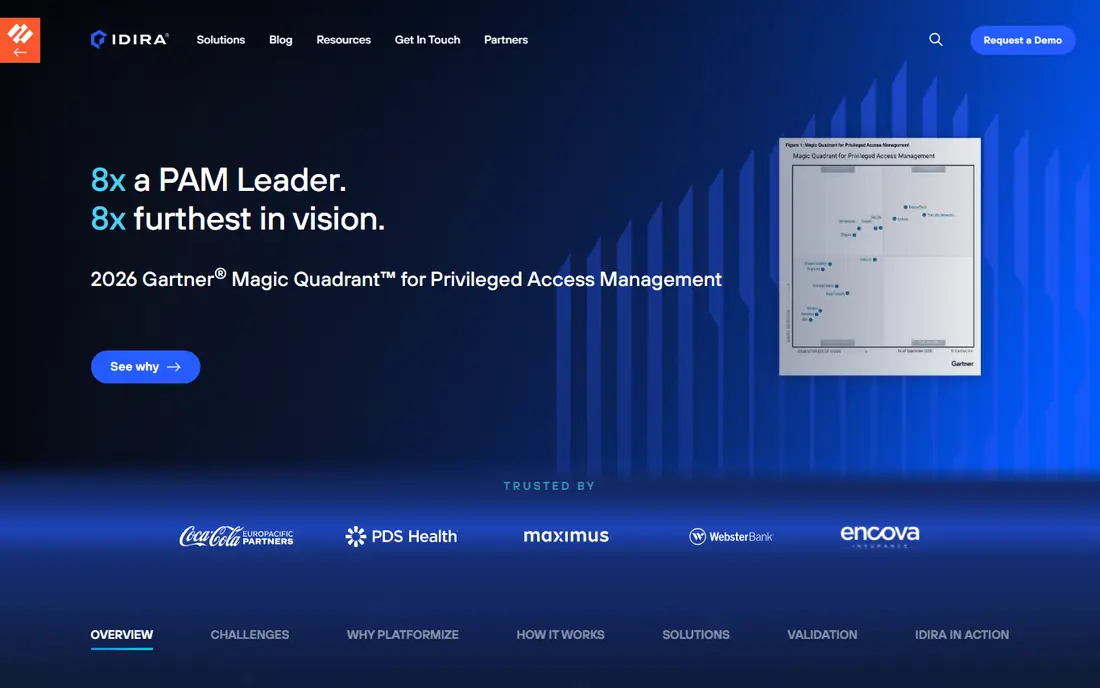
CyberArk, whose platform is now presented as Idira, remains the reference point for large PAM programs. It covers vaulting and rotation, privileged session management, endpoint privilege controls, secrets management and machine identity in one platform family. That breadth matters when auditors ask for one evidence trail across servers, cloud consoles and service accounts.
The cost of that breadth is complexity and a quote-based price. Expect a sales-led evaluation, a scoped pilot and implementation help for a full deployment. Smaller teams may find the platform more than they need, but for banks, health systems and other regulated estates, it is still the safest default shortlist entry.
- Deepest PAM suite in this list
- Vaulting, session isolation and secrets coverage
- Strong compliance and audit story
- Quote-based pricing
- Rollout can take months for a full program

Delinea is often the pick when a team wants enterprise PAM without a year-long project. Its Secret Server vault is well known for quick adoption, and its platform adds session management, remote access and secrets handling around that core. A 30-day trial, reported in recent comparisons, gives teams a real window to test vaulting and rotation.
Delinea also now sits alongside StrongDM for runtime authorization, which helps for database and infrastructure access. The main caution is the same as with other enterprise vendors: the headline quote depends on privileged account counts and modules, so ask for a fully itemized quote that separates vault, session and remote access costs.
- Fast-to-deploy Secret Server vault
- SaaS and self-hosted options
- Session recording and remote access
- Pricing is quote-based
- Advanced modules add cost and scoping time
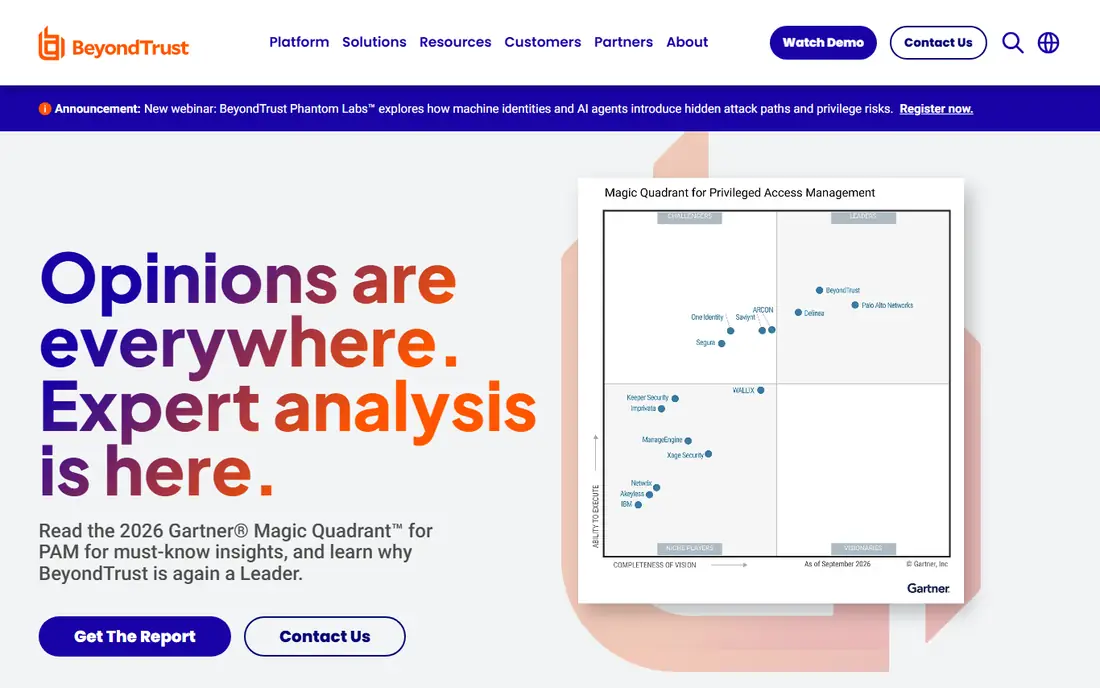
BeyondTrust stands out for session depth. Its Password Safe vault pairs with session recording and Privileged Remote Access, which lets contractors and vendors work in recorded sessions without receiving standing VPN credentials. That is a direct answer to one of the riskiest access patterns most companies still allow.
Endpoint privilege management is the other half of the story, since it removes local admin rights while still letting approved apps gain extra rights. Pricing is quote-based and varies by module, so a team that only needs vaulting should not pay for the full session suite. Ask for a demo that shows the auditor view, not just the admin console.
- Strong privileged session recording
- Privileged Remote Access for vendors
- Endpoint privilege management
- Quote-based pricing
- Module choices need careful scoping
ManageEngine PAM360 is the value pick in this list, and the published pricing is a big part of why. Recent comparisons list pricing from $7,995 per year for 10 admins, with a free edition available for smaller needs. That transparency lets a mid-size team budget before the first sales call, which is rare in PAM.
Feature coverage is broad for the price: vaulting, session recording, just-in-time access, SSH key and certificate lifecycle tools, and DevOps integrations. The console packs a lot into one place, so expect some learning time. For teams that need a solid audit trail without a six-figure starting quote, PAM360 is the first tool to test.
- Published pricing from $7,995 per year for 10 admins
- Vault, session recording and just-in-time access
- Free edition for small use
- Console can feel dense
- Program-scale analytics are less deep than leader platforms
KeeperPAM builds on Keeper's password vault, which many small teams already know. That familiarity helps adoption: staff who already save logins in Keeper face less change when admin credentials move into the same system. Session management, rotation, discovery and endpoint privilege tools sit on top as PAM modules.
The pricing catch is that the published Keeper Business prices, from $2 per user per month for Starter, are the vault floor, not the full PAM cost. KeeperPAM itself is quoted by size and modules. Small teams should still test it, but they should ask early which PAM features are included and which are paid add-ons.
- Familiar vault interface
- Session recording and remote access add-ons
- Zero-knowledge architecture
- Full PAM features are add-ons over the base vault price
- Pricing needs a sales quote
Teleport takes a different approach: instead of vaulting a password and handing it out, it issues short-lived certificates for SSH, Kubernetes, database and web access. When the certificate expires, the access is gone. That design removes a whole class of stolen-credential risk, and engineers tend to adopt it because it fits command-line workflows.
The Community Edition is free and open source, with paid tiers for larger teams. The trade-off is scope. Teleport is strongest for cloud-native infrastructure, and weaker for classic Windows estates and broad vaulting than CyberArk or Delinea. Choose it when your privileged access is mostly infrastructure, not a mixed legacy estate.
- Short-lived certificates replace standing credentials
- Open-source Community Edition
- Session recording built in
- Classic vault and Windows-estate depth trail the incumbents
- Needs engineering time to run well
One Identity Safeguard suits estates that already think in governance terms: who should have access, who approved it, and what did they do with it. Its session recording and analytics feed that story, and it pairs naturally with One Identity's identity governance tools. That link helps when auditors ask for joiner, mover and leaver evidence alongside session logs.
As a standalone vault, it can feel heavy, and pricing is quote-based. The case is strongest for larger Active Directory estates and companies that want PAM and governance from one vendor. Smaller teams with no governance program will likely get faster value from Delinea or PAM360.
- Session analytics and forensics
- Strong fit with identity governance
- Appliance, virtual and SaaS options
- Quote-based pricing
- Best value comes when paired with wider One Identity governance
WALLIX Bastion, now sold as WALLIX PAM, is a strong pick for European and regulated organizations that need clear data-sovereignty answers. Its agentless session control records sessions with video and transcript audit, which gives reviewers concrete evidence without installing agents on every target. A free trial is available for evaluation.
Outside Europe, its partner and integration footprint is smaller than CyberArk or BeyondTrust, so global estates should check local support and connector coverage early. For EU-regulated firms, operational technology environments and public-sector buyers, that trade-off is often worth it for the compliance fit.
- Agentless session control with video audit
- Strong European compliance story
- SaaS option through WALLIX One
- Quote-based pricing
- Smaller partner footprint outside Europe than US leaders
StrongDM is built for teams whose privileged access is mostly databases, Kubernetes clusters and cloud consoles. It grants access just in time, logs and replays sessions, and avoids handing out standing database passwords. That model fits DevOps workflows better than a classic vault that was designed for Windows servers.
StrongDM was acquired by Delinea in early 2026, according to recent comparisons, so buyers should ask how the two product lines will be sold and supported going forward. For engineering-led teams, it remains a strong shortlist entry, and its published per-user approach in the past made budgeting easier than most rivals.
- Just-in-time runtime authorization
- Database, Kubernetes and cloud access in one flow
- Session replay
- Quote-based pricing
- Now part of Delinea, so roadmap questions are fair to ask
How we picked these
We compared official product pages, pricing disclosures and recent independent PAM comparisons, and we opened vendor homepages to confirm they belong to the products listed. We favored platforms that are still sold and supported in October 2026, cover vaulting plus at least one of session control or just-in-time access, and fit a distinct buyer, from small teams to global enterprises. We did not claim hands-on testing, and we marked quote-based pricing as See website rather than repeating unverified estimates as facts.
How to choose a PAM tool
Start with an inventory, not a demo. Count privileged users, service accounts, cloud consoles, databases and vendor access paths before you talk to vendors. That count drives the quote, and it also shows whether you need a full suite or just vaulting and rotation. A team with 20 admins and no contractors has a very different shortlist from a firm with 500 admins and daily vendor sessions.
Next, run a pilot on one painful use case, such as rotating domain admin passwords or recording vendor sessions. Judge the pilot on the auditor view, the approval workflow and the time it takes to revoke access, not on the sales slides. Finally, plan the rollout in stages: vault and rotate first, add session recording second, then move to just-in-time access. That order delivers audit value early and keeps the project from stalling on scope.
Questions to ask every vendor
Ask how discovery finds unknown privileged accounts, how break-glass access is logged, and how long session recordings are kept. Ask which modules are included in the quote and which are add-ons, and ask for a renewal price in writing. Also ask how the tool handles cloud consoles, API keys and secrets in pipelines, since those are now a large share of privileged risk. A vendor that cannot show those answers in a live demo is not ready for your shortlist.
Sources
- https://www.cyberark.com
- https://www.delinea.com
- https://www.beyondtrust.com
- https://www.manageengine.com
- https://www.keepersecurity.com
- https://www.goteleport.com
- https://www.oneidentity.com
- https://www.wallix.com
- https://www.strongdm.com
- https://gbhackers.com/best-pam-compared/
- https://rankite.com/blog/best-privileged-access-management-software