Best Scheduling App for Small Business in 2026: 9 Apps Compared
By ToolNimba Editorial Team October 30, 2026 9 min read

- Top pick
 Calendly
Meetings and consultations
Starting price$10 per monthCheck out CalendlyRead our review - Runner-up
 Square Appointments
Salons and service businesses using Square
Starting priceFreeCheck out Square AppointmentsRead our review - Also great
 Acuity Scheduling
Paid appointments with intake forms
Starting price$16 per monthCheck out Acuity SchedulingRead our review
How we researched this
We compared official pricing and feature pages, app store listings, privacy policies and public user reviews. Prices change, so check the provider's site before you pay.
Key takeaways
- Calendly is our pick for meeting-based businesses, while Square Appointments leads for service businesses that take payments.
- Setmore offers the most generous free plan for a small team, covering up to four staff calendars in listings.
- Flat-rate tools such as Acuity suit solo providers, while per-user tools can cost more as a team grows.
- Salon and beauty businesses should shortlist Fresha and Booksy for marketplace discovery, not just booking.
Quick comparison
| Name | Best for | Starting price | Free plan | |
|---|---|---|---|---|
| Calendly | Meetings and consultations | $10 per month | Yes | Visit |
| Square Appointments | Salons and service businesses using Square | Free | Yes | Visit |
| Acuity Scheduling | Paid appointments with intake forms | $16 per month | Free trial | Visit |
 Setmore | Small teams starting free | Free | Yes | Visit |
 SimplyBook.me | Service businesses needing custom features | $9.90 per month | Yes | Visit |
 Zoho Bookings | Businesses already using Zoho apps | $6 per month | Yes | Visit |
 Appointy | Multi-location service businesses | $19.99 per month | Yes | Visit |
 Fresha | Salons, spas, and barbers | See website | Free trial | Visit |
 Booksy | Barbers and beauty professionals | $29.99 per month | Free trial | Visit |
The best scheduling apps for small business
Small business scheduling is not one job. A consultant needs a booking link, a salon needs staff calendars and payments, and a clinic needs intake forms. We compared tools across those jobs, with attention to free plans, pricing units, and the features that actually reduce no-shows and admin time.
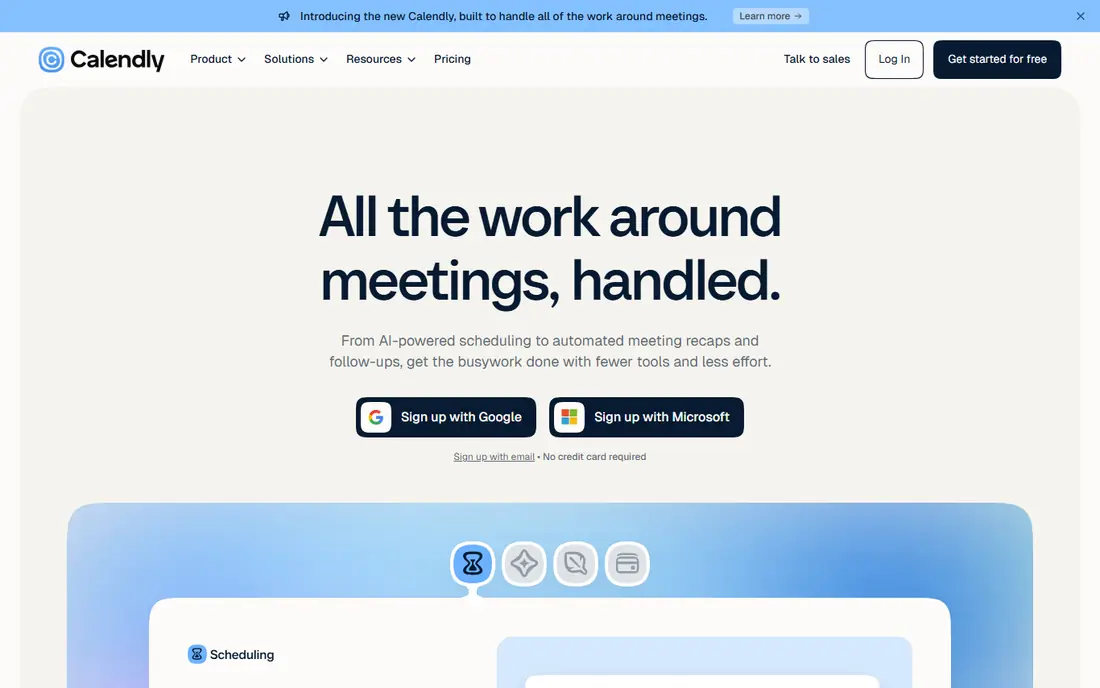
Calendly is the simplest pick for consultants, coaches, and service providers who mainly book meetings. You share a link, clients pick a time, and the event lands on your calendar without email back-and-forth. Time zone handling keeps remote bookings clean.
The free plan is limited to one event type, so businesses with several services will need a paid plan. Team features such as round-robin assignment also sit on higher tiers. For solo meeting scheduling, though, it is hard to beat for speed.
- Simple booking links
- Calendar sync
- Time zone handling
- Free plan allows only one event type
- Round-robin needs a higher plan
Square Appointments
Best for: Salons and service businesses using Square
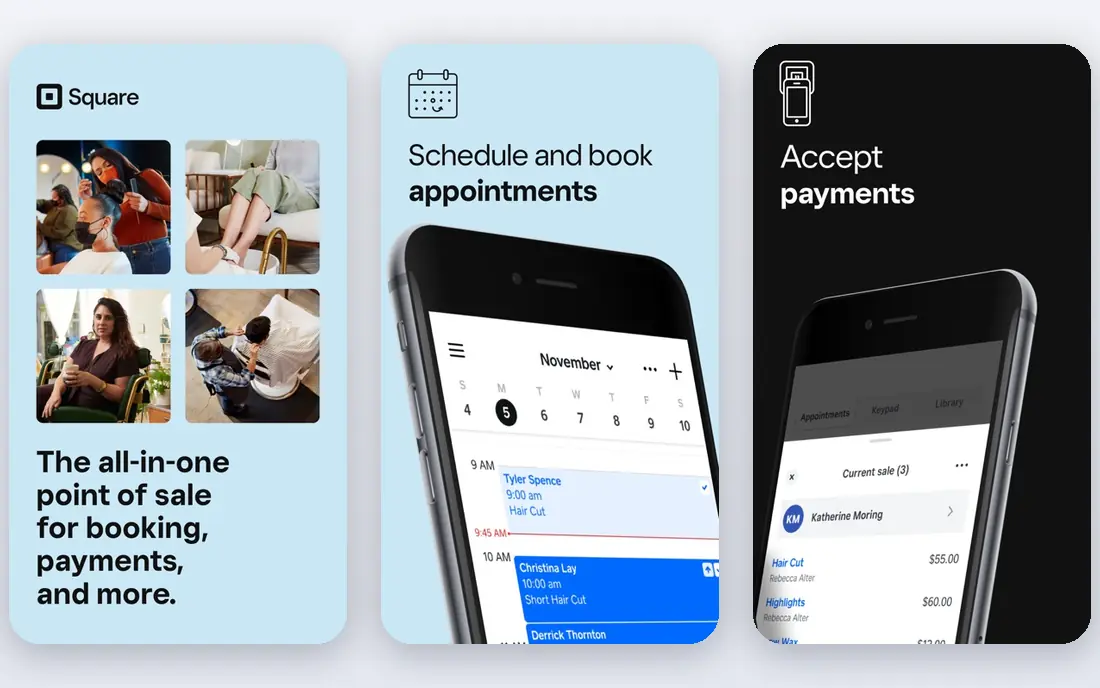
Square Appointments suits salons, barbers, spas, and other service businesses that already take payments through Square. Appointments, payments, and client records live in one system, which cuts down on separate tools. The free plan covers a single staff member and location.
Paid plans are priced per location, so multi-site businesses should total the cost across sites. Card processing fees are separate from the subscription. If you already use Square for checkout, the combined setup is a strong reason to choose it.
- Free plan for a single location and staff member
- Payments built in
- Client reminders
- Paid plans are priced per location
- Processing fees are extra
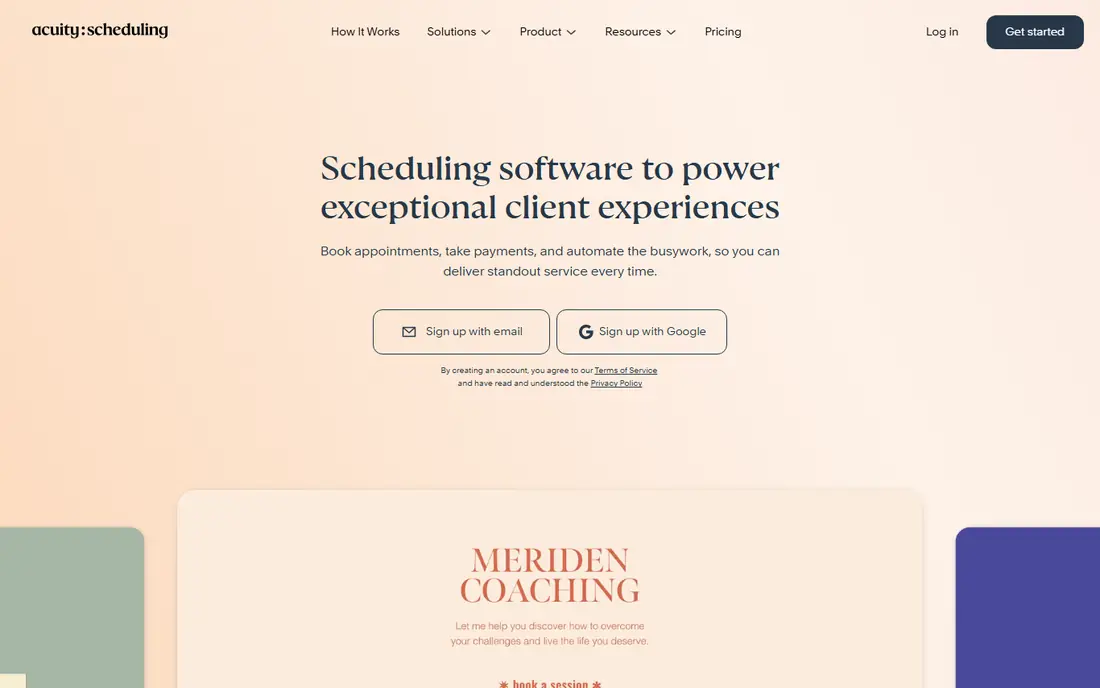
Acuity Scheduling, now part of Squarespace, is built for businesses that sell time as a product. Intake forms, packages, subscriptions, and deposits help coaches, clinics, and studios manage paid bookings without extra forms. Group appointments work well for classes and workshops.
There is no free plan, only a trial, so it is a paid commitment from the start. SMS reminders and some advanced features need a higher tier in listings. It fits best when intake details and payments matter as much as the calendar slot itself.
- Intake forms and packages
- Deposits and payments
- Group appointments
- No free plan
- SMS reminders need a higher plan in listings
Setmore is the best free starting point for a small team. The free plan covers up to four staff calendars with unlimited bookings in listings, which is generous compared with most rivals. A public booking page, reminders, and payment options cover the basics well.
Some useful features, including two-way calendar sync and deposits, require the Pro plan. SMS reminders also sit behind Pro in listings. For a team that mainly needs a shared booking page and email reminders, the free plan goes a long way.
- Free plan for up to four staff calendars
- Unlimited bookings in listings
- Payments and reminders
- Two-way sync and deposits need Pro in listings
- SMS reminders need Pro
SimplyBook.me suits service businesses that need more control than a simple booking link. You can add features for intake, deposits, memberships, and provider schedules as needed. That modular approach helps clinics, studios, and multi-service businesses shape the booking flow.
The trade-off is complexity. Booking volume and the number of custom features both affect which plan fits, so read the limits before committing. Setup takes longer than Calendly, but the result can match a specific service workflow more closely.
- Wide choice of booking features
- Provider and service management
- Calendar sync
- Booking volume and feature allowances both affect the price
- Setup can take time
Zoho Bookings is a low-cost pick for businesses that already use Zoho for email, CRM, or invoicing. Bookings sync with the wider Zoho system, which keeps client data in one place. The per-user price is among the lowest on this list.
Per-user pricing means the bill grows as you add staff, so compare it with flat-rate tools for larger teams. It also lacks some salon-specific features found in Fresha or Booksy. For a general service business inside Zoho, it is a sensible, affordable choice.
- Low per-user price in listings
- Works with other Zoho apps
- Booking pages and reminders
- Per-user pricing grows with team size
- Fewer salon-specific features than specialist tools
Appointy covers service businesses with several locations, classes, or staff schedules. Automated reminders, online payments, and class booking help reduce no-shows and manual admin. It has served salons, clinics, fitness studios, and repair shops for years.
The free plan is limited, and growing teams will need the Growth plan or higher. The interface is functional rather than modern, which matters less if staff use it daily and value stability. It is a solid workhorse for multi-location scheduling.
- Multi-location support
- Automated reminders
- Online payments
- Class scheduling
- Growth plan is a step up from free for larger teams
- Interface feels dated to some users
Fresha is built for beauty and wellness businesses, with booking, client records, and point-of-sale tools in one place. Its marketplace can also bring new clients who search for salons and barbers nearby. That discovery angle sets it apart from generic schedulers.
Pricing depends on team size and the features you use, so confirm the current terms on the official site. Marketplace rules and any commission terms also deserve a close read. For a salon or spa that wants bookings plus new-client discovery, it is a strong specialist pick.
- Marketplace exposure for beauty businesses
- Booking and client management
- Point-of-sale tools
- Pricing varies by team size and features
- Marketplace commission rules need checking
Booksy is popular with barbers, stylists, and beauty professionals because it combines booking with a marketplace where clients can find nearby providers. Client history, reminders, and payments support repeat bookings, which matter a great deal in beauty work.
The price is per team member in listings, so a larger salon should total the team cost before comparing with flat-rate tools. It is also less suited to general meetings or consulting than Calendly. For beauty businesses, the client discovery alone can justify the cost.
- Beauty-focused booking and client tools
- Marketplace discovery
- Reminders and payments
- Price is per team member in listings
- Less suited to general consulting or meetings
How we picked these
We compared official pricing pages, vendor feature descriptions, and recent US pricing listings for each tool. We did not claim hands-on testing. Where plan prices differed across sources, we used the most recent annual or monthly listings and marked unclear pricing as See website. Confirm the pricing unit, per user, per seat, or per location, before budgeting.
How to choose a scheduling app
Start with your booking type. Meeting-based businesses should lean toward Calendly or Zoho Bookings. Service businesses with staff, rooms, or chairs should lean toward Square Appointments, Setmore, SimplyBook.me, or a salon specialist. The wrong category will force workarounds every week.
Count the real cost for your team
A low headline price can be costly if it is charged per user or per location. Multiply the rate by your staff count or site count, then add payment processing and SMS costs. A flat-rate plan often wins for a solo provider, while a generous free plan can win for a team of three or four.
Reduce no-shows from day one
Turn on automated reminders, require deposits for high-value appointments, and set clear cancellation terms on the booking page. Add buffers between appointments so one late client does not derail the day. Review no-show rates after a month and adjust reminder timing before adding more features.