Best Secret Management Tools for Enterprise DevSecOps in 2026: 9 Tools Compared
By ToolNimba Editorial Team October 30, 2026 10 min read

- Top pick
 HashiCorp Vault
Multi-cloud dynamic secrets
Starting priceFreeCheck out HashiCorp VaultRead our review - Runner-up
 AWS Secrets Manager
AWS-centered teams
Starting priceSee websiteCheck out AWS Secrets ManagerRead our review - Also great
 Azure Key Vault
Azure and Microsoft shops
Starting priceSee websiteCheck out Azure Key VaultRead our review
How we researched this
We compared official pricing and feature pages, app store listings, privacy policies and public user reviews. Prices change, so check the provider's site before you pay.
Key takeaways
- HashiCorp Vault remains the most flexible choice for multi-cloud teams that can run it well, while cloud vaults win when one cloud already dominates.
- Doppler and Infisical suit smaller DevSecOps teams that want fast setup and a clear developer workflow without a large platform project.
- Short-lived and dynamically generated credentials beat long-lived API keys, and the best tools make rotation and audit trails a normal part of delivery.
- Price is rarely a single number here, because cloud vaults charge by use and enterprise vaults often quote by deployment size.
Quick comparison
| Name | Best for | Starting price | Free plan | |
|---|---|---|---|---|
| HashiCorp Vault | Multi-cloud dynamic secrets | Free | Yes | Visit |
| AWS Secrets Manager | AWS-centered teams | See website | No | Visit |
| Azure Key Vault | Azure and Microsoft shops | See website | No | Visit |
 Google Cloud Secret Manager | Google Cloud teams | See website | No | Visit |
 Doppler | Developer-friendly secret sync | Free | Yes | Visit |
 Infisical | Self-hosted developer teams | Free | Yes | Visit |
 Akeyless | Managed multi-cloud vaulting | See website | Free trial | Visit |
 Bitwarden Secrets Manager | Teams already using Bitwarden | See website | Free trial | Visit |
 1Password Secrets Automation | Teams using 1Password for staff | See website | Free trial | Visit |
The best secret management tools for enterprise DevSecOps
These tools store, deliver, rotate, and audit the credentials that applications and pipelines need, so teams can stop putting keys in code and chat messages.
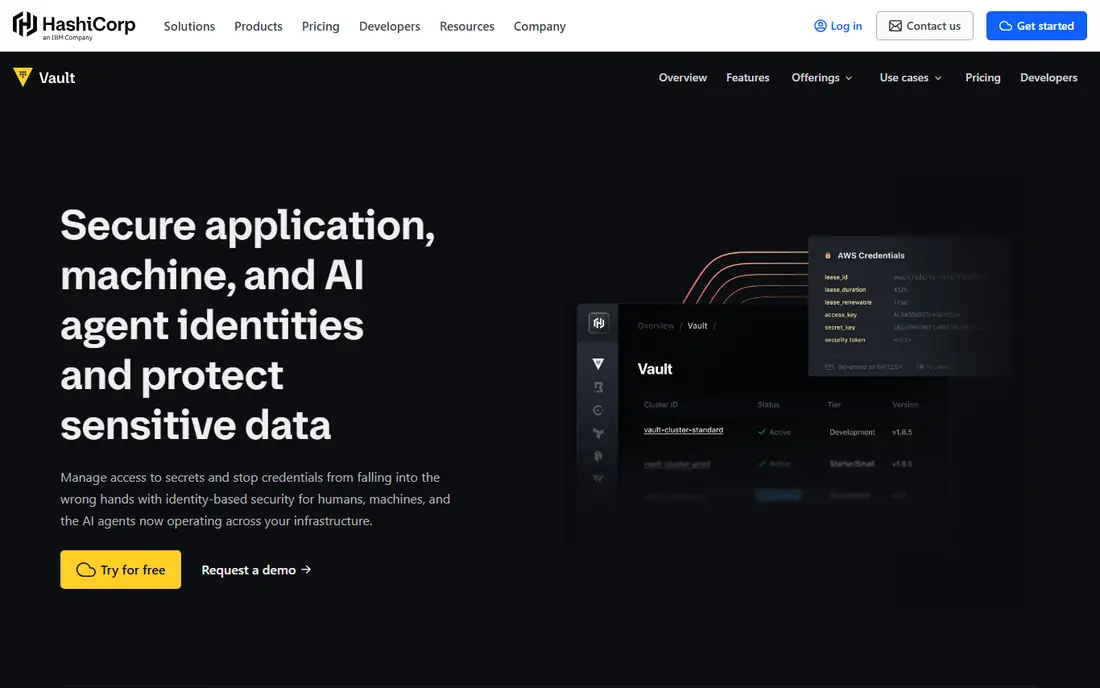
Vault is the reference point most other tools get measured against, and for good reason. It can issue short-lived database credentials, cloud credentials, and certificates on demand, then revoke them when the job ends. That approach fits DevSecOps teams that want one control plane across clouds, Kubernetes, and CI pipelines, rather than a separate vault in each place.
The honest catch is operations. Vault needs careful planning for high availability, backup, upgrades, and policy design, and a rushed setup can create a single point of failure. Teams with platform engineering capacity tend to get the most from it, while smaller teams may prefer a managed option from this list.
- Dynamic secrets for databases and clouds
- Wide integration set
- Policy controls for teams and workloads
- Running it well takes real operations skill
- Enterprise features sit behind paid tiers
When your workloads already live on AWS, Secrets Manager removes a lot of friction. Applications on Lambda, ECS, and EC2 can fetch secrets through IAM permissions, and rotation can run on a schedule for supported databases. Audit trails flow into CloudTrail, which helps security teams answer who used a secret and when.
It is less attractive as a neutral, multi-cloud vault. Teams with large Azure or Google Cloud footprints will still need another tool or a federation pattern, and the per-secret and per-call pricing needs watching in chatty services.
- Deep AWS service integration
- Automatic rotation for supported databases
- No vault servers to run
- Tied to AWS identity and billing
- Costs grow with secret count and API calls
Azure Key Vault suits organizations that have standardized on Microsoft identity and Azure services. Developers can reference secrets from App Service, Functions, and Kubernetes Service without embedding values in app settings. Managed identities keep many credentials out of code entirely, which is a quiet but large security win.
The trade-off is the same as with any cloud-native vault. It works best inside its home cloud, and teams that need identical policies across clouds will need extra tooling around it. Pricing is usage based, so check the current operations pricing before rolling it out to every service.
- Secrets, keys, and certificates in one service
- Entra ID access control
- Hardware-backed key protection options
- Rotation support varies by secret type
- Identity model does not extend cleanly to other clouds
Google Cloud Secret Manager is the plainest tool on this list, and that plainness is a feature for many teams. A secret has versions, IAM decides who can read each version, and services such as Cloud Run, GKE, and Cloud Build pull values at run time. There is little to operate and little to learn.
Teams that want Vault-style dynamic credentials will find less built in here. For standard API keys, database passwords, and tokens on Google Cloud, however, the simple model is often enough, and the audit and replication features cover the basics well.
- Simple versioned secret model
- Google Cloud IAM controls
- Regional replication and audit logging
- Fewer built-in dynamic secret engines than Vault
- Single-cloud scope
Doppler feels like it was built for the daily work of shipping software. Secrets live in projects and environments, the CLI injects them into local runs, and integrations push them to CI systems and hosting platforms. That reduces the copy-and-paste habits that cause leaks, especially in teams that move between staging and production often.
Enterprise buyers should still test its access controls and audit features against their own compliance needs. For product teams that want a tidy developer workflow first and a vault second, Doppler is one of the easiest tools on this list to adopt.
- Clear environment and project structure
- CLI and CI integrations
- Activity history for changes
- Less suited as a heavy enterprise privileged access platform
- Advanced controls sit on paid plans
Infisical gives teams a middle path between a fully managed service and running Vault from scratch. The interface is close to what developers already expect from modern secret tools, with environments, folders, and integrations for CI and Kubernetes. Teams that need data residency or strict network control can self-host, while others can use the cloud version.
Self-hosting is not free of work, even when the software is open source. Backups, upgrades, and access reviews remain your job. Teams that accept that trade get a flexible tool at a lower entry cost than many enterprise vaults.
- Open source core with cloud or self-hosted options
- Secret versioning and Kubernetes support
- Familiar developer workflow
- Self-hosting still needs operations care
- Some enterprise features require paid plans
Akeyless aims at teams that want Vault-like breadth without running Vault themselves. It offers dynamic secrets, just-in-time access workflows, and certificate management from a managed service, with a zero-knowledge architecture that keeps customer keys out of the vendor's reach. Multi-cloud teams can use one set of policies across environments.
The main questions to settle in a trial are pricing structure and fit for your specific integrations. Akeyless publishes tier details on its site, and costs depend on usage patterns, so run a realistic pilot with your actual pipelines before committing.
- SaaS delivery with zero-knowledge design
- Dynamic secrets and certificate features
- Kubernetes and CI integrations
- Pricing is not a simple flat rate
- Smaller community than Vault
Bitwarden Secrets Manager
Best for: Teams already using Bitwarden
Bitwarden Secrets Manager makes sense when staff passwords and machine secrets already live near each other. Developers can pull secrets through a CLI or SDK, and teams already trained on Bitwarden need less new process. The self-hosting option also appeals to organizations that want control over where data sits.
It is not a drop-in replacement for Vault for every enterprise pattern, especially where complex dynamic secrets are central. For teams whose main problem is scattered .env files and shared credentials, it is a practical and familiar step up.
- Pairs with a widely used password manager
- CLI and SDK access for machines
- Self-hosting option
- Machine secret features are narrower than dedicated vault platforms
- Enterprise pricing needs a quote
1Password Secrets Automation
Best for: Teams using 1Password for staff
Many teams already trust 1Password for human credentials, and Secrets Automation extends that model to machines. Service accounts let CI jobs and servers fetch secrets without a personal login, and the CLI fits into scripts and pipelines without much ceremony. That familiarity speeds adoption, which matters more than people admit.
Large platform teams with complex dynamic secret needs may still want Vault or a cloud vault as the core. For product teams that want one vendor for staff and machine secrets, 1Password is a clean and well-documented choice.
- Strong developer experience with service accounts
- CLI and CI integrations
- Familiar vault model for staff
- Machine secret scope is narrower than Vault
- Pricing is per seat and team based
How we picked these
We compared official feature pages, pricing pages, app store and marketplace listings, privacy and security documentation, and public reviews for tools that serve enterprise DevSecOps work. We favored tools that support programmatic access, environment separation, audit logging, and rotation, and we excluded tools that only store human passwords with no machine or CI workflow. We did not claim hands-on testing, and prices marked as See website reflect vendor pages that use usage-based or quoted pricing.
What to check before you choose a vault
Start with where your workloads run, because that decides most of the shortlist. A single-cloud team usually gets the fastest result from that cloud's vault, while a multi-cloud or Kubernetes-heavy team has a stronger case for Vault, Akeyless, or Infisical. Map your main secret types too, since database credentials, API keys, certificates, and CI tokens each stress different features.
Rotation and short-lived credentials
Ask how each tool rotates a secret and what breaks when it does. The best result is a credential that lives only as long as the job needs it, with old values revoked automatically. If rotation is manual, or if applications cache secrets for weeks, the vault improves storage without fixing the larger risk.
Access, audit, and break-glass access
Check that access follows least privilege by environment, team, and workload, and that every read and change lands in an audit log you can actually search. You also need a tested break-glass path for incidents, because a vault outage or a locked-out admin team can stop deployments at the worst moment.
Developer experience and migration
Run a small pilot with one service and one pipeline before a company-wide move. Developers will work around a vault that slows them down, so the CLI, SDK, and CI integrations matter as much as the security model. Plan migration in stages, starting with new services and the most exposed secrets, rather than trying to move everything in one weekend.
Sources
- https://www.hashicorp.com/products/vault
- https://aws.amazon.com/secrets-manager/
- https://azure.microsoft.com/en-us/products/key-vault
- https://cloud.google.com/security/products/secret-manager
- https://www.doppler.com/
- https://infisical.com/
- https://www.akeyless.io/
- https://bitwarden.com/products/secrets-manager/
- https://1password.com/developers