Best Software Development Practices in 2026: 10 Tools Compared
By ToolNimba Editorial Team October 30, 2026 12 min read

- Top pick
 GitHub
Version control and code review
Starting priceFreeCheck out GitHubRead our review - Runner-up
 GitLab
All-in-one DevOps platform
Starting priceFreeCheck out GitLabRead our review - Also great
 Jira
Project tracking for software teams
Starting priceFreeCheck out JiraRead our review
How we researched this
We compared official pricing and feature pages, app store listings, privacy policies and public user reviews. Prices change, so check the provider's site before you pay.
Key takeaways
- Good practices are habits supported by tools: version control, peer review, automated tests, small releases, and security checks on every change.
- GitHub and GitLab cover version control, review, and CI in one place, while Jira and Linear help teams plan small, trackable pieces of work.
- SonarQube and Snyk catch code quality and security problems early, when fixes are cheap and changes are still small.
- Jenkins, Docker, and Terraform help teams ship the same way every time, with repeatable builds, containers, and infrastructure as code.
Quick comparison
| Name | Best for | Starting price | Free plan | |
|---|---|---|---|---|
| GitHub | Version control and code review | Free | Yes | Visit |
| GitLab | All-in-one DevOps platform | Free | Yes | Visit |
| Jira | Project tracking for software teams | Free | Yes | Visit |
 SonarQube | Code quality and bug checks | Free | Yes | Visit |
 Jenkins | Automation and CI/CD pipelines | Free | Yes | Visit |
 Docker | Containers for consistent environments | Free | Yes | Visit |
 Terraform | Infrastructure as code | Free | Yes | Visit |
 Snyk | Security scanning for code and dependencies | Free | Yes | Visit |
 Linear | Fast issue tracking for product teams | Free | Yes | Visit |
 Confluence | Team docs and runbooks | Free | Yes | Visit |
The best software development practices
This list is framed as tools that help teams put good practices into action. Each tool below supports at least one practice, from version control and review to testing, release, and documentation.
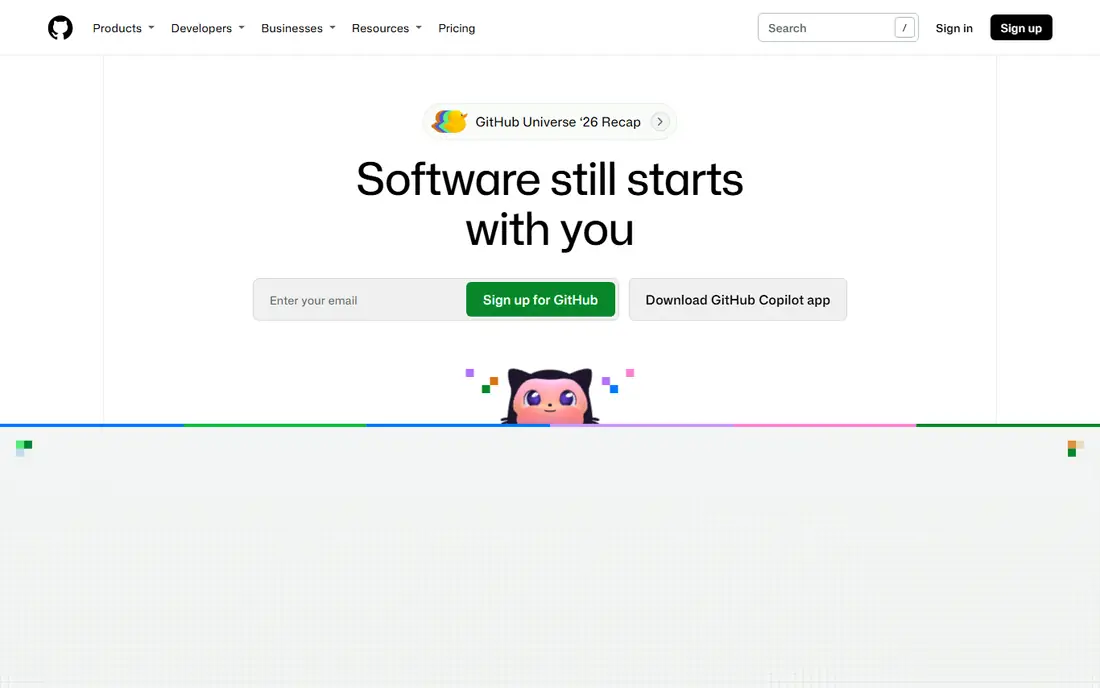
GitHub is where many teams practice version control in daily work. Every change lives in a branch, gets reviewed in a pull request, and merges only after checks pass. That habit alone prevents lost work, unclear ownership, and risky direct edits to main code. Team plans start at $4 per user per month for added controls, while free accounts cover public and private repos for small teams. The practice behind GitHub is review before release. Pull requests give reviewers context, tests, and discussion in one place, and branch rules can require approval before merging. The weakness is process drift. Without agreed rules on review size, test coverage, and merge standards, a team can use GitHub yet still ship large, unreviewed changes. Set those rules early and enforce them with branch protection.
- Widely used Git hosting and pull requests
- Built-in Actions for CI
- Large ecosystem of integrations and templates
- Advanced team features require paid plans
- Large repos need care with size and access rules
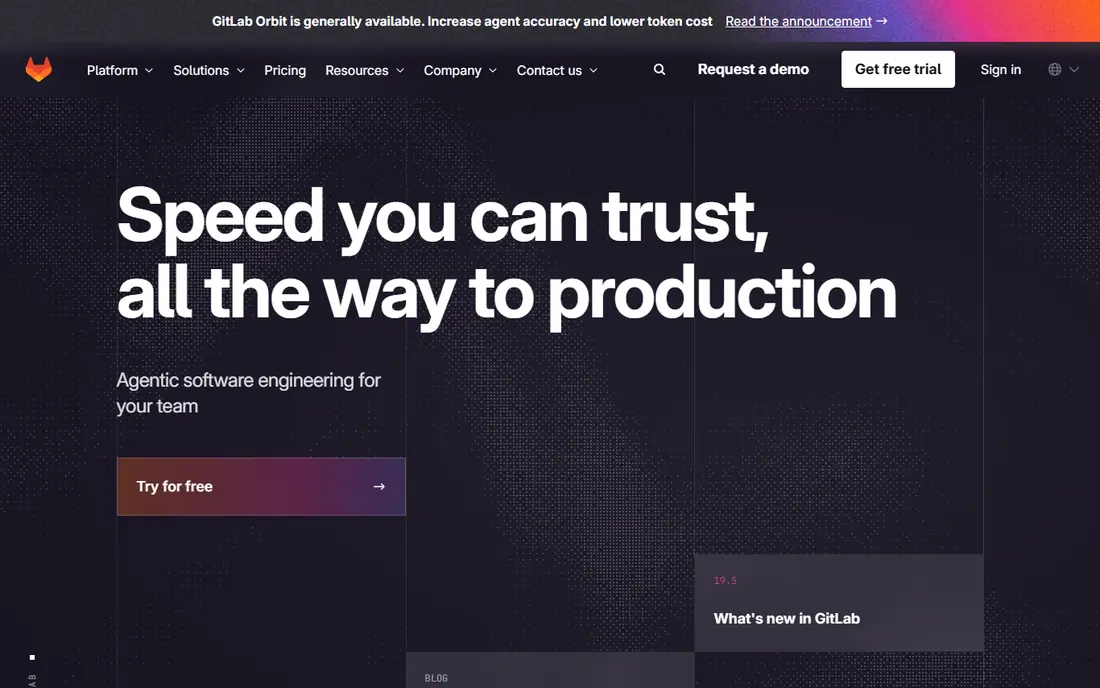
GitLab brings version control, issue tracking, CI/CD, and security scanning into one platform. That matters for the practice of shipping small, tested changes often. A developer can open a merge request, see pipeline results and scan findings, and track the related issue without switching tools. Free tiers cover core use, with paid plans adding deeper controls and analytics. The strength is fewer handoffs. When code, tests, pipelines, and reviews live together, teams spot broken builds and security findings sooner. The trade-off is scope. Small teams may not need every GitLab feature at once, and the interface can feel busy until you hide what you do not use. Start with repos, merge requests, and pipelines, then add scans and planning tools as habits settle.
- Combines repos, CI/CD, issues, and security scans
- Self-hosting option for control
- Clear pipeline view from commit to deploy
- Broad feature set can feel heavy for small teams
- Some advanced features require paid tiers
Jira supports the practice of breaking work into small, visible pieces. Teams plan sprints, track bugs and tasks on boards, and link issues to code changes and releases. That visibility helps managers spot blocked work early and helps developers focus on one well-defined task at a time. Free plans suit small teams, with paid plans adding scale and admin controls. The value comes from discipline, not the board itself. Short, clear issues with acceptance criteria make review and testing easier, while vague tickets lead to rework. Jira also helps teams keep a record of decisions and release scope, which reduces repeat questions. Teams that want a lighter tracker should compare Linear below before committing to a full Jira setup.
- Flexible boards, sprints, and backlogs
- Good reporting for team progress
- Integrates with Confluence and code tools
- Setup takes time to fit your workflow
- Can feel heavy for very small teams
SonarQube supports the practice of checking code quality on every change, not just at release time. It scans code for bugs, duplicated logic, security hotspots, and maintainability problems, then shows findings with clear explanations. Teams can set quality gates so pull requests fail when new problems cross an agreed threshold. That gate is the real benefit. It turns quality from advice into a check that runs automatically, which helps new team members learn standards fast. The weakness is noise. Default rules may flag issues a team does not care about, so spend time tuning rules and fixing the highest-value findings first. Paired with code review, SonarQube makes reviews faster because reviewers can focus on design, not style slips.
- Finds bugs, code smells, and security hotspots
- Quality gates can block risky merges
- Supports many languages
- Self-hosted setup needs maintenance
- Results need tuning to avoid noisy warnings
Jenkins supports the practice of continuous integration: merge often, build automatically, and test every change. Pipelines can run unit tests, lint checks, security scans, and deploys in the same repeatable sequence, so releases depend less on one person's local setup. As open source software, Jenkins costs no license fee, though hosting and maintenance still take time. The strength is control and flexibility. Teams can run Jenkins on their own servers, connect it to many tools, and shape pipelines to fit unusual stacks. The drawback is upkeep. Plug-ins, agents, and credentials need regular care, and a neglected Jenkins server can become a security risk. Teams that want less maintenance may prefer GitHub Actions or GitLab CI, but Jenkins remains a solid choice for self-hosted automation.
- Free and open source automation server
- Huge plug-in library
- Runs builds, tests, and deploys on your own servers
- Setup and plug-in maintenance take effort
- Interface feels older than cloud CI tools
Docker supports the practice of building once and running the same way everywhere. Developers package an app with its runtime and dependencies into a container image, then run that image on laptops, test servers, and production hosts. That reduces the classic problem where code works on one machine but fails on another. Onboarding also improves, since new developers can start a project with a few commands instead of installing a long list of tools by hand. The honest weakness is operations. Teams must keep base images updated, scan images for known flaws, and learn how volumes, networks, and secrets work. Used with CI pipelines and security scanning, Docker makes releases more predictable and easier to roll back.
- Same app runs on dev, test, and production machines
- Simplifies onboarding for new developers
- Large image and tool ecosystem
- Container security and image size need care
- Learning curve for networking and volumes
Terraform supports the practice of treating infrastructure like code. Teams write files that describe servers, networks, databases, and permissions, store those files in version control, and review changes in pull requests just like app code. That habit makes infrastructure changes visible, repeatable, and easier to undo. The benefit shows up during incidents and audits. You can see who changed a resource, when, and why, and you can rebuild an environment from code instead of manual clicks. The main risk is state management. Terraform tracks resources in a state file, and teams must store that file safely with locking to avoid conflicts. With that care in place, Terraform pairs well with CI, review, and documentation practices.
- Defines servers and services in versioned code
- Works across major cloud providers
- Changes are reviewable before applying
- State files need careful handling
- Learning curve for complex cloud setups
Snyk supports the practice of shifting security left, which means checking for flaws during development rather than after release. It scans first-party code, open source dependencies, and container images for known vulnerabilities, then suggests fixes or safer versions. Free tiers suit small projects, with paid plans adding broader coverage and reporting. The value is timing. A dependency flaw found in a pull request costs far less to fix than one found in production, and developers learn which packages to avoid. The weakness is triage. Not every finding is urgent, so teams should agree on severity thresholds and fix windows. Combined with code review and CI gates, Snyk helps teams ship with fewer known security gaps.
- Scans code, dependencies, and containers for known flaws
- Suggests fixes and upgrades
- Integrates with repos and CI pipelines
- Free tier limits apply to larger use
- Some findings need triage to separate real risk from noise
Linear supports the practice of keeping work small, current, and owned. Its fast interface makes it easy to create issues, assign owners, set cycles, and link work to pull requests. Product teams that dislike heavy admin often adopt Linear because updating issues takes seconds, so boards stay accurate instead of going stale. That accuracy matters for planning. When issues reflect real progress, teams can spot overloaded members, blocked tasks, and slipping cycles early. The trade-off is breadth. Linear focuses on product and engineering work, so teams that need complex enterprise reporting or non-software workflows may still prefer Jira. For software teams that want speed and clarity, Linear is a strong, modern tracker.
- Fast, clean interface for issues and cycles
- Good keyboard shortcuts and GitHub integration
- Helps teams keep work small and current
- Fewer enterprise reporting features than Jira
- Best suited to product and engineering teams
Confluence supports the practice of writing things down. Teams use it for product specs, architecture decisions, onboarding guides, and incident runbooks, all linked to Jira issues where useful. Good docs reduce repeat questions, help new hires start faster, and preserve reasons behind choices long after the original team moves on. The risk is neglect. A wiki without owners fills with outdated pages, which can mislead more than no docs at all. Assign owners, review key pages each quarter, and keep runbooks short and tested. When docs, code, and issues link together, Confluence turns tribal knowledge into a shared record that supports review, testing, and safe releases.
- Shared space for specs, decisions, and runbooks
- Integrates with Jira for linked work
- Templates speed up common docs
- Docs need ownership or they go stale
- Search quality depends on good page structure
How we picked these
We compared official feature pages, pricing pages, app store listings, privacy policies, and public reviews for each tool. We favored tools that directly support a named practice, such as review, testing, CI, security scanning, or planning, and that offer a free tier or open source edition for small teams. We did not claim hands-on testing.
A practical buying guide: practices first, tools second
Buy for the habit you want to improve, not for the longest feature list. A team that merges large, untested changes needs review rules, small branches, and automated tests before it needs a new dashboard. A team that ships rarely needs smaller releases and a reliable pipeline before it needs more planning software. Tools help only when the practice around them is clear.
Code review, automated tests, and CI
Keep pull requests small enough to review in one sitting, require at least one reviewer for main branches, and run tests on every change. GitHub or GitLab can enforce branch rules, while Jenkins or built-in CI can run the test suite. Add SonarQube checks for quality and Snyk checks for known flaws, but keep the pipeline fast enough that developers do not work around it.
Small releases and safe deploys
Release in small steps, use feature flags or staged rollouts where possible, and keep a rollback plan for each deploy. Docker helps by making the deployed artifact the same one that passed tests, while Terraform makes infrastructure changes reviewable and repeatable. Track each release against Jira or Linear issues so support teams know what changed and what to watch.
Security scanning and documentation
Scan code, dependencies, and containers on every pull request, fix high-severity findings within an agreed window, and record exceptions with reasons. Write runbooks for common incidents, onboarding steps, and deploy procedures in Confluence, and link them from the relevant repos and issues. Review docs and security rules regularly, since both drift as products grow.