Best Software for PDF Translation in 2026: 9 Tools Compared
By ToolNimba Editorial Team October 30, 2026 10 min read

- Top pick
 DeepL
Everyday PDF quality
Starting price$8.74 per monthCheck out DeepLRead our review - Runner-up
 Google Translate
Free quick translation
Starting priceFreeCheck out Google TranslateRead our review - Also great
 Microsoft Translator
Microsoft and enterprise use
Starting priceFreeCheck out Microsoft TranslatorRead our review
How we researched this
We compared official pricing and feature pages, app store listings, privacy policies and public user reviews. Prices change, so check the provider's site before you pay.
Key takeaways
- DeepL is the best starting point for most PDF translation, thanks to layout preservation and strong European language quality.
- Google Translate is best for quick, free document translation across many languages, though formatting can shift.
- DocTranslator suits one-off PDFs with a pay-per-document option, while Pairaphrase suits regulated team workflows.
- Scanned PDFs need OCR first, so check whether a tool handles image-based PDFs or only text-based files.
- Machine translation is not enough for legal, medical, or certified documents, where human review is still needed.
Quick comparison
| Name | Best for | Starting price | Free plan | |
|---|---|---|---|---|
| DeepL | Everyday PDF quality | $8.74 per month | Yes | Visit |
| Google Translate | Free quick translation | Free | Yes | Visit |
| Microsoft Translator | Microsoft and enterprise use | Free | Yes | Visit |
 DocTranslator | One-off PDF translation | $4.99 per month | Yes | Visit |
 Pairaphrase | Regulated team workflows | $285 per month | Free trial | Visit |
 Smartcat | Team localization | See website | Yes | Visit |
 Crowdin | Product and document localization | $50 per month | Yes | Visit |
 Translate.com | Human plus machine translation | See website | No | Visit |
 Reverso | Quick document checks | Free | Yes | Visit |
The best software for PDF translation
PDF translation is harder than translating plain text, because layout, tables, images, and fonts must survive the process. The nine tools below cover free quick translation, high-quality everyday PDFs, and team platforms for larger document sets, so you can match the tool to the document in front of you.
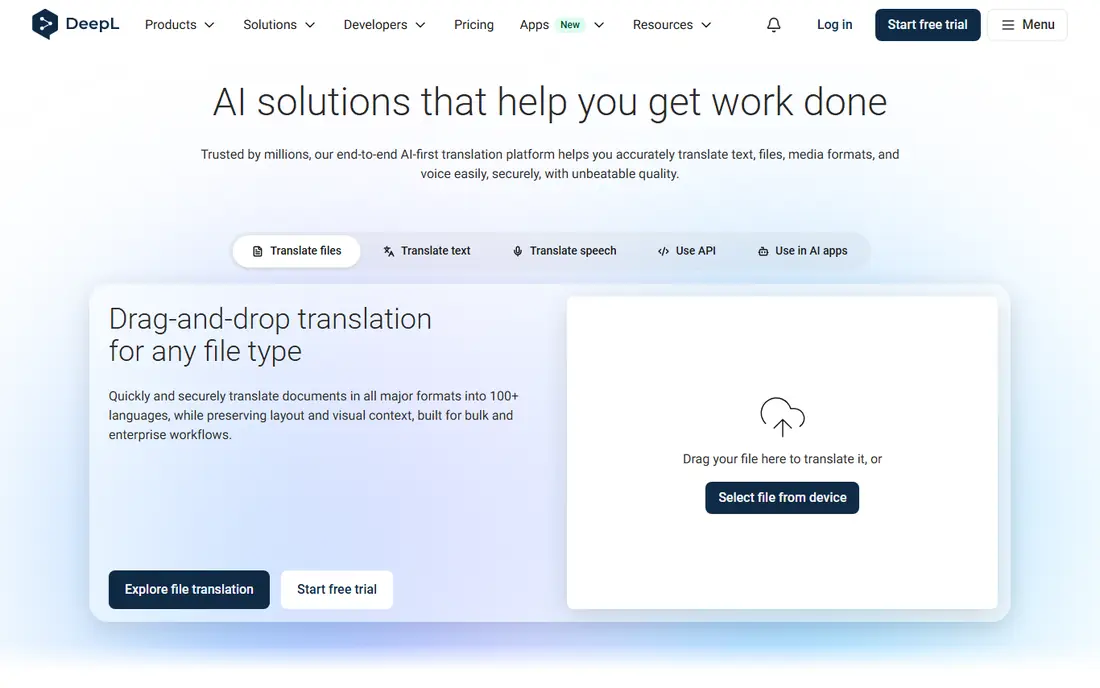
DeepL is our pick for most people translating PDFs for work or study. You upload a PDF, choose the target language, and download a translated file that keeps much of the original layout, which saves time compared with copying text into a translator and rebuilding the document. The Starter plan is listed at $8.74 per user per month, with document limits that rise on Advanced and Ultimate plans.
The limit is language coverage and volume. DeepL supports fewer languages than Google Translate, so it is weaker for less common pairs. Also check document limits before translating a large batch, since a low plan may cap how many PDFs you can process each month.
- Strong translation quality for European languages
- Preserves much PDF layout
- Glossaries help consistent terminology
- Language coverage is narrower than Google
- Document limits apply on lower plans
- Higher plans cost more for heavy use
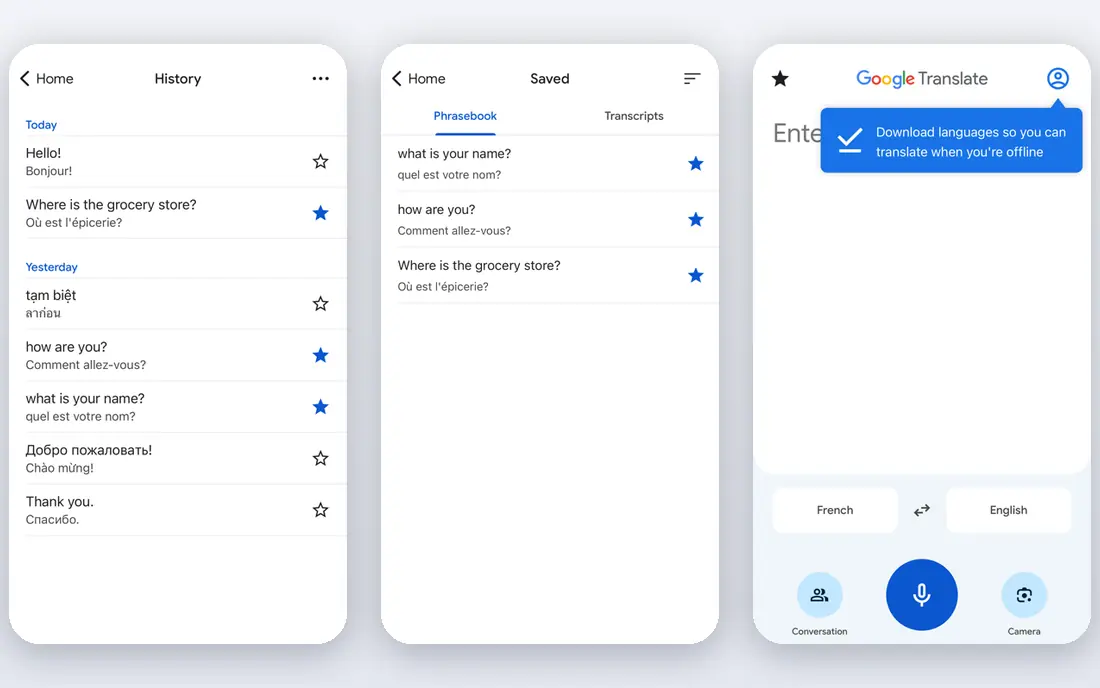
Google Translate is the fastest free option for a PDF you need to understand quickly. Its document translation lets you upload a file and download a translated version, and it supports a far wider range of languages than most rivals. For reading a foreign article, a manual, or a school document, that breadth is a real advantage.
The catch is polish. Tables, images, and complex layouts can move or break, and the result still needs proofreading before you share it. Google also offers a paid Cloud Translation API for developers, with document translation priced per page, but everyday users should start with the free web tool and check the output carefully.
- Free for everyday use
- Very broad language coverage
- Simple document upload for PDFs and other files
- Layout and tables can shift
- Quality varies by language pair
- Not suited for confidential or certified documents
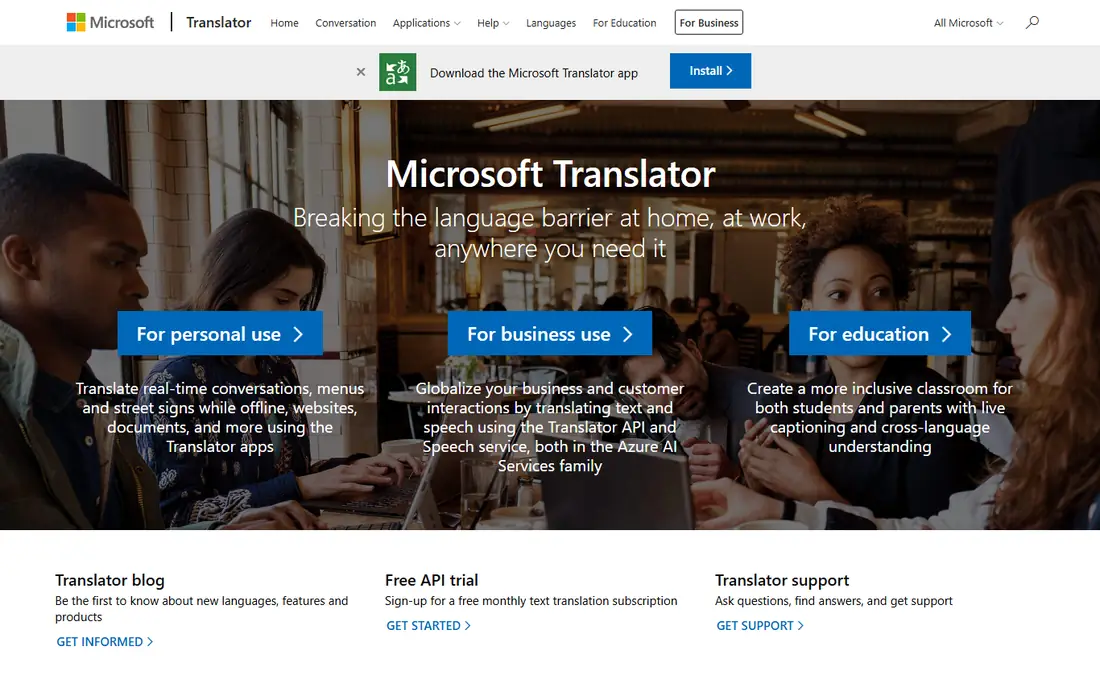
Microsoft Translator suits teams already using Microsoft products, or developers building translation into an app. Its free tier covers up to 2 million characters per month for standard translation, and paid API use starts around $10 per million characters. Document translation is available through its cloud services, with pricing that depends on model and volume.
The trade-off is ease of use. Microsoft Translator is less of a simple upload-and-download consumer tool than DeepL or Google Translate, and setting up document translation may need technical help. For a single PDF, a consumer tool is faster. For a system that translates documents every day, Microsoft's integration and pricing can win.
- Generous free tier for API use
- Strong Microsoft integration
- Custom translation for industry terms
- Document workflows are more technical than consumer tools
- Quality can lag DeepL on idiomatic text
- Setup takes more effort
DocTranslator focuses on document translation rather than general chat translation. It supports PDF, Word, PowerPoint, Excel, and other formats, and it preserves layout in many cases. Pricing includes a free pay-per-document option at $0.005 per word, with a $0.99 minimum, plus subscription plans starting with Basic at $4.99 per month.
The honest warning is to test before committing. Some public reviews report poor results on difficult files and strict refund terms, so use the free preview where available, translate a short test file first, and read the plan terms before subscribing. For a one-off PDF, the pay-per-document model can still be cheaper than a monthly plan you will not reuse.
- Supports PDF and many other formats
- Pay-per-document option
- Preview of first translated page before paying in many cases
- Public reviews include complaints about refunds and quality on some files
- Subscription terms need careful reading
- Machine output still needs review
Pairaphrase is a team tool for organizations that translate documents repeatedly, such as schools, hospitals, government offices, and companies with compliance needs. It supports document workflows, terminology consistency, and security practices aligned with standards such as HIPAA, FERPA, GDPR, and SOC 2, which matter when documents contain sensitive information.
The price rules it out for most individuals. At $285 per month for the Bronze plan billed annually, it only makes sense when a team translates often and needs control, review, and audit trails. Individuals should use DeepL or Google Translate instead, and reserve Pairaphrase for ongoing organizational work.
- Built for recurring document translation
- Terminology and workflow controls
- Compliance-focused features
- Price starts at $285 per month billed annually, which is high for individuals
- Best value is for teams, not one PDF
- Setup takes time
Smartcat is a localization platform that helps teams translate documents, websites, and product content with a mix of machine translation and human translators. You can upload files, assign reviewers, reuse translation memory, and track progress across languages, which helps when the same content updates often.
The limit for this list is simplicity. Smartcat is powerful for teams, but it is more than most people need for one PDF, and pricing depends on your workflow, so check the official site for current plans. Use it when translation is an ongoing team job, not a one-time file.
- Combines machine translation with human review
- Workflow and vendor management
- Supports many file types
- Pricing is not simple for a single PDF
- Platform is built for teams
- Learning curve for new users
Crowdin helps teams localize software, help centers, marketing content, and documents across languages. It combines machine translation engines, translation memory, glossaries, and human review in one project workspace, which keeps terminology consistent as content changes. Paid plans start at $50 per month, with a free tier for smaller projects.
For a single PDF, Crowdin is overkill. For a company that updates manuals, help articles, and product text every week, its project structure saves repeated work. Individuals should start with DeepL or Google Translate, and consider Crowdin only when translation becomes a regular project.
- Strong localization workflows
- Machine translation plus human review
- Integrations with common development tools
- Paid plans start at $50 per month
- Platform is built for projects, not single files
- Setup takes time for small teams
Translate.com suits documents where quality matters more than speed alone. It offers machine translation for quick drafts and human translation services for professional, legal, and business documents, including PDF files. That mix helps when a machine draft is not enough for a client, a court, or a publication.
The catch is pricing and time. Human translation costs more and takes longer than machine translation, and many services are priced by quote rather than a simple monthly plan. Use machine translation for internal understanding, and order human translation when accuracy, certification, or publication quality is required.
- Offers both machine and human translation
- Handles PDF, Word, Excel, and PowerPoint
- Useful for professional documents
- Pricing is quote-based for many services
- Turnaround depends on human review
- Machine-only output still needs checking
Reverso is a useful second opinion for PDF translation. It offers free text and document translation, plus context examples that show how a phrase is used in real sentences. That context helps when a word has several meanings and a direct translation looks wrong.
The limit is scale. Reverso is better for checking a section or translating a shorter document than for processing a large, layout-heavy PDF every day. Use it alongside DeepL or Google Translate to compare tricky passages, and keep DeepL as the main tool for longer PDFs.
- Free for basic use
- Helpful context examples
- Document translation for common formats
- PDF features are thinner than DeepL for large files
- Quality varies by language pair
- Advanced features need a paid plan
How we picked these
We compared official feature pages, pricing pages, supported file formats, layout handling, language coverage, and public reviews for tools that translate PDF files or document workflows that include PDFs. We favored tools available in the United States, with a clear free or low-cost entry point where offered, and a distinct use case. We did not claim hands-on testing we did not do, and prices reflect published list prices checked in October 2026.
How to get a clean PDF translation
Start by checking whether your PDF has a text layer. Text-based PDFs translate well in most tools, while scanned PDFs are images and need optical character recognition first. If a tool fails on a scanned file, run OCR or use a scanned-PDF option before translating, and check tables and numbers after, since those break most often.
Review before you share
Machine translation is a draft, not a final document. Read the translated PDF for numbers, names, dates, and headings, since those errors are easy to miss and costly to share. For legal, medical, financial, or certified documents, add human review, and order a certified human translation when an authority requires it.
Protect sensitive documents
Do not upload confidential contracts, medical records, or personal data to a free translator without checking its privacy policy and data retention terms. Paid business plans often offer stronger controls, and some tools let you exclude data from training. When in doubt, redact sensitive details before translating, or use a vendor with a signed data agreement.