Best Stargazing App in 2026: 9 Apps Compared
By ToolNimba Editorial Team October 30, 2026 8 min read

- Top pick
 Stellarium
Realistic free planetarium sky
Starting priceFreeCheck out StellariumRead our review - Runner-up
 Star Walk 2
Beginners and families
Starting priceFreeCheck out Star Walk 2Read our review - Also great
 SkySafari
Telescope owners and serious observers
Starting price$6.99 one-timeCheck out SkySafariRead our review
How we researched this
We compared official pricing and feature pages, app store listings, privacy policies and public user reviews. Prices change, so check the provider's site before you pay.
Key takeaways
- Stellarium is our pick for most people, with a realistic sky, deep catalogs, and a free version that covers the essentials.
- Star Walk 2 is the best choice for beginners and families, thanks to a clean interface and clear object descriptions.
- SkySafari is the strongest tool for telescope owners, with telescope control and detailed observing lists.
- Night Sky and Sky Tonight are good free options for casual sky watchers who want a quick answer to what that bright object is.
- A red night mode matters more than most features, since it protects your dark adaptation while you observe.
Quick comparison
| Name | Best for | Starting price | Free plan | |
|---|---|---|---|---|
| Stellarium | Realistic free planetarium sky | Free | Yes | Visit |
| Star Walk 2 | Beginners and families | Free | Yes | Visit |
| SkySafari | Telescope owners and serious observers | $6.99 one-time | No | Visit |
 Sky Tonight | Clean augmented reality sky view | Free | Yes | Visit |
 Night Sky | Quick identification for iPhone users | Free | Yes | Visit |
 Sky Guide | Guided tours of the night sky | Free | Yes | Visit |
 Heavens-Above | Satellite passes and ISS tracking | Free | Yes | Visit |
 Star Chart | Simple free sky map | Free | Yes | Visit |
 Solar System Scope | Exploring the solar system in 3D | $9.80 one-time | Yes | Visit |
The best stargazing apps
A good stargazing app turns your phone into a map of the sky: point it upward and it names the stars, planets, and constellations overhead. The nine apps below range from free planetariums to serious telescope tools, and we compared sky accuracy, ease of use, and price.
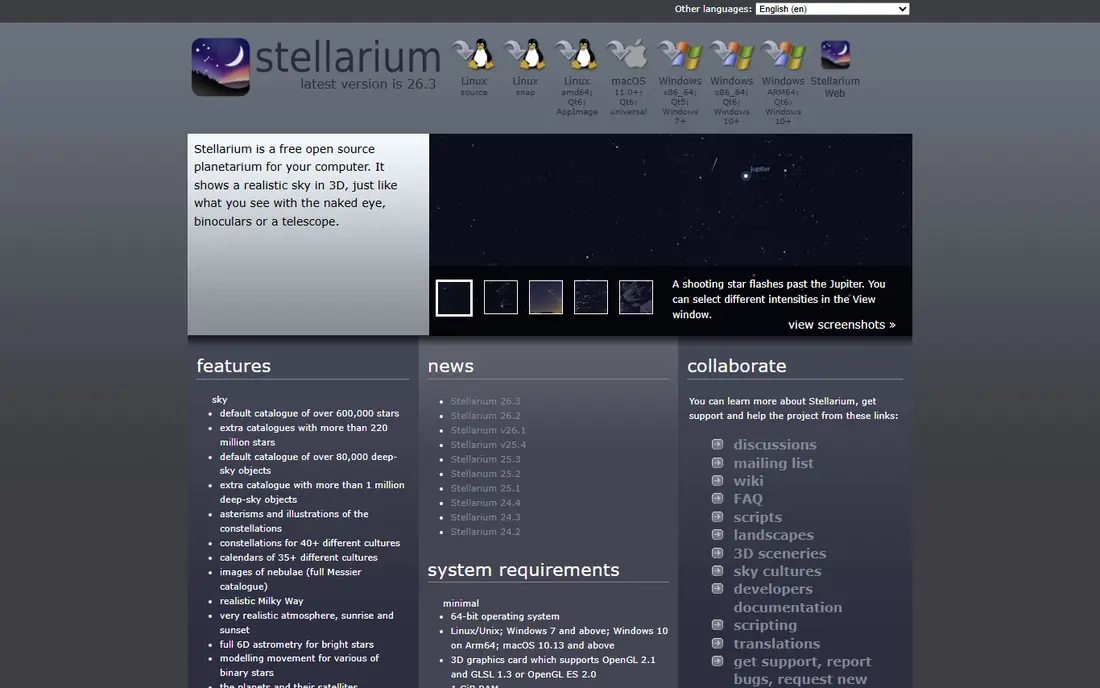
Stellarium is the open source planetarium that serious amateurs have trusted for years, and its mobile app brings that same realistic sky to your phone. Stars glow with realistic colors and brightness, the Milky Way is drawn from survey data, and constellation artwork is among the best available. A free web version also runs in any browser for planning at your desk.
The mobile app's depth is both its strength and its learning curve: there are many layers, catalogs, and settings to explore, and beginners may prefer something simpler at first. A Plus upgrade removes ads and adds features, but the free version already does what most stargazers need. For depth, beauty, and price, Stellarium is our pick for most people.
- Photorealistic sky rendering
- Huge star catalogs
- Open source and privacy friendly
- Mobile interface takes some learning
- Plus features cost extra
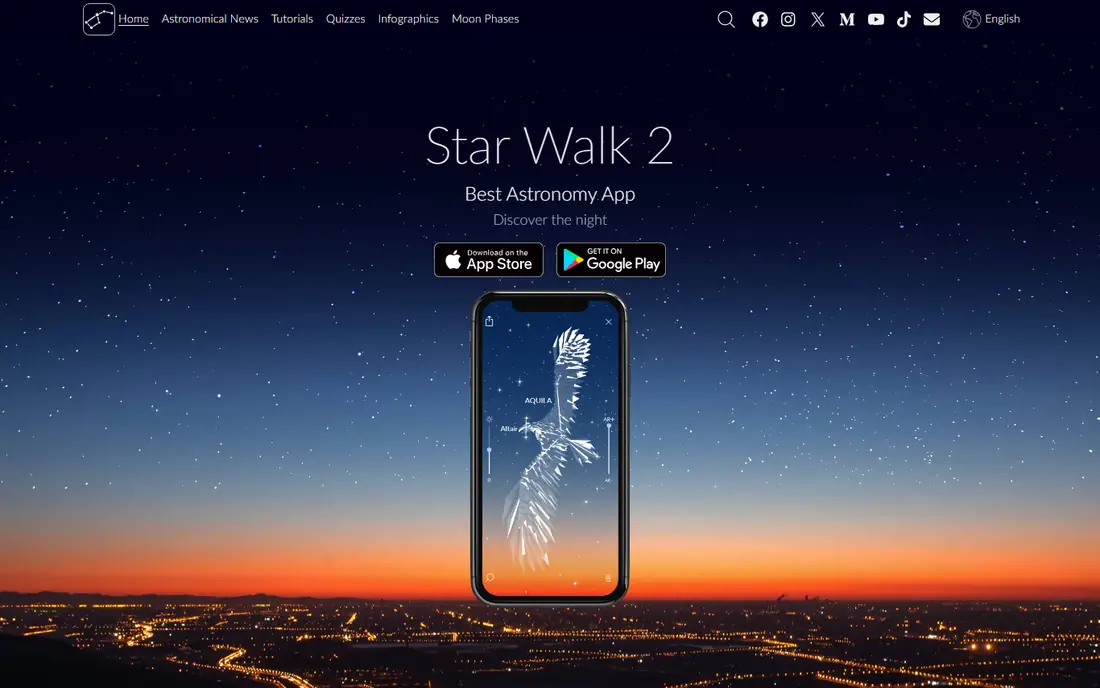
Star Walk 2 is the app we hand to someone looking at the sky for the first time. Point your phone upward and tap any bright object for a clear, well-written explanation with attractive imagery. The interface stays out of the way, which matters when you are outside in the dark with children asking questions.
The free version is restricted, and the full version costs a few dollars, but that one-time style purchase is reasonable for what you get. Serious observers will miss SkySafari's planning depth, but for casual nights and family stargazing, Star Walk 2 is the friendliest app here.
- Clean, approachable interface
- Clear object descriptions
- Good for children
- Free version is limited
- Lacks deep telescope planning tools
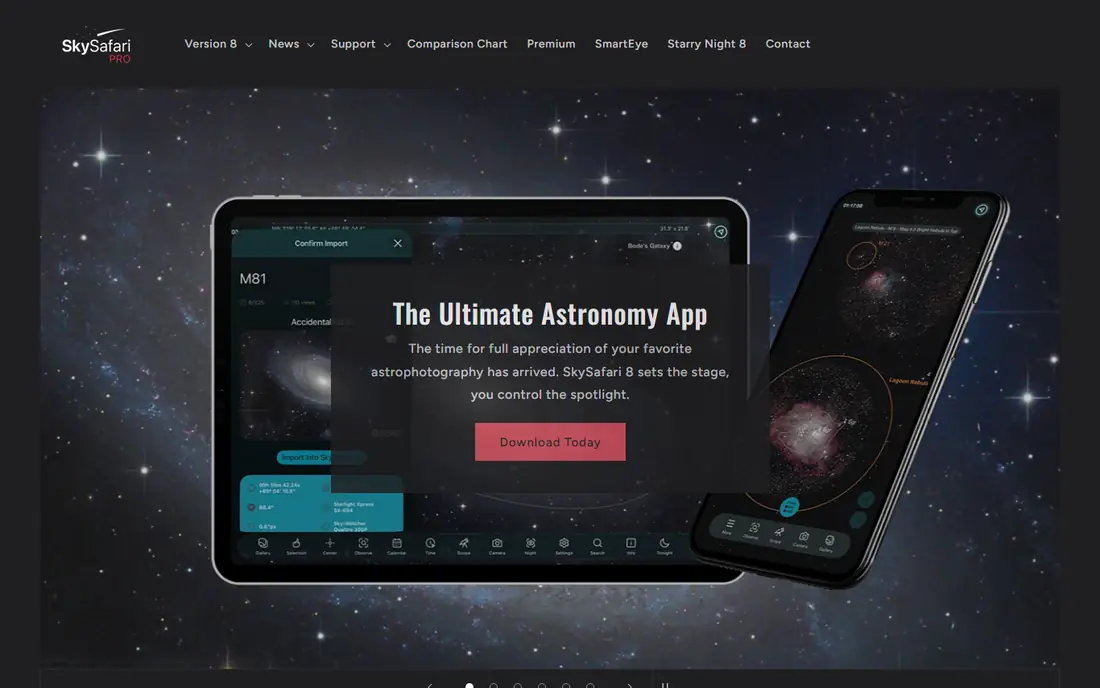
SkySafari is the tool for observers who own a telescope or plan sessions in advance. It controls many GoTo telescopes over Wi-Fi, holds a vast database of stars and deep-sky objects, and lets you build observing lists for the night. Its simulation is accurate enough for planning what will be visible, when, and where.
There is no free version, and the interface assumes some astronomy knowledge, so beginners may feel lost. But for anyone moving from casual looking to planned observing, SkySafari is the standard recommendation, and its one-time price is modest for the depth it offers.
- Telescope control
- Huge object database
- Detailed observing lists and planning
- No free version
- Interface can overwhelm beginners
Sky Tonight focuses on doing one thing smoothly: showing you what is overhead right now. Its augmented reality view is fast and readable, labels stay clear even in a busy patch of sky, and identifying a planet takes seconds. It is a good middle ground between a simple identifier and a full planetarium.
It does not match Stellarium's catalog depth or SkySafari's planning tools, and some extras sit behind a subscription. For the common question of what that bright object is, though, Sky Tonight answers quickly and without fuss.
- Fast AR view
- Clear labels
- Works well for quick identification
- Fewer deep catalogs than Stellarium
- Some features need a subscription
Night Sky is the polished iOS option, with an attractive AR view and handy alerts for events like ISS passes and meteor showers. It identifies stars, planets, and satellites quickly, and Apple Watch support lets you check the sky without pulling out your phone. For iPhone owners who want a beautiful, low-effort app, it is a strong pick.
The catch is platform: Night Sky is Apple only, so Android users should look elsewhere. Its premium tier also gates some features behind a subscription. Within the Apple world, though, it is one of the most refined stargazing apps available.
- Polished AR view
- Notifications for visible events
- Apple Watch support
- IPhone and iPad only
- Premium features need a subscription
Sky Guide stands out for its tours, which walk you through constellations and events with clear narration-style text and visuals. That guided approach helps beginners learn the sky rather than just label it, and its design is among the cleanest here. It is a good choice for a relaxing evening of learning the stars.
It leans toward iOS and lacks the telescope control and deep catalogs of SkySafari. But if your goal is to learn the sky at your own pace, Sky Guide's tours make it more enjoyable than a bare star map.
- Excellent guided tours
- Clean design
- Good for learning constellations
- IOS focused
- Fewer advanced planning features
Heavens-Above is the specialist for things that move: the International Space Station, bright satellites, and rocket bodies. Its predictions for visible passes are accurate and detailed, with sky charts showing exactly where to look and when. A free app and website cover the essentials without cost.
Its design is plain, and it is not the app for learning constellations or browsing the deep sky. But for the specific thrill of watching the ISS cross overhead, nothing here beats it. Pair it with Stellarium and you cover both the fixed sky and the moving traffic above it.
- Accurate satellite predictions
- ISS and Iridium flare data
- Free
- Utilitarian design
- Not a general planetarium
Star Chart is one of the older stargazing apps, and its appeal is simplicity. Point your device at the sky and it labels stars, planets, and constellations without menus to learn. It runs on a wide range of devices and costs nothing for the core experience.
Its design feels dated next to Star Walk 2 or Night Sky, and it lacks guided tours and telescope features. But if you want a free, no-fuss sky map that just works, Star Chart still does the job.
- Free and easy to use
- Works on many devices
- Quick identification
- Dated design
- Fewer features than newer apps
Solar System Scope is less a night-sky identifier and more a model of the solar system you can spin, zoom, and explore. It shows planet positions, orbits, and moons in 3D, which makes it excellent for understanding why planets appear where they do. A browser version means you can explore on a computer as well as a phone.
For pointing at the real sky, Stellarium or Star Walk 2 serve better, since Solar System Scope focuses on the model rather than live AR. But for learning how the solar system fits together, especially with children, its 3D view is the most engaging option here.
- Beautiful 3D solar system model
- Good for learning planet positions
- Works in a browser too
- Less useful for real-time sky identification
- One-time purchase for full features
How we picked these
We compared official app store listings, feature pages, and pricing for the leading astronomy apps, and we checked that each app is actively maintained in 2026. We favored accurate sky data, a usable night mode, and a range of prices including genuinely free options. We did not claim hands-on testing; our comparison rests on published specifications, pricing, and public user reviews.
How to get the most from a stargazing app
Calibrate your compass before you head out, with a figure-eight motion of the phone, since a misaligned compass is the most common reason the sky map looks wrong. Turn on the app's red night mode and give your eyes twenty minutes in the dark; that alone reveals far more stars than any feature upgrade.
Pick your night too. A new moon and dark skies matter more than the app you choose, so check the moon phase and get away from streetlights when you can. Finally, start with one or two constellations rather than trying to learn the whole sky at once. A good app makes the sky readable, but patience makes it memorable.