Best Tools for Digital Marketing in 2026: 10 Tools Compared
By ToolNimba Editorial Team October 30, 2026 12 min read

- Top pick
 HubSpot
All-in-one CRM and marketing for growing teams
Starting price$20 per seat per monthCheck out HubSpotRead our review - Runner-up
 Mailchimp
Email marketing for small teams starting out
Starting price$13 per monthCheck out MailchimpRead our review - Also great
 ActiveCampaign
Email automation with a built-in CRM feel
Starting price$15 per monthCheck out ActiveCampaignRead our review
How we researched this
We compared official pricing and feature pages, app store listings, privacy policies and public user reviews. Prices change, so check the provider's site before you pay.
Key takeaways
- No single tool covers all of digital marketing well, so most teams need one tool per job: SEO, email, social, analytics, and automation.
- Free starting points are strong in this group, with Google Analytics, Canva, Buffer, Mailchimp, and Zapier all offering free plans.
- Semrush at 139 dollars per month and Ahrefs at 29 dollars per month for Starter serve different SEO needs, so pick by whether you need breadth or backlink depth.
- Mailchimp at 13 dollars per month and ActiveCampaign at 15 dollars per month are close on entry price, but ActiveCampaign leans further into automation.
- Check plan limits for contacts, keywords, and sends, because the cheapest tier often caps the exact metric your team will grow first.
Quick comparison
| Name | Best for | Starting price | Free plan | |
|---|---|---|---|---|
| HubSpot | All-in-one CRM and marketing for growing teams | $20 per seat per month | Yes | Visit |
| Mailchimp | Email marketing for small teams starting out | $13 per month | Yes | Visit |
| ActiveCampaign | Email automation with a built-in CRM feel | $15 per month | Free trial (14 days) | Visit |
 Semrush | All-in-one SEO and content research | $139 per month | Yes | Visit |
 Ahrefs | Backlink research and keyword data | $29 per month | No | Visit |
 Canva | Fast social and ad design without a designer | Free | Yes | Visit |
 Buffer | Simple social scheduling for small teams | $6 per month | Yes | Visit |
 Sprout Social | Social management and reporting for larger teams | $199 per month | No | Visit |
 Google Analytics | Free website analytics for any site | Free | Yes | Visit |
 Zapier | Automation between marketing apps | $29.99 per month | Yes | Visit |
The best tools for digital marketing
Digital marketing splits into jobs that need different tools. Search brings traffic, email keeps customers, social builds reach, analytics shows what worked, and automation ties the pieces together. The tools below are the strongest picks we found for each job, with prices you can check on the vendor site.
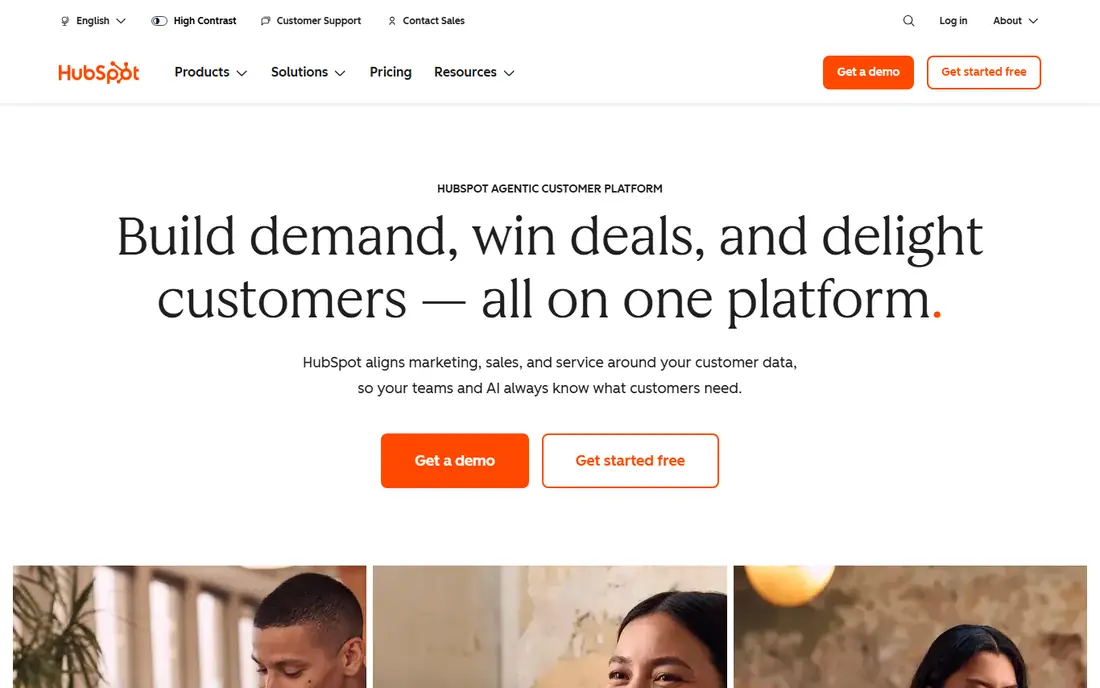
HubSpot is the closest thing in this list to a single marketing home. A contact who fills in a form can enter a workflow, receive emails, and appear in a deal pipeline without exporting lists between tools.
The free tools are genuinely useful for a small team, and Starter at 20 dollars per seat per month adds paid features for a modest fee. Costs rise as seats and contacts grow, and advanced automation sits on higher tiers. If you already want a CRM at the center of marketing, HubSpot is a strong base. If you only need email, a lighter tool will cost less.
- Free CRM and marketing tools to start
- Email, landing pages, and forms in one place
- Contacts, deals, and campaigns share one record
- Paid tiers add up per seat
- Fuller marketing automation needs higher plans
- Best value only if you use the CRM daily
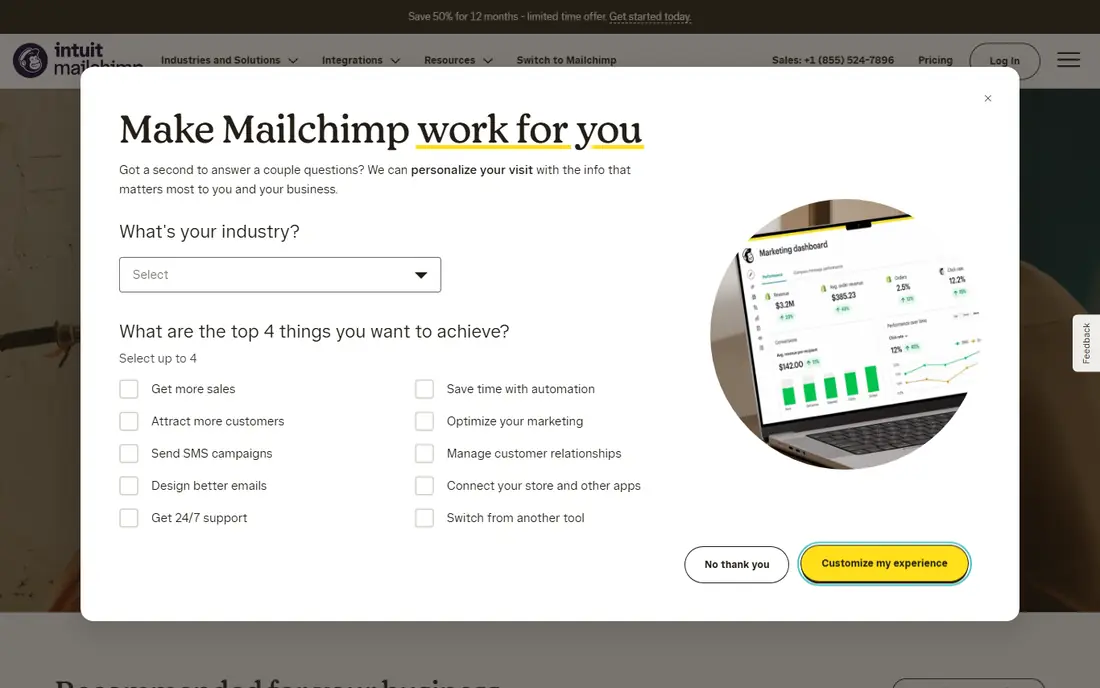
Mailchimp remains the easiest email tool for a team sending its first newsletters. You can build a campaign from a template, add a signup form to a site, and set up a simple welcome flow without training.
The limit to watch is contacts. Mailchimp prices by audience size, so a list that grows fast will push you into higher tiers sooner than a send-based tool might. For a small business that needs reliable email, forms, and basic automation, Mailchimp is a safe, familiar pick.
- Free plan for a small list
- Easy email builder and templates
- Large integration library for stores and sites
- Free plan sends a limited number of emails per month
- Price rises with contacts
- Advanced automation needs higher tiers
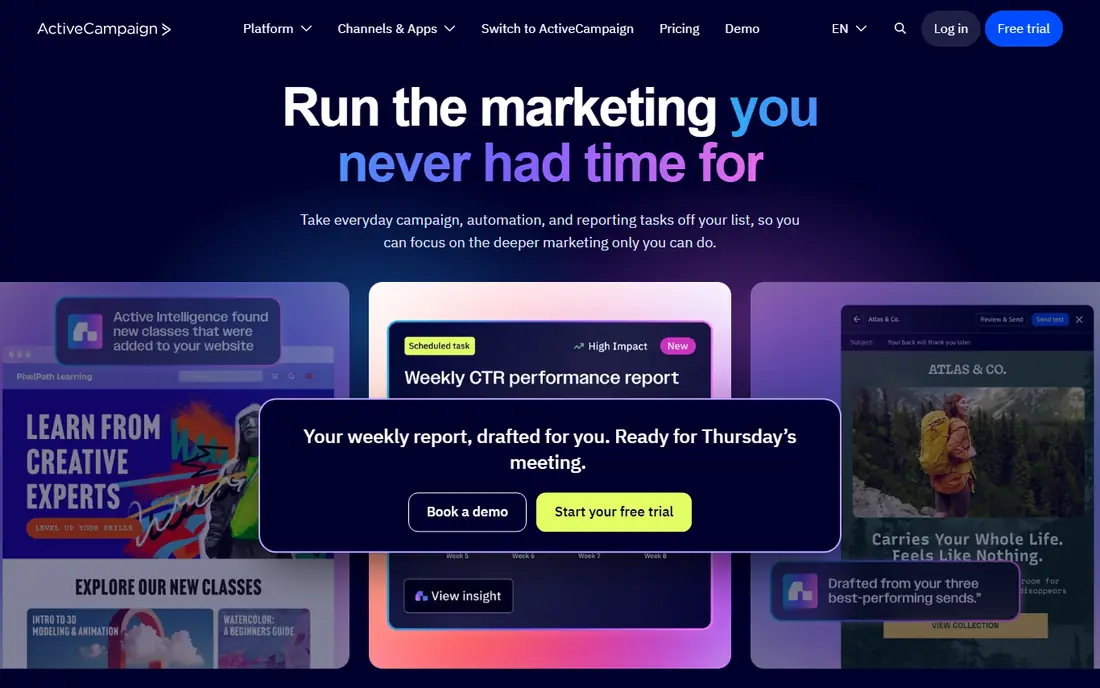
ActiveCampaign suits a team that has outgrown simple newsletters. Its automation builder handles branching paths, tags, and behavior triggers, so a subscriber who clicks a link, visits a page, or buys a product can enter a different sequence without manual work. Starter at 15 dollars per month gives a small team access to that automation at a moderate price.
If email automation drives a large share of your revenue, that effort pays off. If you send one newsletter a month, a simpler tool is enough.
- Deep visual automation builder
- Predictive sending and branching logic
- CRM features for tracking deals alongside email
- No permanent free plan
- Learning curve is steeper than Mailchimp
- Price varies with contacts and features
Semrush is the broadest SEO tool in this guide. One subscription covers keyword research, site audits, backlink checks, competitor gaps, and content ideas, which suits a team that runs SEO and content together. The SEO plan at 139 dollars per month, or a lower monthly equivalent on annual billing in recent checks, covers five websites and 500 tracked keywords in recent listings.
Breadth has a price. A solo blogger with one site may not use half the suite, and the tracked keyword limit can bind a team with many pages.
- Keyword research, site audits, and competitor data in one suite
- Daily rank tracking for a set of keywords
- Content tools and newer AI visibility features on higher plans
- Entry price is high for a solo site
- Limits on projects and tracked keywords
- Fuller AI visibility tools need higher tiers
Ahrefs is the pick for link building and keyword difficulty research. Its backlink data helps you see who links to competitors, which pages earn links, and where a realistic link opportunity sits. Starter at 29 dollars per month gives a solo marketer a low-cost entry, while Lite at 129 dollars per month adds more credits and users.
Credits are the catch. Each report on Lite-class plans draws from a monthly credit pool, so heavy research can push you toward Standard at 249 dollars per month. Ahrefs Webmaster Tools is free for verified sites you own, and it covers site audits and basic backlink checks for those domains. Use that free tier to test the interface before you pay.
- Deep backlink index and link research tools
- Starter at 29 dollars per month for basic research
- Free Webmaster Tools for sites you own
- No free trial in 2026 in recent reports
- Report credits limit research on lower plans
- Full competitor research needs Lite or higher
Canva solves the daily design bottleneck for small marketing teams. A non-designer can make a social post, an ad variant, a presentation slide, and an email header from templates in minutes, then resize the same design for each channel. The free plan covers most of that work, which is why Canva is a default tool for small businesses.
The risk is sameness. Templates are popular, so a design straight from the library can look like many other posts. For speed and volume, Canva is still the best value design tool in this list.
- Free plan with a large template library
- Easy resizing for social, ads, and email
- Brand kit and team tools on Pro
- Template-heavy output can look generic without custom work
- Advanced brand and approval tools need Pro
- Not a full photo editor
Buffer is the simple social scheduler. You connect your accounts, queue posts, and keep a steady publishing rhythm without a complex dashboard. The free plan suits a solo creator or a small business posting a few times a week, and paid plans from 6 dollars per month add more channels and scheduling capacity in recent listings.
Larger social teams will want more. Sprout Social and Hootsuite offer deeper reporting, inbox management, and approval flows, but at a much higher price. If your main need is consistent posting across a few accounts, Buffer does that job well and stays out of the way.
- Free plan for basic scheduling
- Clean calendar and queue for planned posts
- Low entry price for paid plans
- Analytics and engagement depth are lighter than enterprise social suites
- Channel limits depend on plan
- Team approval tools need higher tiers
Sprout Social fits a team that treats social as a serious channel with multiple people, clients, or brands. Publishing, replies, and reporting sit in one place, and managers can approve posts before they go live. That control matters when several people post under one brand and mistakes carry a real cost.
The entry price at 199 dollars per month for Standard puts it out of reach for many small businesses, and that is the honest limit. A solo creator or a tiny team should start with Buffer and move to Sprout only when inbox volume, reporting needs, or team approvals justify the fee.
- Unified social inbox, publishing, and reporting
- Approval workflows for teams
- Strong analytics for campaigns and competitors
- High entry price for a small team
- No permanent free plan
- Some features need higher tiers or add-ons
Google Analytics is the baseline analytics tool for almost every site, because it is free and because most guides, agencies, and ad platforms assume you have it. You can see where visitors come from, which pages they read, and which actions they take, then connect that data to ad spend and search performance.
Setup is where teams stumble. Events, conversions, and consent settings need thought, or the reports will mislead you. Pair Analytics with Google Search Console, which is also free and shows the real search queries and clicks for your own site. Together they give you the traffic truth that no paid SEO tool can replace.
- Free for most sites
- Shows traffic sources, pages, and conversions
- Integrates with Google Ads and Search Console
- Learning curve for reports and events
- Privacy and consent setup needs care
- Sampled or modeled data can confuse beginners
Zapier is the glue between the other tools in this guide. A new form entry can add a contact to Mailchimp, a new sale can post to a Slack channel, and a new lead can create a HubSpot record, all without code. The free plan covers simple two-step automations, which is enough to test whether automation saves your team real time.
Task limits are the cost driver. Each automation step counts as a task, so a high-volume workflow can use a monthly allowance fast. For most small teams, that focused approach keeps Zapier cheap and useful.
- Free plan for simple automations
- Connects thousands of apps without code
- Multi-step workflows and filters on paid plans
- Paid plans start at 29.99 dollars per month in recent listings
- Task limits cap heavy automation
- Complex logic can need a more technical tool
How we picked these
We compared official feature and pricing pages, plus dated October 2026 roundups that recorded entry prices and free plans. We kept only tools that are live, widely used, and fit a clear marketing job, from SEO and email to social, analytics, and automation. Where prices varied by billing period, we used the monthly figure shown on the vendor page and noted annual equivalents where recent checks gave them. Prices change, so check the vendor pricing page before you buy, and check plan limits for contacts, keywords, sends, and tasks.
How to build a small marketing stack without waste
Start with the free layer. Google Analytics and Search Console give you measurement at no cost, Canva covers design, and Buffer covers basic social scheduling. Add Mailchimp or ActiveCampaign only when email becomes a regular channel, and add Semrush or Ahrefs only when search becomes a planned effort rather than an occasional check.
Pick one tool per job, then connect them
Overlap is where budgets leak. Two email tools, two social schedulers, or two SEO suites rarely double results. Pick the best tool for each job, connect them with native integrations or Zapier, and review the stack every quarter.
Price the limit you will hit first
Email tools price by contacts, SEO tools by tracked keywords and projects, social tools by channels and users, and Zapier by tasks. Estimate each limit for six months from now, not today. A tool that looks cheap at your current size can become costly just as growth arrives.
Test with a real campaign, not a demo
Run one real campaign through a new tool before you commit for a year. Send to a real list, publish to real accounts, and track a real conversion. A demo can hide limits on sends, seats, or reporting that only show up under real volume.
Sources
- https://www.hubspot.com/pricing/marketing
- https://mailchimp.com/pricing/
- https://www.activecampaign.com/pricing/
- https://www.semrush.com/pricing/
- https://ahrefs.com/pricing/
- https://www.canva.com/pricing/
- https://buffer.com/pricing/
- https://sproutsocial.com/pricing/
- https://analytics.google.com/
- https://zapier.com/pricing/