Best Tools for Prototyping in 2026: 10 Tools Compared
By ToolNimba Editorial Team October 30, 2026 10 min read

- Top pick
 Figma
Team design and prototyping
Starting priceFreeCheck out FigmaRead our review - Runner-up
 Framer
Interactive website prototypes
Starting priceFreeCheck out FramerRead our review - Also great
 ProtoPie
Complex mobile interactions
Starting priceSee websiteCheck out ProtoPieRead our review
How we researched this
We compared official pricing and feature pages, app store listings, privacy policies and public user reviews. Prices change, so check the provider's site before you pay.
Key takeaways
- Figma is the safest default for most product teams, since design, prototyping, and developer handoff live in one shared workspace.
- Framer and Webflow suit website prototypes that should become live sites, while ProtoPie and Axure RP suit complex interactions and logic.
- Penpot, Figma, and Justinmind offer real free starting points, but file limits and export terms differ, so check them before a team project.
- The best prototype is the simplest one that answers your question, so start low fidelity and add interaction only where a test needs it.
Quick comparison
| Name | Best for | Starting price | Free plan | |
|---|---|---|---|---|
| Figma | Team design and prototyping | Free | Yes | Visit |
| Framer | Interactive website prototypes | Free | Yes | Visit |
| ProtoPie | Complex mobile interactions | See website | Free trial | Visit |
 Axure RP | Logic-heavy enterprise prototypes | See website | Free trial | Visit |
 Sketch | Mac-based UI design | See website | Free trial | Visit |
 Penpot | Open source design and prototyping | Free | Yes | Visit |
 Balsamiq | Fast low-fidelity wireframes | See website | Free trial | Visit |
 Justinmind | Realistic web and mobile prototypes | Free | Yes | Visit |
 Marvel | Quick shareable prototypes | Free | Yes | Visit |
 Webflow | Website prototypes that ship | Free | Yes | Visit |
The best tools for prototyping
These tools cover the full range from rough wireframes to interactive prototypes that feel like real apps, so pick by fidelity, platform, and team size.
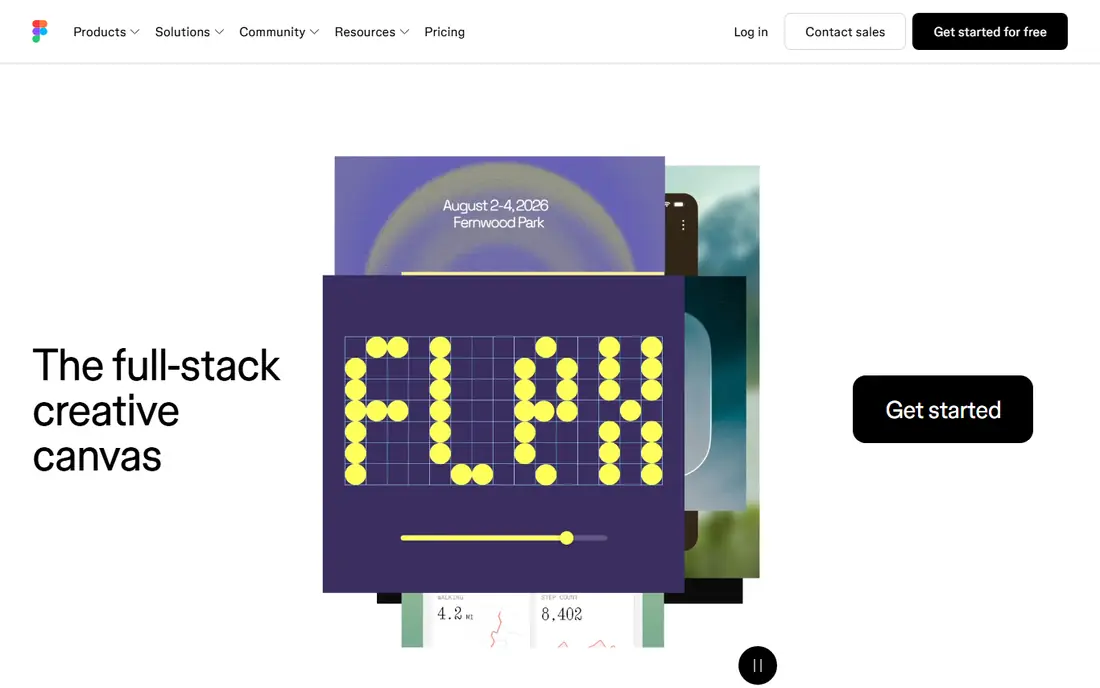
Figma is the default answer for a reason. Teams design screens, link them into clickable flows, and share a prototype link that stakeholders can open without an install. Components and variables keep repeated screens consistent, and developer mode gives engineers specs, assets, and code snippets in the same file.
The free plan is enough for a solo project or a small test, but teams hit file limits and version history limits sooner than they expect. For most product work, Figma still offers the best balance of speed, sharing, and handoff.
- Real-time collaboration in the browser
- Components and design systems
- Developer handoff with specs and assets
- Free plan limits active design files
- Large files can slow down on weak machines
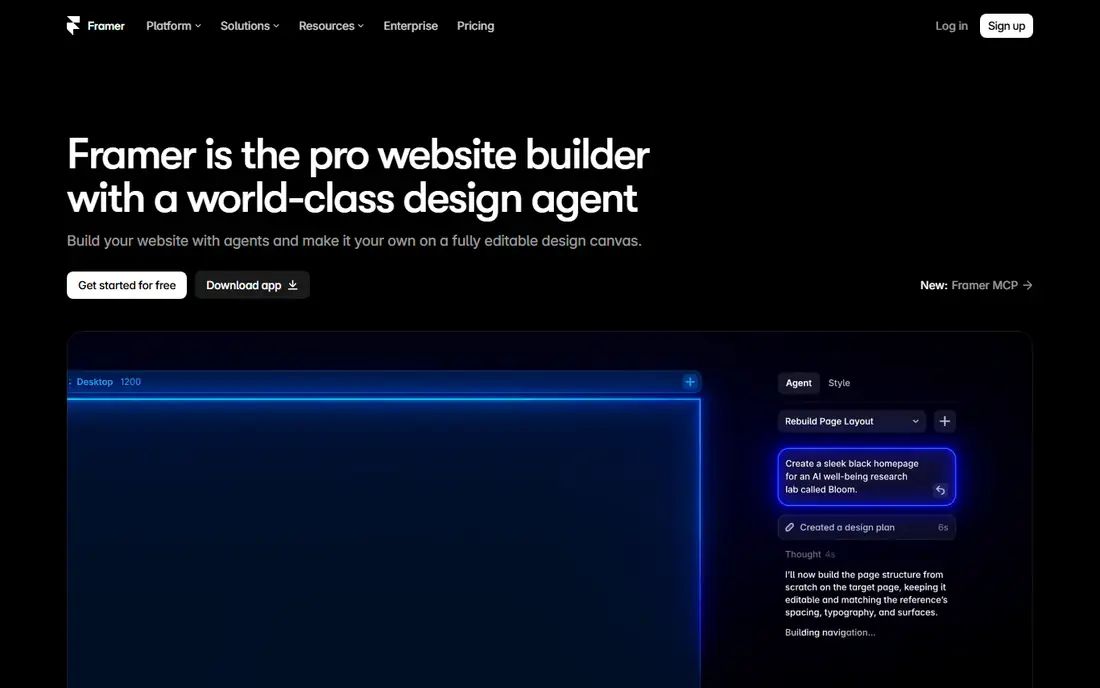
Framer closes the gap between a prototype and a live marketing site. You design pages, add interactions and animations, and publish to a shareable link or a custom domain. That makes it ideal for landing pages, startup sites, and product marketing flows that need to feel real in a demo.
Native mobile app prototypes are less natural here, since Framer centers on the web. For website prototyping, though, the ability to test a flow in a real browser, on a real phone, gives feedback that a static mockup cannot match.
- Publish prototypes as live websites
- Strong animation tools
- AI-assisted site generation
- Best for web, not native mobile apps
- Paid plans needed for custom domains and larger sites
ProtoPie is the tool to reach for when a standard click-through prototype feels too flat. It supports sensors, device inputs, conditional logic, and multi-device interactions, so you can test a smartwatch flow, a car screen, or a phone app with gestures that feel close to the real thing. Prototypes run on real devices, which helps usability tests feel honest.
The trade is cost and complexity. Casual wireframing is faster elsewhere, and full access needs a paid plan. When interaction quality is the question you need to answer, ProtoPie earns its place.
- Sensor and device interactions without code
- Realistic gestures and animations
- Test on real devices
- Paid pricing for full use
- Learning curve for advanced logic
Axure RP suits enterprise teams that need a prototype to behave like a system, not just look like one. You can build conditional flows, form validation, data tables, and dynamic panels that respond to user input. Documentation tools let teams attach specs to the same prototype that stakeholders test.
Newer designers may find the interface less polished than Figma or Framer, and the tool shines most when logic matters more than visual polish. For regulated products and complex internal tools, that logic depth is a real advantage.
- Conditional logic, variables, and dynamic panels
- Detailed documentation and specs
- Repeaters for data-driven lists
- Interface feels dated next to Figma
- Paid license needed after trial
Sketch remains a strong choice for Mac-based design teams. Its vector editor is clean and fast, symbols and libraries keep UI systems consistent, and a large plugin ecosystem extends it for prototyping, handoff, and asset export. Prototyping links let stakeholders click through flows in a browser.
The main limit is platform. Windows and Linux teams need another tool, and the subscription model adds cost over time. For a Mac shop with an established Sketch workflow, it still delivers a focused and reliable experience.
- Polished Mac vector editor
- Large plugin and template ecosystem
- Shared libraries and workspaces
- Mac only for the desktop app
- Paid subscription for full team use
Penpot is the best open source answer to Figma. It runs in a browser, supports components, layouts, and interactive prototyping, and teams can self-host it when data control matters. Its SVG-native approach and CSS-friendly output appeal to developers who want designs that map cleanly to code.
The ecosystem is smaller, and some teams will miss Figma plugins or advanced features. For schools, public sector teams, and open source projects, Penpot removes cost and lock-in without giving up the core prototyping workflow.
- Fully free core product
- Open source and self-hostable
- SVG and CSS-friendly output for developers
- Smaller plugin ecosystem than Figma
- Some advanced prototyping features are less mature
Balsamiq is built for the earliest stage, when a rough sketch teaches more than a polished screen. Its hand-drawn style tells stakeholders that the layout is still open for change, which leads to better feedback on structure and flow. You can build a full app flow in an afternoon without worrying about colors or fonts.
It is not the tool for a final visual prototype or a polished demo. Use Balsamiq to agree on structure, then move to Figma, Framer, or Justinmind when the design needs to look real.
- Sketch-style wireframes that invite feedback
- Very fast for early ideas
- Simple project-based pricing
- Not suited to high-fidelity visual design
- Interaction depth is limited
Justinmind sits between Balsamiq and Axure RP, with enough logic for realistic prototypes and a gentler start than enterprise tools. You can simulate forms, data lists, and conditional flows, then test them on web or mobile. UI kits speed up common screens, and HTML export lets you share a prototype without a viewer account.
The interface is denser than Figma, and new users should allow time to learn its events and variables system. For teams that need realistic behavior without enterprise pricing, Justinmind is a practical middle ground.
- Variables, conditions, and data simulation
- Web and mobile UI kits
- HTML export for sharing
- Interface takes time to learn
- Free plan has limits on projects and features
Marvel is the fastest route from a set of screens to a testable prototype. Upload designs or sketch screens, link hotspots, and share a link for feedback or user testing. Built-in testing tools help teams gather reactions without setting up a separate research platform.
Design creation itself is basic, so most teams design elsewhere and use Marvel for linking and testing. For quick validation, client demos, and early user tests, that focused workflow is a strength, not a weakness.
- Very fast screen linking and sharing
- Built-in user testing features
- Simple for non-designers
- Design tools are basic compared with Figma
- Free plan limits projects
Webflow turns a website prototype into a working site with real content, forms, and responsive layouts. Designers build with visual tools while Webflow generates clean front-end code, and the CMS supports blogs, directories, and product pages. That makes it strong for website prototyping where content and layout both need testing.
The learning curve is steeper than Framer for simple pages, especially around layouts and CMS collections. For a marketing site or content site that may go live, Webflow is one of the best prototyping choices available.
- Visual builder with real HTML and CSS output
- CMS for content-driven prototypes
- Publish to a live site
- Learning curve for layouts and CMS
- Paid plans needed for custom domains and larger sites
How we picked these
We compared official feature pages, pricing pages, and app listings, along with public reviews for tools that support interactive prototyping in 2026. We favored tools that are still maintained, allow sharing a clickable prototype, and fit a clear use case for web, mobile, or enterprise work. We did not claim hands-on testing, and prices marked as See website reflect vendor pages with plan or trial variations.
How to pick a prototyping tool for your project
Start with the question your prototype must answer. If you need to test layout and flow, a low-fidelity tool such as Balsamiq or a quick Figma flow is enough. If you need to test interaction, animation, or logic, move to ProtoPie, Axure RP, or Justinmind. Adding fidelity too early slows feedback and makes stakeholders comment on colors instead of flow.
Match fidelity to the test, not the demo
A rough prototype invites honest feedback on structure, while a polished prototype invites comments on visual details. Use rough work for early decisions, then raise fidelity only when the flow is settled. That habit saves weeks of rework on most product teams.
Check sharing, handoff, and device support
Confirm that stakeholders can open the prototype on the devices your users actually use, and that developers can get specs and assets without extra exports. For mobile app design, test on a real phone, since gestures and screen size change how a flow feels. For website work, publish to a live link when you can, so tests happen in a real browser.