Best Tools for UI Design in 2026: 9 Tools Compared
By ToolNimba Editorial Team October 30, 2026 10 min read

- Top pick
 Figma
Team design and developer handoff
Starting priceFreeCheck out FigmaRead our review - Runner-up
 Sketch
Mac-based interface design
Starting priceSee websiteCheck out SketchRead our review - Also great
 Framer
Publishing designs as websites
Starting priceSee websiteCheck out FramerRead our review
How we researched this
We compared official pricing and feature pages, app store listings, privacy policies and public user reviews. Prices change, so check the provider's site before you pay.
Key takeaways
- Figma is our pick for most teams because it combines design, prototyping, and developer handoff in one browser-based workspace with a free Starter plan.
- Sketch remains a strong choice for Mac-only teams that want a focused vector editor with a large plugin library.
- Penpot and Lunacy give small teams and solo designers a low-cost way to start, with Penpot as an open source option and Lunacy as a free desktop app.
- Tools built for complex logic, such as Axure RP and ProtoPie, suit enterprise prototypes and sensor-based interactions better than general design tools.
- Adobe XD is not on this list because Adobe no longer sells it as a standalone app to new customers and has stopped adding new features.
Quick comparison
| Name | Best for | Starting price | Free plan | |
|---|---|---|---|---|
| Figma | Team design and developer handoff | Free | Yes | Visit |
| Sketch | Mac-based interface design | See website | No | Visit |
| Framer | Publishing designs as websites | See website | Yes | Visit |
 Penpot | Open source team design | Free | Yes | Visit |
 Lunacy | Free desktop UI design | Free | Yes | Visit |
 Balsamiq | Fast low-fidelity wireframes | See website | Free trial | Visit |
 Axure RP | Complex enterprise prototypes | See website | Free trial | Visit |
 ProtoPie | Realistic interactive prototypes | See website | Yes | Visit |
 Whimsical | Quick wireframes and flows | See website | Yes | Visit |
The best tools for ui design
We compared current feature pages, pricing pages, and app listings for tools that still support full interface design in 2026, from early wireframes to developer-ready screens.
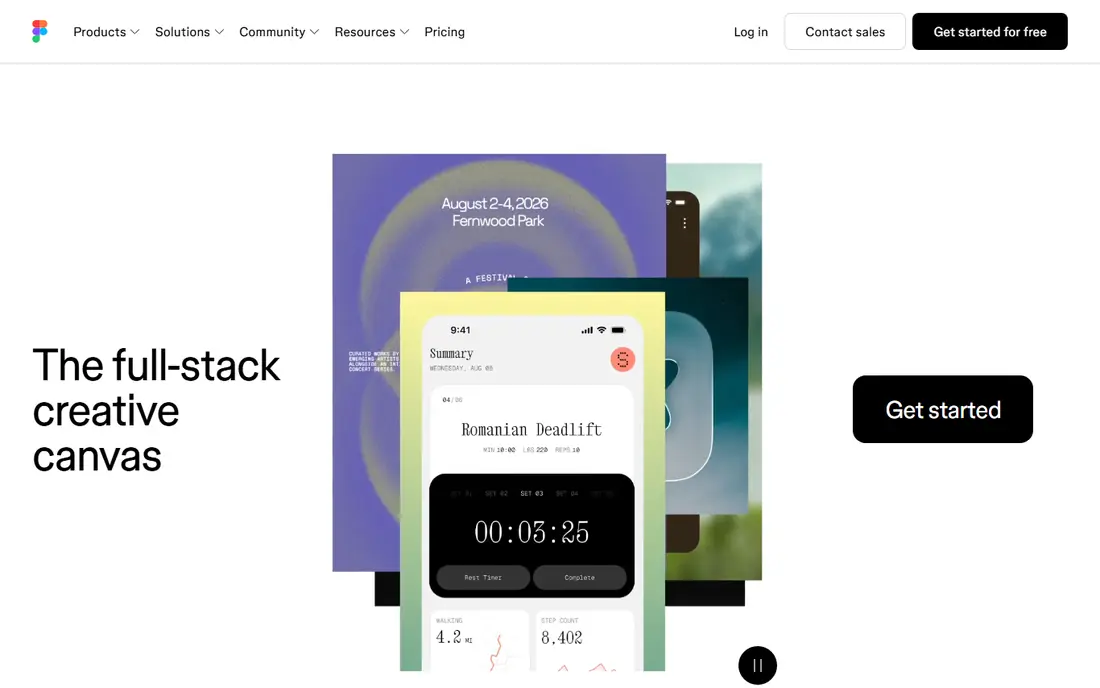
Figma is the default starting point for most product teams, and for good reason. Designers, writers, and developers can work in the same file at the same time, leave comments on specific frames, and review a prototype without exporting a separate file. Components and variables make it easier to keep buttons, colors, and spacing consistent across a whole app.
The free Starter plan suits solo designers and learners who want unlimited drafts and a limited set of AI credits. Paid Professional seats add unlimited files, team libraries, and fuller Dev Mode inspection. If your team works across Mac, Windows, and the web, Figma removes the platform problem that limits several rivals on this list.
- Real-time collaboration in the browser
- Strong components, variables, and design systems
- Built-in prototyping and Dev Mode for specs
- Large files can feel heavy on slower machines
- Advanced seats and AI credits add cost as teams grow
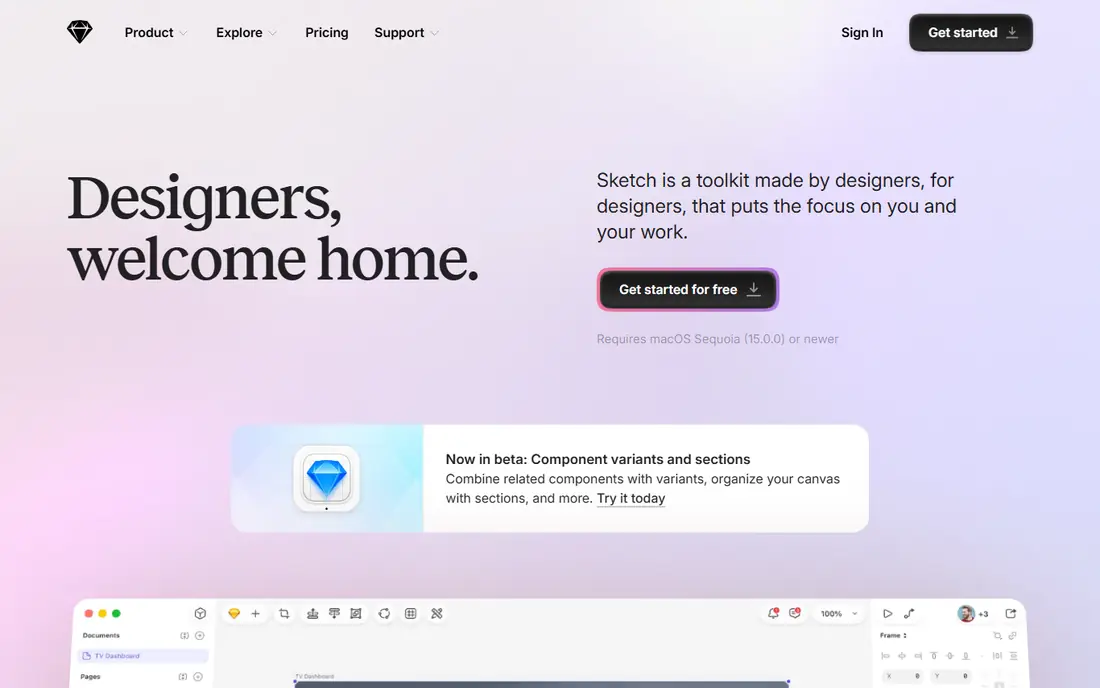
Sketch helped define modern interface design, and it still feels quick and focused on a Mac. The vector tools are precise, symbols and libraries handle repeated elements well, and the plugin community covers tasks such as data, accessibility checks, and exports. For a solo Mac designer or a small Mac-based studio, that focus is a strength rather than a limit.
The trade-off is platform. Windows and Linux teammates can view and comment through the web, but they cannot edit in the desktop app. Check the current pricing page before you commit, since Sketch prices editor seats and workspace access separately from viewers.
- Fast native Mac editor
- Large library of plugins and templates
- Clean vector tools for app and web screens
- Mac only for editing
- Collaboration depends on the web workspace and paid seats
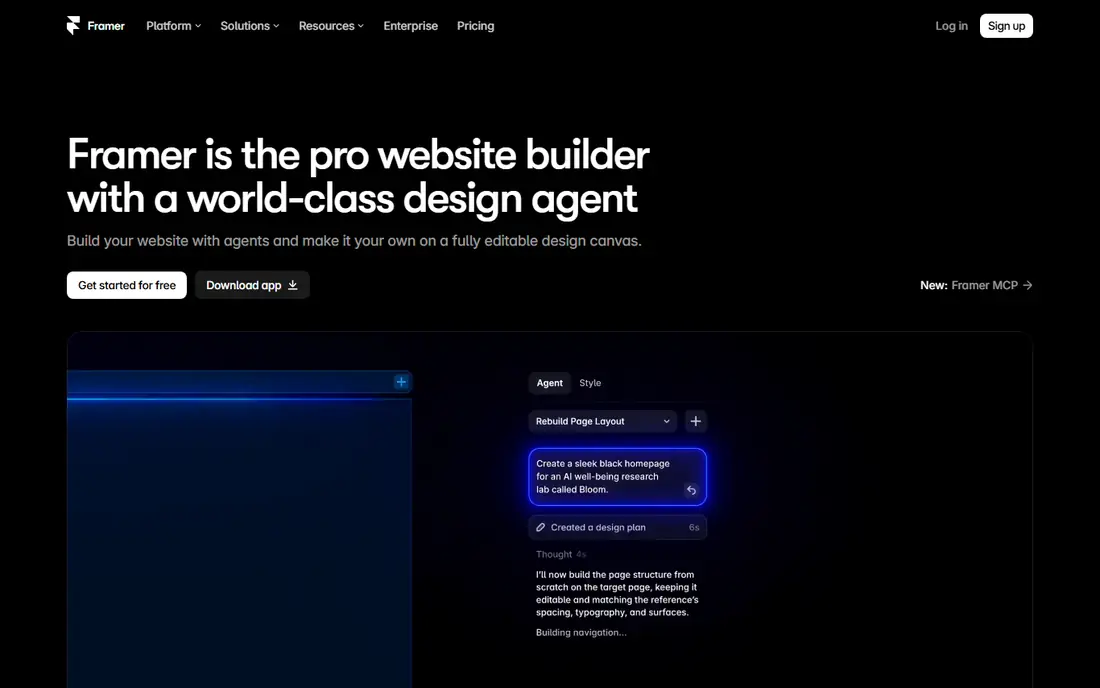
Framer sits between a design tool and a website builder. You can lay out a page, add interactions, and publish it, which makes it a practical pick for landing pages, portfolios, and marketing sites. Teams that need a live page fast, rather than a hand-off file for developers, often find this shorter path valuable.
For app design, Framer is less central than Figma or Sketch. It still works for prototypes and web flows, but its strength shows most when the end result is a website. Start on the free plan to test publishing and templates before paying for a custom domain or larger site.
- Designs can become live websites without a separate build step
- Strong animation and layout controls
- Useful templates for marketing pages
- Less suited to large native app design systems
- Site hosting and higher tiers add cost
Penpot is the most credible open source alternative for teams that want control over their data and hosting. It runs in the browser, supports real-time collaboration, and stores designs in formats that developers can work with directly. Small agencies, schools, and public-sector teams often choose it to avoid per-seat pricing.
Expect a simpler ecosystem. You will find fewer ready-made kits and integrations than in Figma, and you may need to build some workflows yourself. If low cost, open formats, and self-hosting matter more than the largest plugin library, Penpot is worth a serious trial.
- Open source and self-hostable
- Browser-based collaboration
- Uses open standards such as SVG
- Smaller plugin and template library than Figma
- Some advanced prototyping features are less mature
Lunacy is a practical free desktop editor for designers who prefer working outside the browser. It opens Sketch files, supports vector editing and prototyping basics, and bundles stock graphics, photos, and icons that speed up early mockups. For students and freelancers on a tight budget, that combination is hard to beat.
The catch is scale. Lunacy is less suited to large, multi-designer systems with shared libraries and detailed developer handoff. Use it for solo projects, client mockups, and learning, and move to a team platform when shared libraries and comments become central to your work.
- Free desktop app for Windows, Mac, and Linux
- Reads Sketch files
- Includes built-in graphics and icons from Icons8
- Smaller community than Figma or Sketch
- Collaboration features are more limited
Balsamiq deliberately looks rough, and that is the point. When a wireframe looks finished, reviewers comment on fonts and colors instead of layout and flow. Balsamiq keeps the focus on what goes where, which buttons matter, and how a user moves from one screen to the next.
It is not a visual design tool, so you will still need Figma, Sketch, or Penpot for final screens. Pair Balsamiq with one of those tools when you need fast early agreement, especially with clients or stakeholders who are not designers.
- Sketch-style wireframes keep feedback on structure, not colors
- Very fast to learn
- Desktop and cloud versions available
- Not meant for polished visual design
- Limited prototyping depth
Axure RP is built for prototypes that need to behave like real software. You can set conditions, store values in variables, show different content based on a choice, and document requirements beside the screens. For banking, healthcare, and other regulated products with long, branching flows, that depth matters.
Beginners may find Axure slower than Figma for simple screens. The payoff comes when a prototype must prove a complex flow before developers build it. Try the trial on one real flow, not a demo screen, to judge whether the logic features earn their learning time.
- Conditional logic, variables, and dynamic content
- Detailed documentation in the same file
- Strong fit for large enterprise flows
- Steeper learning curve
- Interface feels dated next to newer tools
- Pricing is aimed at professional teams
ProtoPie fills a gap that most design tools leave open: interactions that use a phone sensor, a voice command, or a second device. You can build a prototype that responds to tilt, proximity, or a tap on a connected device, then test it on a real phone. That makes it useful for automotive, smart home, and mobile teams.
Most teams will still design screens in Figma or Sketch and import them into ProtoPie for interaction work. Treat it as a specialist tool for high-fidelity testing, not as a replacement for your main design file.
- Sensor, voice, and hardware interactions without code
- Realistic mobile prototypes
- Tests on real devices
- Not a full visual design tool
- Paid plans are needed for larger team use
Whimsical is best for the first hour of a project, when ideas are still moving. You can sketch a flow, arrange screens, add notes, and share a link for comments in minutes. Product managers and designers often use it together before anyone opens a detailed design tool.
The simplicity is also the limit. Whimsical does not offer the component systems, precise vector controls, or developer specs of a full UI editor. Use it to agree on structure, then move the approved flow into your main design tool for final screens.
- Very fast wireframes, flowcharts, and sticky notes
- Clean, simple interface
- Easy sharing for feedback
- Limited visual design controls
- Not a replacement for a full UI editor
How we picked these
We checked official feature pages, pricing pages, and app store listings, and we left out tools that are no longer sold to new customers or that only cover one narrow step, such as handoff alone. Each product here supports real interface work in 2026, from wireframes to prototypes, and each has a distinct strength rather than a repeat of the same pitch. Prices change often, so we used a free starting price only where the vendor still lists a free plan, and we marked other prices as See website where plans or seat types made a single figure misleading.
What to check before you choose
Start with the device and team you actually have. A Mac-only tool is fine for a solo Mac designer, but it creates friction for a mixed team. A browser tool removes that friction, while a desktop tool may suit designers who work offline or on slower connections.
Match the tool to the job
Wireframing, visual design, and interaction testing are different jobs. Balsamiq and Whimsical suit early structure, Figma and Sketch suit polished screens and systems, and Axure RP and ProtoPie suit logic-heavy or sensor-based prototypes. Buying one tool for all three jobs often means it does one of them poorly.
Test handoff early
Ask a developer to inspect a sample file before you commit. Check how specs, assets, and spacing are exported, and whether comments and version history work the way your team reviews work. A tool that looks good in a demo can still slow a team down if handoff is awkward.
Watch the seat math
Free plans and viewer seats can hide the real cost. Count only the people who will edit files, then check what paid seats add, such as shared libraries, unlimited projects, or advanced inspection. A tool with a higher seat price can still cost less if fewer people need paid seats.