Best Tools to Find Company Decision Makers in 2026: 9 Tools Compared
By ToolNimba Editorial Team October 30, 2026 10 min read

- Top pick
 Apollo.io
All-in-one prospecting and outreach
Starting price$49 per monthCheck out Apollo.ioRead our review - Runner-up
 ZoomInfo
Large enterprise teams
Starting priceSee websiteCheck out ZoomInfoRead our review - Also great
 Clearbit
Enriching leads and accounts
Starting priceSee websiteCheck out ClearbitRead our review
How we researched this
We compared official pricing and feature pages, app store listings, privacy policies and public user reviews. Prices change, so check the provider's site before you pay.
Key takeaways
- Apollo.io and Hunter give small teams a usable free starting point, while ZoomInfo and Cognism suit larger teams with bigger budgets.
- No single tool covers every contact, so check a second source before you send an important message.
- Credit limits matter more than list size, because a large database does not help if you run out of credits mid-month.
- LinkedIn-based tools work best for finding a person, while enrichment tools work best for finding a verified email or phone number.
Quick comparison
| Name | Best for | Starting price | Free plan | |
|---|---|---|---|---|
| Apollo.io | All-in-one prospecting and outreach | $49 per month | Yes | Visit |
| ZoomInfo | Large enterprise teams | See website | Yes | Visit |
| Clearbit | Enriching leads and accounts | See website | No | Visit |
 Hunter | Finding and verifying emails | $49 per month | Yes | Visit |
 Lusha | Quick LinkedIn contact lookup | $39 per month | Yes | Visit |
 RocketReach | Email and phone lookup at scale | $49 per month | Free trial | Visit |
 Seamless.AI | Real-time contact search | Free | Yes | Visit |
 Cognism | Phone-verified European data | See website | No | Visit |
 LeadIQ | Capturing prospects from LinkedIn | $39 per month | Yes | Visit |
The best tools to find company decision makers
We compared tools that help you move from a company name to a named person with a usable contact detail. The list below covers databases, browser extensions, and enrichment services.
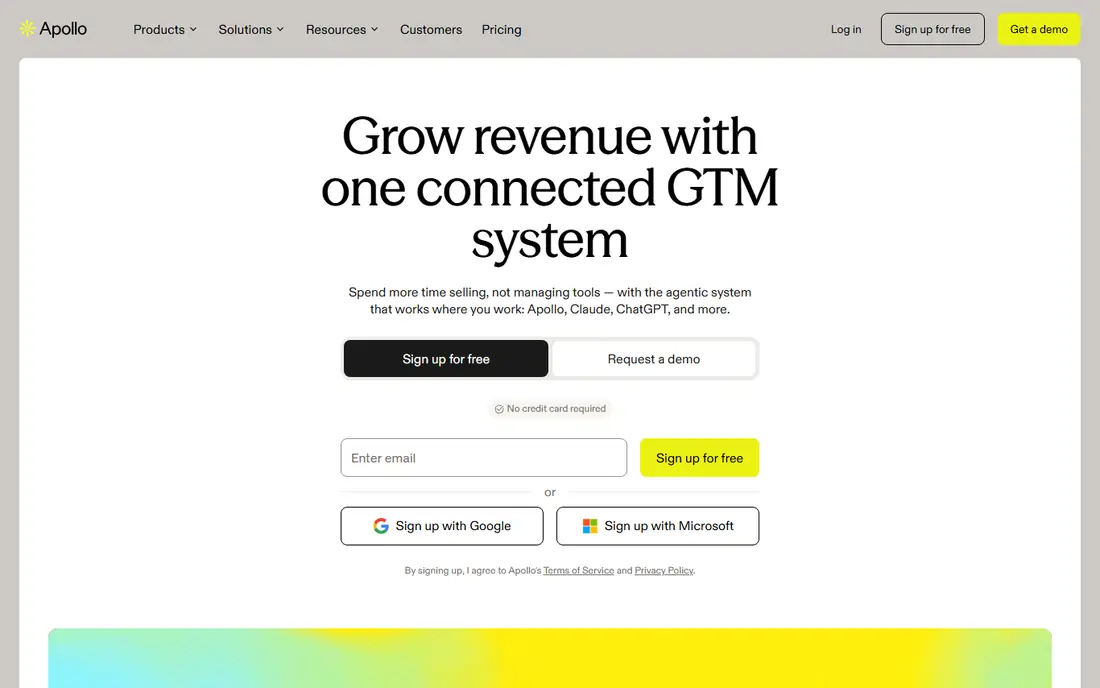
Apollo.io suits a small sales team that wants search, contact data, and outreach in one place. You can filter by title, company size, industry, and location, then build a list without moving between several tools. The built-in sequences and CRM connections also cut down on manual copying, which helps when one person handles both prospecting and follow-up.
The main limit is credit use. Emails cost less than phone numbers in most plans, so a phone-first team can burn through credits faster than expected. We suggest you test a small list first, check bounce rates, and confirm that coverage is strong for your target market before you commit to a paid plan.
- Large contact database
- Built-in sequences and CRM sync
- Free plan for getting started
- Phone numbers use more credits than emails
- Accuracy varies by industry and region

ZoomInfo fits revenue teams that need depth, not just names. Its company data, org charts, and buying signals help a rep understand who sits in a buying group and when a company may be ready to talk. The integrations with major CRMs also make it easier to keep records clean across a larger team.
The trade-off is cost and complexity. Full pricing is handled through sales, so a small team may find the entry point hard to judge. ZoomInfo Lite offers a free starting point, but serious volume work usually needs a paid agreement. Check the free tier first and ask for a clear quote based on your seat count and credit needs.
- Very large B2B database
- Intent and company data
- Wide CRM and sales tool integrations
- Pricing is not published for full plans
- Can be costly for small teams
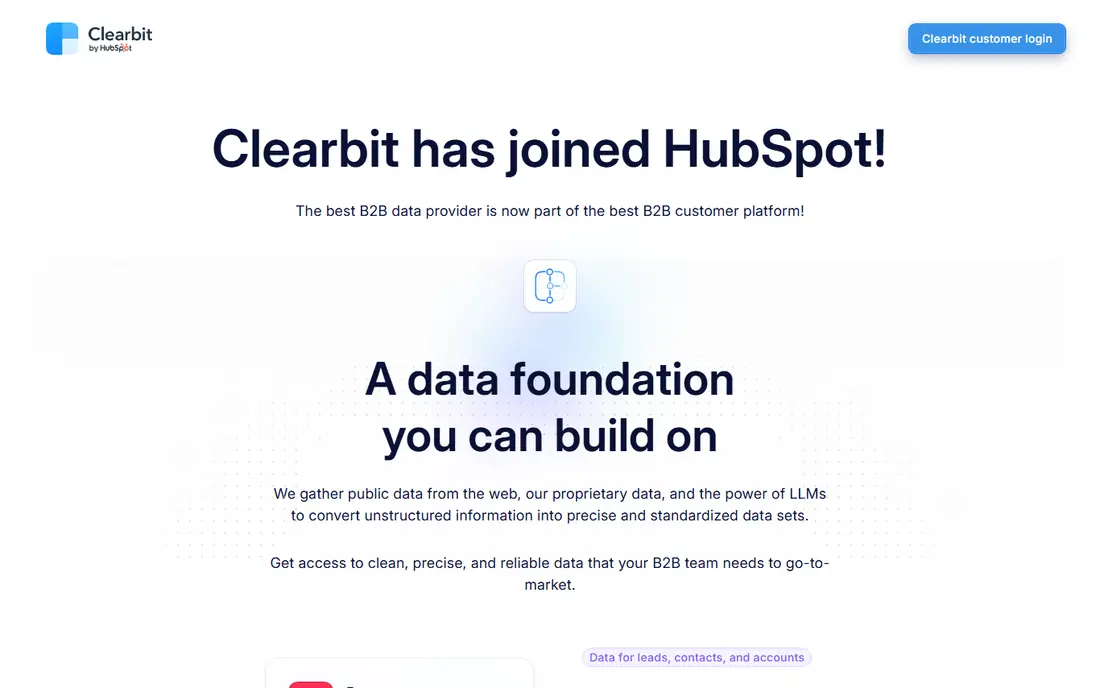
Clearbit works best when you already have leads and need better data about them. A single email or domain can return company details, industry classification, and role data that help with routing and scoring. That makes it a good fit for marketing and revenue operations teams that want cleaner records.
It is not the first pick if your main job is building a prospect list from scratch. Since Clearbit joined HubSpot, buyers should check how its data products are sold and supported today. Ask what is included, how enrichment is billed, and whether your current CRM setup is supported before you buy.
- Strong company enrichment
- Useful for scoring and routing
- Now part of HubSpot
- Pricing is not simple to compare
- Less suited as a standalone prospecting database
Hunter is a practical choice when email is your main channel. You can search by domain to see common email patterns, find an address for a named person, and verify addresses before you send. That verification step matters, because a high bounce rate can harm your sender reputation.
The limit is scope. Hunter does not aim to replace a full contact database with phone numbers and org charts. It is best paired with LinkedIn or a larger database when you need mobile numbers or a full buying group. For email-first prospecting, though, its simple workflow is hard to beat.
- Simple domain and email search
- Email verification
- Free plan for light use
- No direct-dial phone focus
- Coverage depends on public sources
Lusha suits reps who spend most of their day on LinkedIn and company websites. The extension shows contact details beside a profile, so you can move from research to outreach without a long export step. That speed helps when you work a short list of high-value accounts.
Credit limits are the catch. A free or low-tier plan may run out quickly if you prospect in bulk. We suggest you reserve Lusha for decision makers you plan to contact soon, and use a cheaper list tool for broad research. Check phone coverage for your region, since results differ outside the United States.
- Fast browser extension
- Email and phone details
- Buying signals on higher plans
- Credit limits can feel tight
- Phone accuracy varies by market
RocketReach fits teams that need both emails and phones from one search. You can look up a person, a company, or a list, and export results to a CRM or spreadsheet. The browser extension also helps when you find a prospect while reading a company page or a profile.
Pricing rises with volume, so a team that needs many lookups should compare the annual cost against Apollo.io or Lusha. As with any database, treat the first contact with care. Verify key emails, check job titles against LinkedIn, and do not assume every phone number is a direct line.
- Large profile coverage
- Email and phone search
- Browser extension and API
- Higher tiers get costly
- Some records need verification before use
Seamless.AI takes a different approach from a fixed database. It searches the web in real time when you run a lookup, which can surface newer contacts that a static list has not yet added. That model appeals to teams that prospect in fast-moving markets or niche industries.
The free tier is a fair way to test whether its results match your market. Paid pricing is handled through sales for larger use, so budget planning is less direct than with a published price list. We suggest you track how many credits turn into valid, reachable contacts, since that is the number that decides value.
- Real-time web search for contacts
- Free credits to start
- Credit-back protection for bad emails
- Paid plans are quote-based
- Search results still need checking
Cognism is a strong pick for teams that sell in Europe or rely on phone outreach. Its phone-verified mobiles aim to reduce wasted calls, and its compliance work is built for markets with strict data rules. For a phone-first team, that focus can justify a higher price than an email-only tool.
The main drawback is access. Pricing and plan terms are quote-based, and smaller teams may face seat minimums. If your market is mainly in the United States and email is your main channel, a cheaper tool may serve you just as well. If Europe is core to your pipeline, Cognism deserves a demo.
- Phone-verified mobile numbers
- Strong European coverage
- Compliance focus
- No published starting price
- Minimum seat terms on some plans
LeadIQ suits reps who already live on LinkedIn and Sales Navigator. With one click, you can capture a prospect, add contact details, and push the record to a CRM or sales engagement tool. That flow saves time and reduces errors from manual entry.
Job-change tracking is a useful extra, because a champion who moves company can become a warm lead at a new account. The limit is that LeadIQ is a capture and enrichment layer, not a full standalone database for every use case. Pair it with a broader search tool if you need to build lists without starting on LinkedIn.
- One-click capture from LinkedIn
- CRM sync
- Job-change tracking
- Works best alongside LinkedIn
- Credit and seat limits apply
How we picked these
We compared official feature pages, pricing pages, app store listings, privacy policies, and public reviews for each tool. We looked at database coverage, email and phone availability, credit models, CRM integrations, and how clear the pricing was. We did not claim hands-on testing, and we favored tools with a clear, current use case for finding decision makers rather than general marketing software.
What to check before you pay
Start with the job, not the database size. A tool that finds a chief financial officer at a mid-size firm is more useful than a tool with millions of records you never contact. Write down your target titles, company sizes, and regions, then run the same test list through two tools and compare valid emails, phones, and job accuracy.
Credits, seats, and total cost
Read the credit rules before you sign up. Find out whether emails and phones cost the same, whether unused credits roll over, and whether every seat pays the same rate. A low monthly price can become costly if phone reveals cost many credits or if you must buy seats for the whole team.
Accuracy and compliance
Check how the vendor sources data, how often records refresh, and how it handles opt-outs and regional privacy rules. Keep a simple log of bounces and wrong numbers during a trial. If a tool cannot show a clear data policy, treat that as a warning sign, especially for European prospects.
Workflow fit
Pick a tool that fits where you already work. A browser extension helps a LinkedIn-heavy rep, while an API or CRM sync helps a larger team. If you must export, clean, and re-import lists by hand each week, the time cost may erase any price saving.